


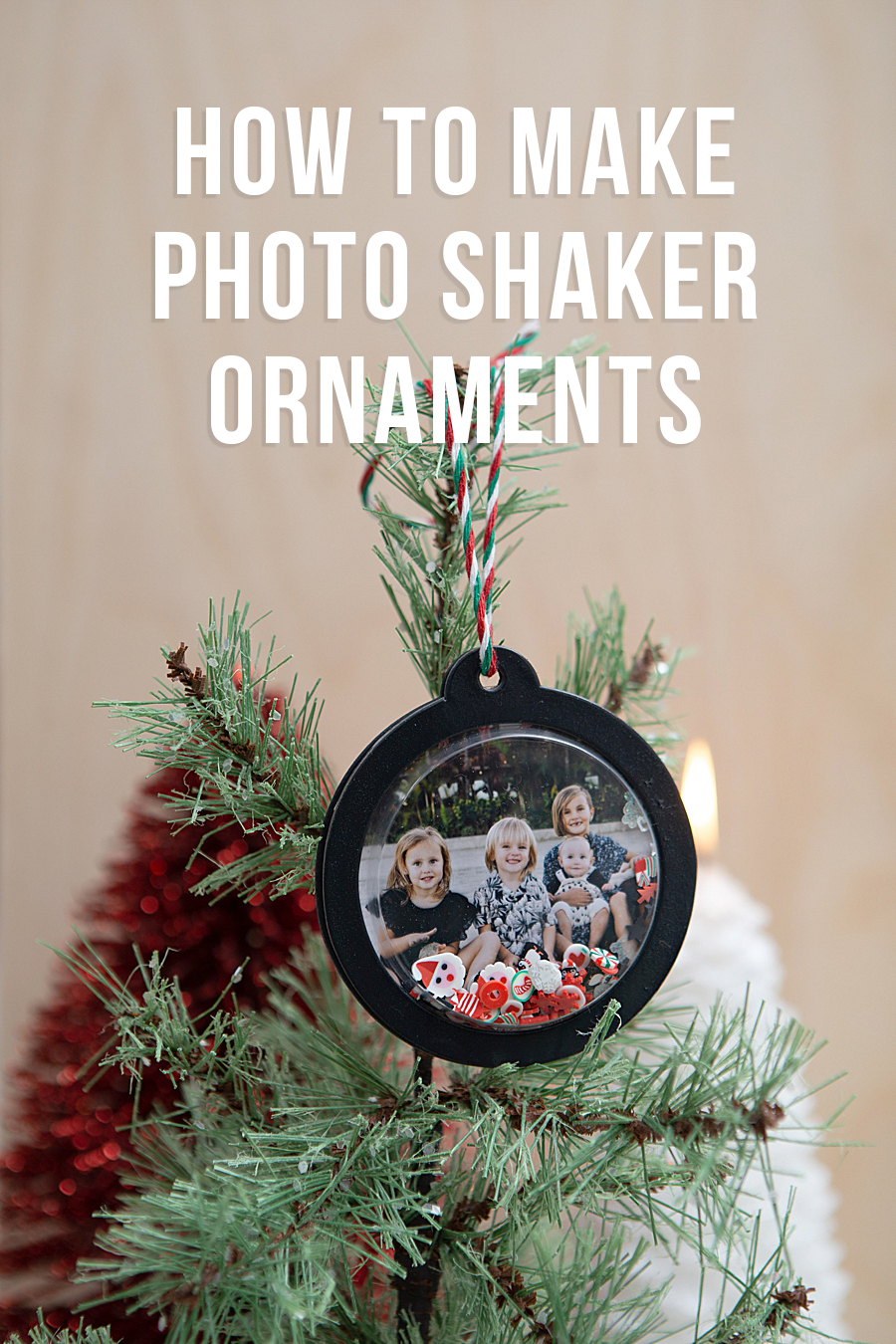
The consumer electronics sector has witnessed a significant shift toward portable, high-fidelity printing solutions, as evidenced by the recent integration of the Canon SELPHY Square QX10 into the personalized home decor and DIY crafting markets. This movement, highlighted by creative applications such as the development of photo shaker ornaments, underscores a broader industrial trend where digital imagery is being transitioned back into physical media through advanced thermal transfer technologies. As digital fatigue continues to influence consumer behavior, the demand for tactile, archival-quality mementos has positioned compact printers not merely as office peripherals, but as essential tools for domestic creative expression and family-oriented engagement.
Technical Specifications and the Dye-Sublimation Advantage
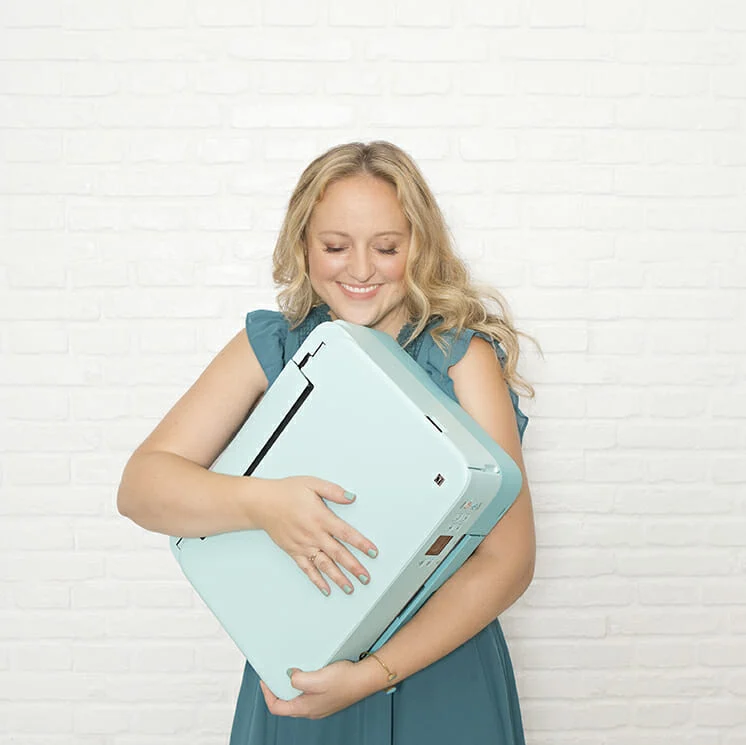
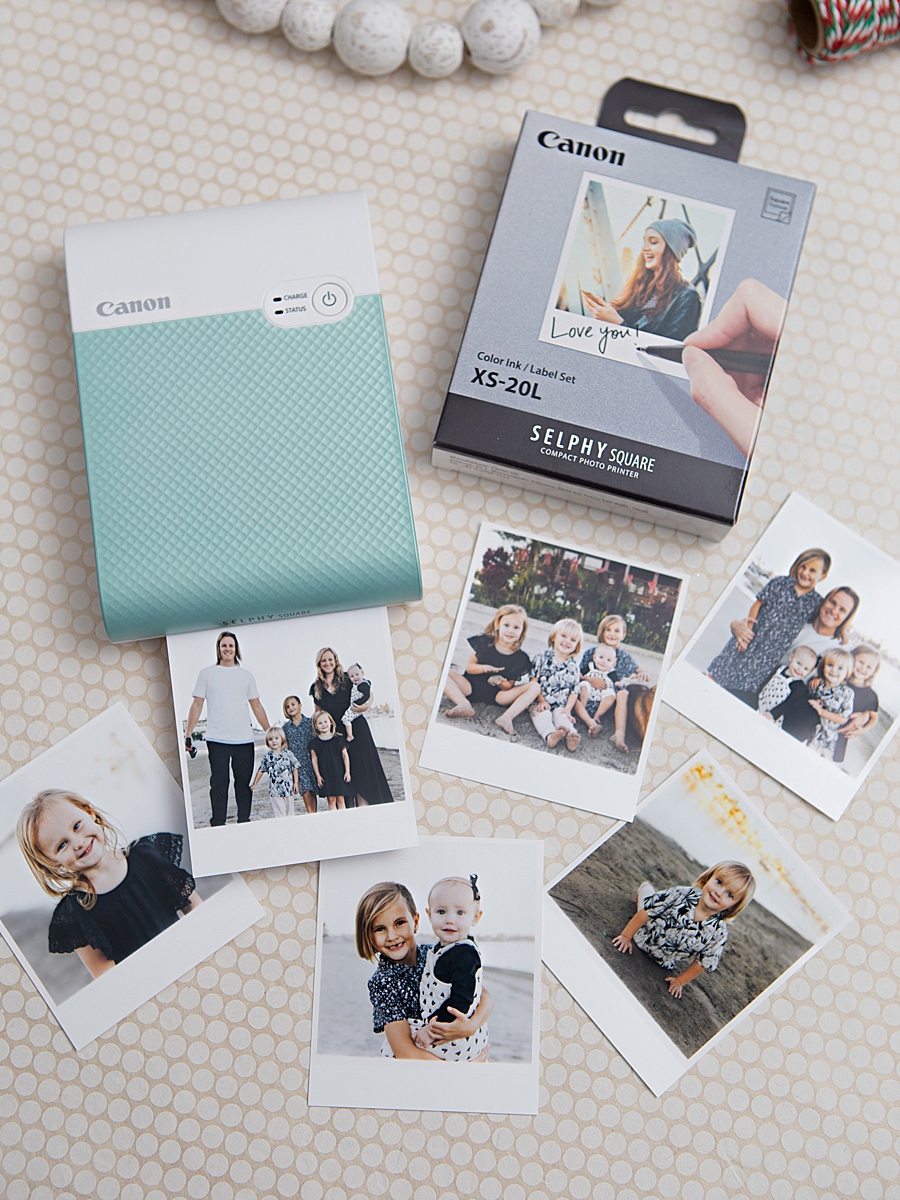
The Canon SELPHY Square QX10 represents a strategic pivot for Canon U.S.A., Inc., focusing on the intersection of portability and professional-grade output. Weighing less than one pound and operating on a built-in rechargeable battery, the device utilizes dye-sublimation technology—a process distinct from traditional inkjet or ZINK (Zero Ink) methods. In dye-sublimation, heat is used to transfer dye from a ribbon onto the printing media. This process involves four passes: three for the primary colors (cyan, magenta, and yellow) and a final fourth pass that applies a clear, protective overcoat.
According to technical specifications provided by Canon, this overcoat is engineered to protect against splashes, spills, and fingerprints. More significantly, the manufacturer claims that when stored under appropriate conditions, these prints can maintain their color integrity and structural quality for up to 100 years. This longevity is a critical selling point in a market saturated with ephemeral digital files that are often lost to hardware failure or cloud service migrations. The output format—a 2.7” x 2.7” square print—aligns with the aesthetic standards popularized by social media platforms, facilitating a seamless transition from the digital feed to physical displays such as corkboards, journals, and holiday ornaments.
Case Study: The Photo Shaker Ornament Project
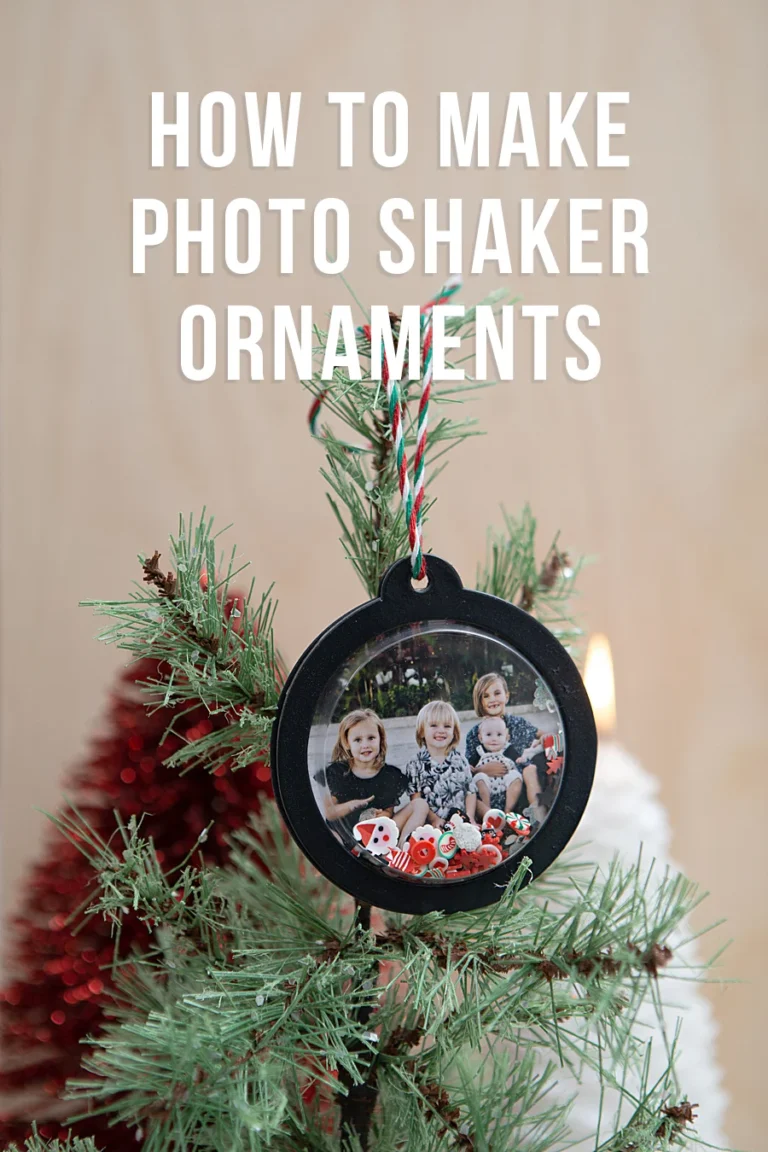
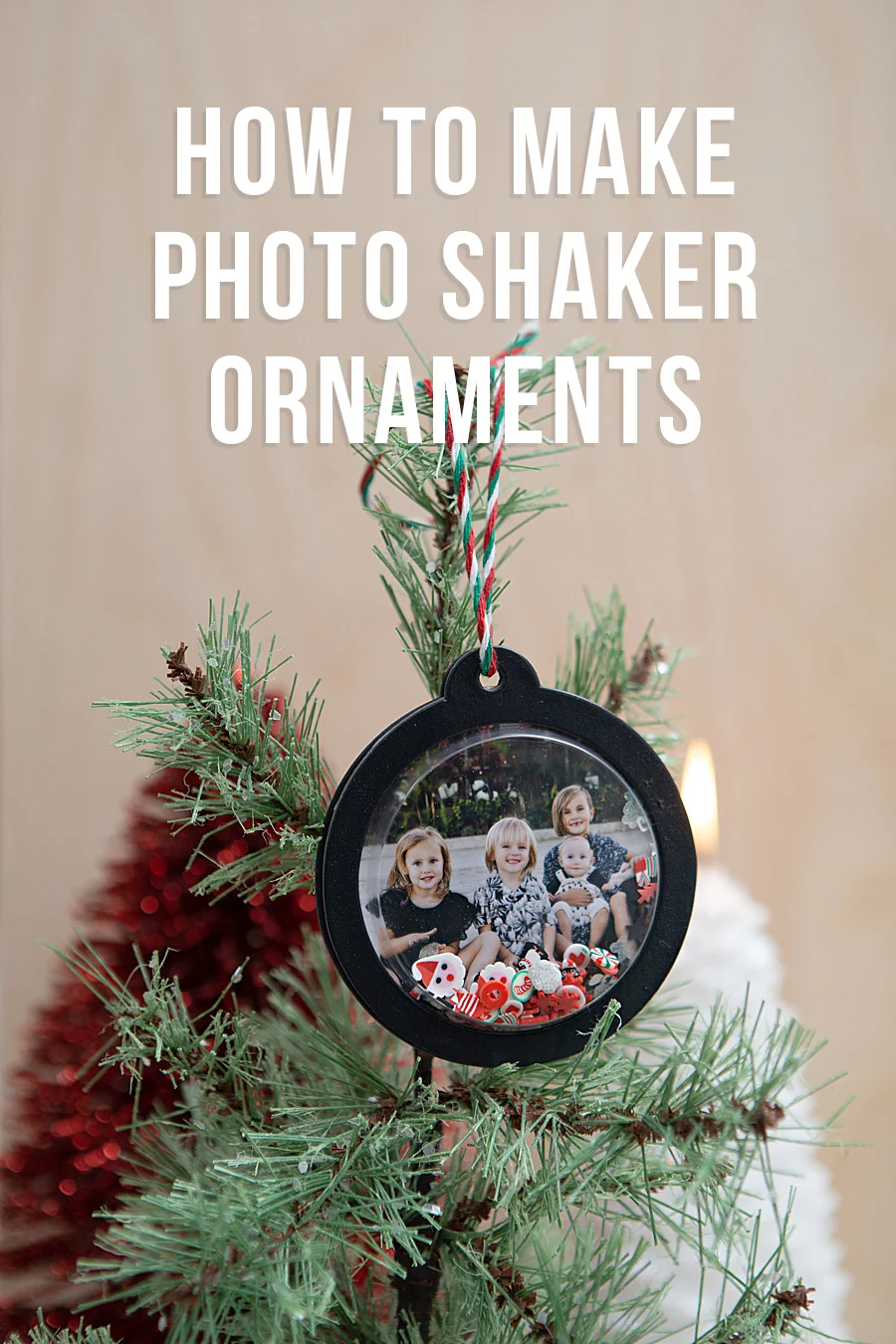
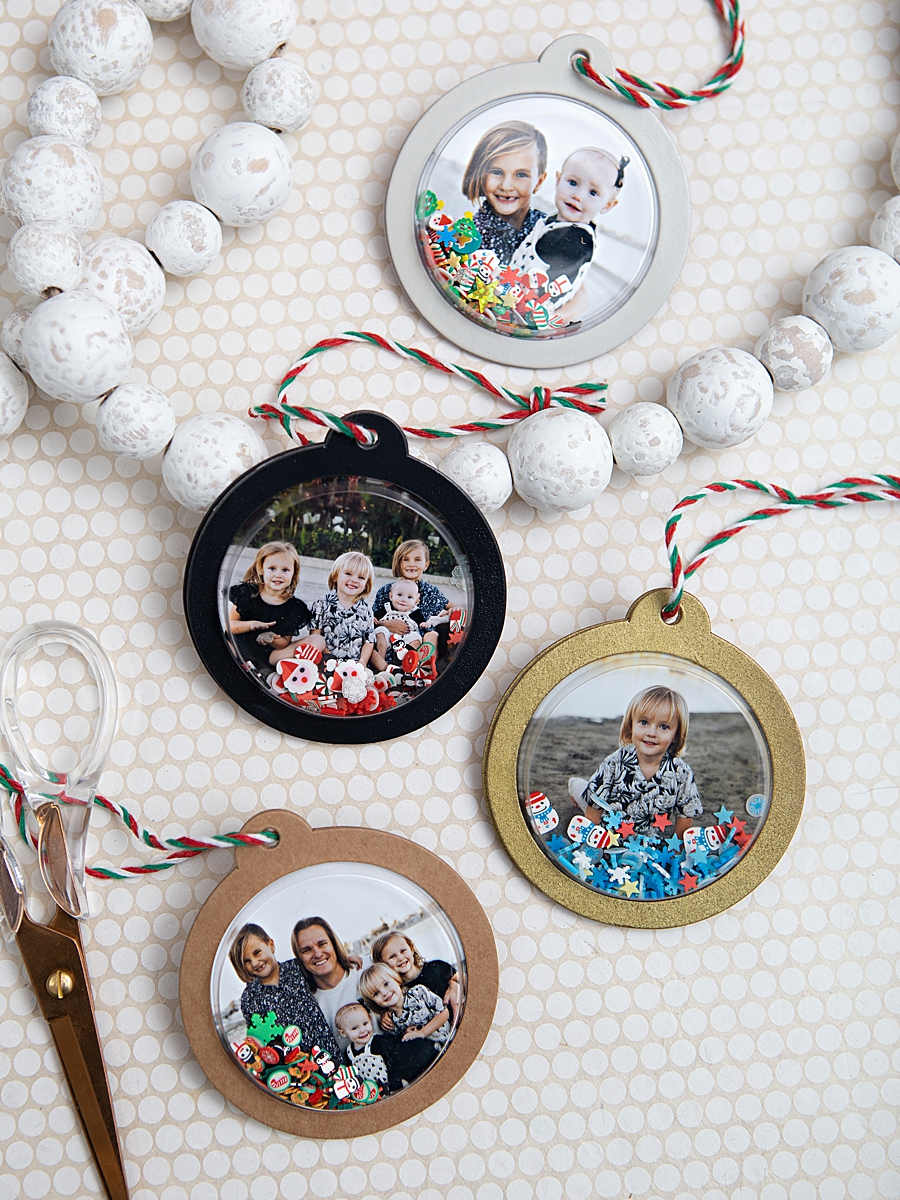
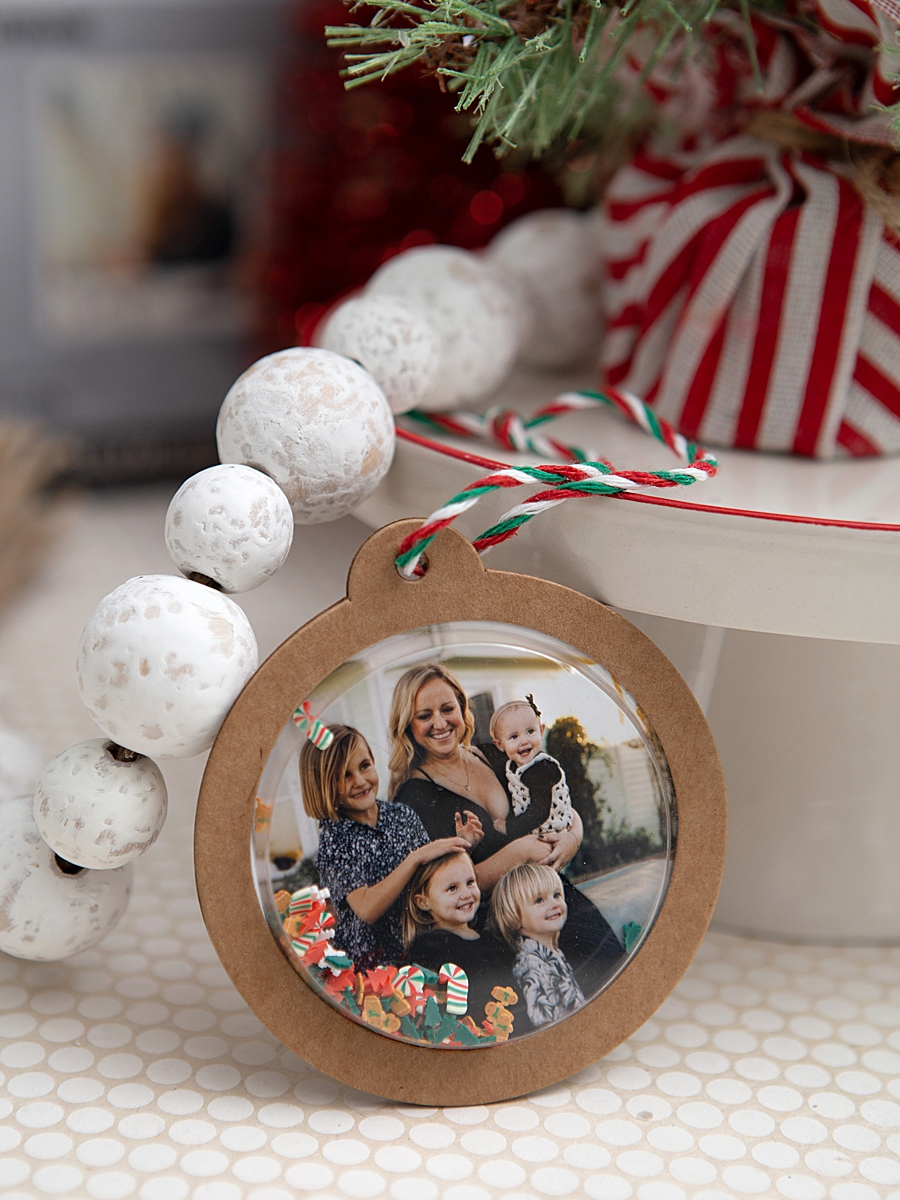
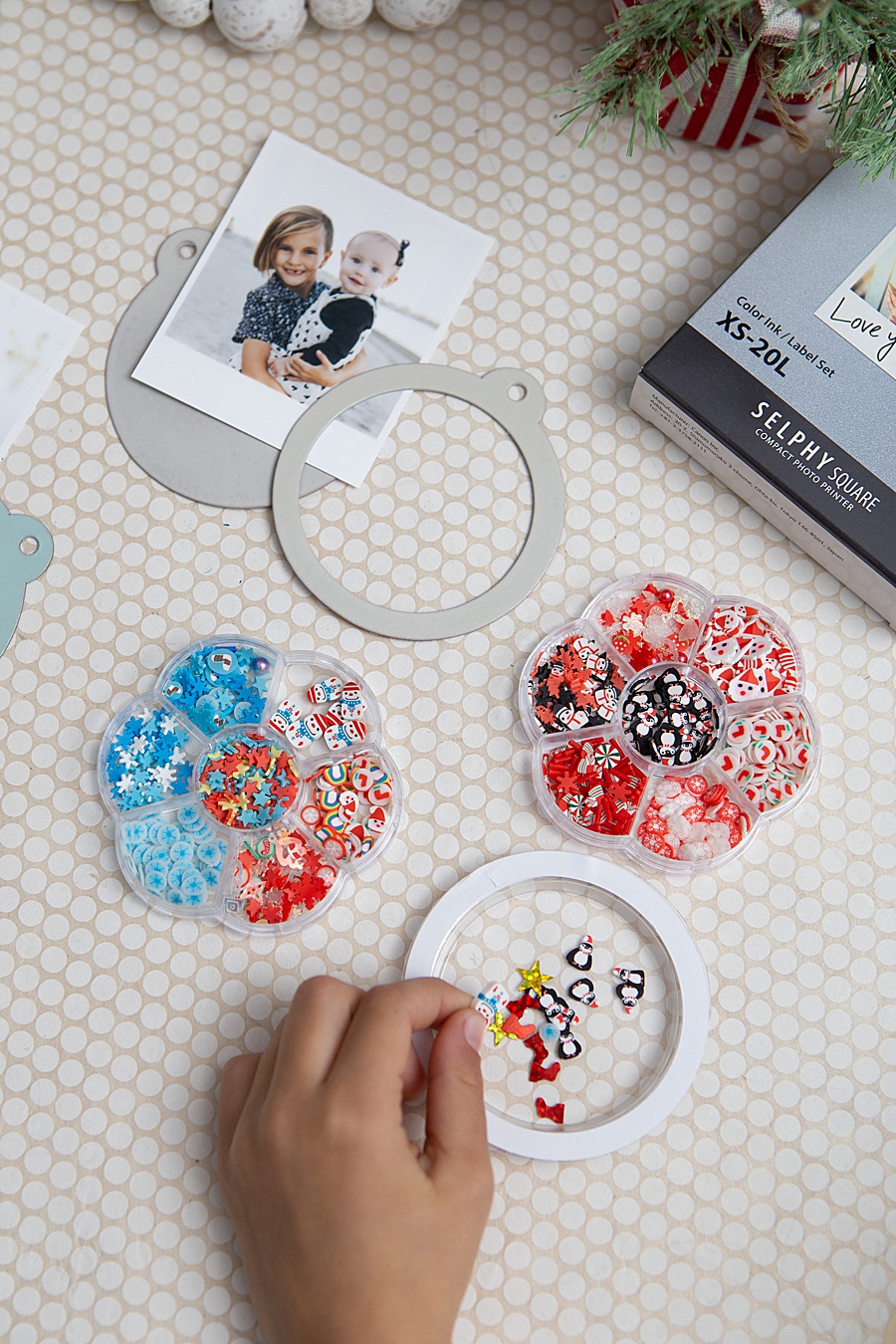
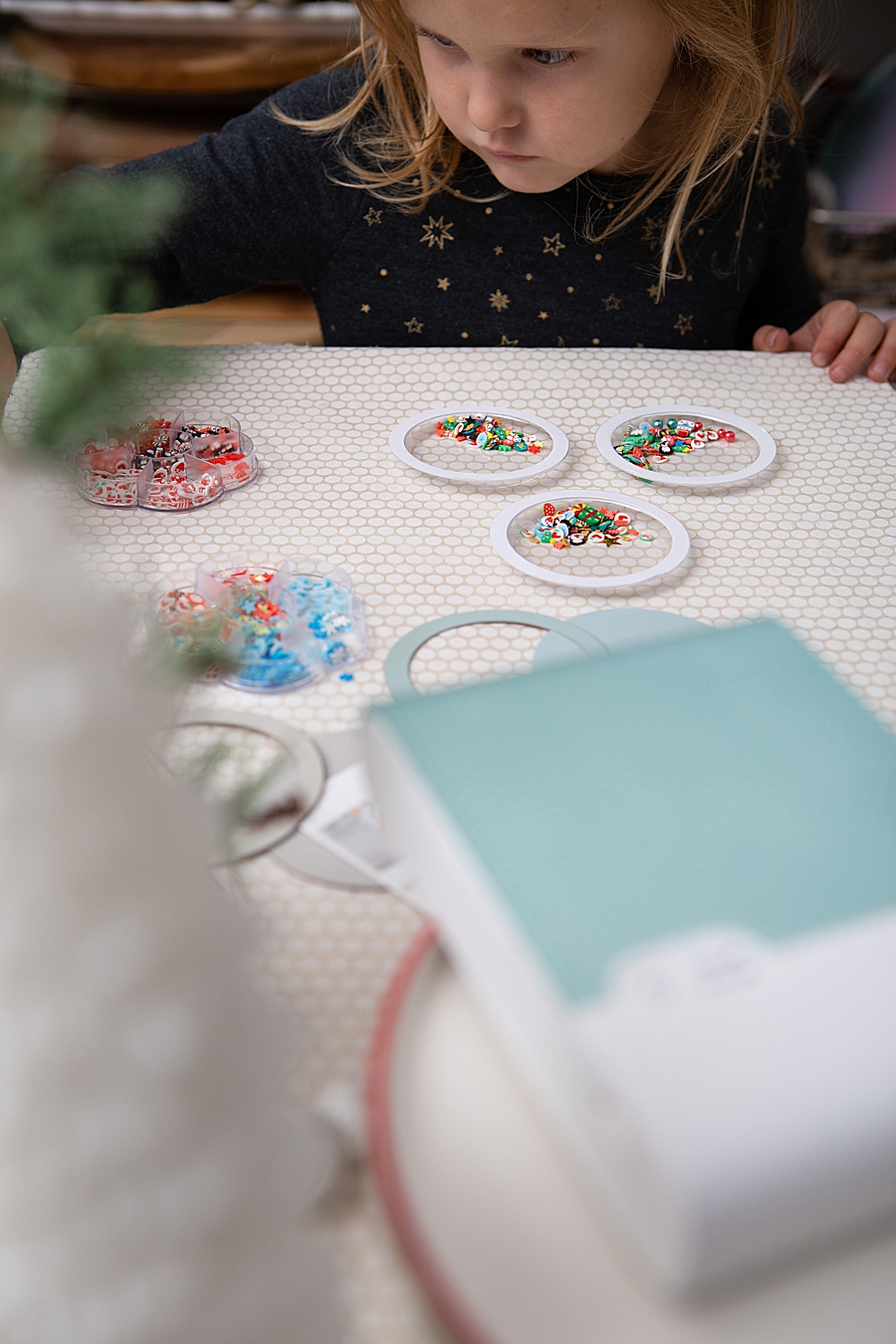
The versatility of the QX10 is demonstrated through specialized crafting projects that utilize the printer’s unique adhesive-backed media. A prominent example is the creation of "Photo Shaker Ornaments," a project that combines photography, mixed media, and interactive design. This process highlights the practical application of portable printing in creating personalized holiday heritage items.
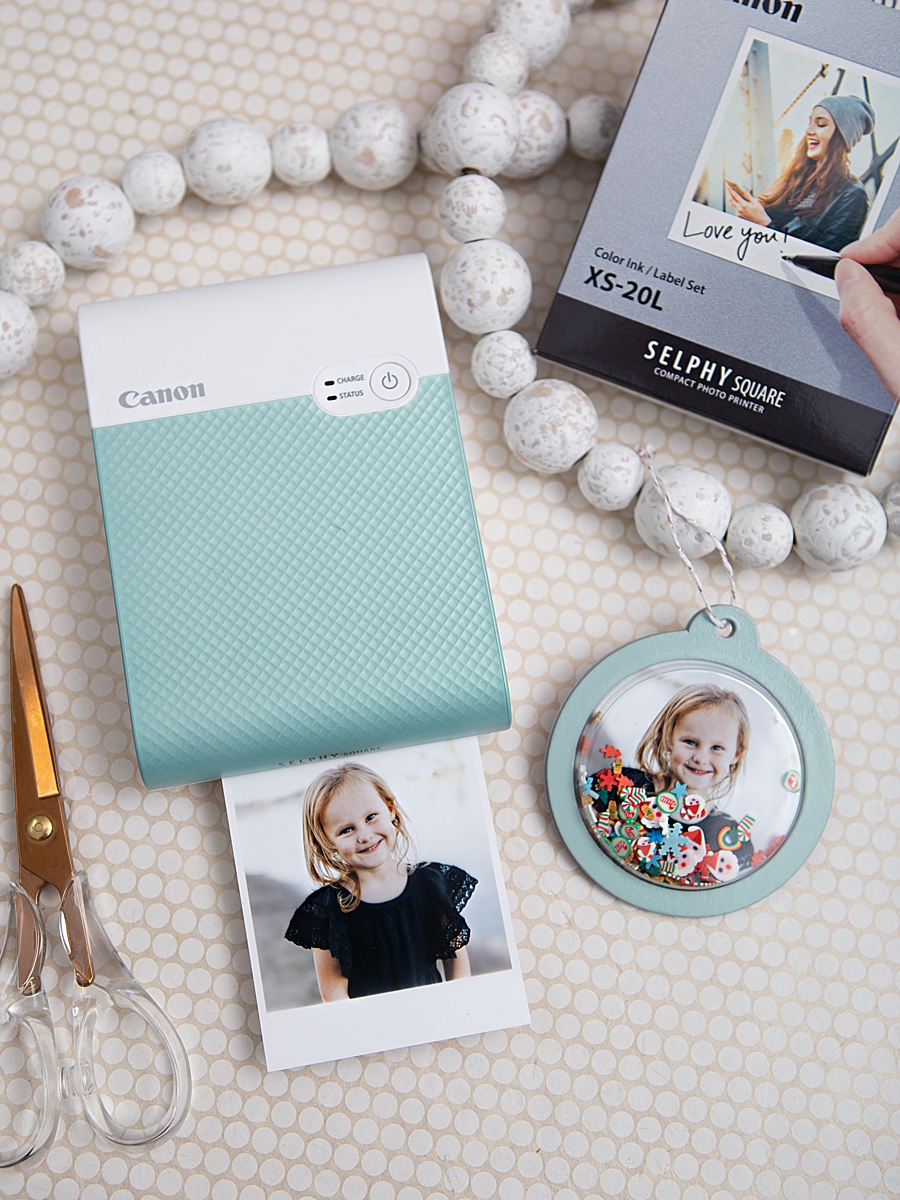
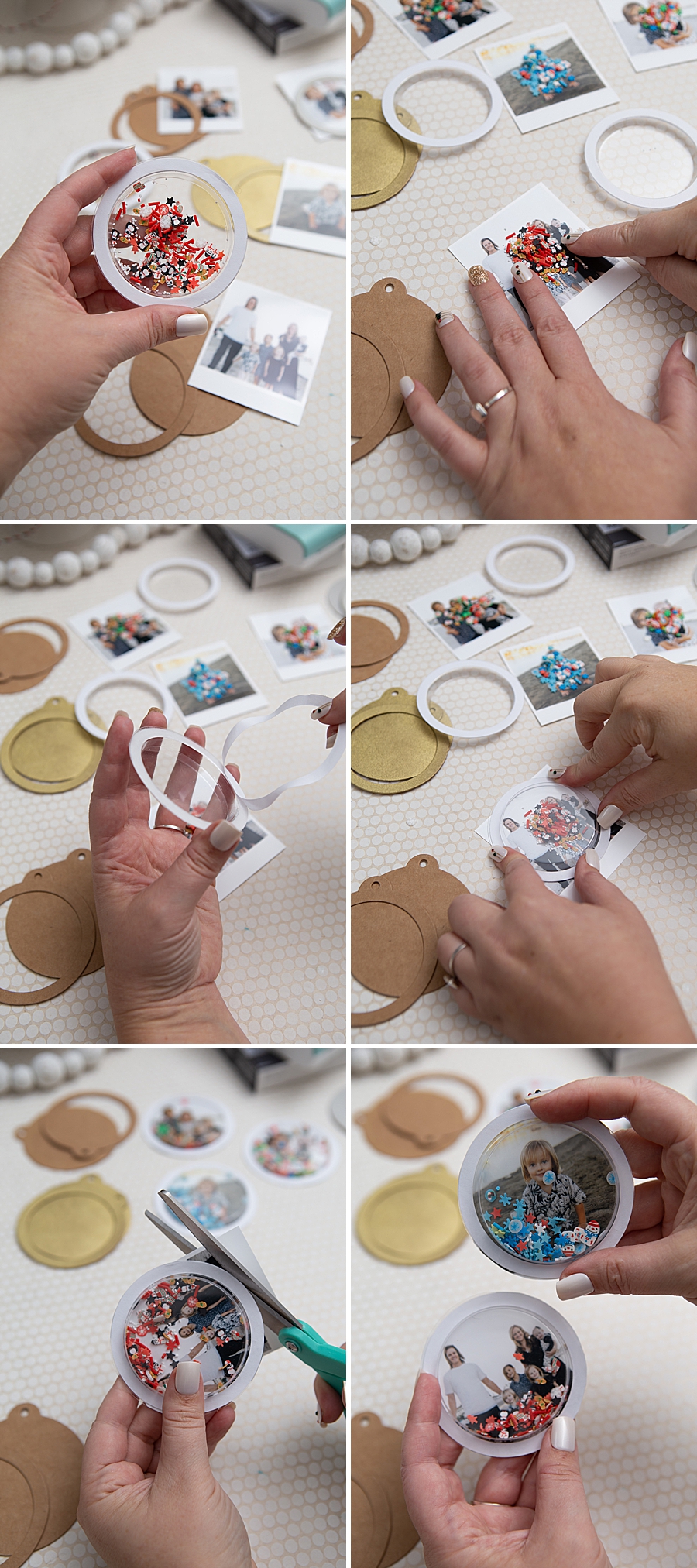
The chronology of this specific manufacturing process begins with the digital curation phase. Users utilize the Canon SELPHY Photo Layout 2.0 App, which connects to the printer via a direct wireless link. The application allows for real-time editing, the addition of borders, and the application of filters before the thermal transfer process begins. Once the 2.7-inch square images are produced, they serve as the centerpiece for a multi-layered assembly.
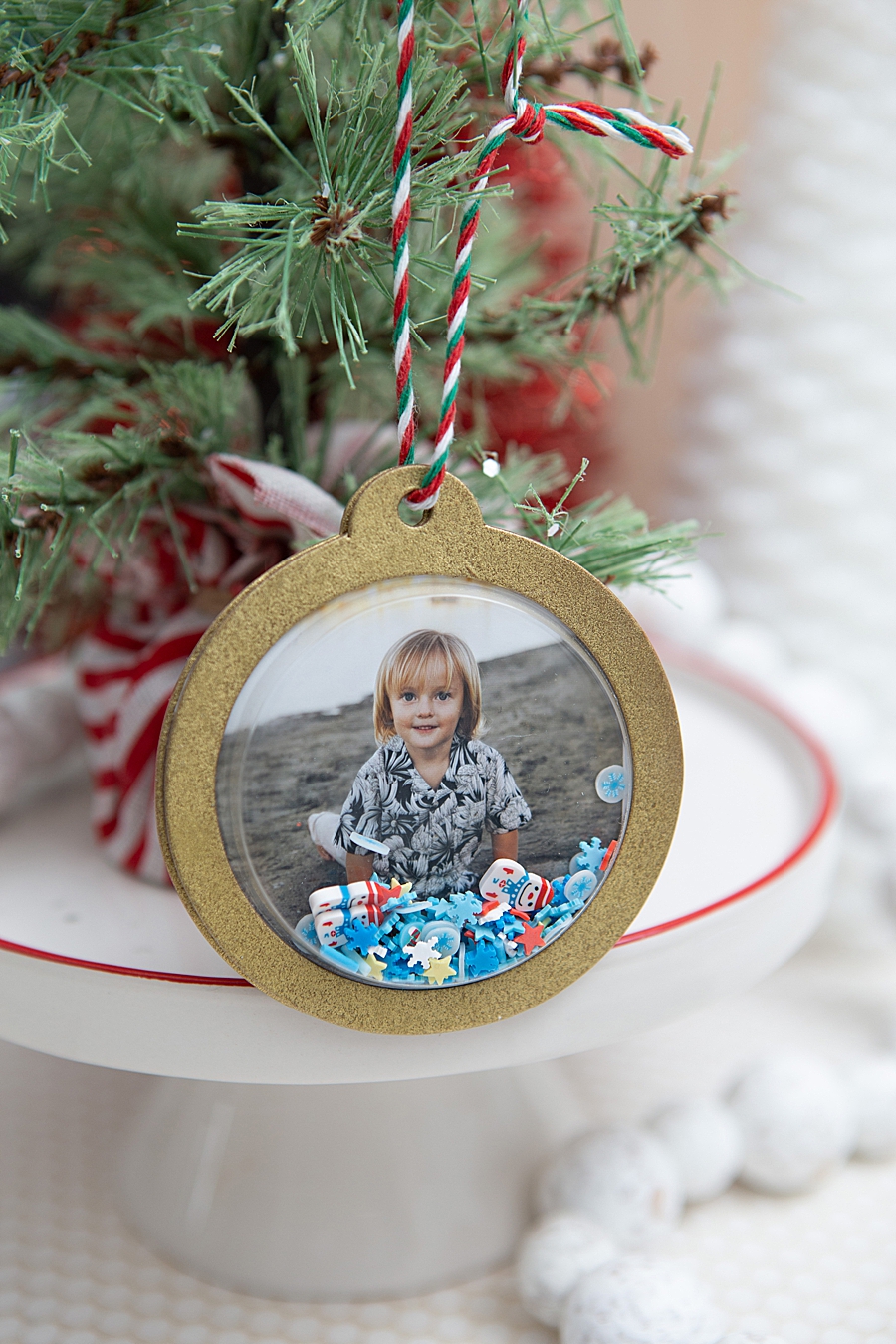
The assembly involves several distinct industrial and craft components:
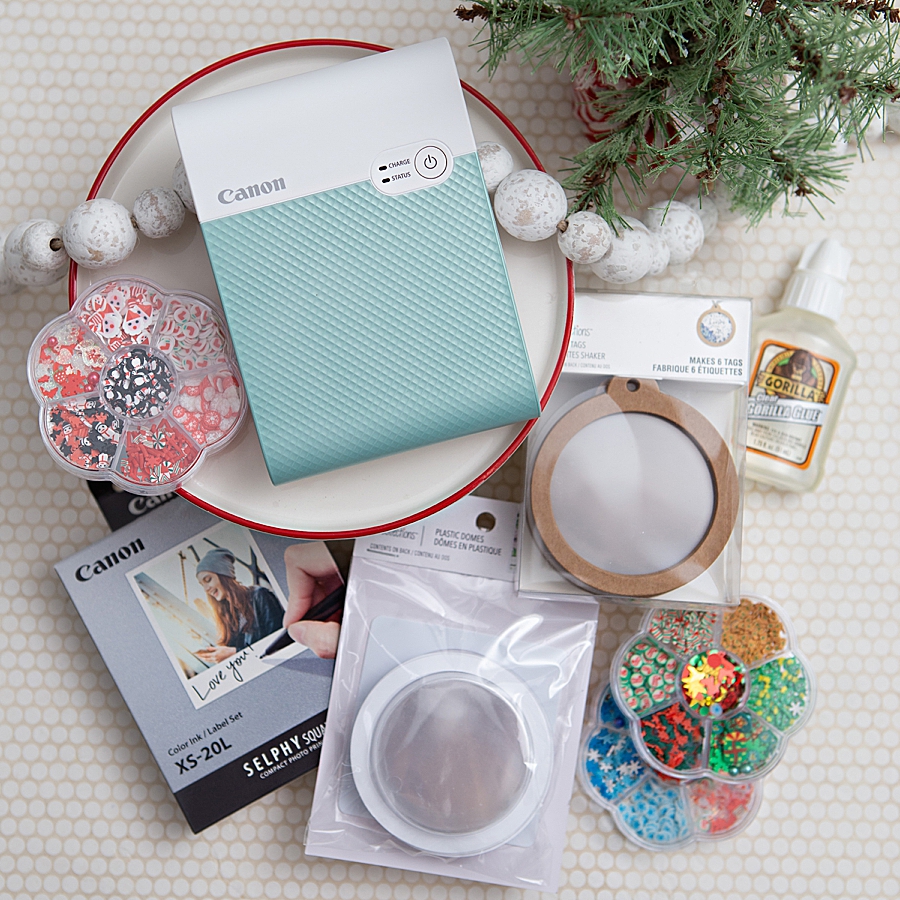
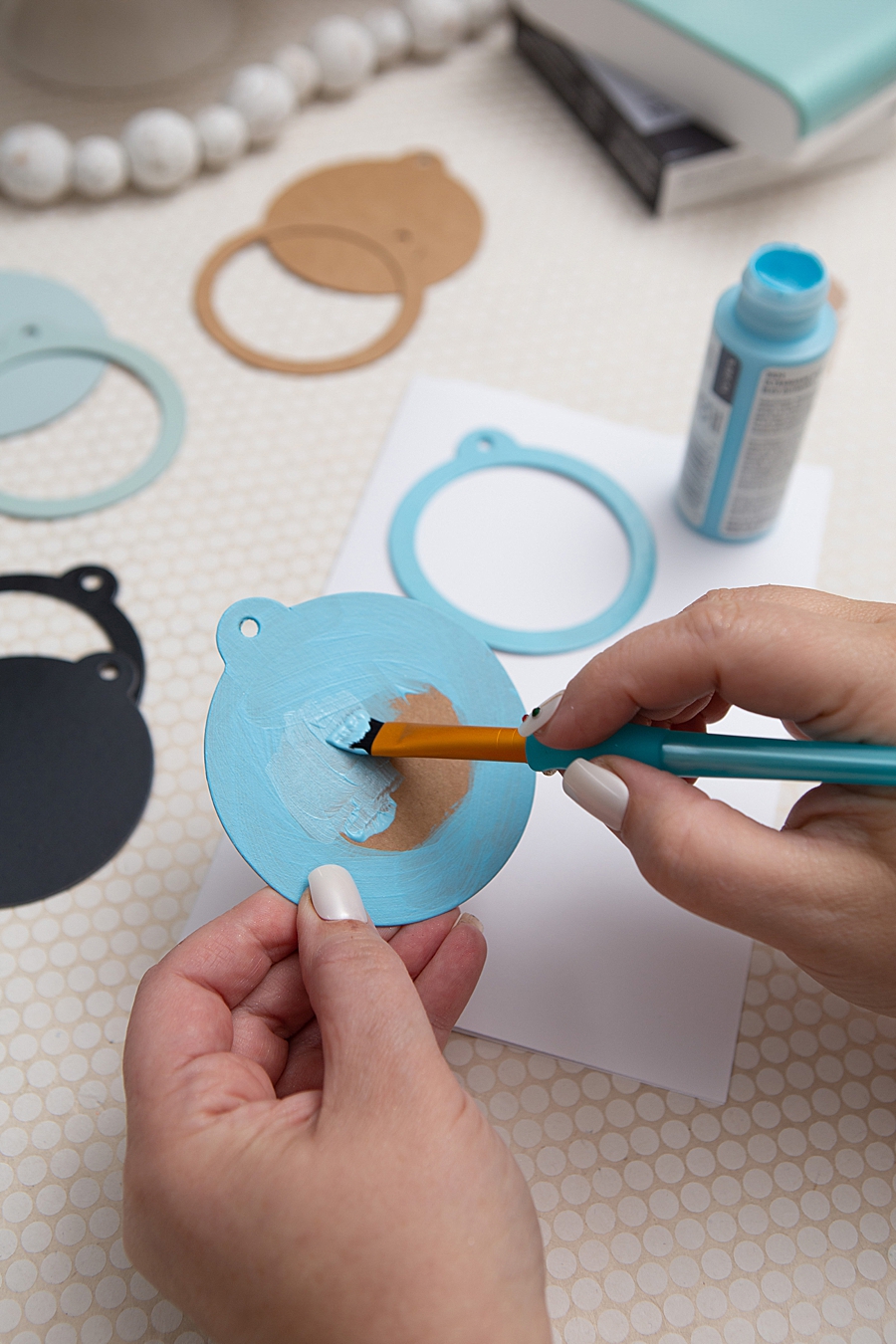
- Substrate Preparation: Kraft shaker tags are selected as the base. These are often treated with craft or spray paint to match specific holiday themes, followed by a clear gloss sealant to ensure durability.
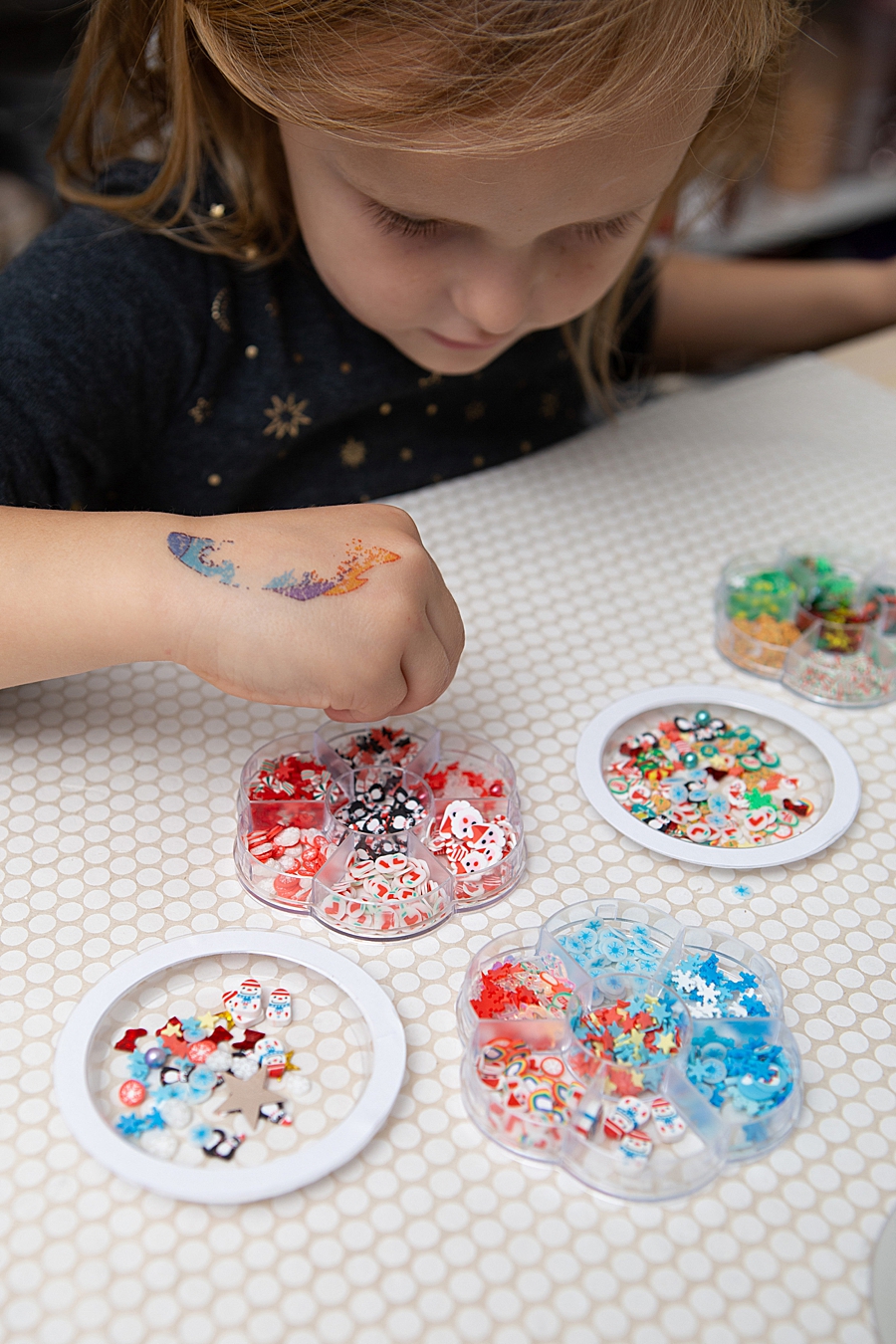
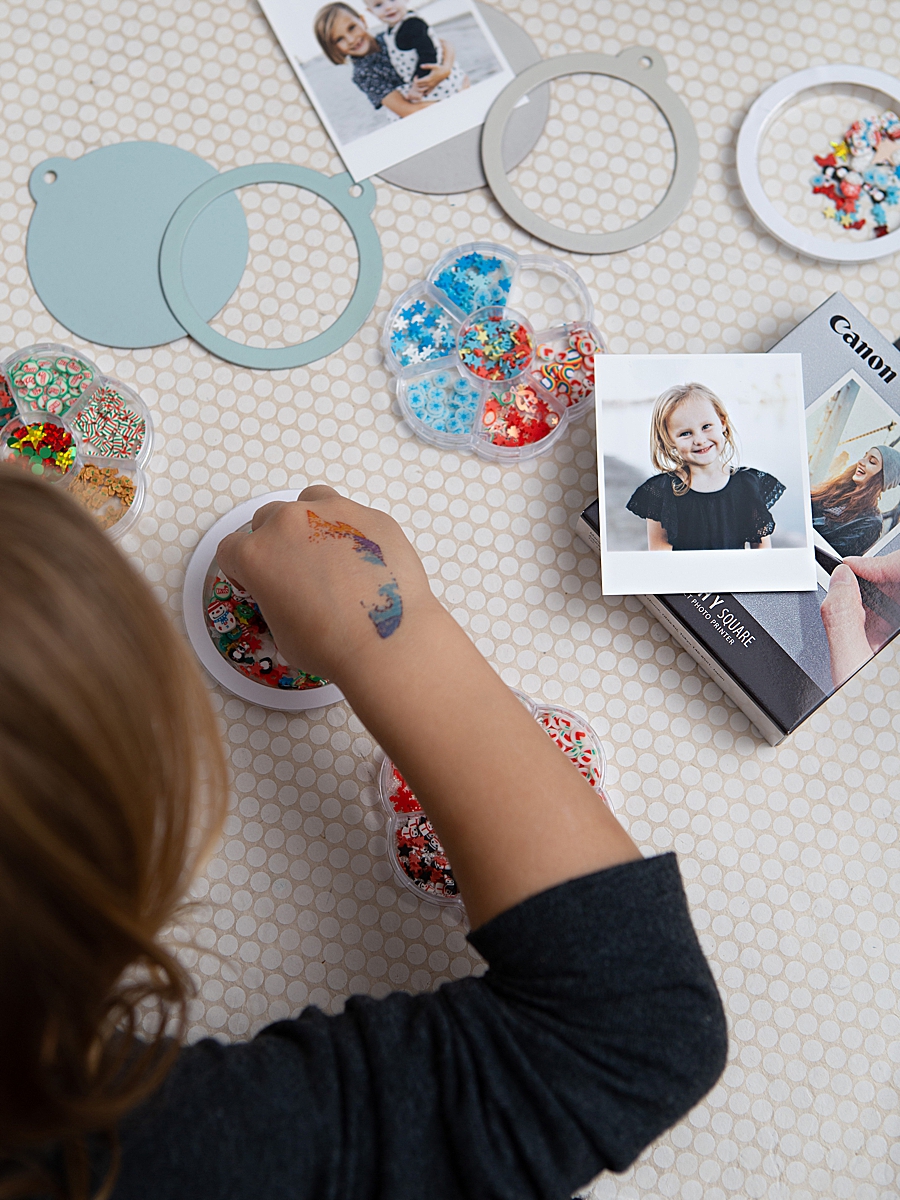
- Internal Media Selection: Shaker "bits"—often comprised of micro-glitter, sequins, or specialized nail art supplies—are placed within a plastic dome.
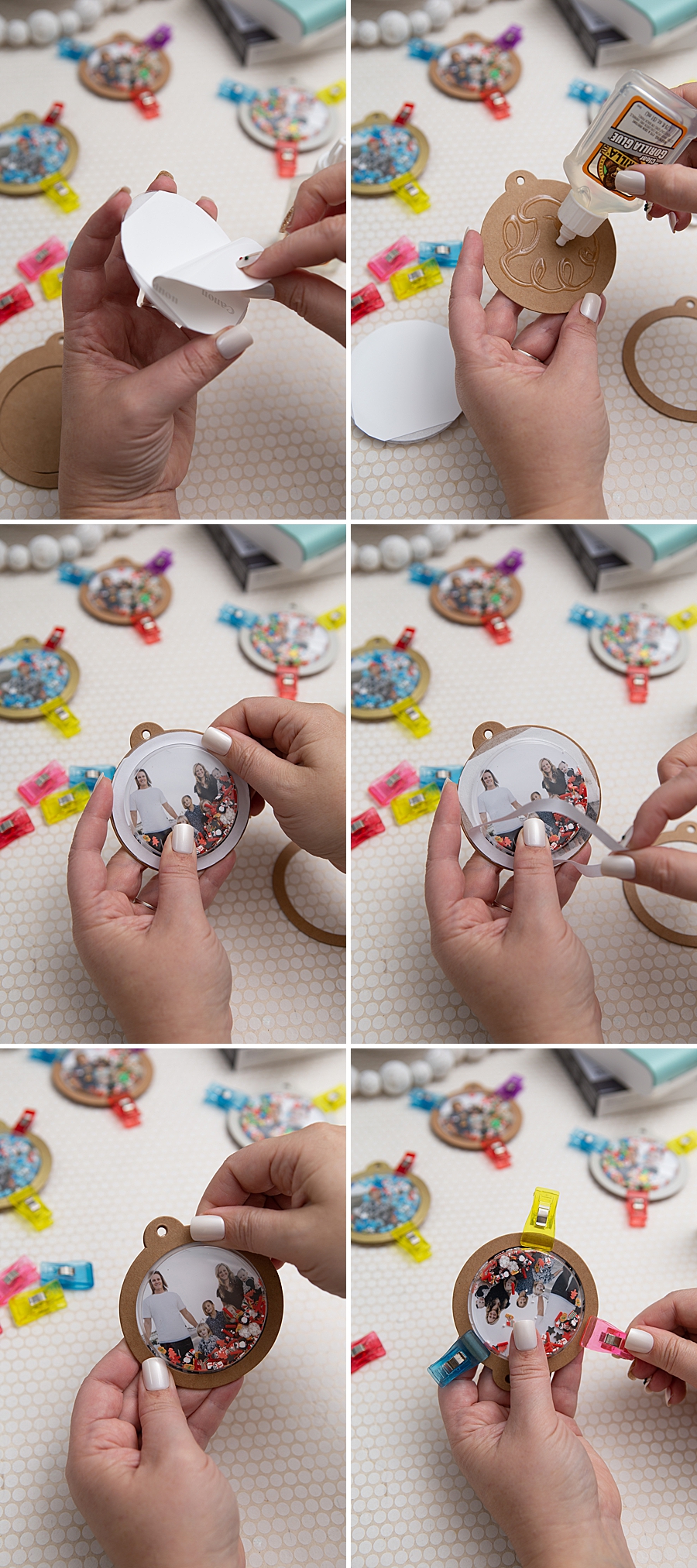
- Adhesion and Curing: The adhesive-backed photo print is secured to the tag. A circular plastic dome is then affixed over the image using high-strength adhesives, such as Gorilla Glue.
- Final Setting: The assembly requires a two-hour initial dry time, with a full 24-hour cure period to ensure the structural integrity of the ornament, particularly given the "shaking" mechanic that defines the product’s interactive nature.
Market Data and Consumer Trends in DIY Crafting
The rise of such projects is supported by robust data within the DIY and hobby industry. The global handicraft market was valued at approximately $700 billion in 2022 and is projected to reach over $1.2 trillion by 2030, according to various market research reports. This growth is driven largely by the increasing availability of specialized tools like the SELPHY Square QX10 and the proliferation of digital tutorials that lower the barrier to entry for complex projects.
Furthermore, the "personalization" segment of the holiday decor market has seen an annual growth rate of 7%. Consumers are increasingly moving away from mass-produced decorations in favor of items that tell a personal story. The ability to print high-resolution family photos at home, rather than relying on commercial printing labs, provides a level of immediacy and customization that was previously unattainable for the average household.
Strategic Implications for Retail and Tech Ecosystems
The success of the SELPHY line also illustrates a symbiotic relationship between hardware manufacturers and traditional craft retailers. Companies like Michaels and Amazon play a pivotal role in this ecosystem by providing the secondary materials—such as the "shaker domes," kraft tags, and specialized glues—required to transform a photo print into a finished product.
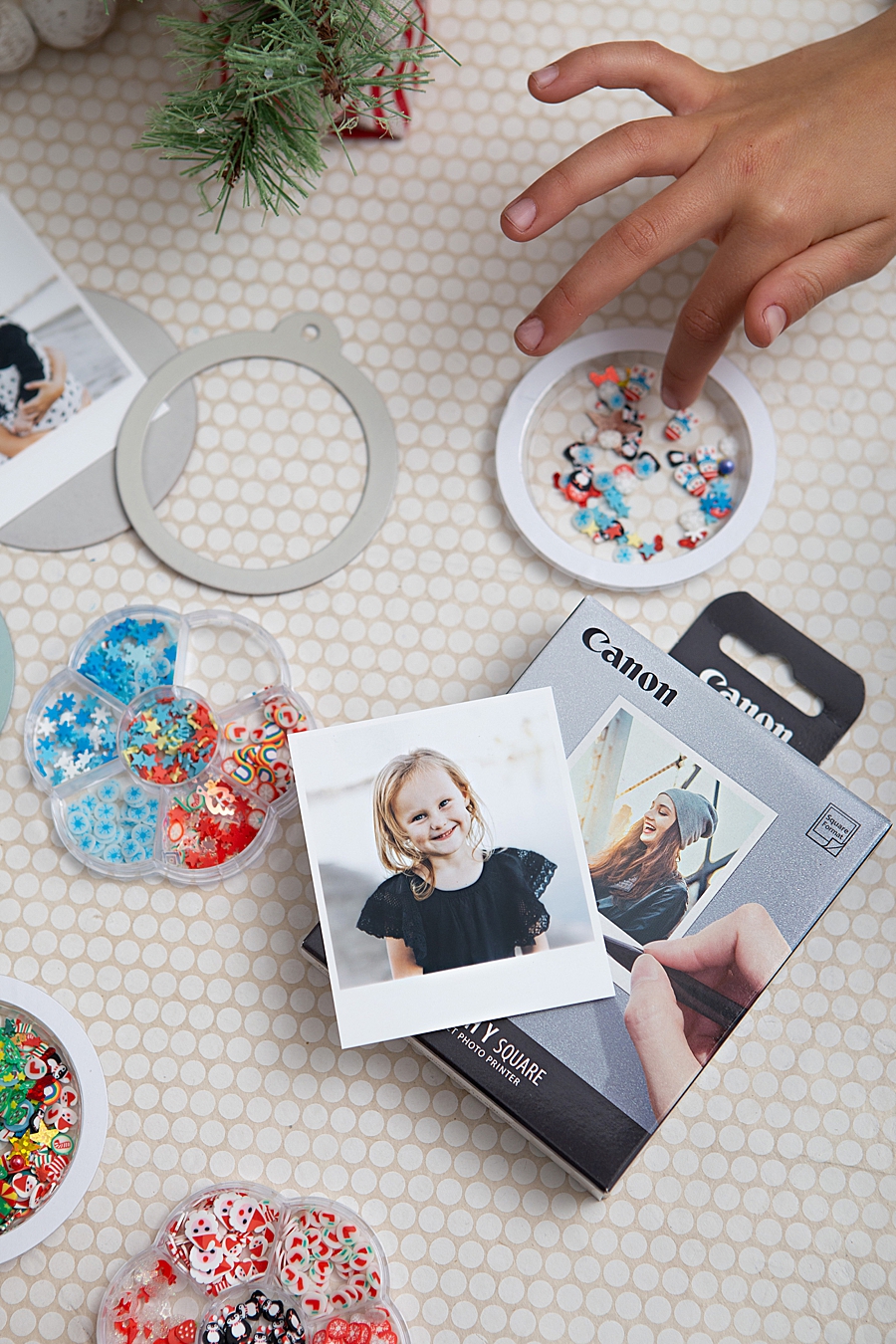
Retailers have reported that the sale of "consumables"—the ink and paper packs required for these printers—provides a steady revenue stream that exceeds the initial profit margin of the hardware itself. For instance, the XS-20L paper packs used by the QX10 include 20 sheets and a dedicated ink cassette, ensuring that users must return to the brand for continued use. This "razor and blade" business model is highly effective in the portable printing sector, where specialized paper is necessary to achieve the touted 100-year longevity.
Inferred Industry Responses and Expert Analysis
Industry analysts suggest that Canon’s focus on the "Something Turquoise" crafting demographic is a calculated move to capture the "Memory Keeper" market. This demographic consists of individuals—often parents or hobbyists—who prioritize the physical preservation of family milestones. By positioning the QX10 as a tool for "fun" and "easy" projects, Canon bypasses the technical intimidation often associated with high-end photo printers.
"The shift we are seeing is the democratization of archival printing," notes an industry consultant specializing in consumer imaging. "Ten years ago, if you wanted a print that lasted 100 years, you went to a professional lab. Today, you can do it on your kitchen table while the kids watch the colors layer in real-time. It’s an educational experience as much as it is a manufacturing one."
The psychological impact of these tactile objects should not be overlooked. Experts in child development have noted that physical photographs help children develop a sense of identity and belonging. The "shaker" aspect of the ornaments adds a sensory, kinesthetic dimension to the photo, making the memory interactive rather than static.
Future Outlook and Broader Impact
Looking forward, the integration of smart-device applications with portable printing hardware is expected to become more sophisticated. Future iterations of the SELPHY software may include augmented reality (AR) capabilities, where scanning a physical photo with a smartphone could trigger a video of the moment the photo was taken.
However, the current success of the QX10 and the photo shaker ornament project proves that there is still a massive appetite for simple, physical joy. In an era dominated by transient social media "stories" that disappear after 24 hours, the creation of a physical object that is designed to last for a century represents a significant counter-culture movement. It is a move toward permanence, family heritage, and the intentional curation of a life lived outside of the screen.
As the holiday season approaches, the DIY sector will likely continue to see a surge in photo-centric projects. The ability of the Canon SELPHY Square QX10 to provide high-quality, durable, and adhesive media ensures it remains a central figure in this trend. The intersection of technology and tradition has found a unique expression in the form of a simple shaker ornament, proving that even in a high-tech world, the most valued items are often those that allow us to "shake" our memories and see them in a new light.