
Mastering the Art of Sublimation at Home A Comprehensive Guide to Cricut Infusible Ink Technology and Application marks a significant shift in the consumer-grade crafting industry, transitioning professional-grade sublimation technology into the domestic sphere. Historically, the process of permanent ink infusion was reserved for industrial textile printers and specialized manufacturing facilities due to the high costs of equipment and the complexity of the chemical processes involved. However, the introduction of the Cricut Infusible Ink system has democratized this technology, allowing hobbyists and small business owners to produce high-fidelity, permanent designs on a variety of substrates, including apparel, home decor, and ceramic accessories. Unlike traditional heat transfer vinyl (HTV), which adheres a thin layer of plastic or rubber to the surface of a material, Infusible Ink utilizes a sophisticated heat-transfer process that bonds ink at the molecular level with the base material. This results in a finish that is completely flush with the substrate, characterized by vibrant colors and a total absence of the peeling, cracking, or fading typically associated with topical transfers.
The Science of Sublimation: How Infusible Ink Functions
At the core of the Infusible Ink system is the chemical process of sublimation. In a standard environment, matter typically transitions from a solid state to a liquid state before becoming a gas. Sublimation bypasses the liquid phase entirely. When a specific level of high-intensity heat—typically between 385°F and 400°F—is applied to Cricut’s specialized ink, the solid pigment converts into a gas. Simultaneously, the fibers of the compatible base material, which must be polyester-based or polymer-coated, open up to receive this gas. As the heat source is removed and the temperature drops, the gas reverts to a solid state, becoming trapped within the structure of the material rather than sitting on top of it.
This molecular bond is what grants Infusible Ink its "factory-finish" quality. Because the ink is now an integral part of the item, it possesses the same durability as the original material. In textile applications, such as T-shirts or tote bags, this means the design remains breathable and flexible. In rigid applications, such as ceramic coasters or aluminum sheets, the design is scratch-resistant and waterproof.
Technical Requirements and Material Compatibility
For the sublimation process to be successful, specific material parameters must be met. Industry data suggests that the highest quality transfers occur on materials with a polyester content of at least 65%, though 100% polyester yields the most vibrant results. Natural fibers like 100% cotton are chemically incapable of bonding with sublimation gas, resulting in designs that wash away immediately or appear extremely faint.
Cricut provides a line of "Infusible Ink Blanks" specifically engineered for this technology. These include:
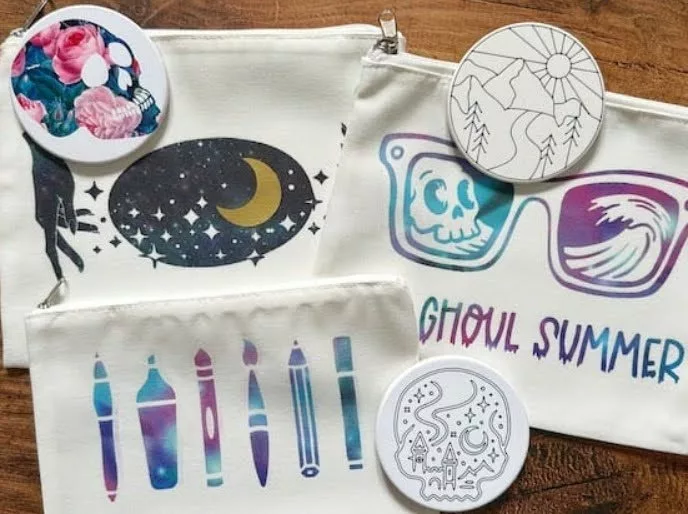
- Soft Goods: Polyester T-shirts, tote bags, pillow covers, and cosmetic bags.
- Hard Goods: Polymer-coated ceramic coasters (round and square), mugs, and aluminum sheets.
- Accessories: Luggage tags, wine bags, and keychains.
While third-party sublimation blanks are often compatible, experts recommend verifying that the items are "sublimation ready," meaning they have been treated with a high-quality polymer coating necessary for the ink to anchor.
Step-by-Step Implementation: The Cosmetic Bag Project
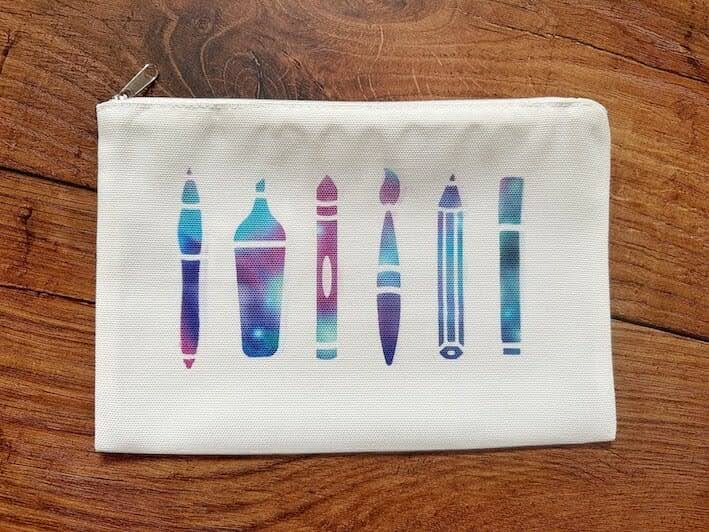
The application of Infusible Ink via transfer sheets is a precise operation requiring careful preparation. The following chronology outlines the professional workflow for customizing a polyester-based cosmetic bag.
Phase 1: Digital Design and Mirroring
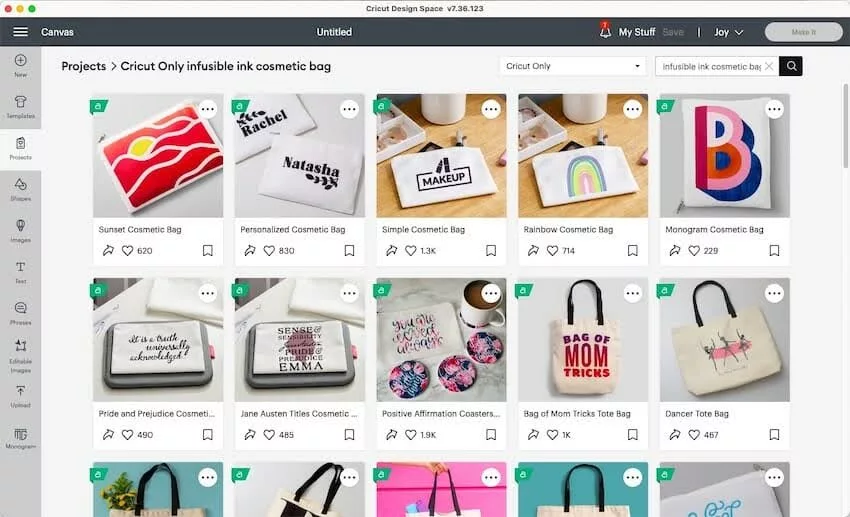
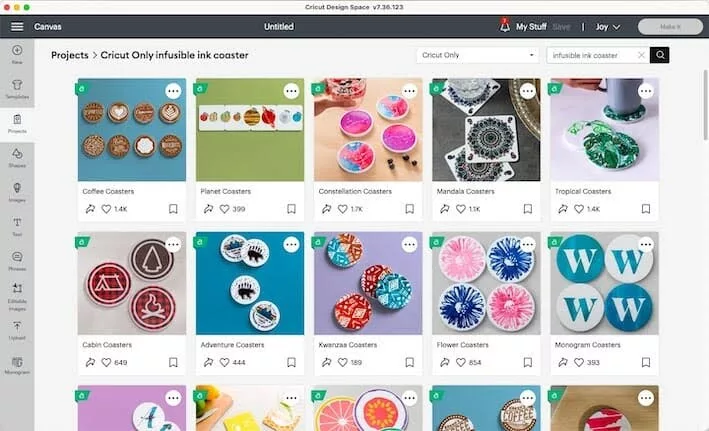
The process begins in Cricut Design Space, the proprietary software used to interface with the cutting machines. Users select or create a vector design suited for the dimensions of the bag. A critical technical step in this phase is the "Mirror" toggle. Because the ink sheet is placed face-down on the substrate, the design must be cut in reverse to appear correctly once transferred.
Phase 2: Precision Cutting and Weeding
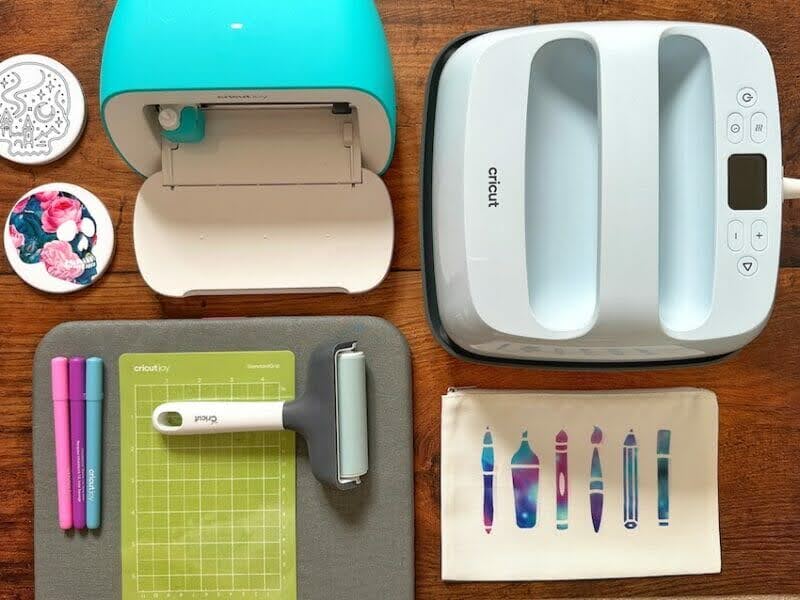
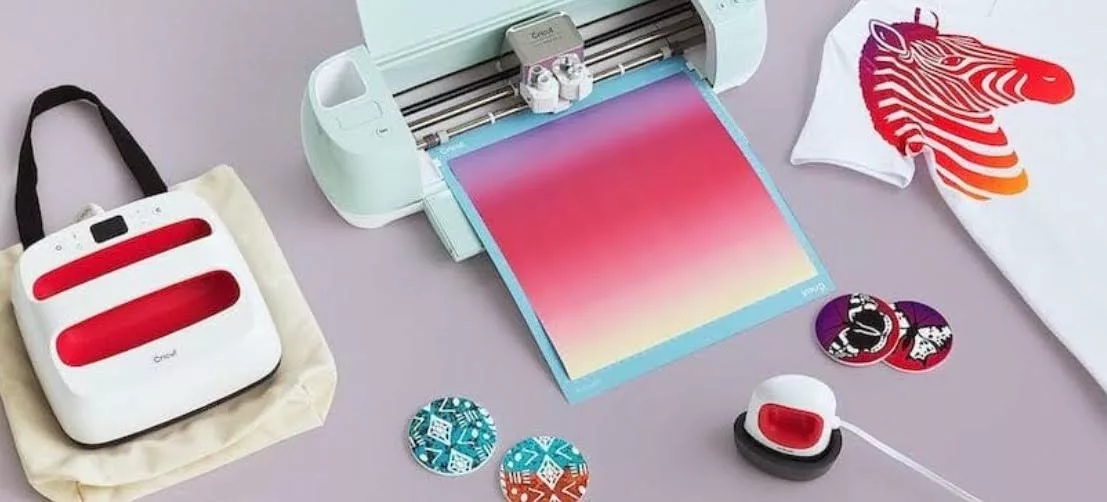
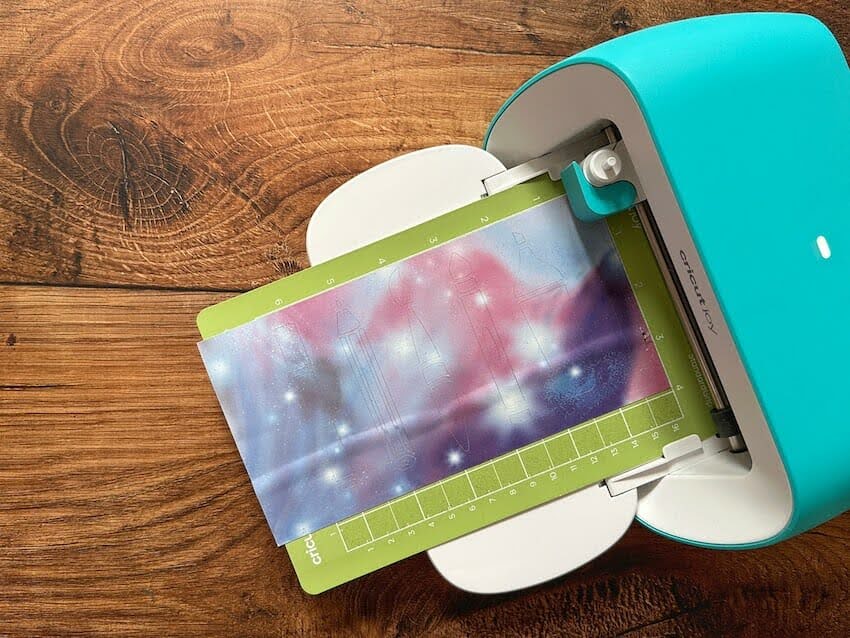
The Infusible Ink Transfer Sheet is placed onto a StandardGrip cutting mat with the ink side facing upward. The Cricut machine (such as the Explore 3, Maker 3, or Joy) uses a fine-point blade to cut the design into the ink layer without piercing the clear carrier sheet. Once the cut is complete, the "weeding" process involves removing the excess ink paper. Unlike HTV, Infusible Ink sheets have a paper-like consistency, and the excess is often removed by gently rolling the sheet to "pop" the cut lines and then using tweezers or fingers to lift the unwanted pieces.
Phase 3: Thermal Transfer
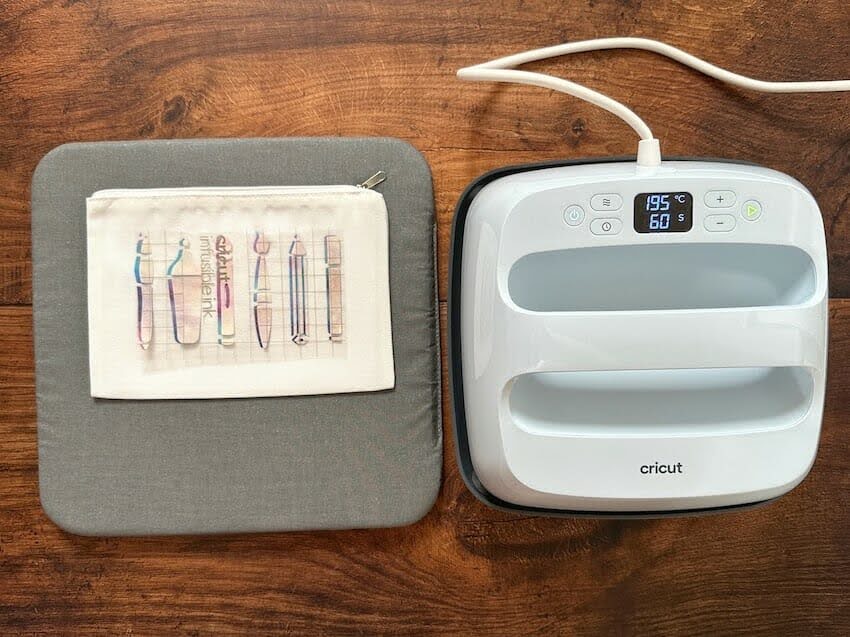
The substrate is prepped by using a lint roller to remove any microscopic fibers that could cause blue spots during the heating process. A piece of cardstock is placed inside the bag to prevent "ghosting" or ink bleeding through to the other side. The design is placed face-down, covered with a sheet of clean butcher paper (included with the ink sheets), and pressed with a heat press, such as the Cricut EasyPress. For a cosmetic bag, the standard setting is 385°F for 60 seconds. It is imperative to maintain a "no-move" press; any shifting of the heat source can cause a blurred effect known as "ghosting."
Artistic Customization: The Ceramic Coaster Project
For projects requiring more intricate detail or hand-drawn elements, Cricut offers Infusible Ink Pens and Markers. These tools allow the machine to draw designs or the user to freehand artwork onto standard laser copy paper, which then acts as the transfer medium.
Phase 1: Automated Drawing
In Design Space, the user selects a "Draw" operation rather than a "Cut" operation. The Cricut machine then uses the Infusible Ink Pen to sketch the design onto laser copy paper. If a multi-color design is required, the software prompts the user to switch pen colors at specific intervals.
Phase 2: Manual Enhancement
Once the outline is drawn by the machine, the user can fill in the design using Infusible Ink Markers. It is essential that the ink is applied to the paper and allowed to dry briefly before the transfer attempt.
Phase 3: High-Heat Application to Ceramics
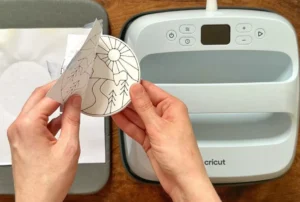
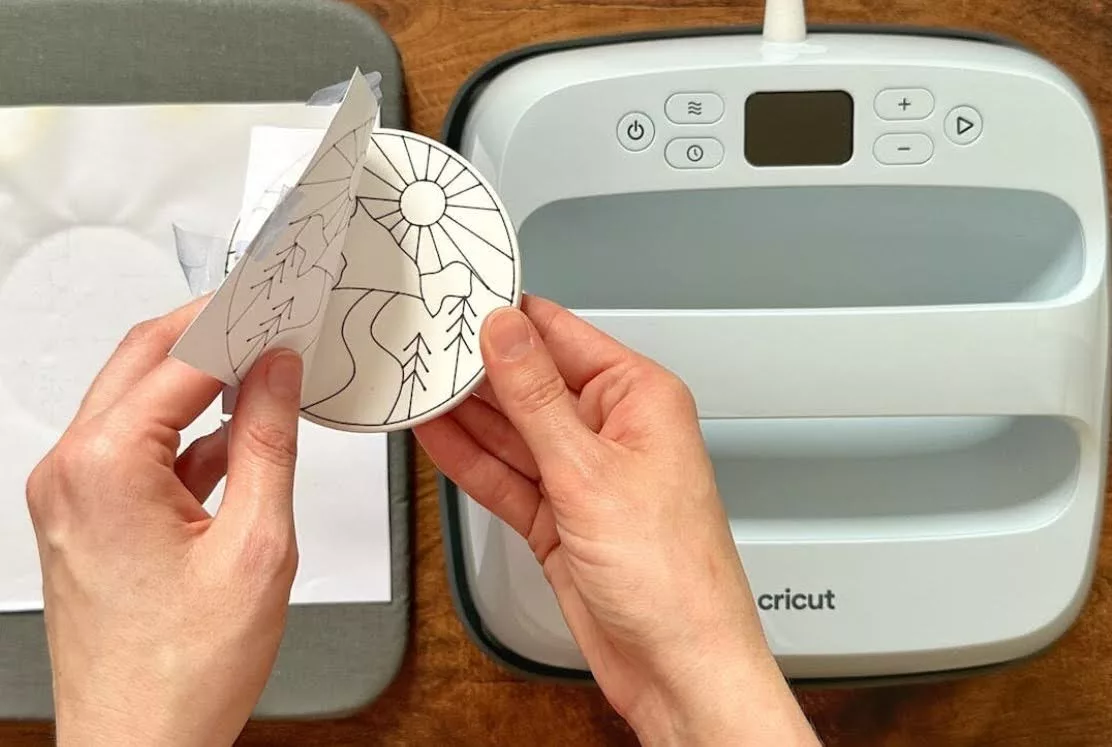
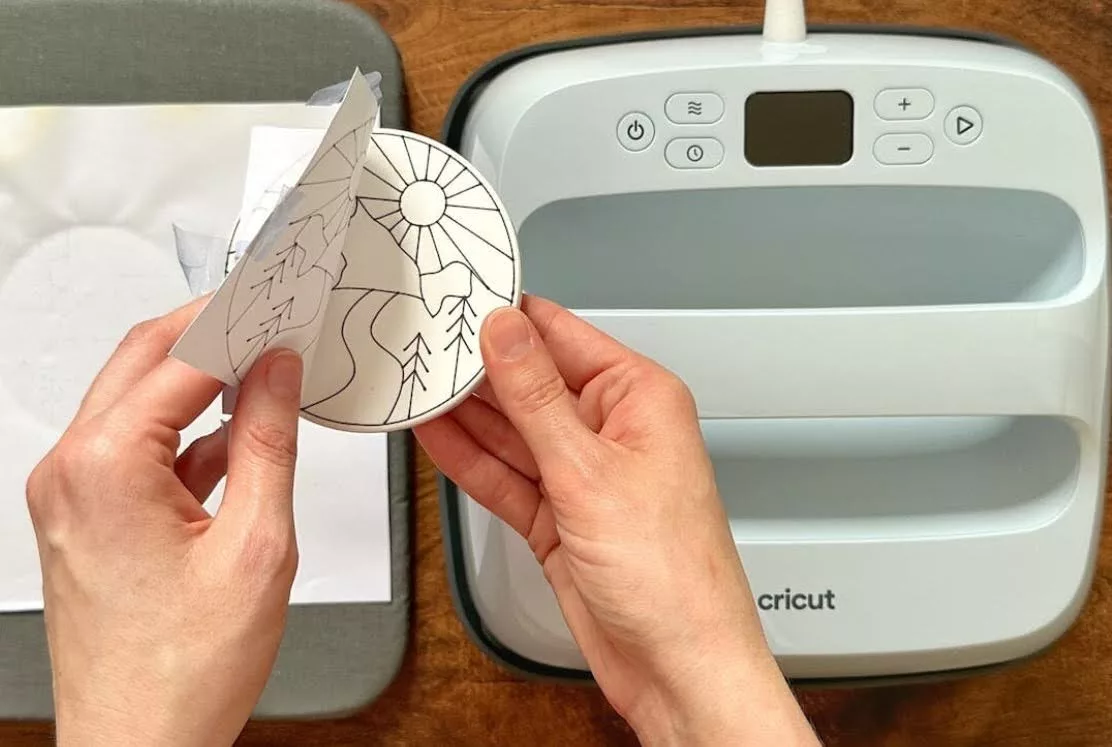
The ceramic coaster must be wiped clean with a lint-free cloth. The paper design is secured to the smooth, polymer-coated side of the coaster using Heat Resistant Tape. For coasters, the application is unique: the coaster is often placed face-down on top of the design, with the heat press applied to the bottom of the coaster to drive heat through the ceramic. This requires a temperature of 400°F for up to 240 seconds. Once the cooling process is complete, the paper is removed to reveal a glossy, permanent finish.
Market Impact and Consumer Trends
The rise of accessible sublimation technology has had a measurable impact on the "side-hustle" economy. According to market research, the global personalized gift market is expected to reach a valuation of approximately $43.3 billion by 2027. Products like Infusible Ink have lowered the barrier to entry for entrepreneurs, allowing them to produce professional-grade merchandise without the $10,000+ investment previously required for wide-format sublimation printers.
Furthermore, industry analysts note that the longevity of Infusible Ink products appeals to the growing consumer demand for sustainable and high-quality goods. Because the designs do not crack or shed microplastics into the water supply during washing—a common issue with older screen-printing and vinyl methods—it is positioned as a more durable alternative in the "fast fashion" and DIY sectors.
Maintenance and Best Practices for Longevity
To ensure the integrity of the infused designs, specific maintenance protocols are recommended by materials scientists and Cricut technicians:
- Laundering: Fabric items should be washed in cold water using mild detergent. The use of fabric softeners and bleach is discouraged, as these chemicals can break down the polymer bonds over time.
- Drying: Low-heat tumble drying or air drying is preferred to maintain the vibrancy of the pigments.
- Hard Goods: Ceramic and metal items should be hand-washed. While some polymer coatings are marketed as dishwasher-safe, the high-pressure steam and abrasive detergents in modern dishwashers can eventually cause the image to "fade" or the coating to delaminate.
- Storage: Unused Infusible Ink sheets must be kept in a cool, dry environment. Exposure to moisture or UV light can degrade the ink before it is ever transferred.
Professional Analysis of Implications
The shift toward sublimation-at-home signifies a broader trend in manufacturing: the decentralization of production. As technology continues to miniaturize and simplify, the distinction between "industrial" and "hobbyist" becomes increasingly blurred. Cricut’s Infusible Ink is a prime example of chemical engineering being repackaged for ease of use without sacrificing the technical standards of the output.
While the system is highly accessible, it does require a higher degree of precision than previous crafting methods. The "one-shot" nature of the transfer—where mistakes cannot be peeled off or corrected—demands a disciplined approach to crafting. However, for those who master the variables of heat, pressure, and timing, the result is a product that is indistinguishable from retail-bought merchandise, providing a powerful tool for personal expression and commercial enterprise alike.