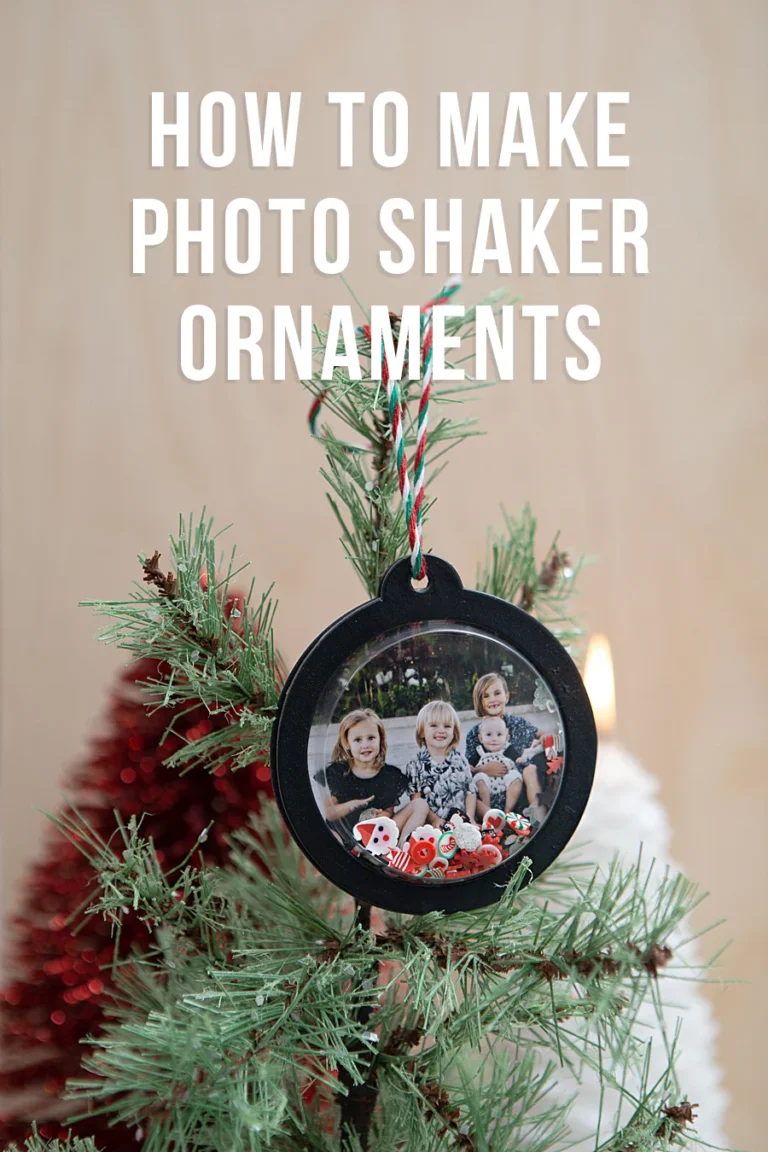



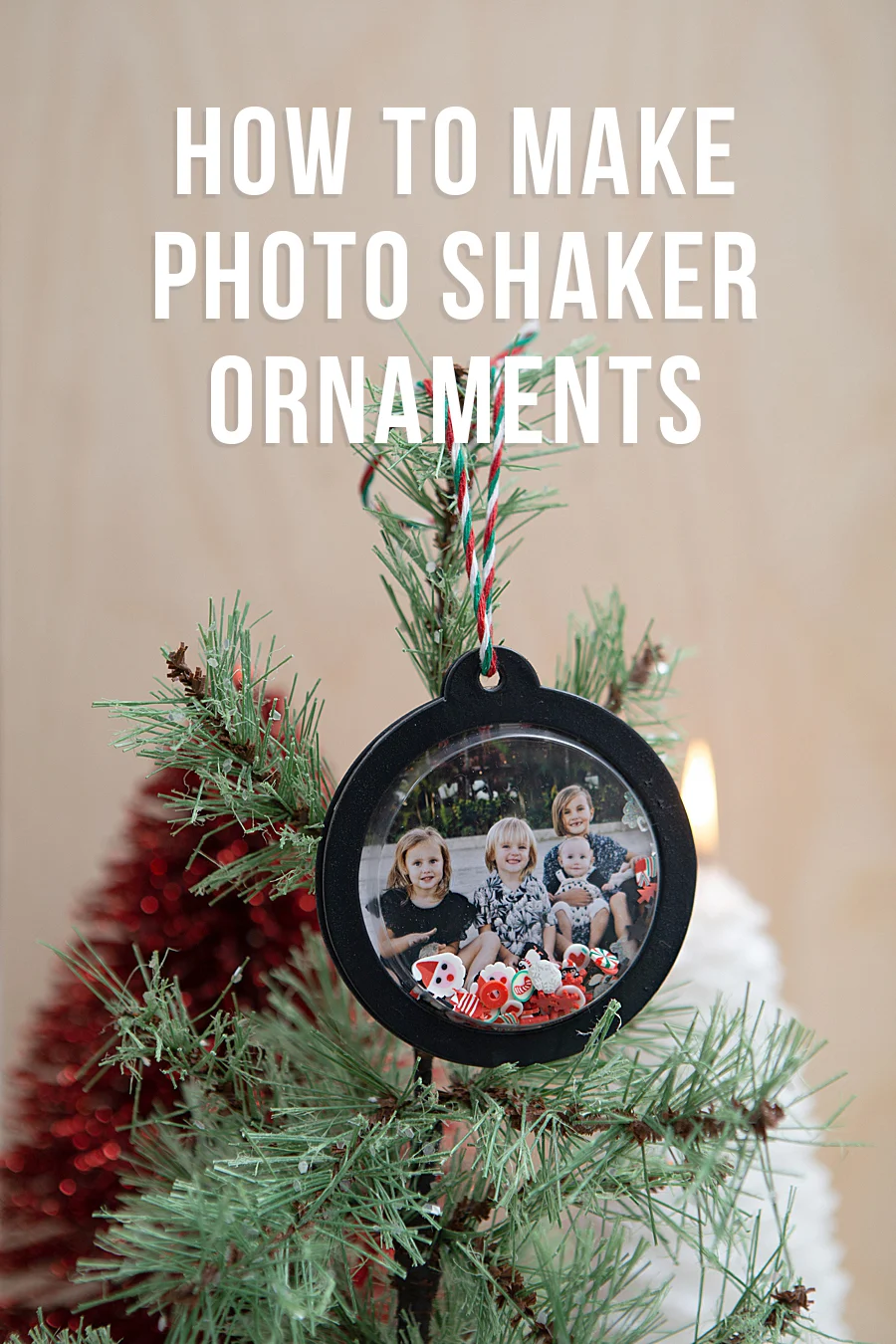
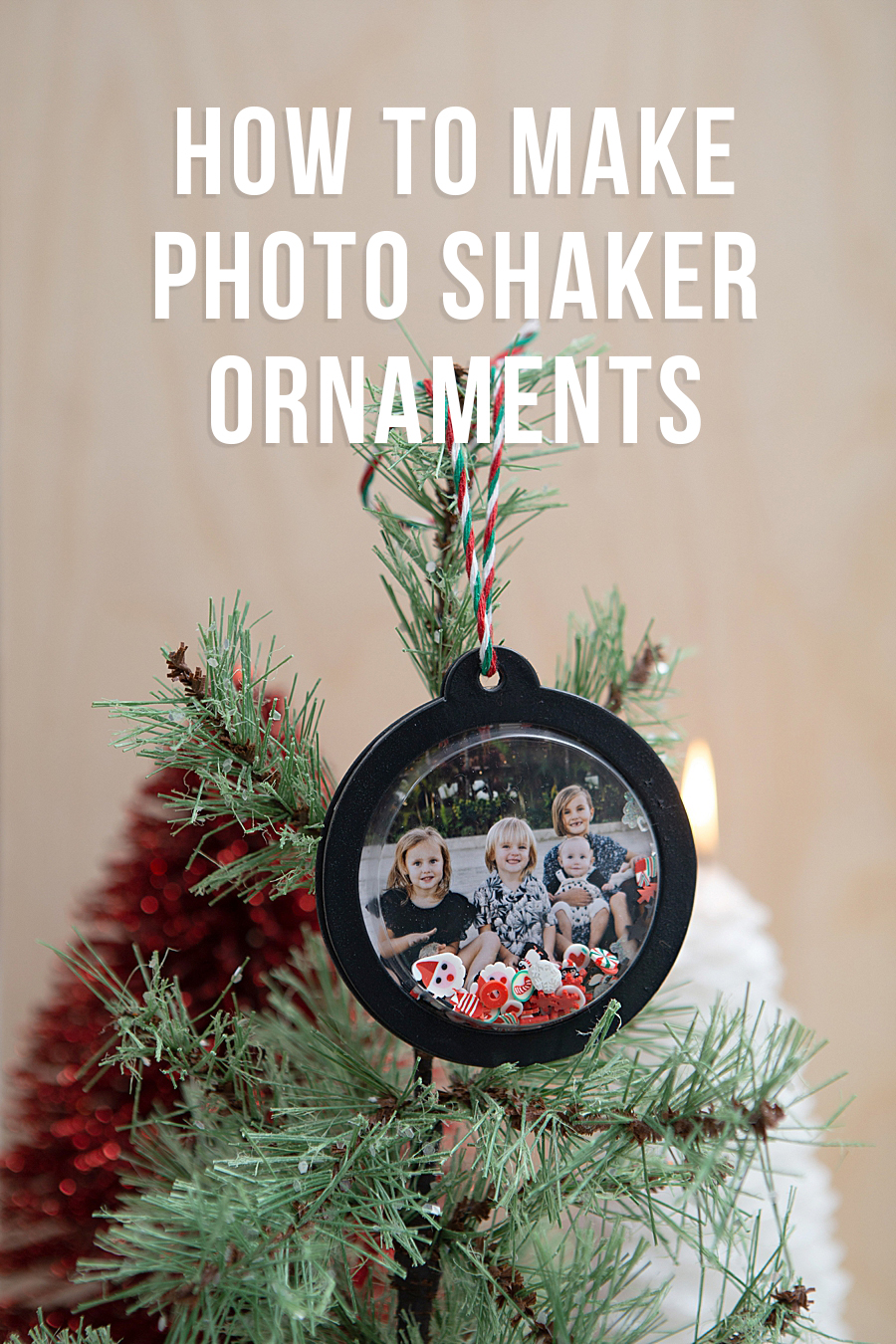
The intersection of mobile technology and traditional crafting has reached a new milestone with the integration of high-fidelity portable printing solutions into home-based creative projects. As consumer interest in tangible media continues to resurge amidst a predominantly digital landscape, manufacturers like Canon U.S.A., Inc. are positioning specialized hardware to bridge the gap between smartphone photography and physical keepsakes. A recent collaborative project between Canon and the lifestyle platform Something Turquoise has highlighted the Canon SELPHY Square QX10 as a primary tool for modernizing seasonal decor, specifically through the creation of interactive photo shaker ornaments. This trend reflects a broader movement within the "maker" economy, where the efficiency of digital capture is paired with the tactile satisfaction of artisanal assembly.
Technical Evolution of Portable Printing: The Dye-Sublimation Advantage
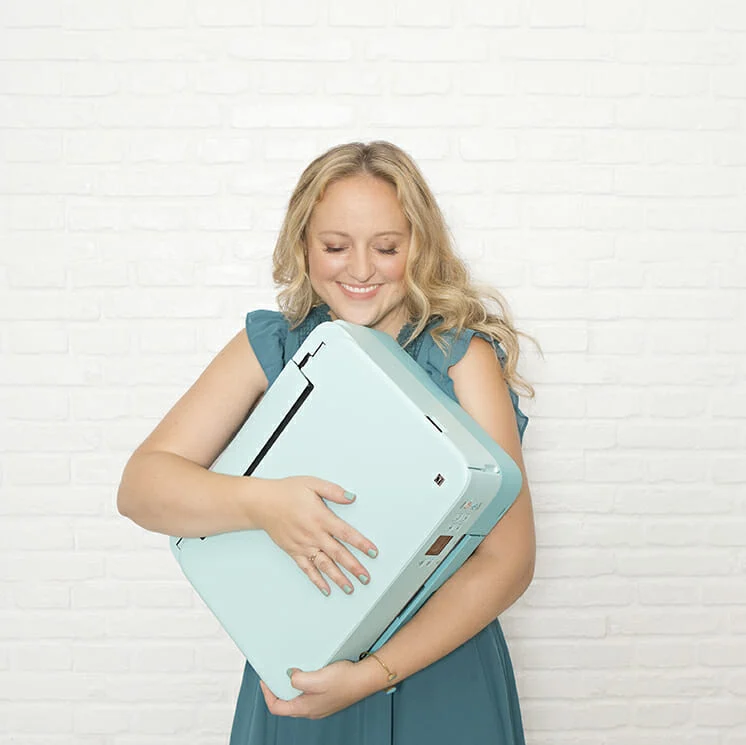
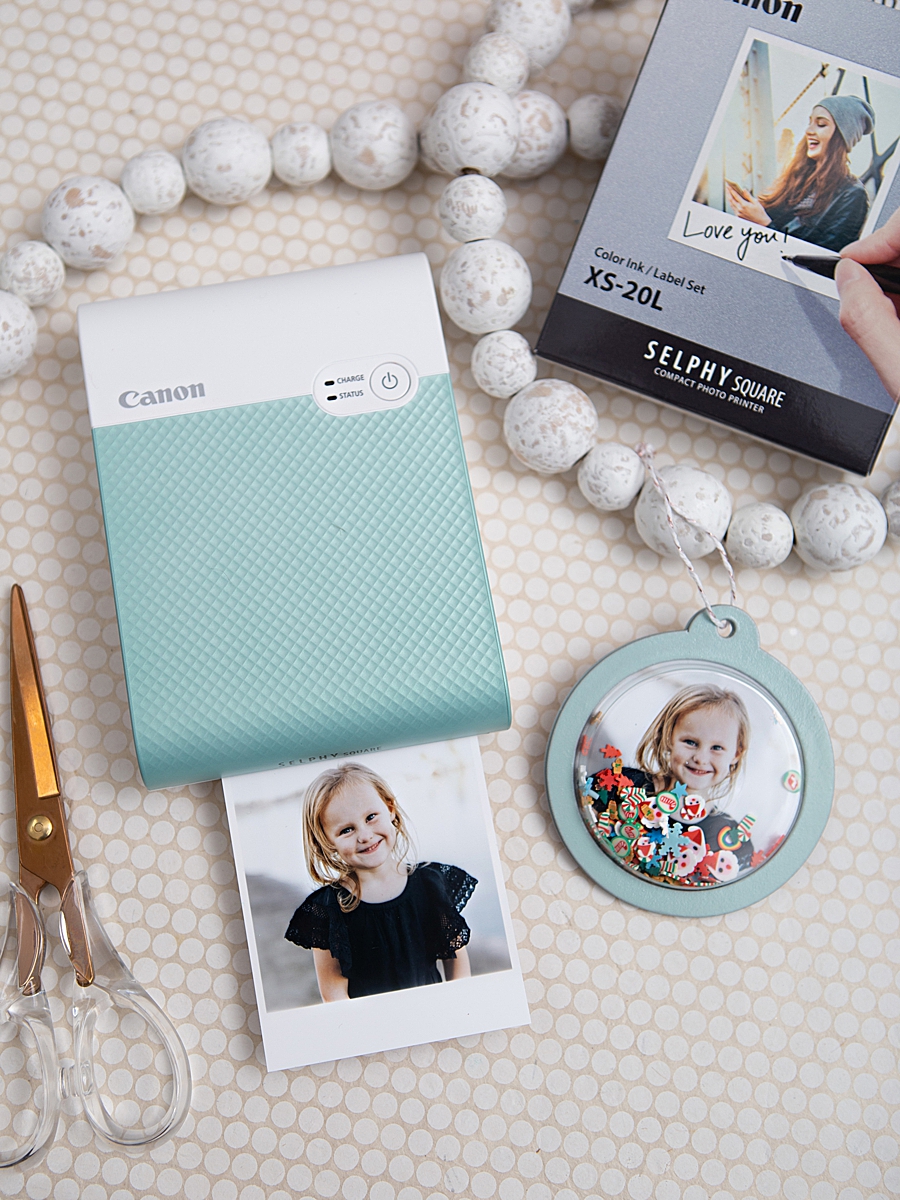
At the core of this crafting evolution is the Canon SELPHY Square QX10, a device that distinguishes itself from standard inkjet or ZINK (Zero Ink) printers through its use of dye-sublimation thermal transfer technology. Unlike traditional printing methods that spray liquid ink onto paper, dye-sublimation uses heat to transfer dye from a ribbon onto the substrate. This process allows for a continuous tone of color, resulting in photographic prints that mirror the depth and clarity of professional lab processing.
The QX10 produces 2.7” x 2.7” square prints, a format popularized by social media platforms such as Instagram, which appeals to a demographic accustomed to square-aspect ratio photography. A critical technical feature of this specific hardware is the application of a special overcoat during the final stage of the printing process. This protective layer is engineered to resist water, fingerprints, and fading. According to technical specifications provided by Canon, these prints are rated to maintain their visual integrity for up to 100 years when stored under appropriate conditions. This longevity is a significant factor for consumers seeking to create heirloom-quality items, such as holiday ornaments, which are intended for repeated annual use.
The Rise of the "Phygital" Crafting Experience
The term "phygital"—a portmanteau of physical and digital—accurately describes the current state of the DIY industry. The workflow for creating photo shaker ornaments exemplifies this synergy. Users interact with the Canon SELPHY Photo Layout 2.0 App to select, edit, and transmit images from their mobile devices via Wi-Fi. This eliminates the historical barriers of traditional photo printing, such as the need for desktop computers, physical cable connections, or third-party processing centers.
Industry analysts note that the portable photo printer market has seen steady growth, with a projected compound annual growth rate (CAGR) of approximately 8.2% through 2030. This growth is driven by the desire for "instant gratification" in a physical format. For parents and hobbyists, the ability to transform a digital memory into a physical component for a craft project within sixty seconds is a compelling value proposition. In the case of the shaker ornaments, the printer’s adhesive-backed paper serves a dual purpose, acting as both the photographic medium and the structural backing for the decorative elements.
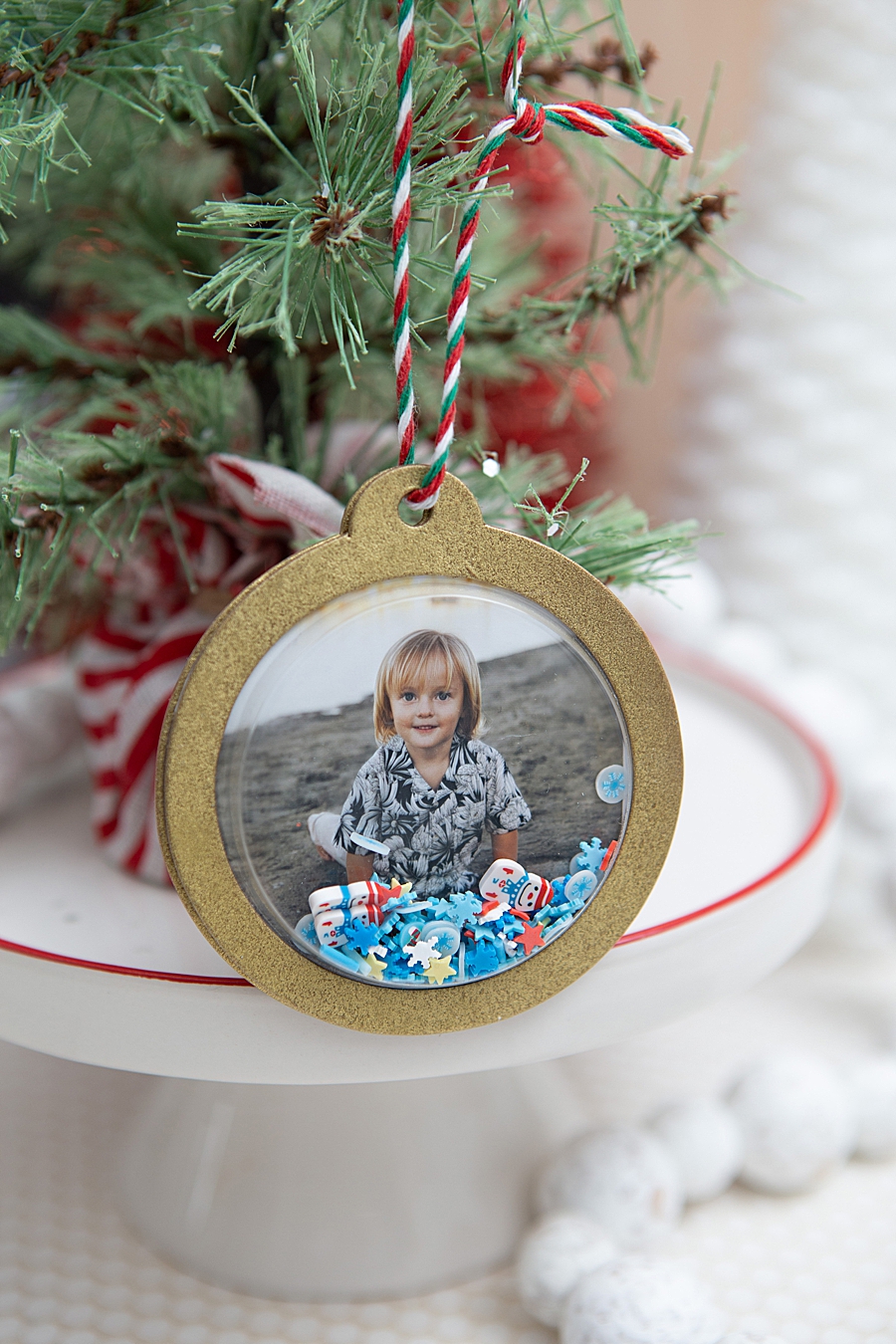
Chronology of Assembly: A Case Study in DIY Production
The production of photo shaker ornaments involves a systematic workflow that combines digital output with manual assembly. The process, as detailed by design experts at Something Turquoise, follows a specific chronological order to ensure structural durability and aesthetic quality.
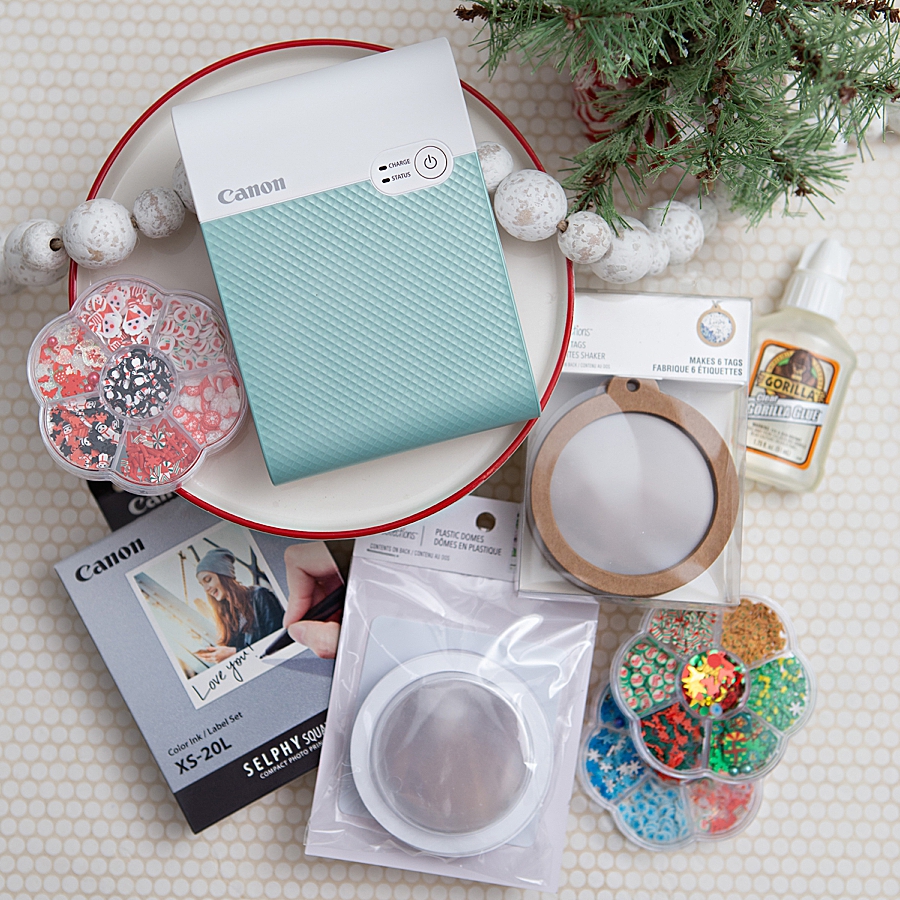
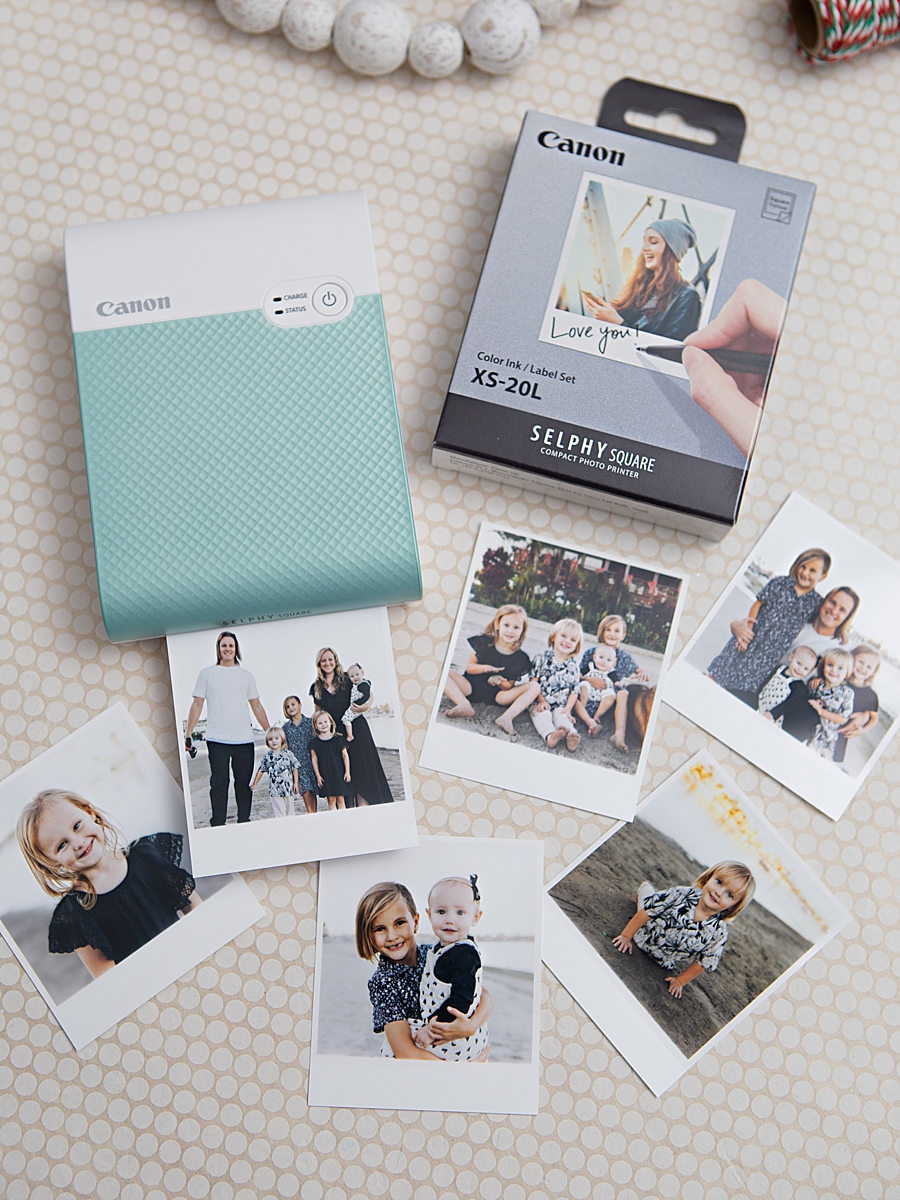
- Digital Curation and Output: The process begins with the selection of high-resolution imagery within the SELPHY Photo Layout app. Users can apply filters, borders, and text overlays before sending the data to the QX10. The printer executes a four-pass process (Yellow, Magenta, Cyan, and a clear protective coating), a visual spectacle that has been noted to engage younger participants in the crafting process.
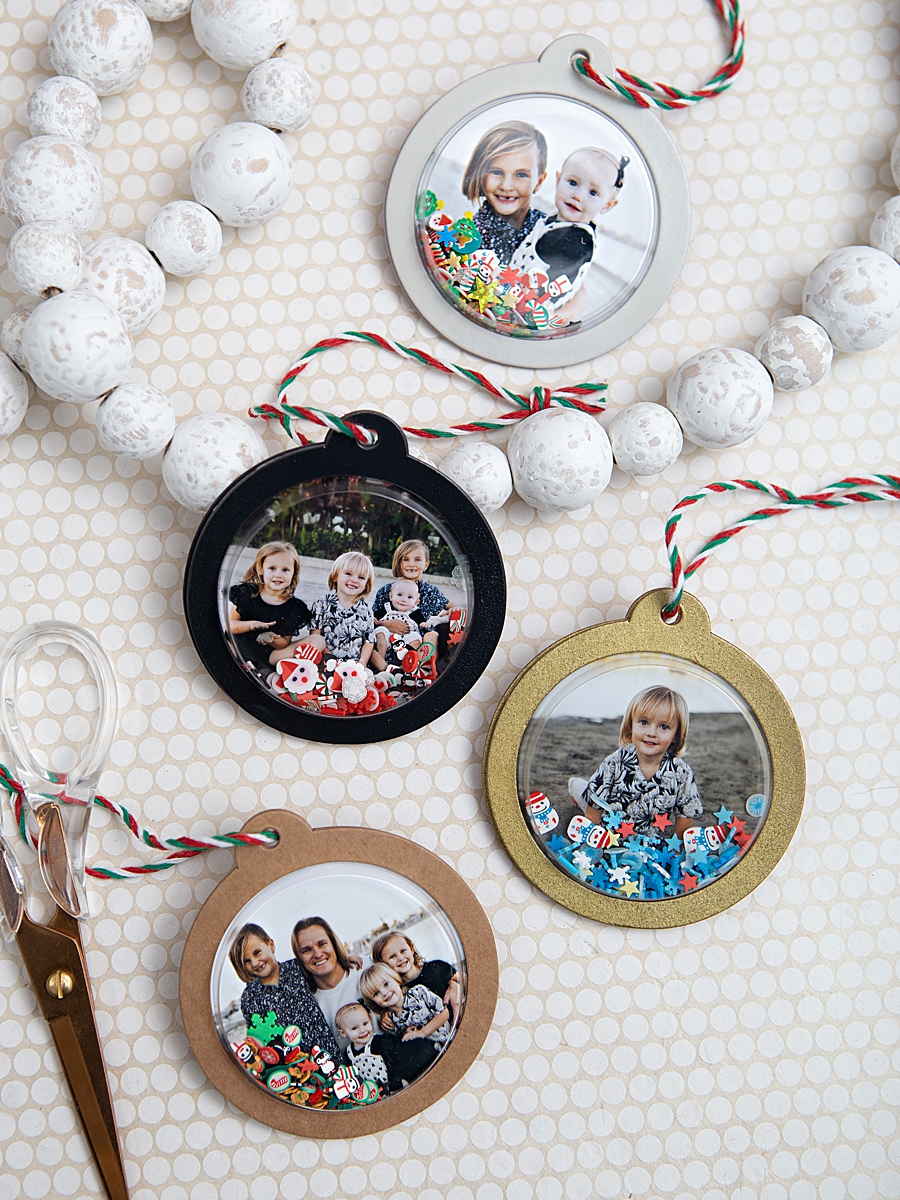
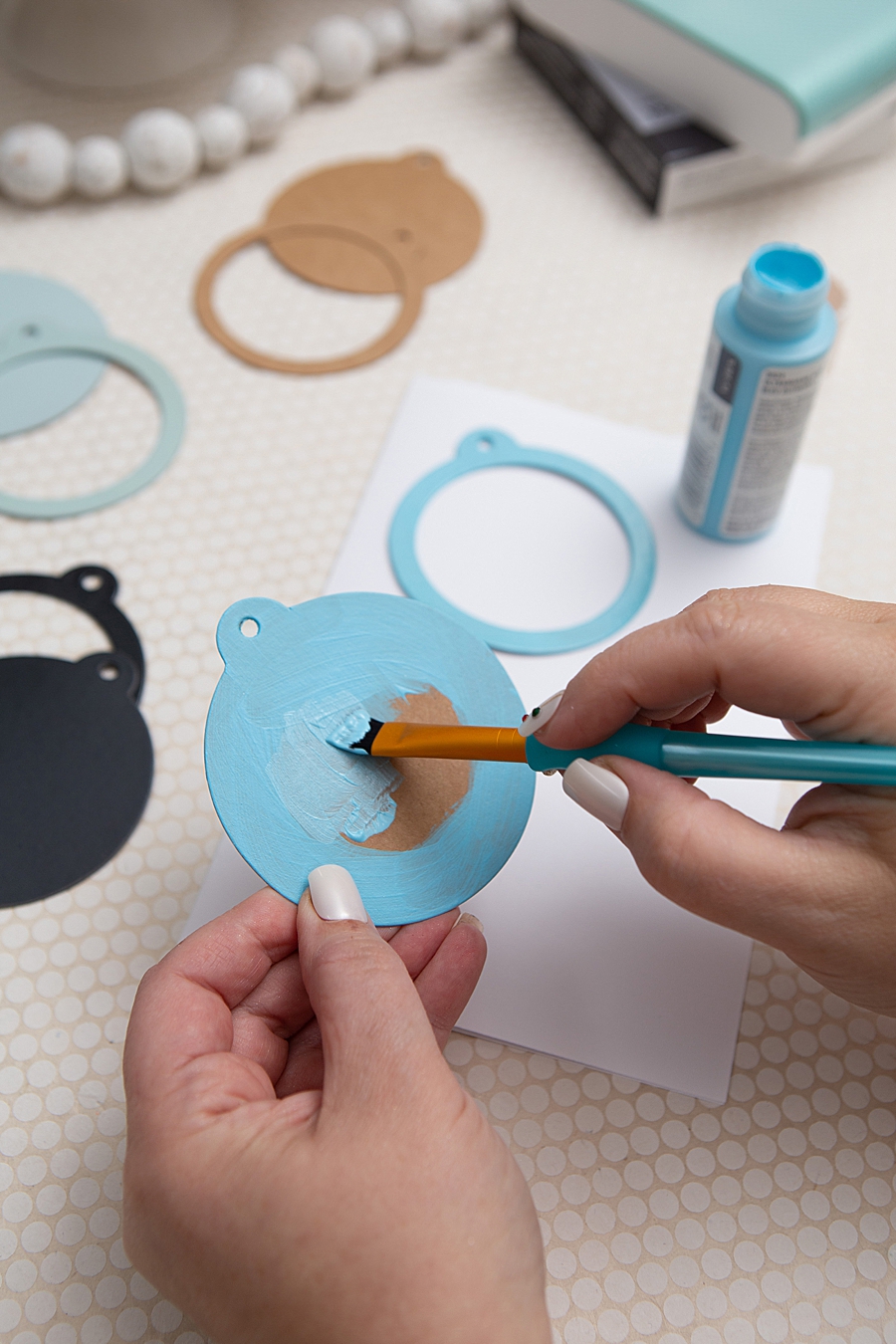
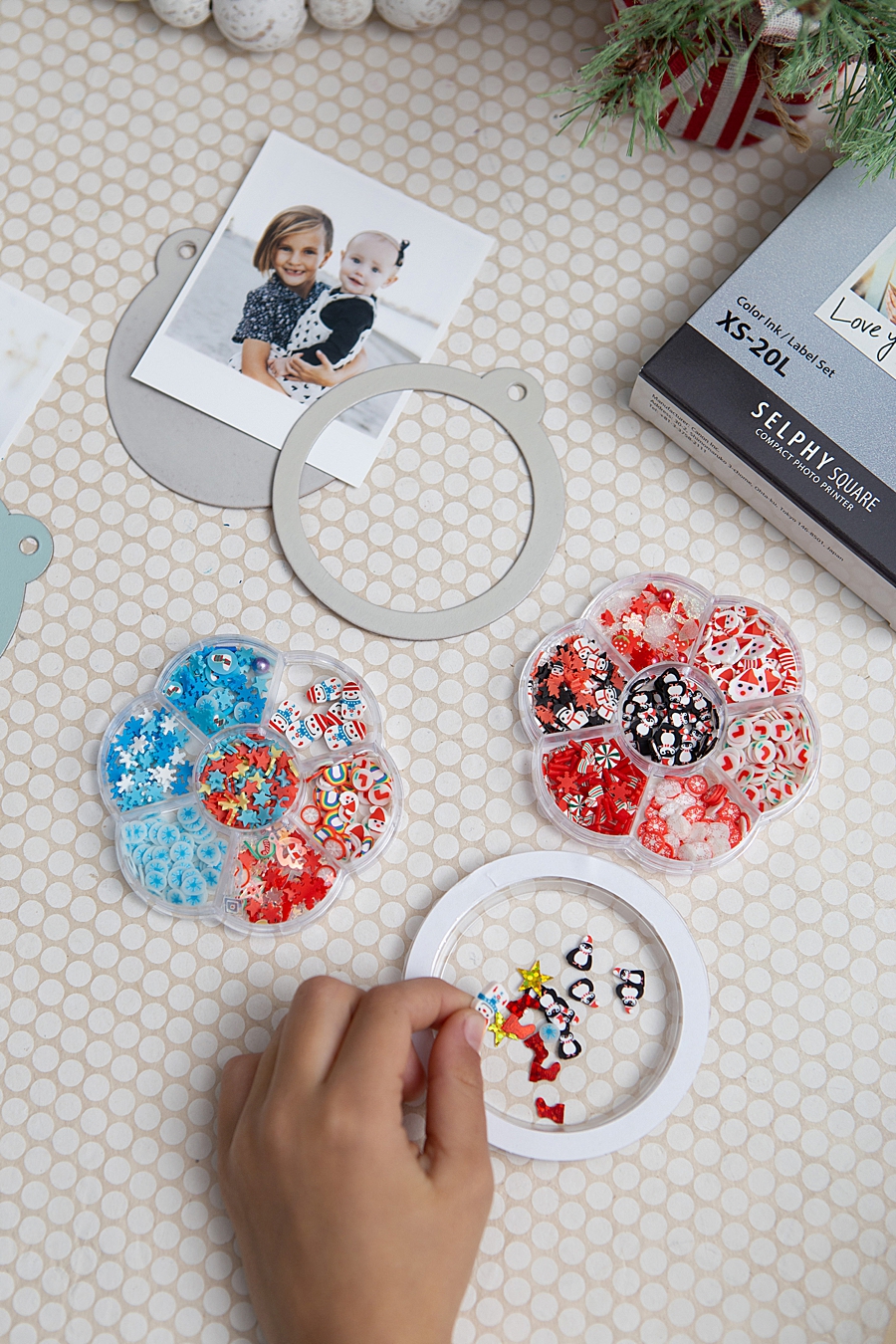
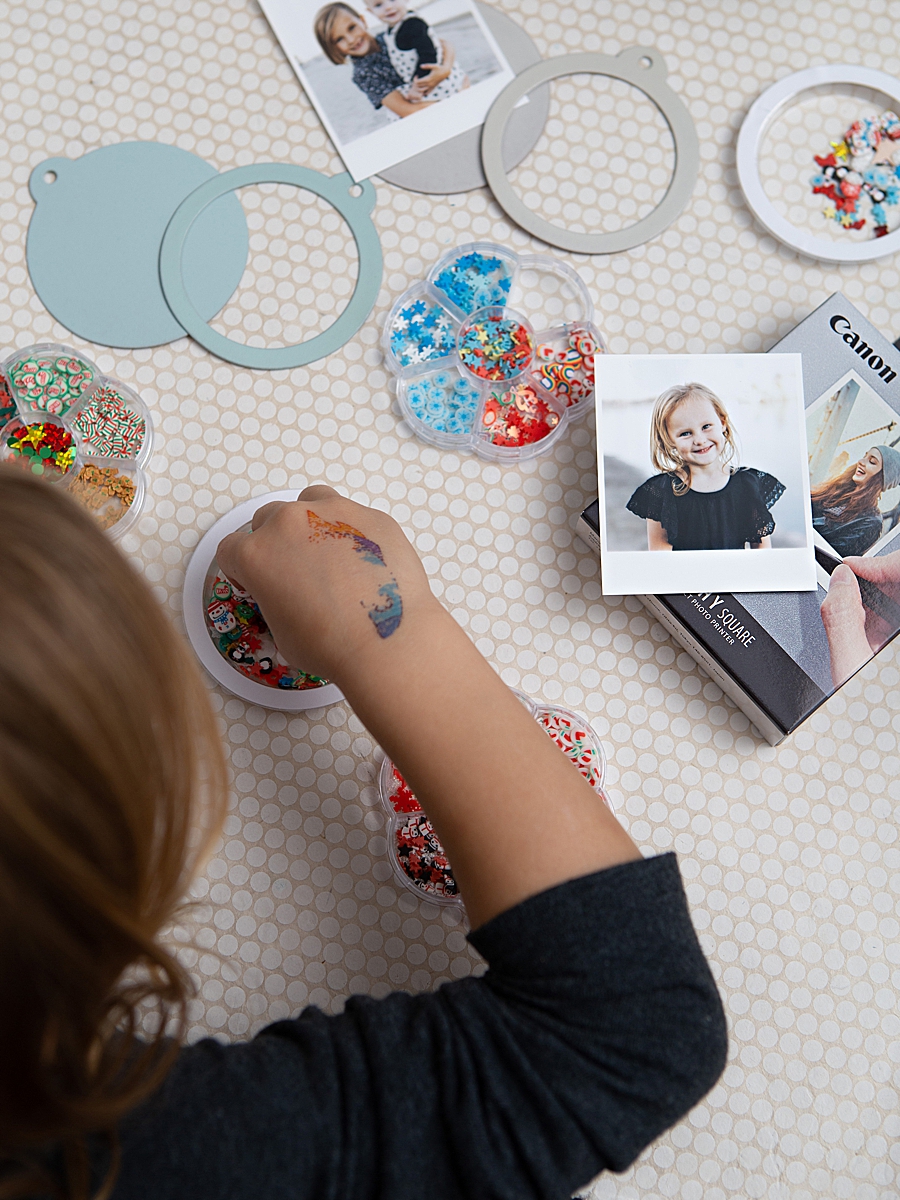
- Substrate Preparation: While the prints are being generated, the physical frames—typically kraft shaker tags—are prepared. This stage may include the application of craft paint or spray paint to match specific holiday themes. To ensure a professional finish, a clear gloss spray is often applied as a sealant.
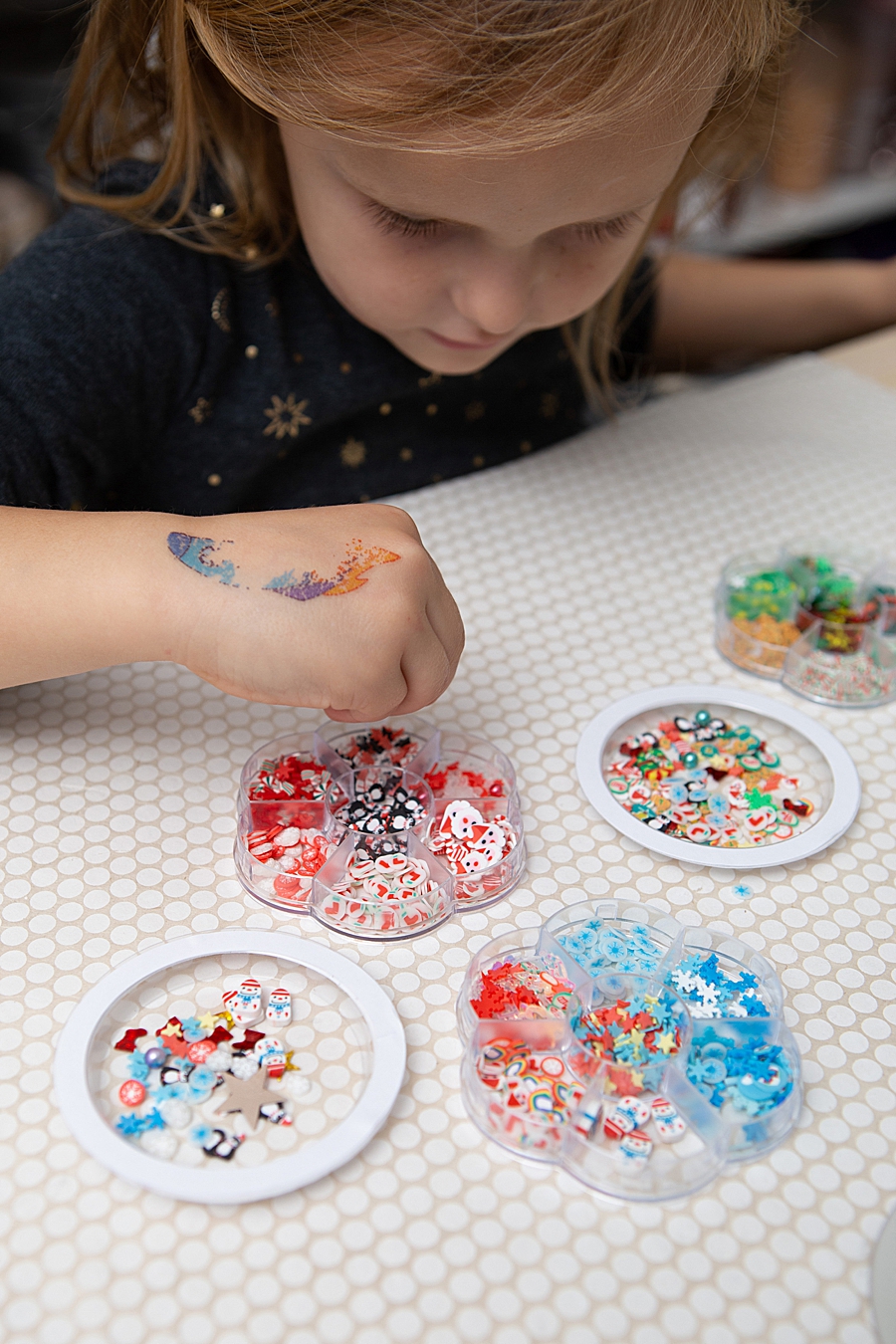
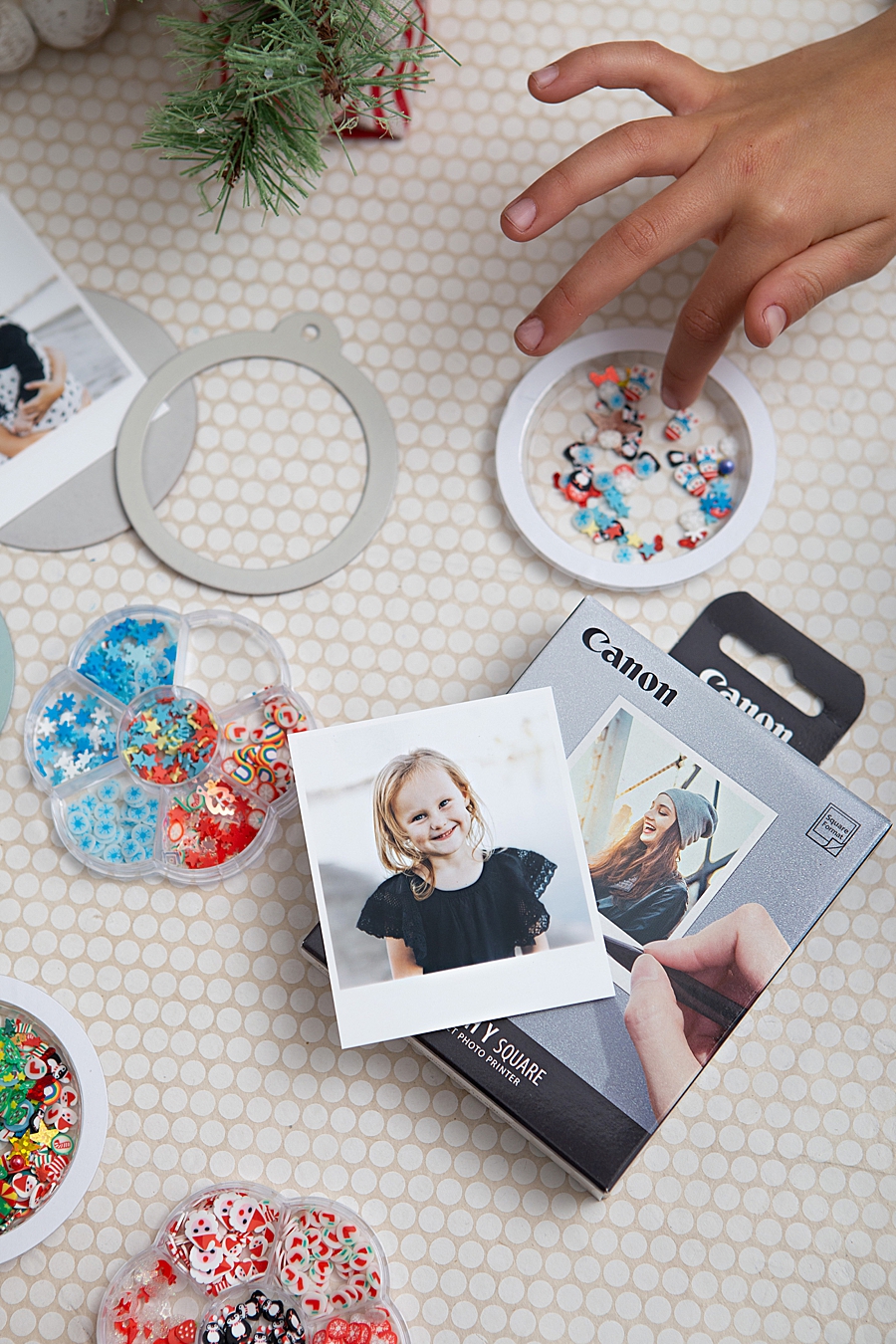
- The Interactive Element: The "shaker" component is created by filling plastic domes with various "bits," such as sequins, glitter, or micro-beads. Experts recommend filling the domes to approximately one-eighth of their capacity to ensure that the internal movement does not obscure the central photograph.
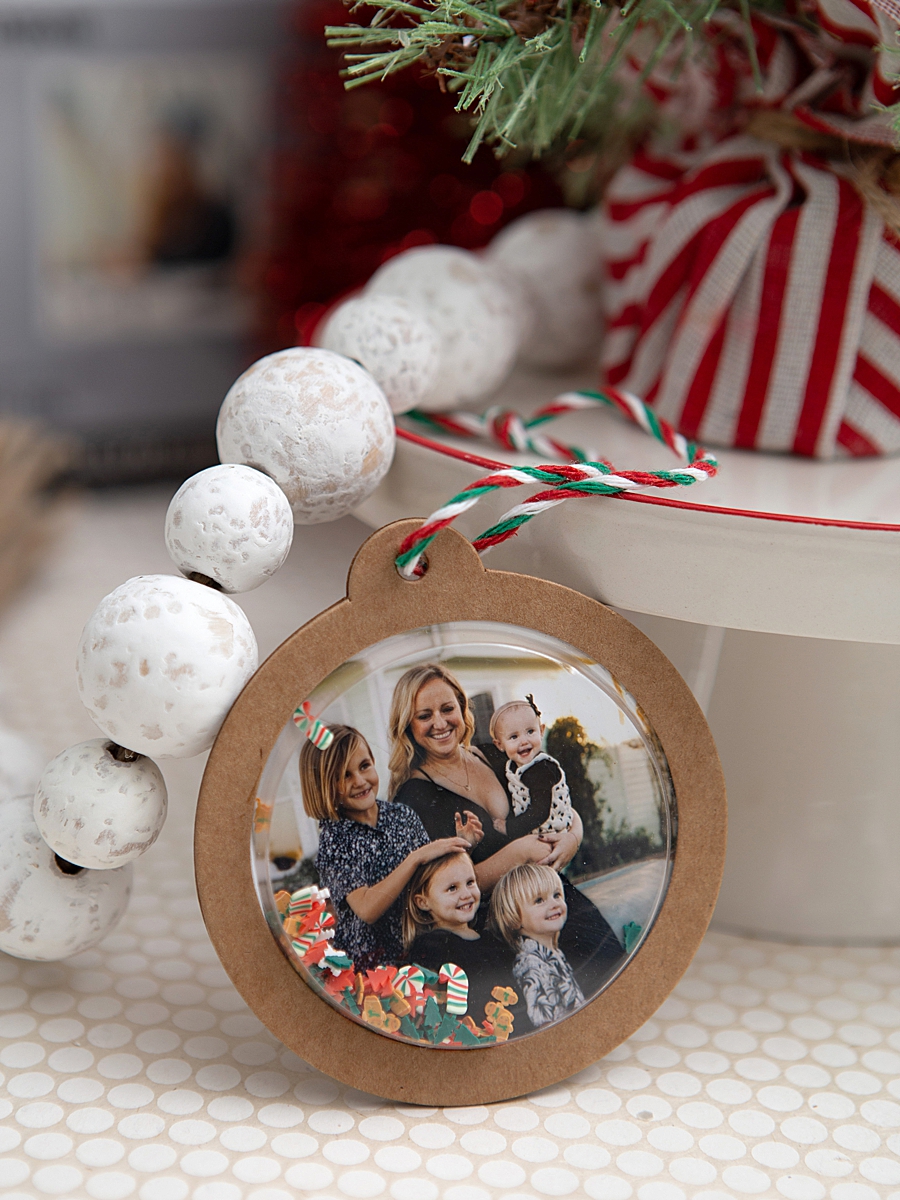
- Structural Integration: The printed photograph, utilizing its peel-off adhesive backing, is secured to the base of the tag. The plastic dome, containing the shaker bits, is then adhered over the photo using high-strength adhesives like Gorilla Glue.
- Curing and Finishing: Given the weight of the plastic domes and the movement of the internal elements, a curing period is essential. While initial bonding may occur quickly, a full 24-hour cure is recommended for maximum durability. The final step involves the attachment of twine or ribbon, transforming the assembly into a functional ornament.
Market Context: The Renaissance of Physical Media
The popularity of projects like the photo shaker ornament is rooted in a psychological shift toward "slow media." While digital photos are often stored in massive, unorganized cloud libraries, physical prints demand attention and evoke a stronger emotional response. This sentiment is echoed by consumer behavior data suggesting that Millennials and Gen Z are increasingly purchasing analog-style technology, from vinyl records to instant film cameras.
Canon’s strategic focus on the SELPHY line targets this "memory-keeping" demographic. By weighing less than one pound and featuring a built-in battery, the QX10 is marketed not just as a printer, but as a portable crafting station. This portability allows for "live crafting" at events, parties, or family gatherings, further cementing the device’s role as a social tool rather than just a peripheral.
Economic Impact of the DIY Holiday Sector
The DIY and hobby industry experiences its peak economic activity during the fourth quarter, as consumers look for personalized gifting options. According to the Association for Creative Industries (AFCI), the creative products industry contributes billions to the global economy annually. Personalized ornaments represent a significant sub-sector of this market, as they offer a high perceived value at a relatively low material cost.
The collaboration between technology giants like Canon and creative influencers demonstrates a sophisticated marketing strategy. By providing the "how-to" framework, companies can drive hardware and consumable sales (ink and paper packs) while providing consumers with a tangible project outcome. This ecosystem creates a recurring revenue model through the sale of XS-20L label sets, which are specifically designed for use with the QX10.
Implications for the Digital Imaging Industry
The success of portable dye-sublimation printers suggests a stable future for the digital imaging industry, provided it continues to innovate in the mobile-integrated space. As smartphone camera capabilities continue to improve, the demand for high-quality physical output is likely to follow suit. The QX10’s ability to produce lab-quality prints in a home environment challenges the traditional retail photo lab model, shifting the power of production directly into the hands of the consumer.
Furthermore, the environmental and archival stability of these prints addresses a long-standing concern regarding the longevity of digital-to-analog media. As consumers become more aware of "digital obsolescence"—the risk of losing access to digital files as formats change—the 100-year rating of dye-sublimation prints offers a form of data security that is both decorative and functional.
Conclusion
The DIY photo shaker ornament project serves as more than just a seasonal craft; it is a testament to the enduring relevance of physical photography in a digital age. Through the integration of advanced dye-sublimation technology, user-friendly mobile interfaces, and traditional crafting techniques, brands like Canon are redefining how memories are preserved and shared. As the holiday season progresses, the trend toward personalized, interactive, and durable home-made decor is expected to remain a dominant force in the consumer electronics and hobbyist markets. The ability to "shake" a memory, as seen in these ornaments, encapsulates the modern consumer’s desire for a multi-sensory experience that begins on a screen but ends in the hand.