


The intersection of mobile photography and physical media has seen a significant evolution with the introduction of compact, high-fidelity printing devices designed for the consumer market. A prominent example of this technological shift is the Canon SELPHY Square QX10, a portable photo printer that utilizes dye-sublimation technology to produce long-lasting, high-quality prints directly from mobile devices. Recent applications of this technology in the domestic crafting sector, specifically in the creation of personalized holiday decor such as photo shaker ornaments, highlight a growing trend toward the "tangible digital" experience. By bridging the gap between digital image storage and physical keepsakes, these devices are redefining how families interact with their digital archives during traditional seasons of celebration.
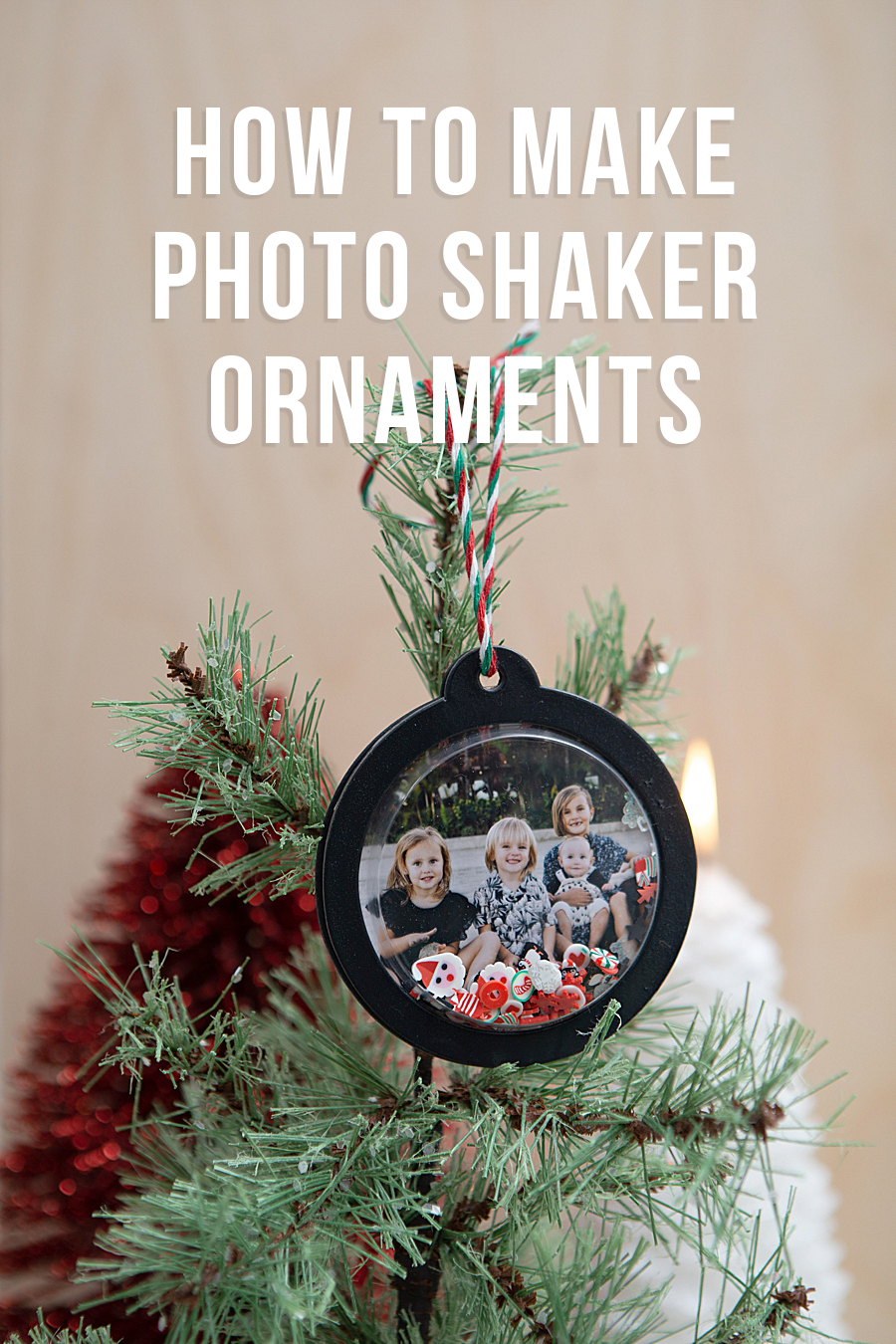
Technical Overview of the Canon SELPHY Square QX10
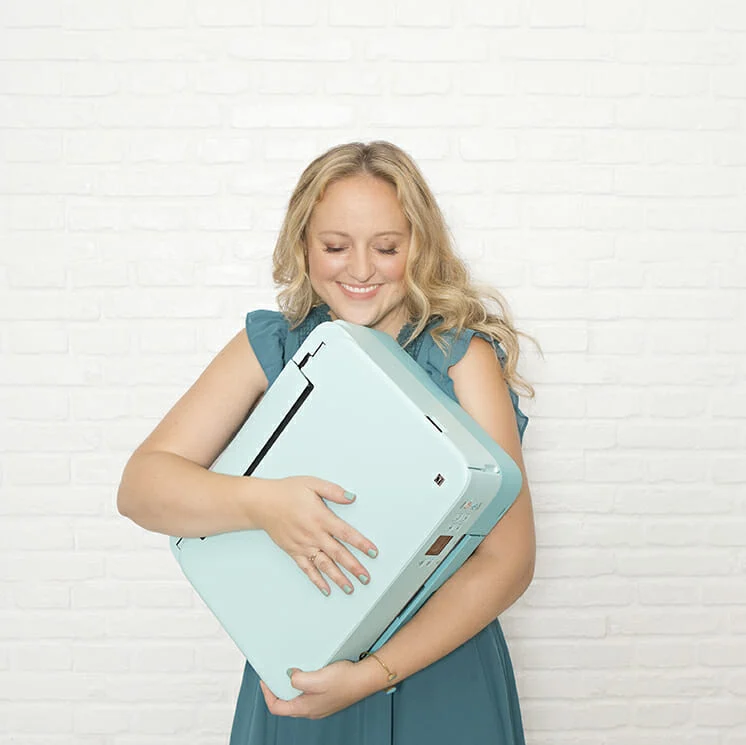
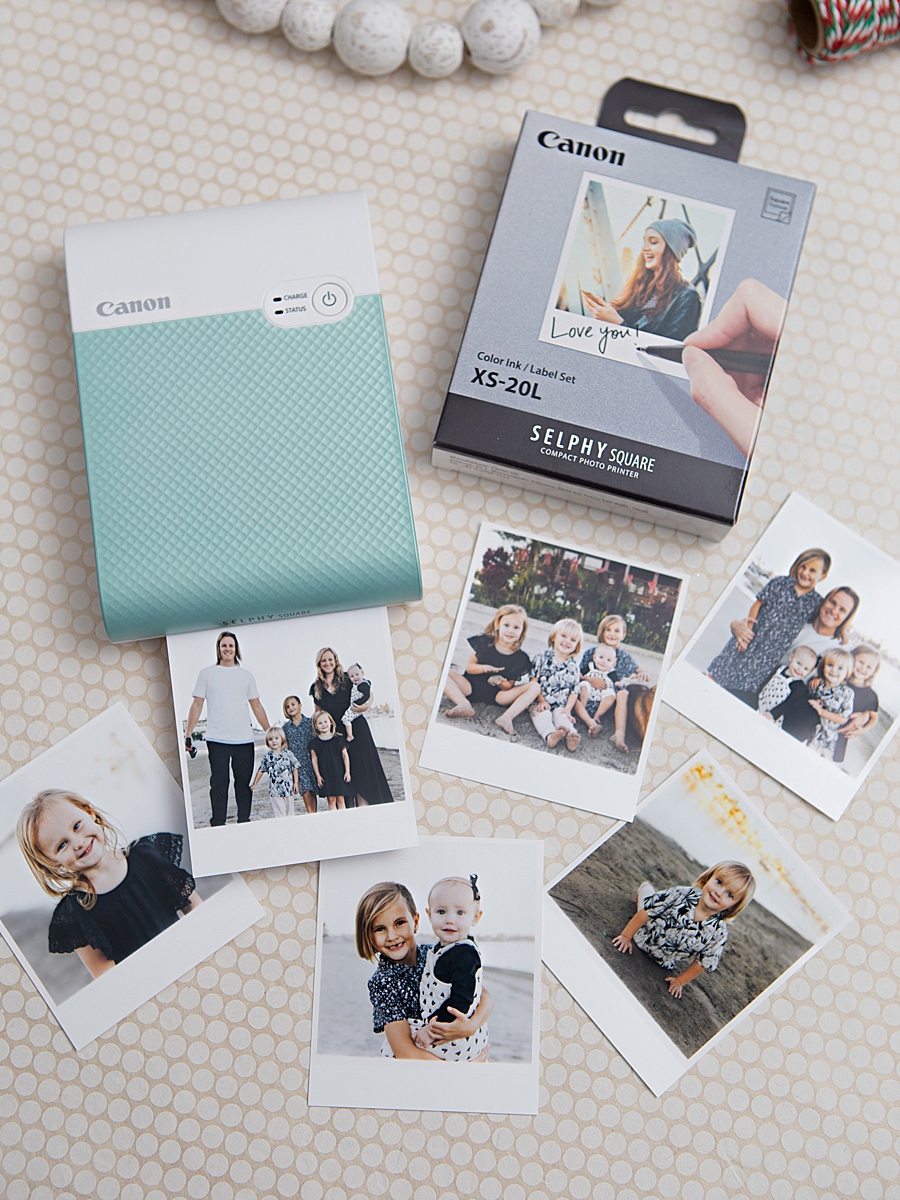
The Canon SELPHY Square QX10 represents a specialized segment of the portable imaging market. Weighing less than one pound and featuring a built-in rechargeable battery, the device is engineered for mobility and ease of use. Unlike traditional inkjet printers that rely on liquid ink, the QX10 employs dye-sublimation thermal transfer technology. This process involves a heating element that sublimates dyes from a ribbon directly onto a proprietary paper medium (XS-20L).
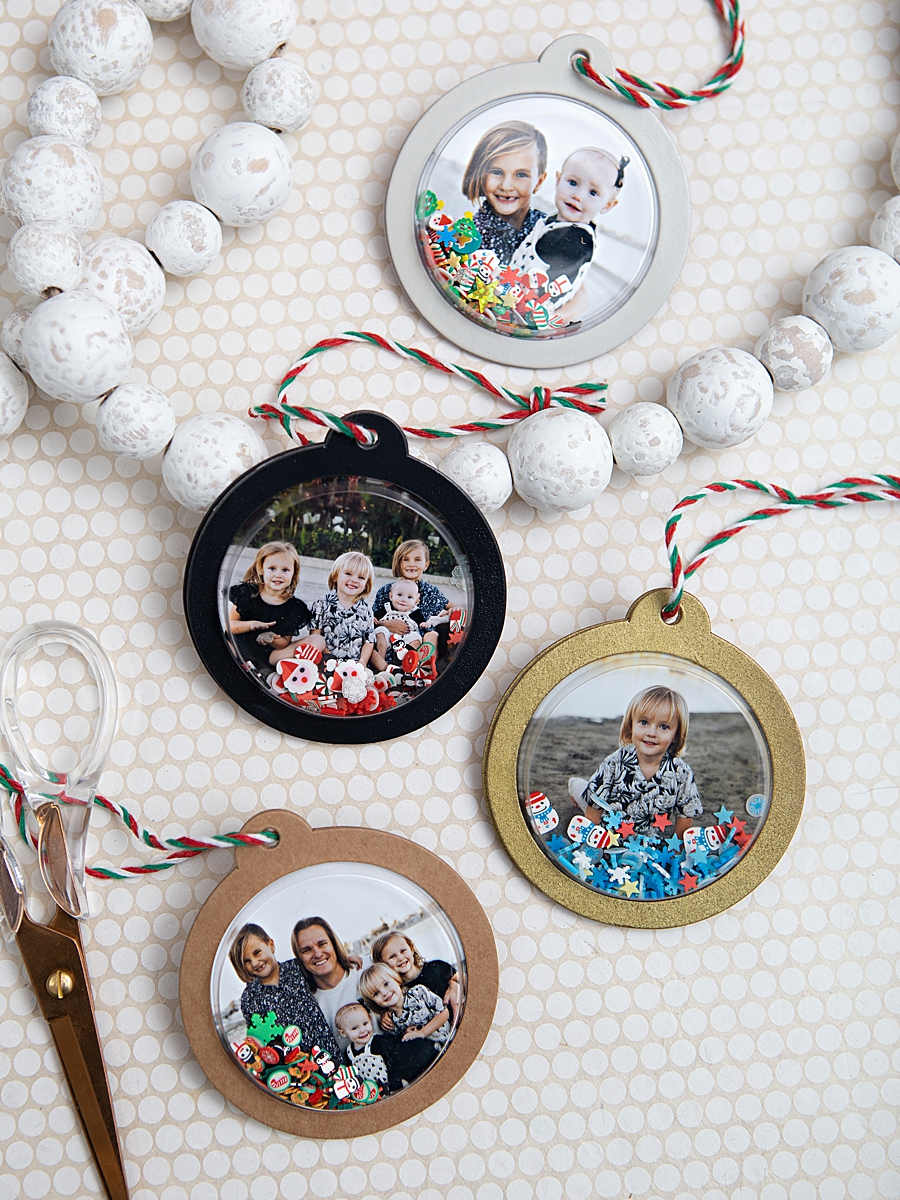
The resulting prints are 2.7” x 2.7” in a square format, often associated with social media aesthetics. A critical technical advantage of this printing method is the application of a protective overcoat during the final stage of the printing cycle. This coating renders the photos resistant to water, dirt, and smudging. According to technical specifications provided by Canon U.S.A., Inc., these prints are rated to maintain their visual integrity for up to 100 years when stored under appropriate conditions. This longevity is a primary selling point for consumers looking to preserve family memories beyond the volatile nature of digital cloud storage.

Integration of Mobile Software and Hardware
The functionality of the hardware is intrinsically linked to the Canon SELPHY Photo Layout 2.0 app. This software interface allows users to connect their smartphones to the printer via a QR code system, bypassing the need for complex network configurations or physical cables. The app serves as a preliminary editing suite where users can apply filters, borders, and text to their images before sending them to the print queue.
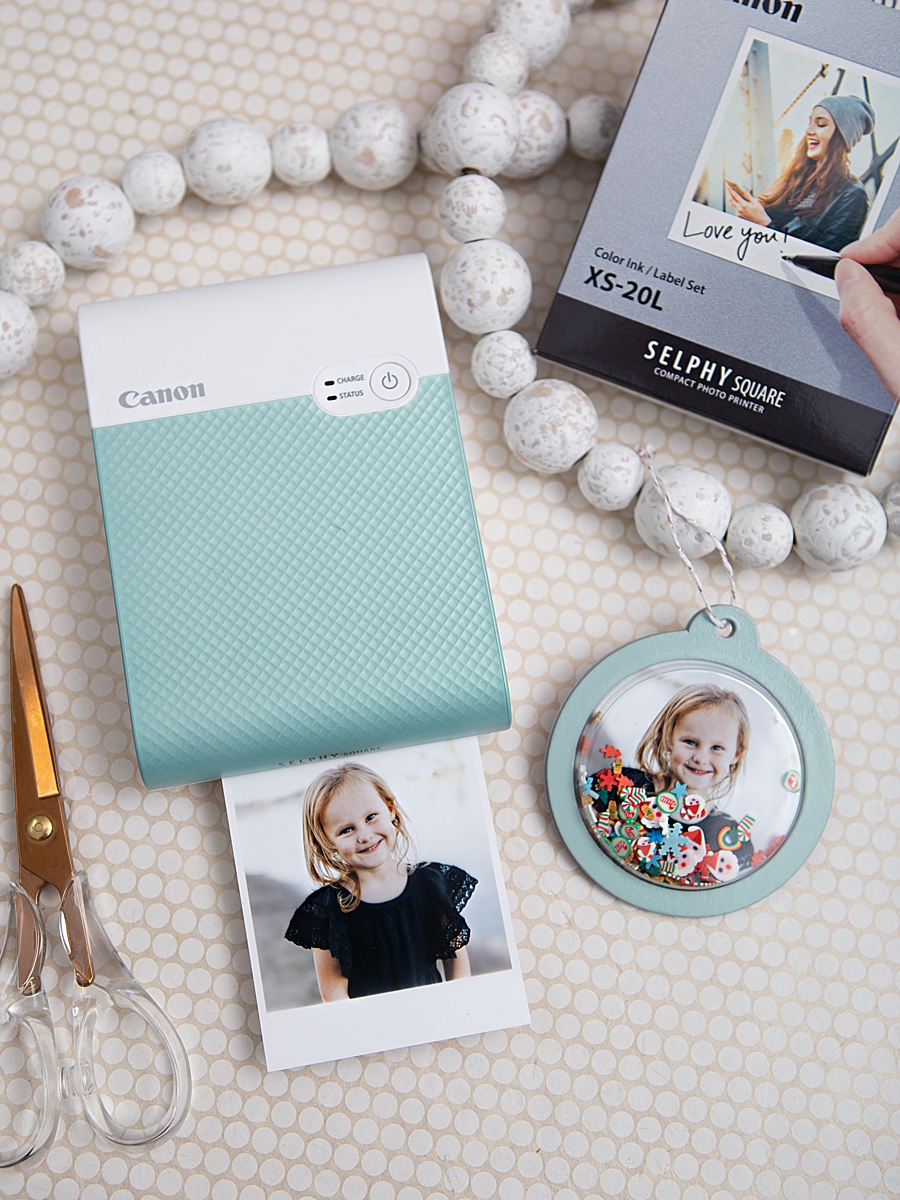
The printing process itself is a four-pass system. Observers of the device note that the paper moves in and out of the printer four times: once for each primary color layer (yellow, magenta, and cyan) and a final pass for the clear protective laminate. This transparency in the mechanical process has been noted by educators and parents as an engaging visual demonstration of color theory and printing technology for children.
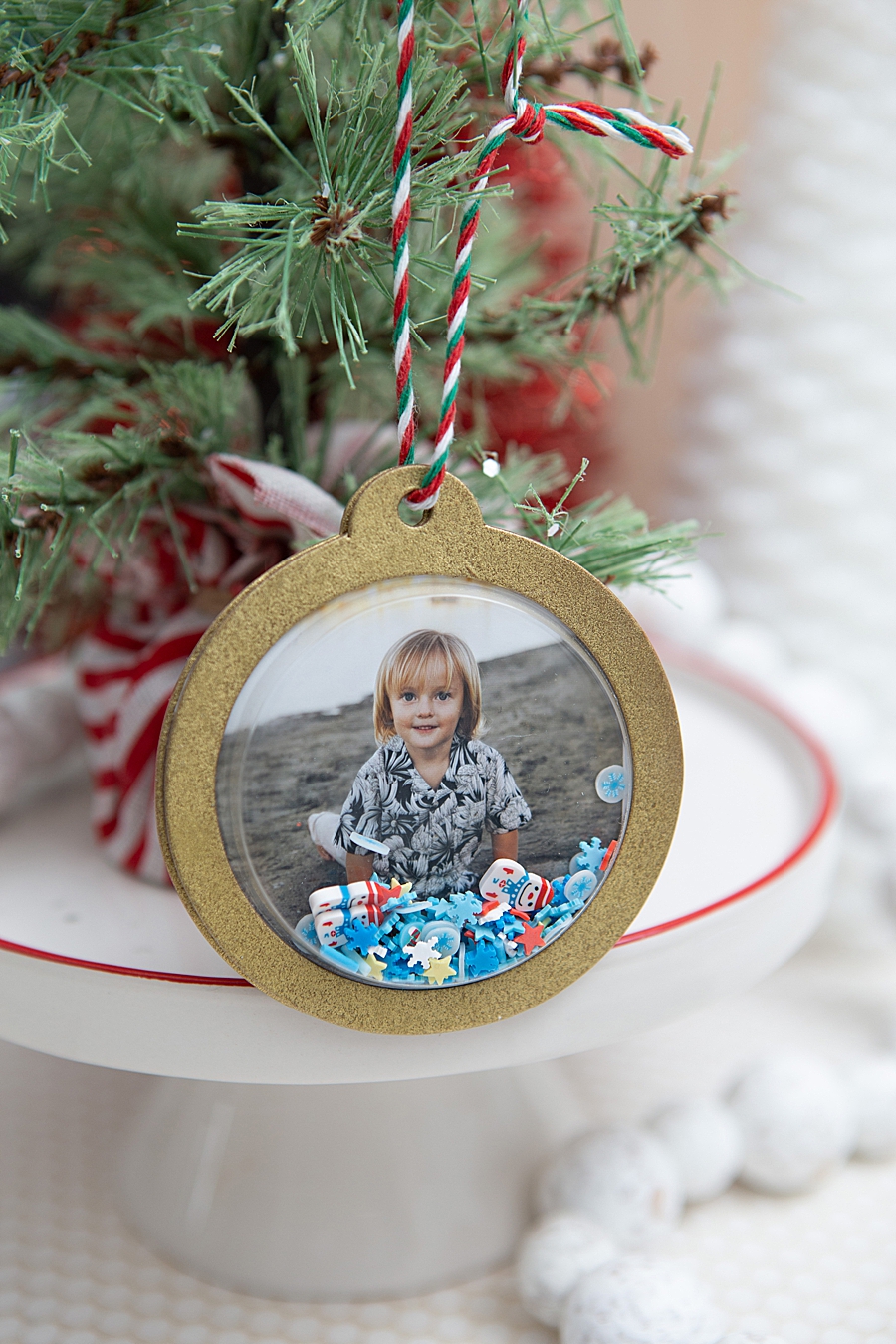
Chronology of the DIY Photo Shaker Ornament Project
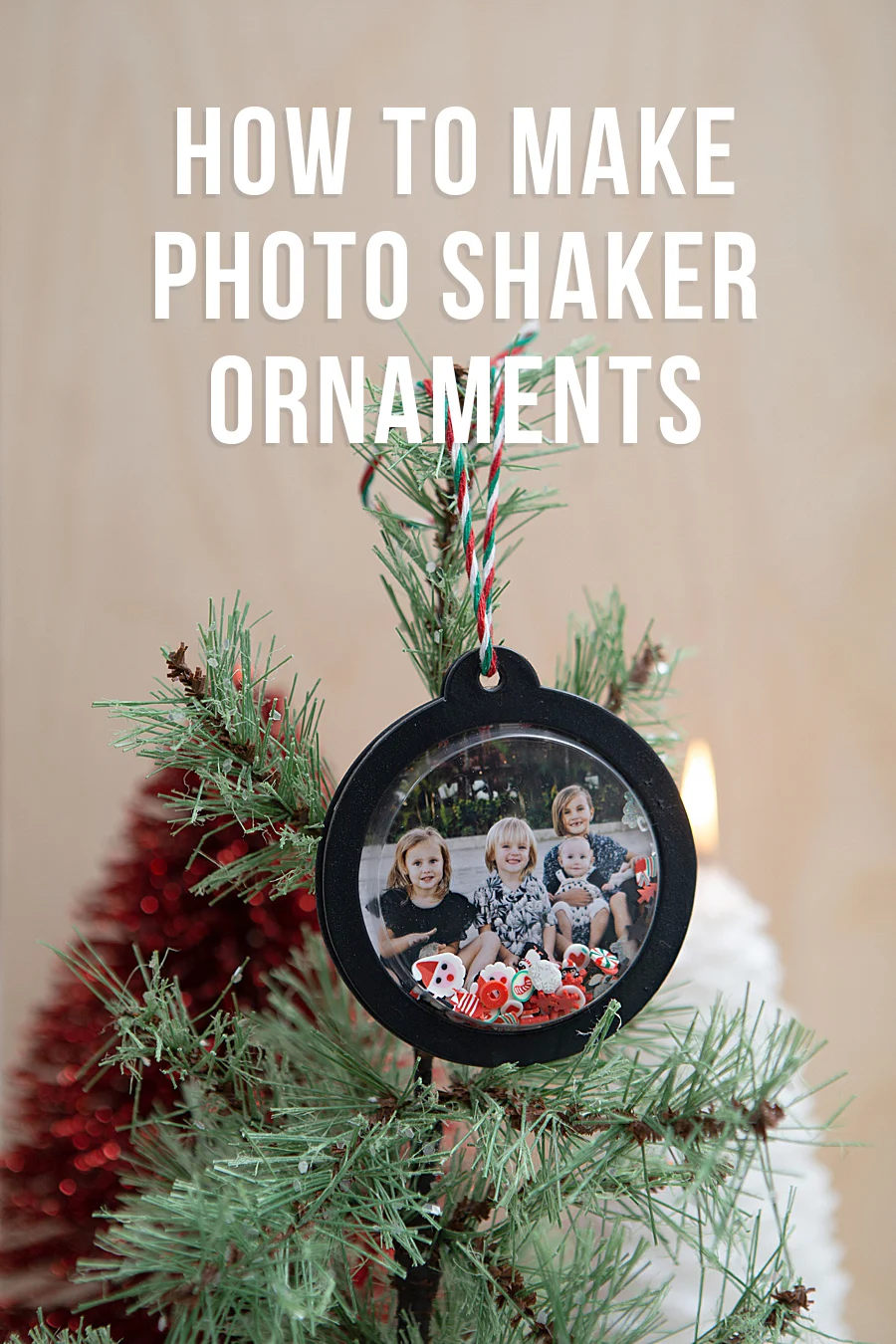
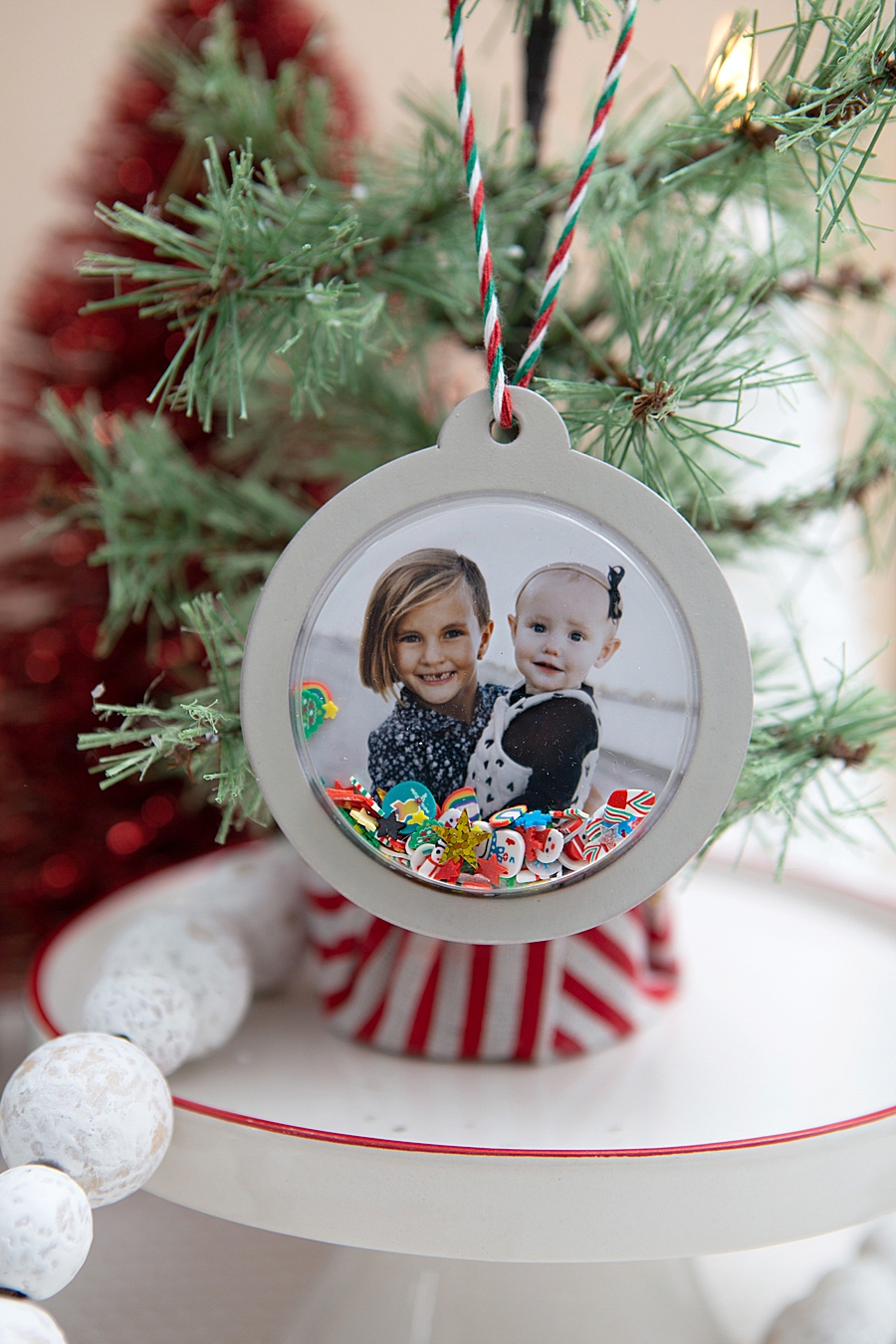
The versatility of the QX10’s output—specifically the adhesive-backed nature of the prints—has facilitated a variety of home-based "Do-It-Yourself" (DIY) projects. A recent methodology for creating "Photo Shaker Ornaments" demonstrates the workflow from digital capture to physical artifact.
Phase 1: Preparation and Surface Treatment
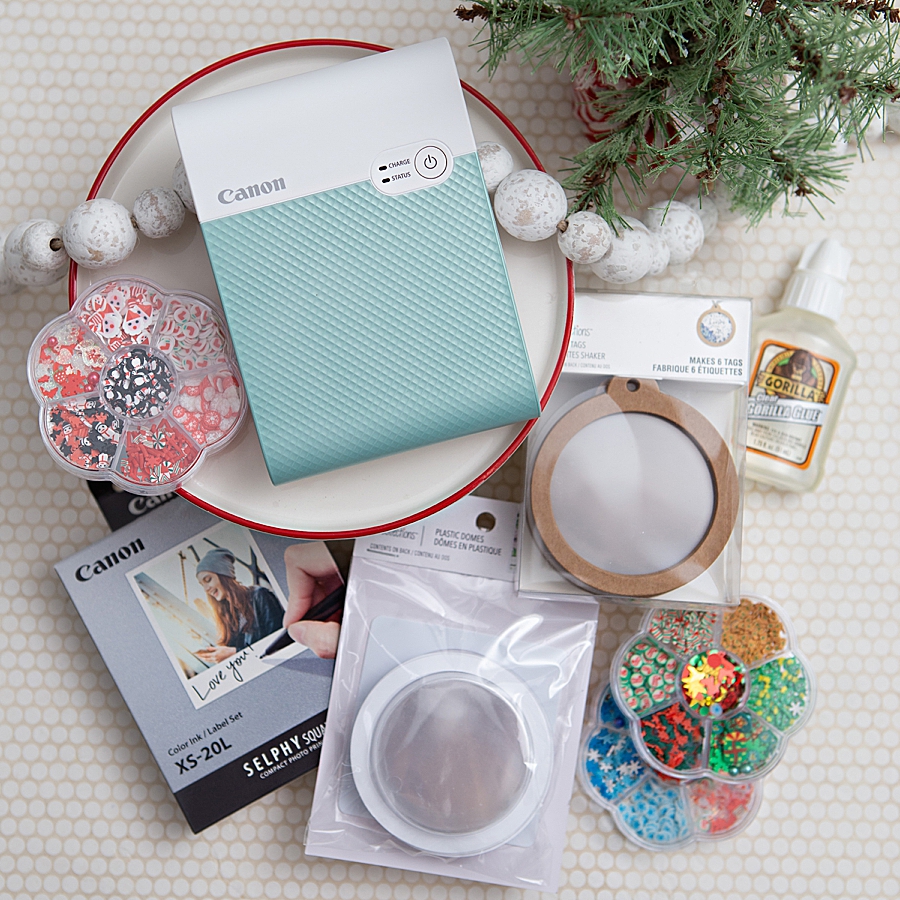
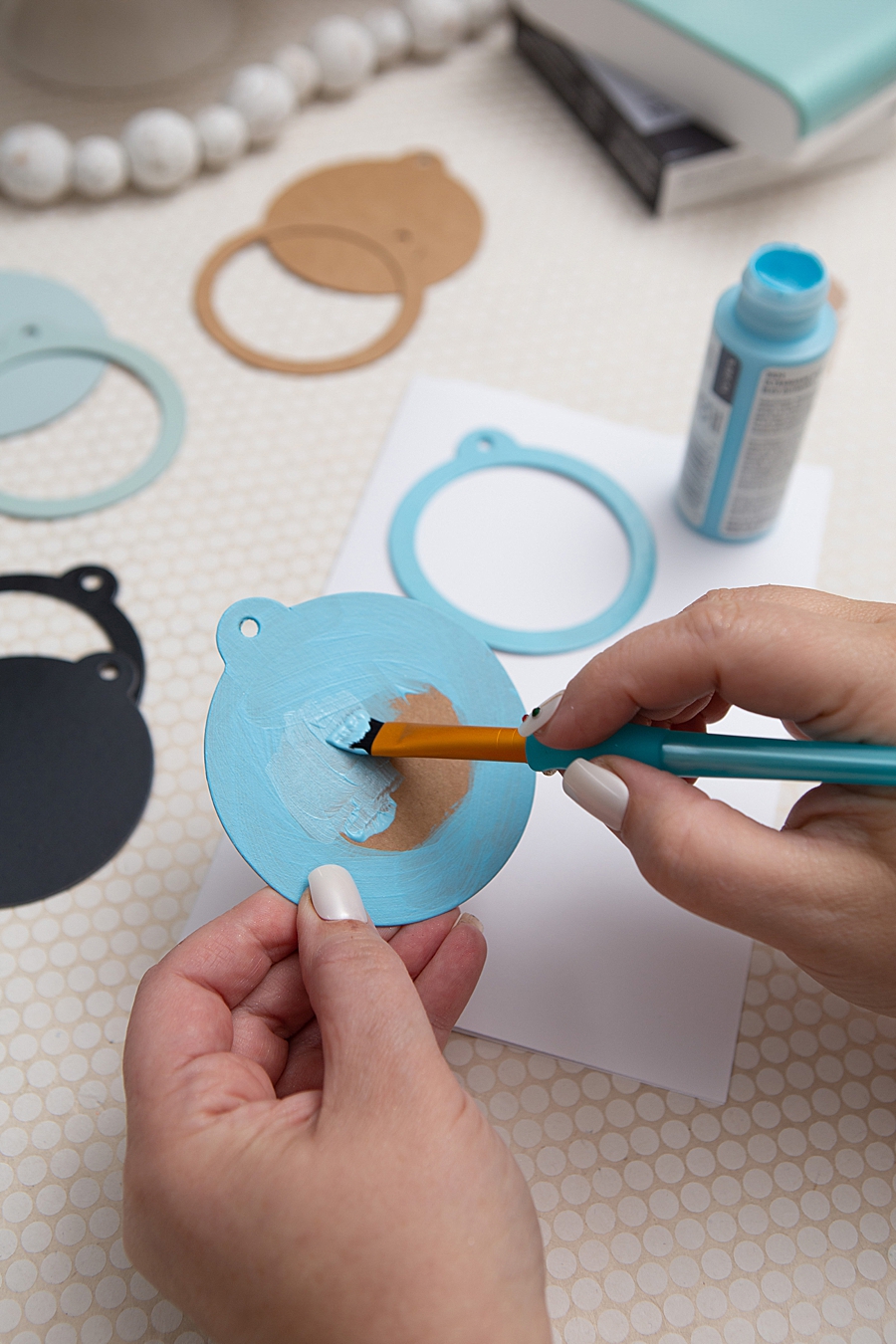
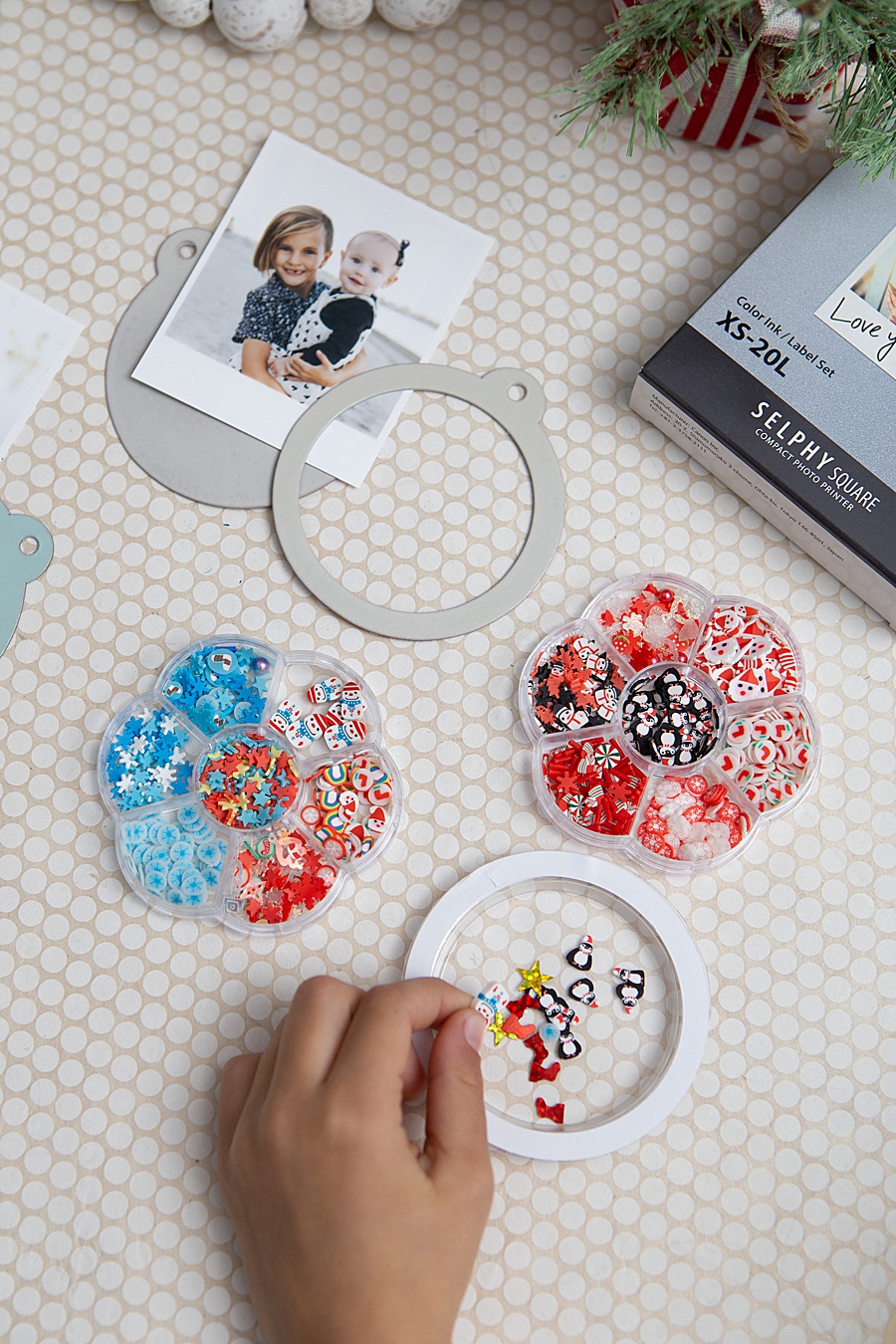
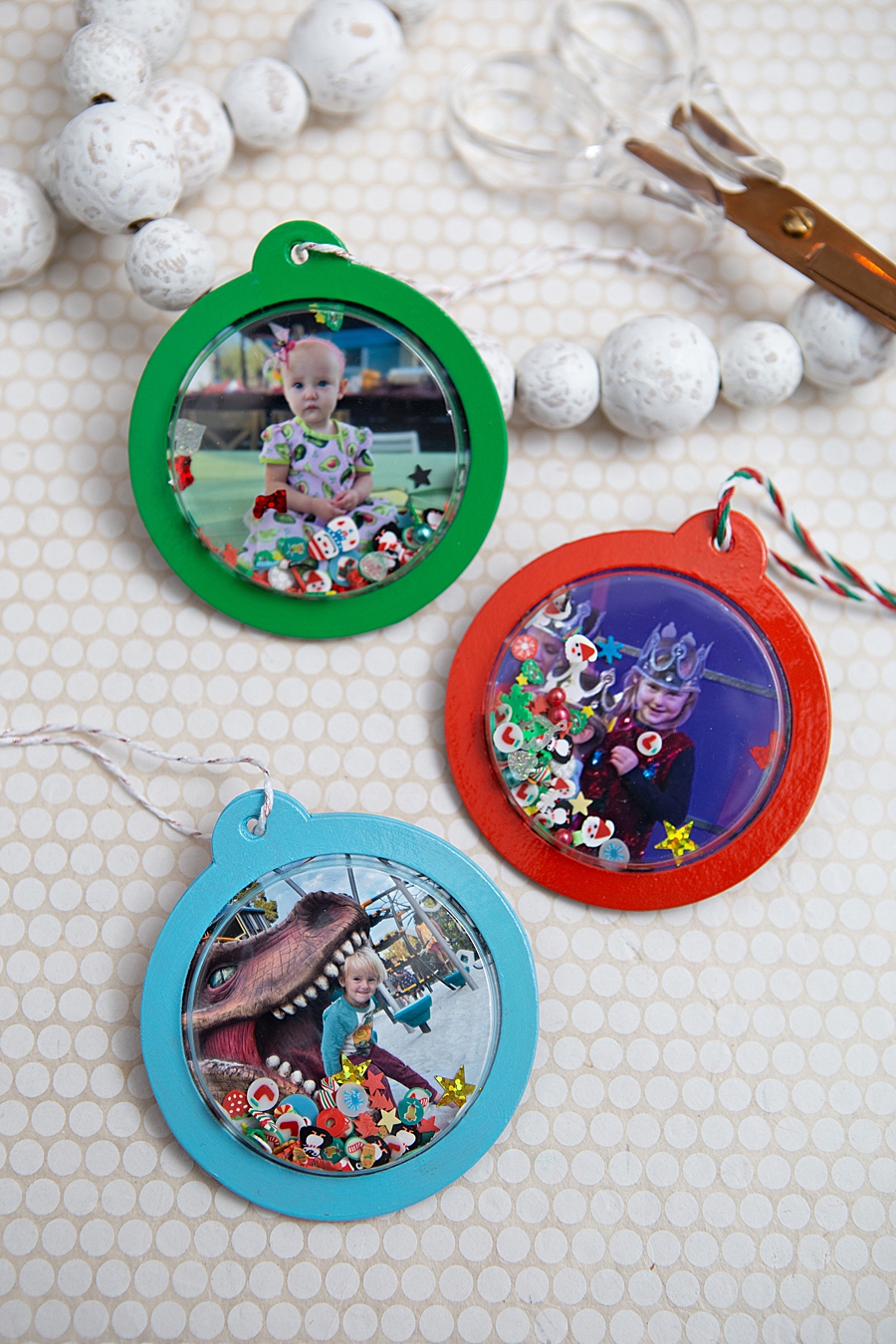
The project begins with the selection of base materials, typically kraft shaker tags and plastic domes. In professional crafting applications, these tags are often treated with multiple coats of craft paint or spray paint to align with specific aesthetic themes. A clear gloss spray is frequently applied as a sealant to ensure the longevity of the base material.
Phase 2: Digital Selection and Printing
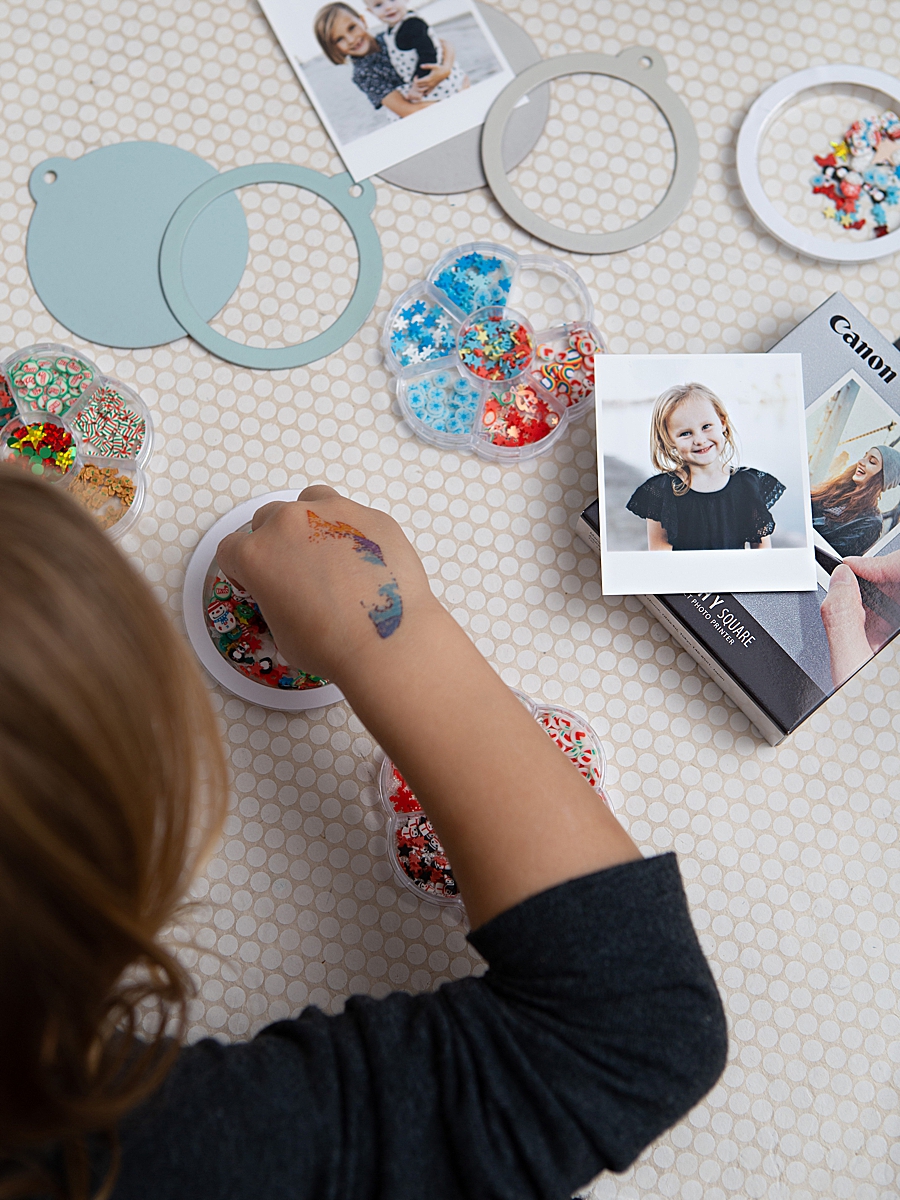
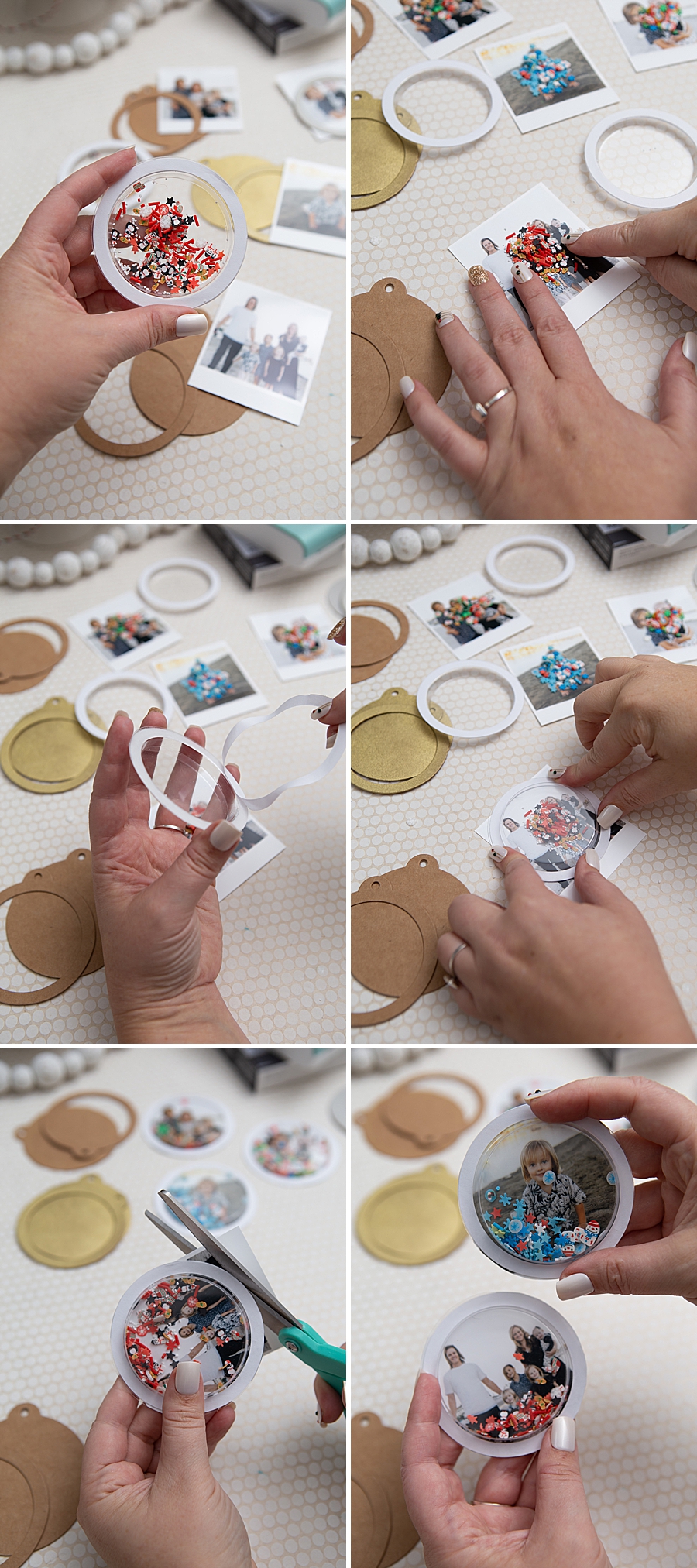
Users select high-resolution images from their mobile devices. The square format of the QX10 is particularly suited for portraiture. Once edited within the SELPHY Photo Layout app, the images are printed. The adhesive backing of the XS-20L paper is a crucial component here, as it allows the photo to be mounted directly onto the shaker tag without the need for additional liquid glues that might warp the paper.
Phase 3: Assembly of the Shaker Mechanism
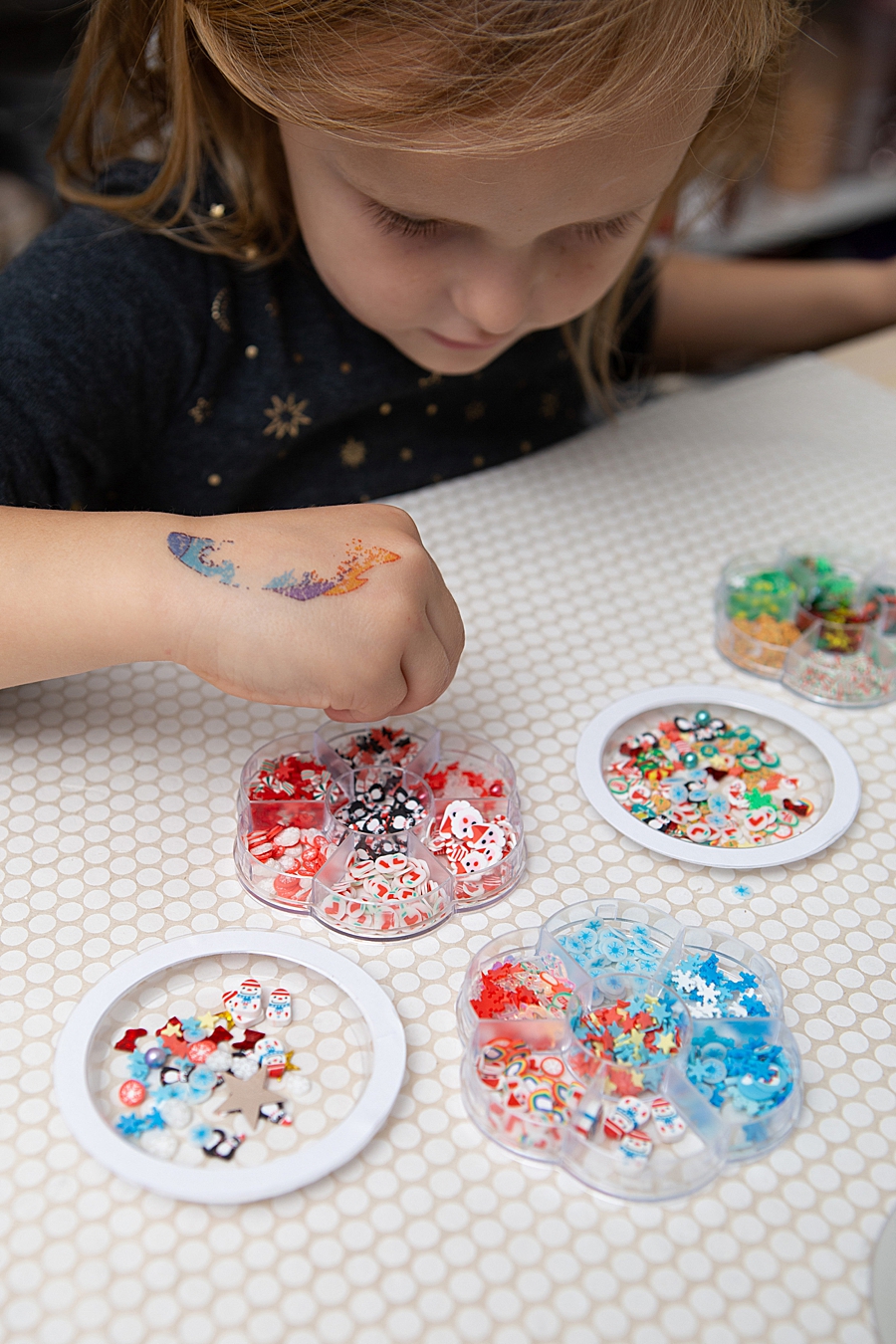
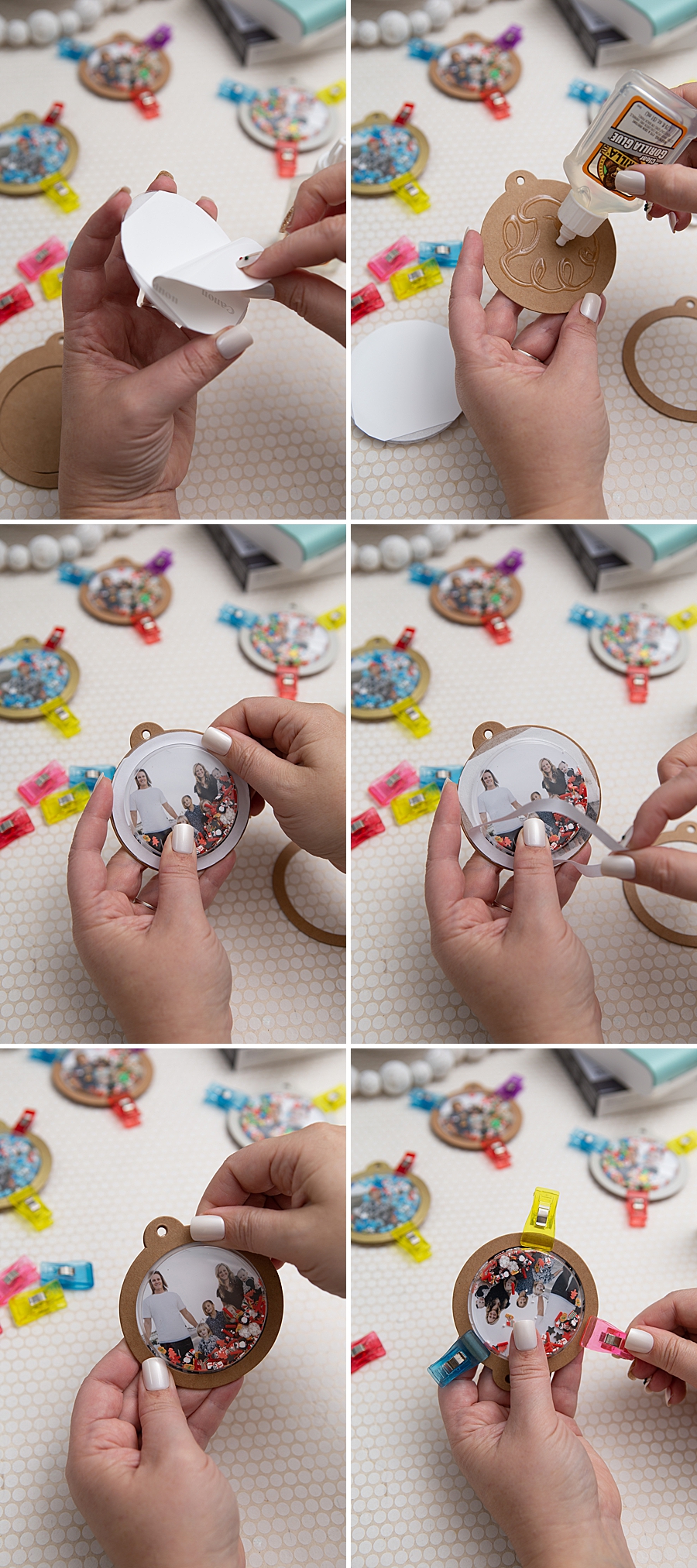
The "shaker" element is achieved by placing small decorative items—such as sequins, glitter, or micro-beads—into a clear plastic dome. Technical guidance suggests filling the dome to approximately one-eighth of its capacity to ensure the central photograph remains visible while allowing for movement of the internal "bits."
Phase 4: Final Bonding and Curing
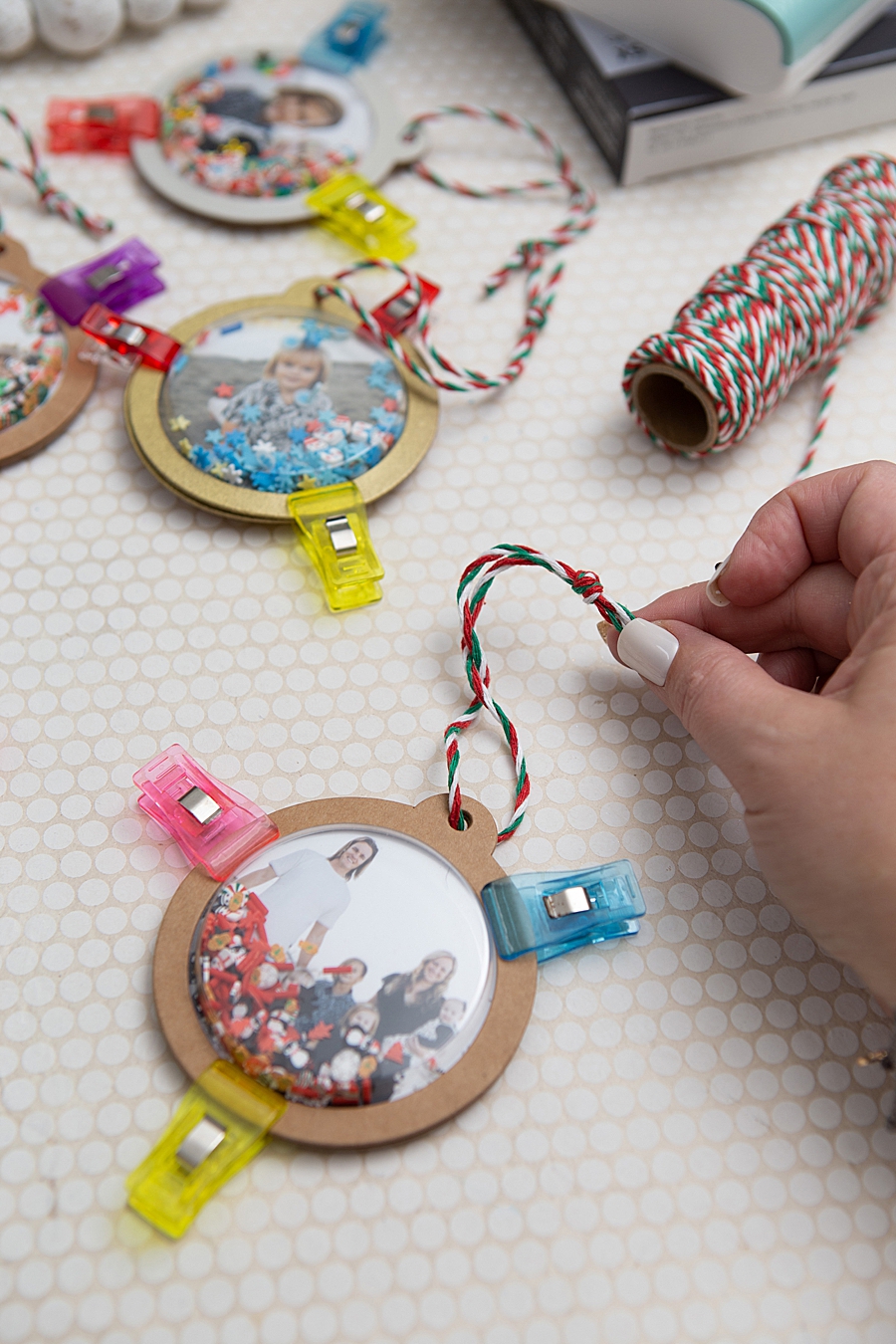
The plastic dome is secured to the photo-mounted tag using a high-strength adhesive, such as Gorilla Glue. Given the weight of the plastic and the potential for movement, industrial-grade adhesives are preferred over standard school glues. The assembly requires a curing period, typically two hours for initial set and 24 hours for a full structural cure. The addition of twine or ribbon completes the ornament, transforming it into a functional piece of holiday decor.
Market Trends and the Resurgence of Physical Media
The popularity of devices like the Canon SELPHY Square QX10 is reflective of broader shifts in the consumer electronics and hobbyist markets. Market research indicates that while digital photography remains the dominant form of image capture, the "analog revival" has spurred demand for instant physical prints.
According to industry analysis, the global portable photo printer market has seen steady growth, driven by the "scrapbooking" community and the rise of personalized gifting. Consumers are increasingly reporting "digital fatigue," a state where the sheer volume of photos stored on smartphones leads to a decreased emotional connection with the images. Physical prints, by contrast, offer a tactile experience that facilitates social interaction and domestic display.
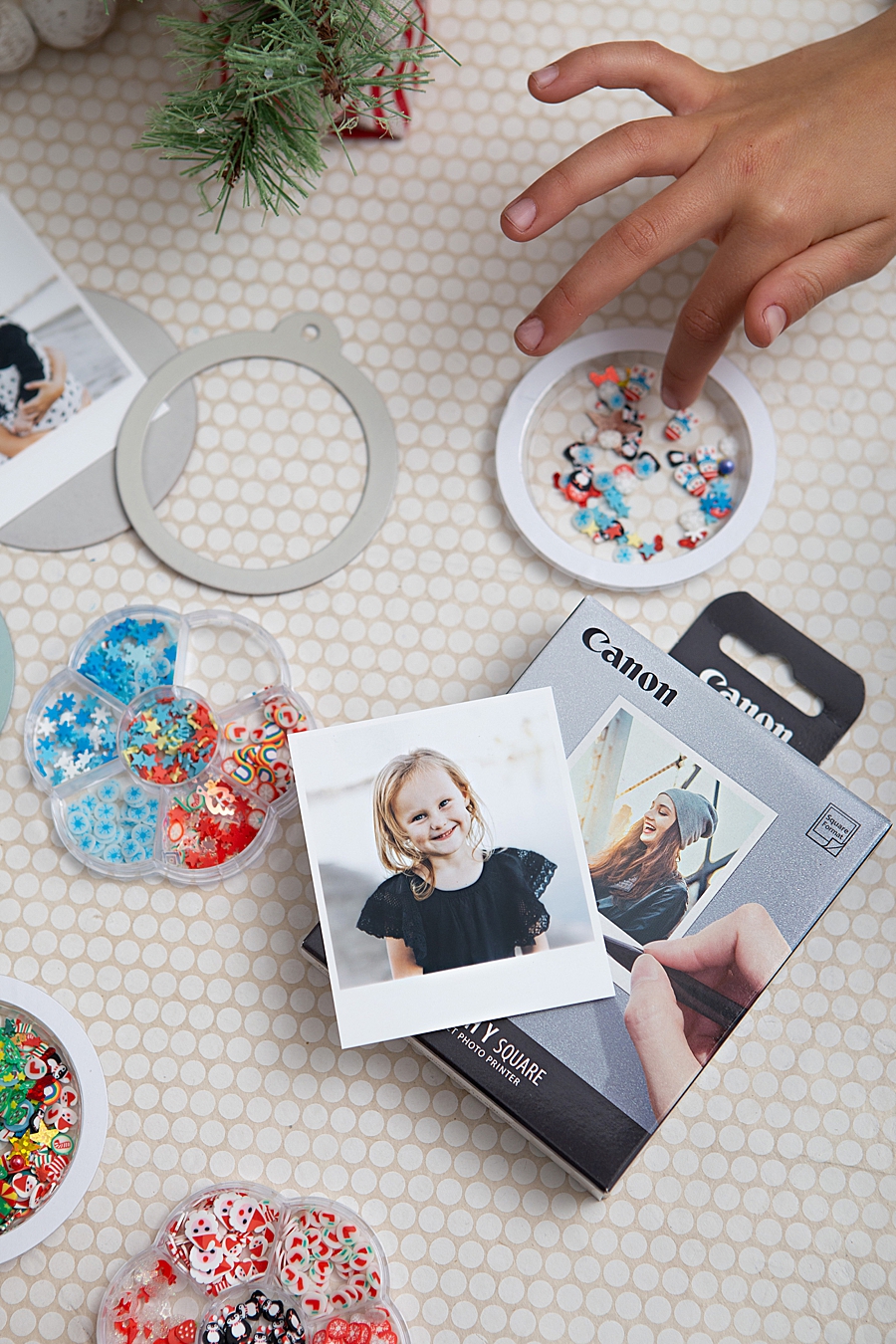
Furthermore, the integration of high-quality printing technology into the DIY sector has significant implications for retail giants like Michaels and Amazon. The "shaker ornament" project utilizes a cross-section of products from these retailers, indicating a healthy ecosystem where technology drives the consumption of traditional craft supplies.
Educational and Social Implications
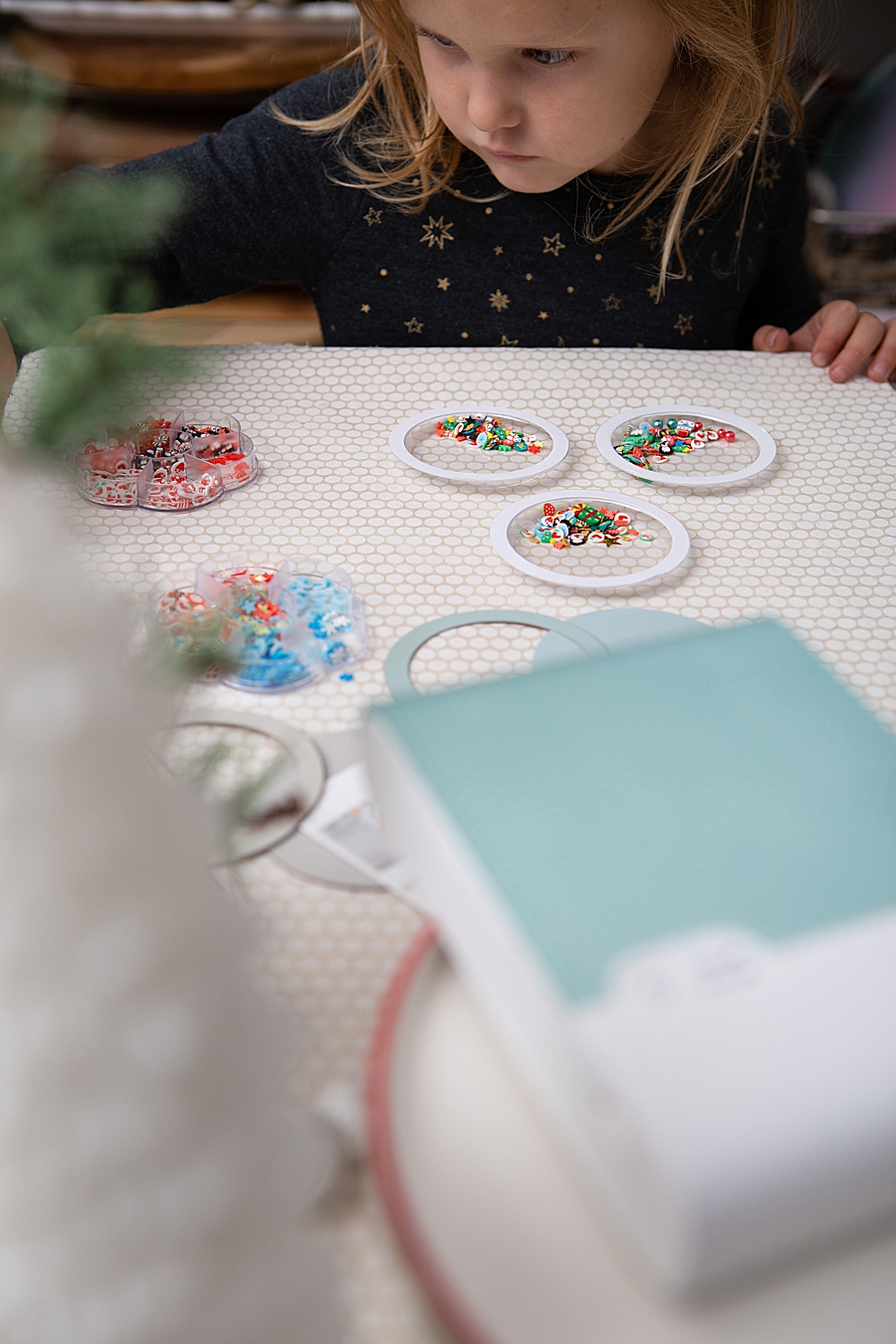
The use of portable printing technology in family-oriented projects serves an educational purpose. By involving children in the selection, printing, and assembly process, parents are introducing concepts of digital-to-analog conversion and mechanical engineering.
From a social perspective, the creation of personalized ornaments serves as a form of "archival storytelling." Unlike mass-produced holiday decorations, these photo-based artifacts carry specific historical and emotional weight. As the prints are rated to last a century, these ornaments are positioned as potential family heirlooms, passed down through generations.
Analysis of Technical Limitations and Considerations
While the Canon SELPHY Square QX10 offers high-quality output, there are logistical considerations for the consumer. Each pack of photo paper is bundled with a specific ink cassette designed for 20 prints. This ensures that the ink and paper levels remain synchronized, but it also means that the cost per print is higher than that of traditional bulk inkjet printing or commercial pharmacy-based printing services.
Additionally, the reliance on a proprietary paper size (2.7" x 2.7") means that users are limited to a specific aesthetic. However, for the target demographic of crafters and social media users, this limitation is often viewed as a creative constraint that simplifies the design process.

Conclusion and Future Outlook
The Canon SELPHY Square QX10 and its application in creative projects like photo shaker ornaments represent a successful marriage of modern technology and traditional sentiment. By providing a portable, high-fidelity solution for photo printing, Canon is addressing a specific consumer desire for immediacy and quality in physical media.
As mobile technology continues to advance, the demand for peripheral devices that can translate digital data into permanent physical objects is expected to remain robust. The 100-year longevity of dye-sublimation prints ensures that the "digital memories" of today will remain accessible long after current software formats and hardware interfaces have become obsolete. The move toward personalized, tech-integrated crafting is not merely a seasonal trend but a shift in how modern society preserves its visual history.
Through the lens of journalistic observation, the success of such devices underscores a fundamental human preference for the tangible. Whether displayed on a family corkboard or hung on a holiday tree, the physical photograph remains a powerful medium for connection in an increasingly virtual world.