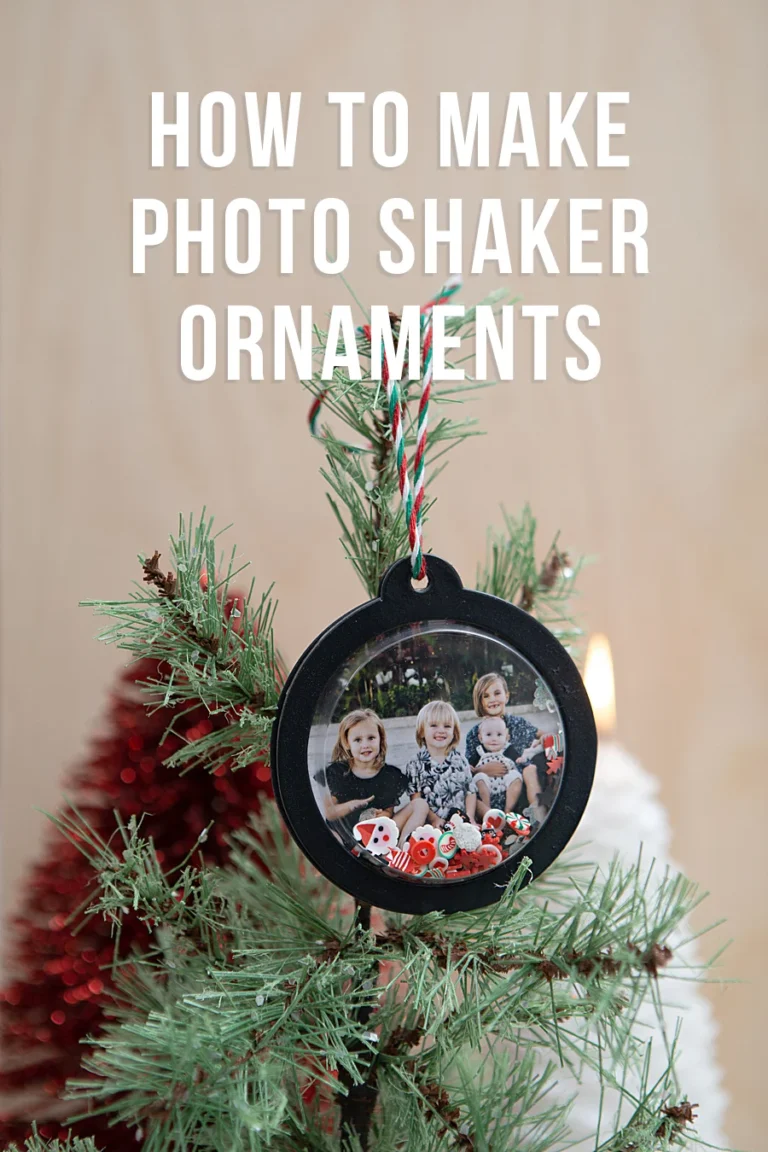



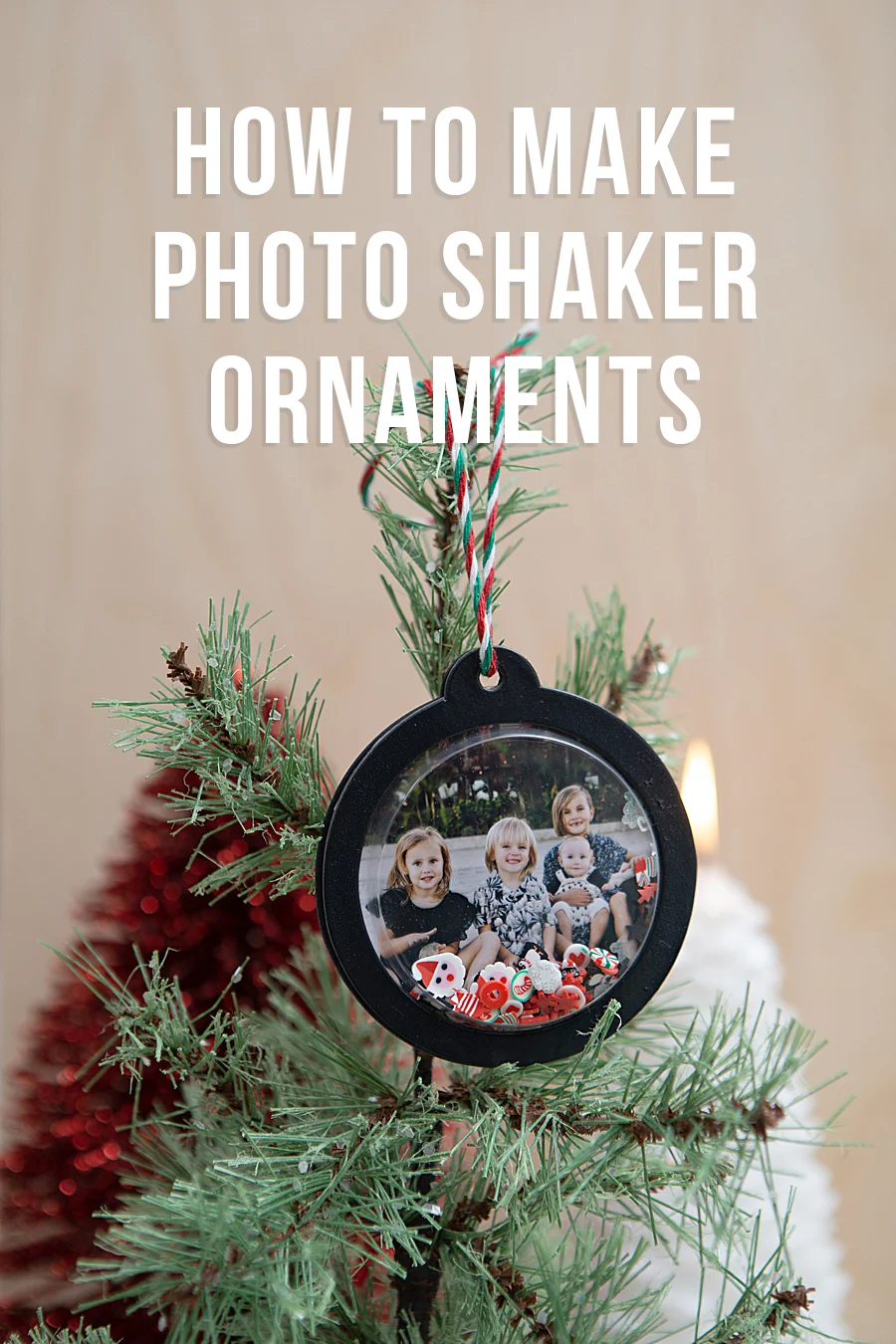
The integration of portable dye-sublimation technology into the domestic crafting market has reached a new milestone with the deployment of the Canon SELPHY Square QX10, a device that is currently redefining how consumers interact with digital photography during the holiday season. As the demand for personalized, "phygital" products—items that bridge the gap between digital convenience and physical tangibility—continues to rise, specialized printing solutions are becoming central to home-based creative projects. This trend is exemplified by a recent collaboration between Canon U.S.A., Inc. and DIY expert Jen Causey-Kidder of Something Turquoise, which showcases the transition of mobile snapshots into high-durability, interactive holiday ornaments. By leveraging a compact, battery-operated form factor, the SELPHY Square QX10 facilitates a streamlined workflow from image capture to physical assembly, signaling a broader shift in consumer electronics toward task-specific, high-quality output devices.
Technical Specifications and the Evolution of Dye-Sublimation
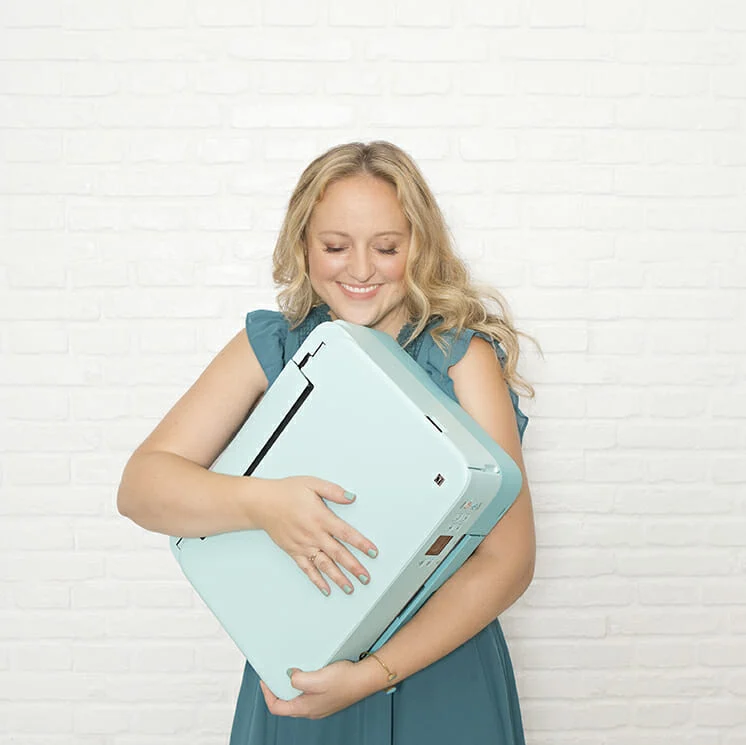
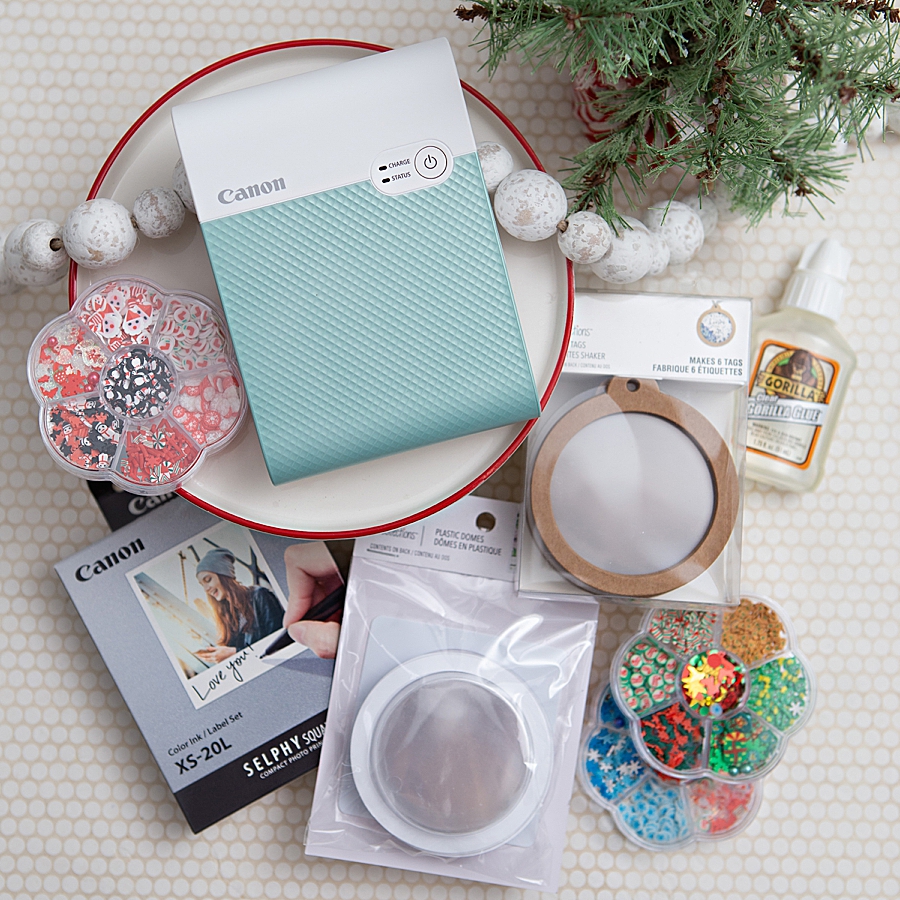
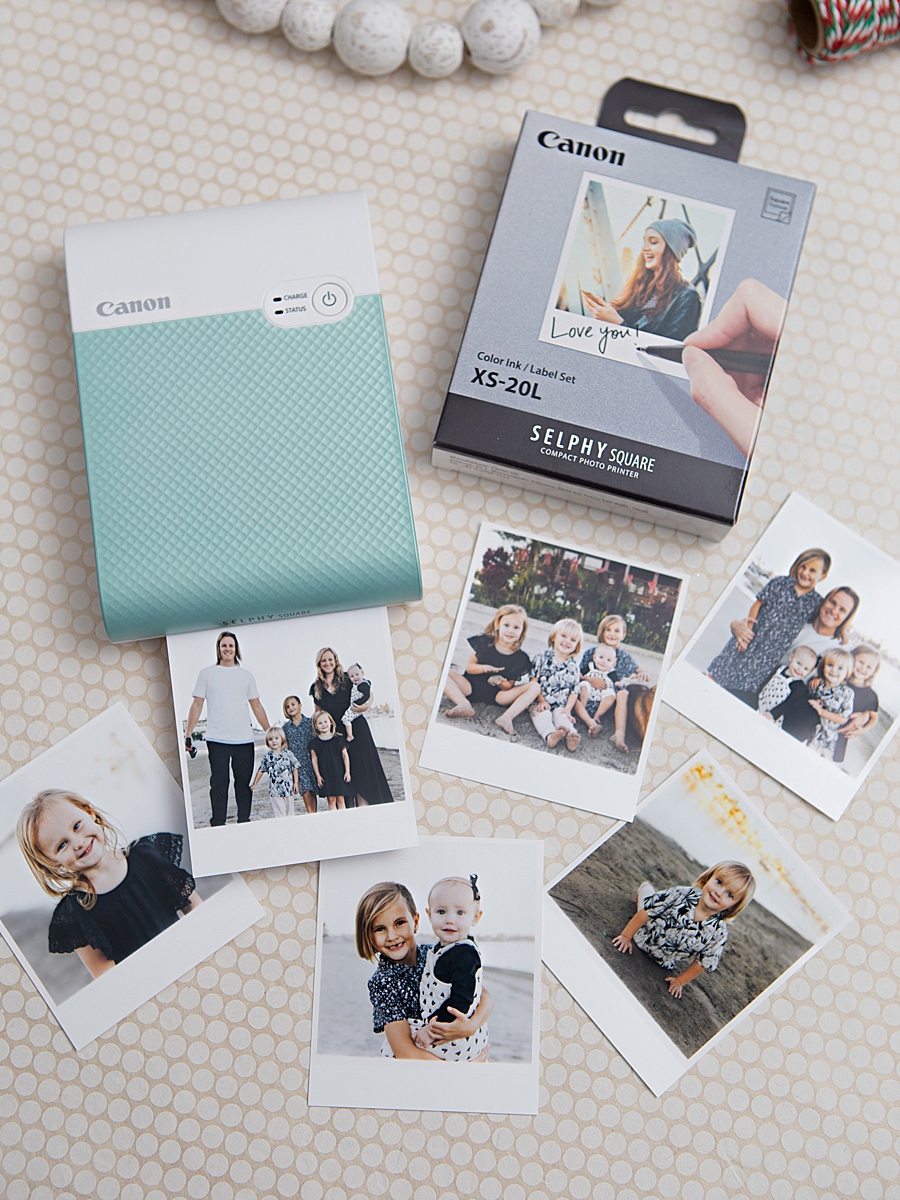
The Canon SELPHY Square QX10 represents a significant technical advancement in the portable printer category. Weighing less than one pound, the device utilizes a specialized dye-sublimation thermal transfer printing system. Unlike traditional inkjet printers that rely on liquid droplets, dye-sublimation uses heat to transfer dye from a ribbon onto a specific type of media. This process involves four distinct passes: three passes for the primary colors (cyan, magenta, and yellow) and a final fourth pass that applies a clear, protective overcoat.
This overcoat is critical to the product’s value proposition, as it protects the image from water, oil, and gas, and helps prevent fading. Canon asserts that these prints can maintain their visual integrity for up to 100 years when stored under proper conditions. The resulting 2.7” x 2.7” square prints are specifically designed for the modern social media aesthetic, mirroring the square format popularized by platforms like Instagram. Furthermore, the XS-20L label paper features a peel-and-stick adhesive backing, expanding the utility of the prints from traditional photo albums to various surfaces including journals, wall displays, and complex craft assemblies.
Chronology of the Photo Shaker Ornament Project
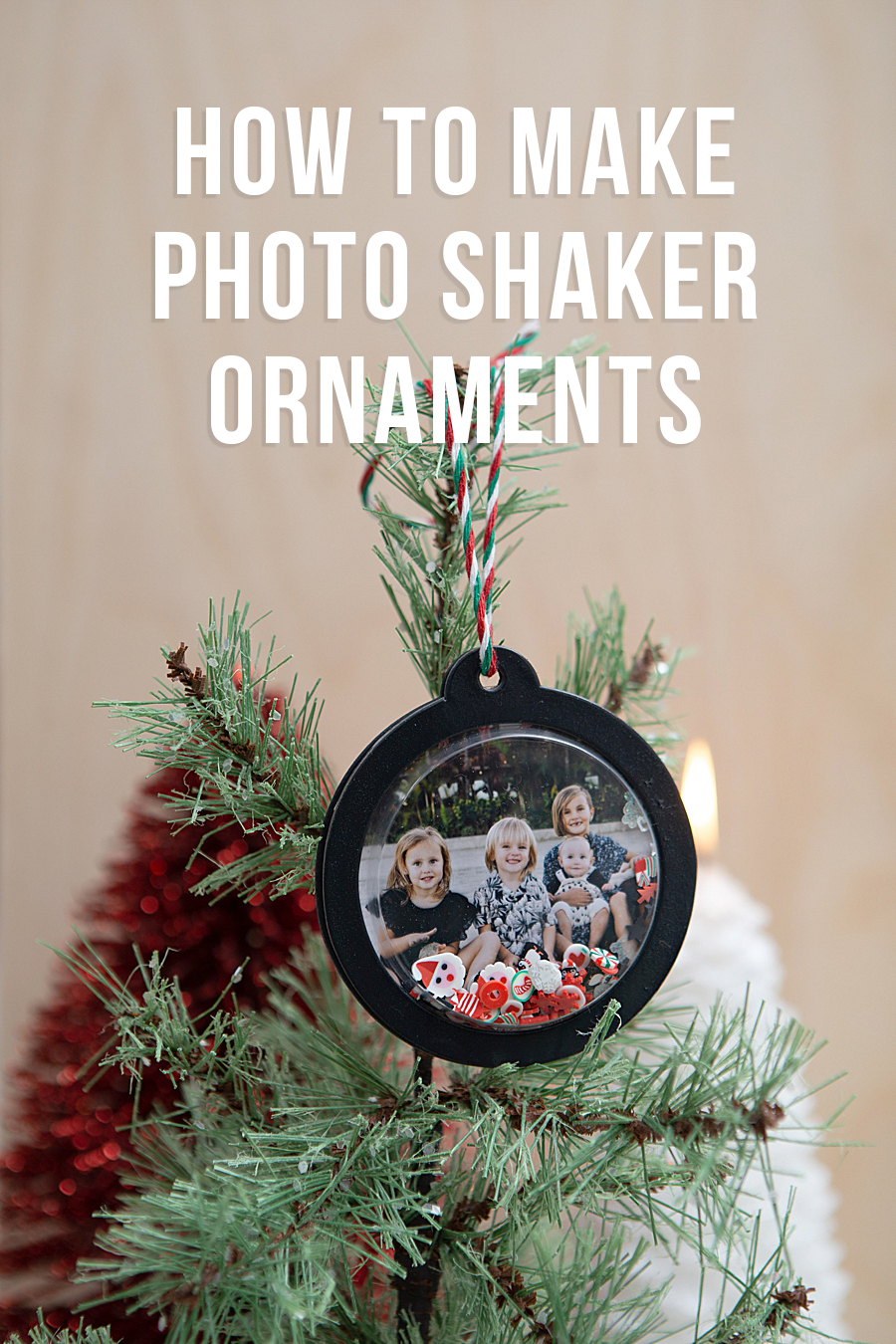
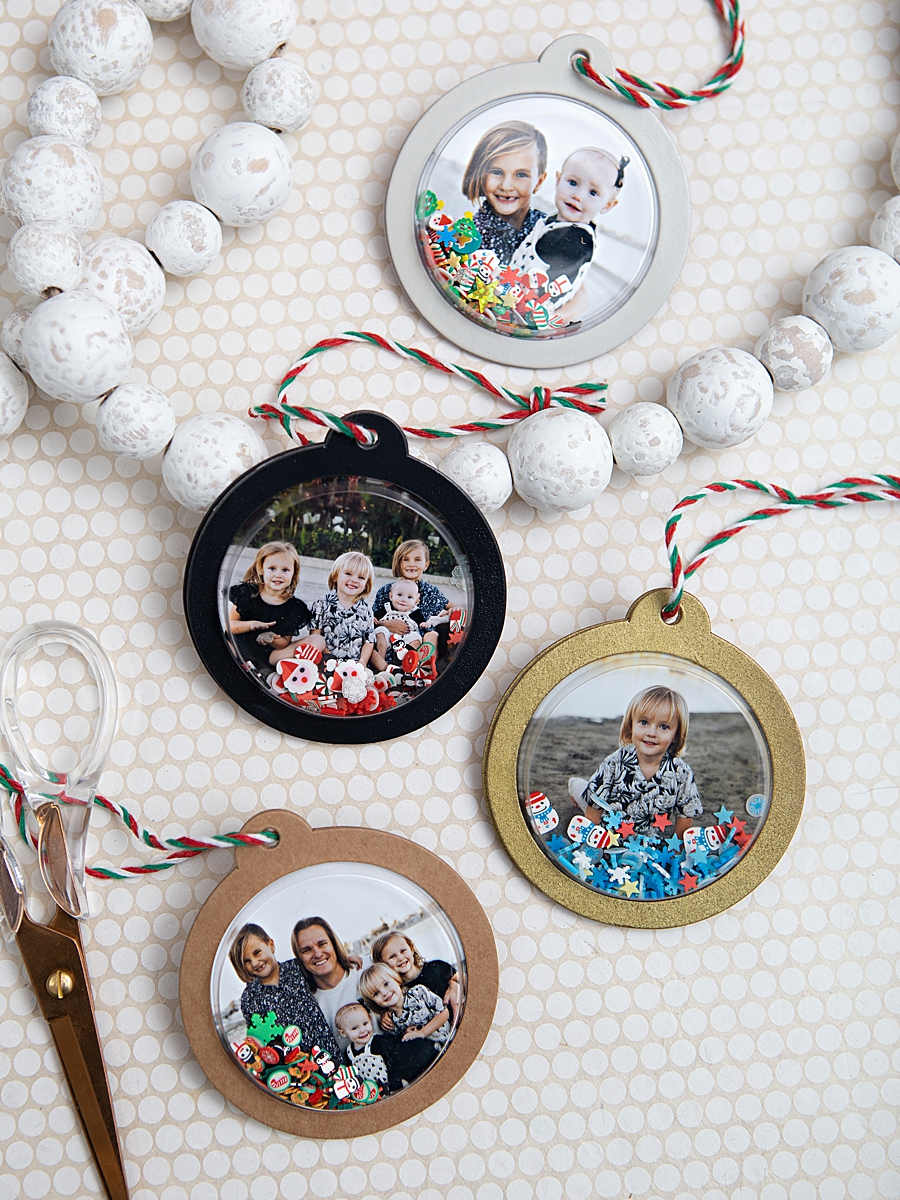
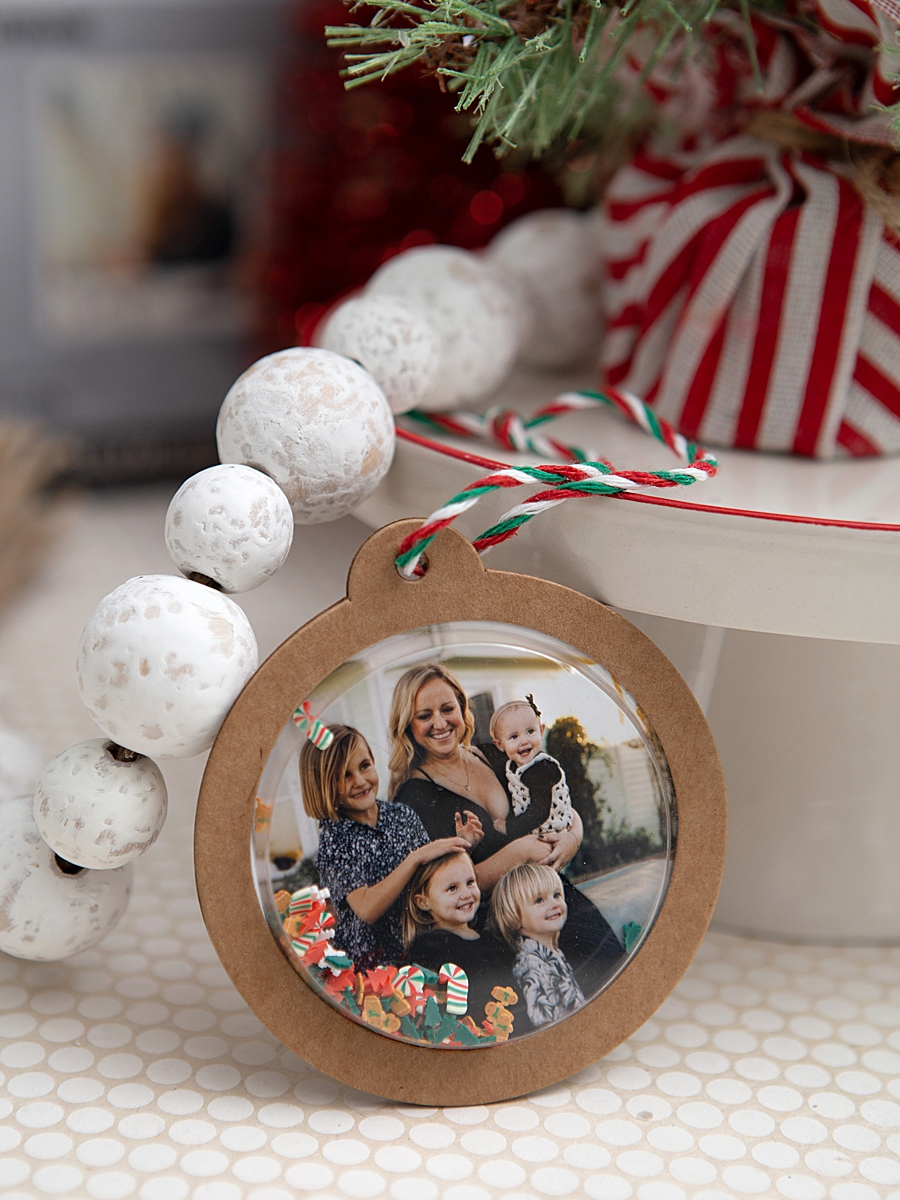
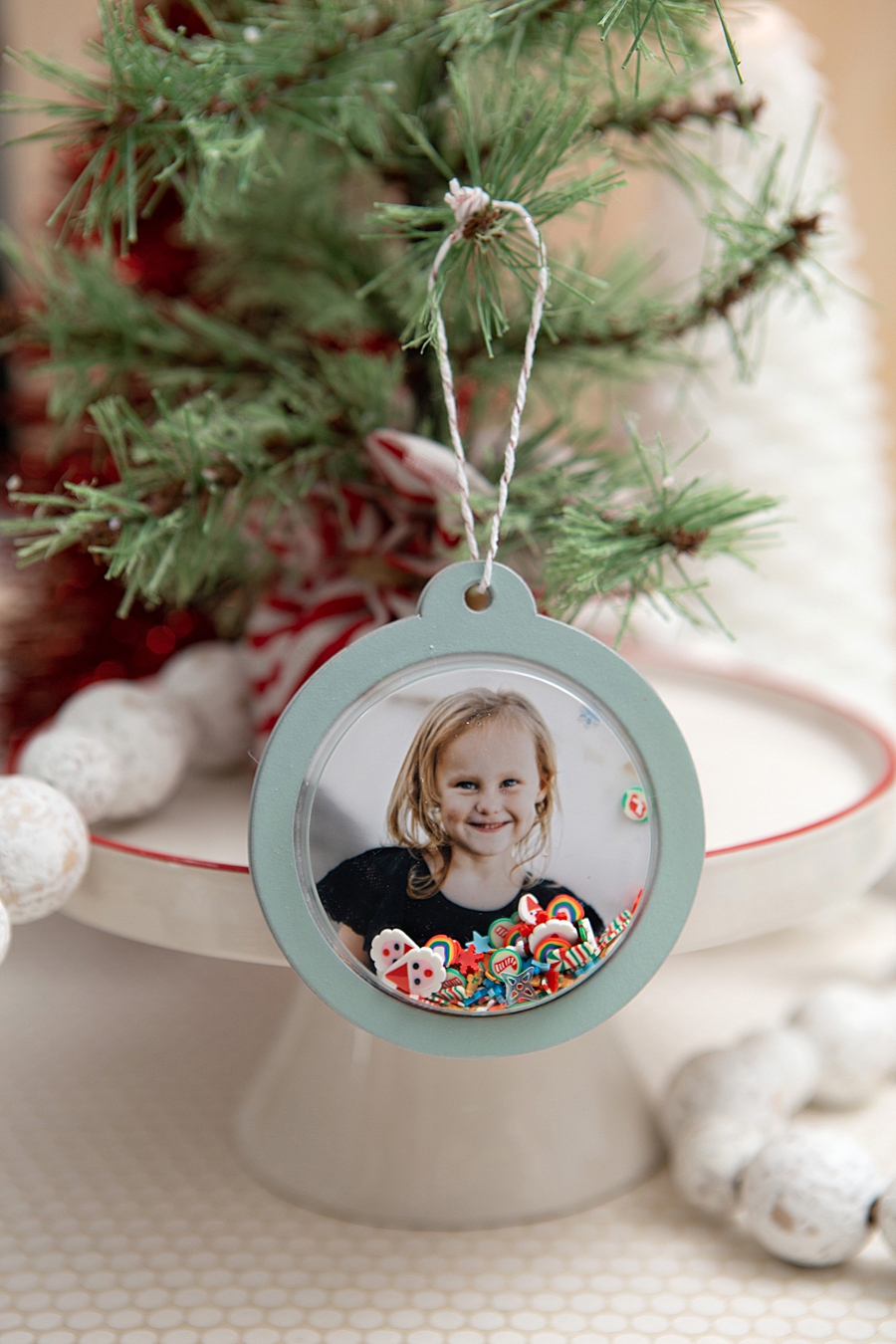
The application of this technology in the domestic sphere was recently demonstrated through a systematic DIY project involving the creation of "Photo Shaker Ornaments." This process illustrates the synergy between hardware, software, and physical craft materials.
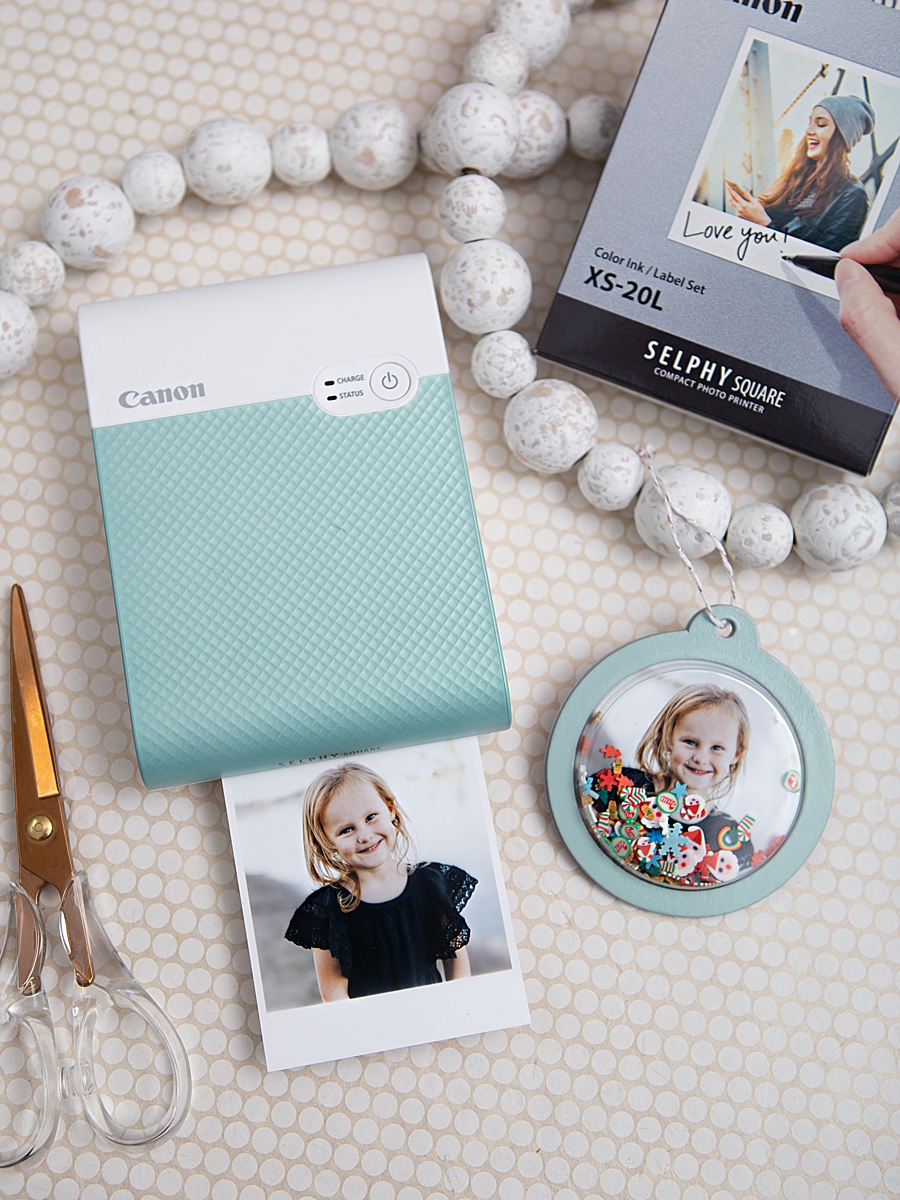
The workflow begins with the digital selection phase. Users interact with the Canon SELPHY Photo Layout 2.0 app on a smartphone or tablet. The software allows for localized editing, the addition of borders, and the synchronization of the device via a QR code. Once the image is processed, the printer executes its four-pass cycle, a visual process that has been noted for its educational and entertainment value for younger users.
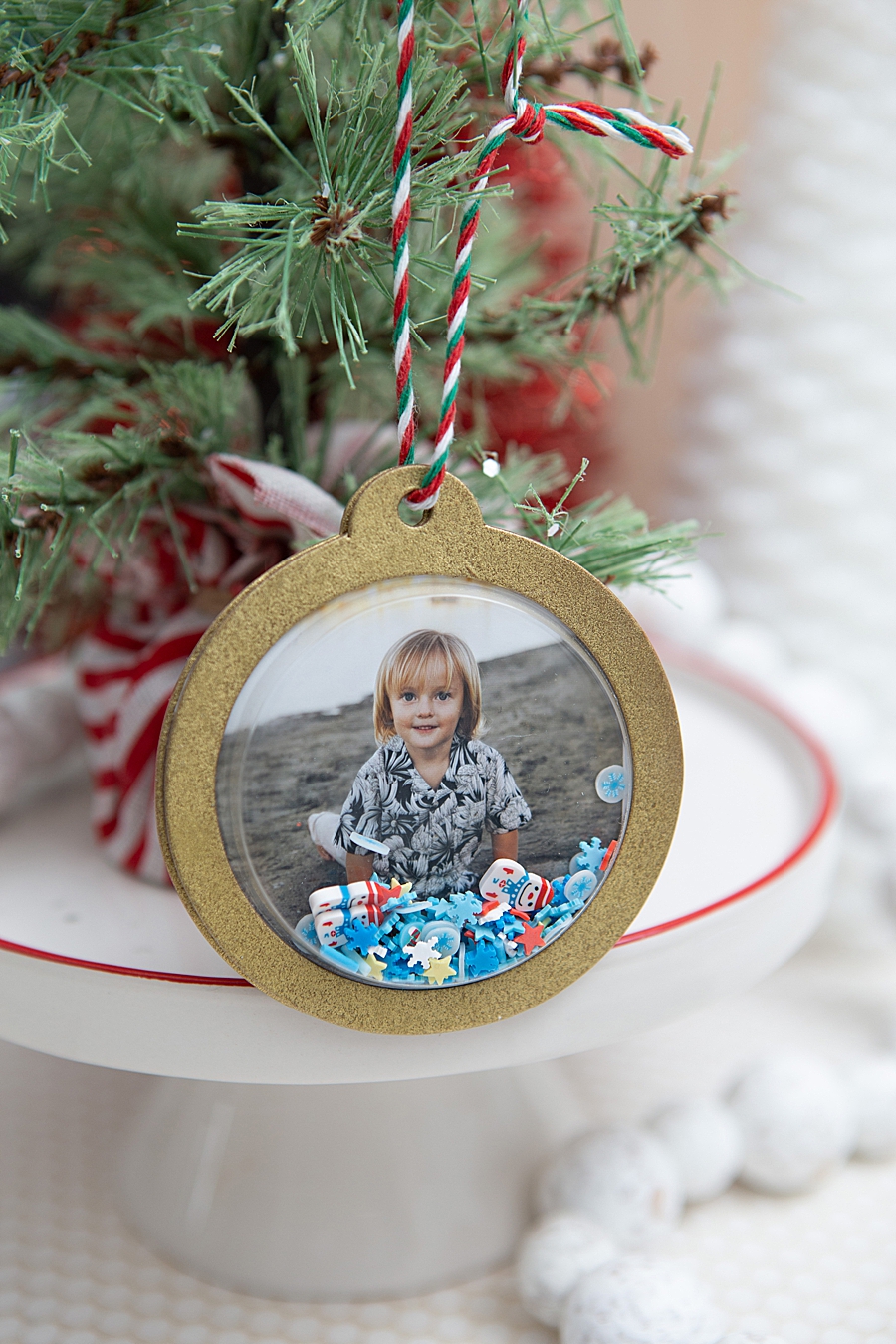
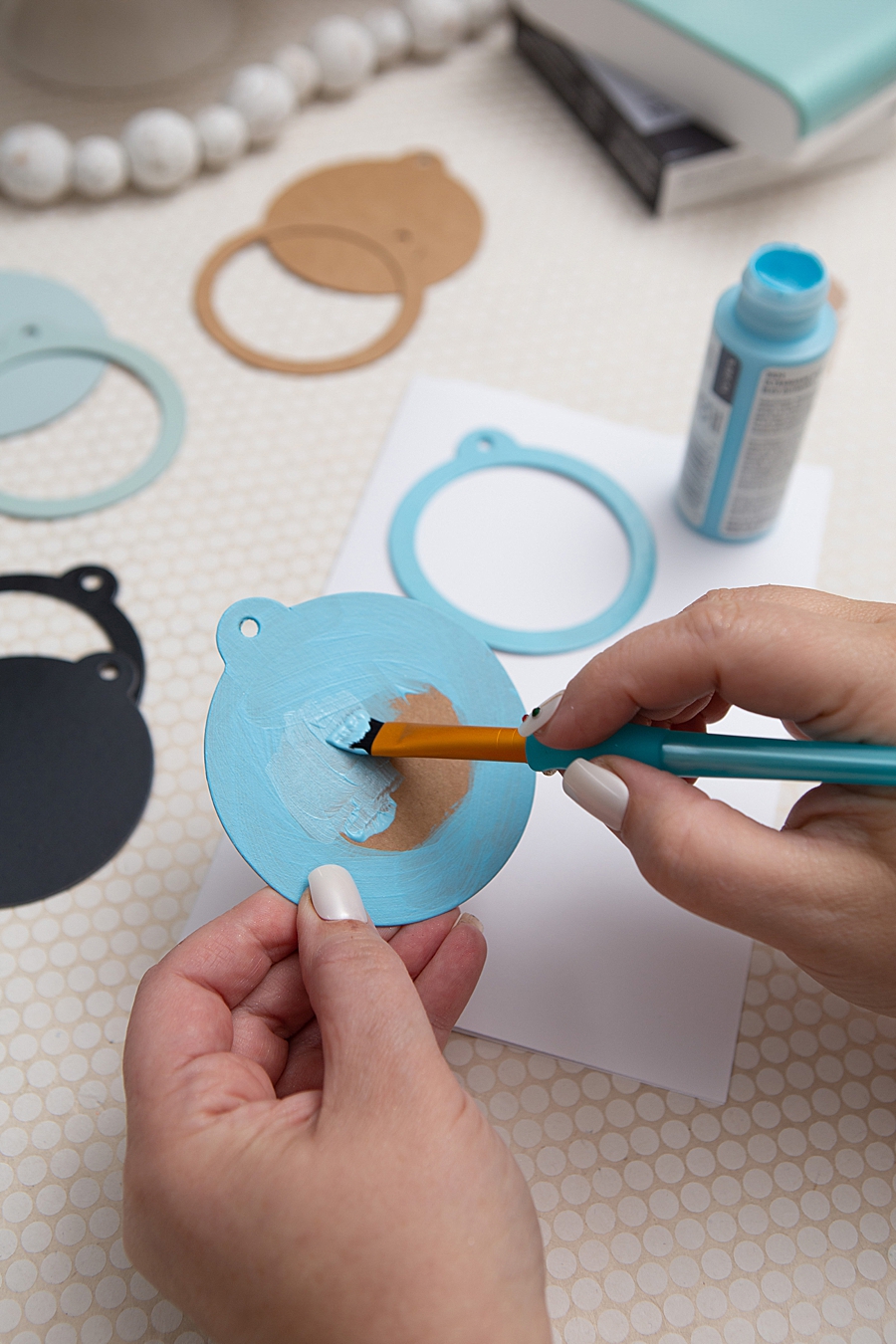
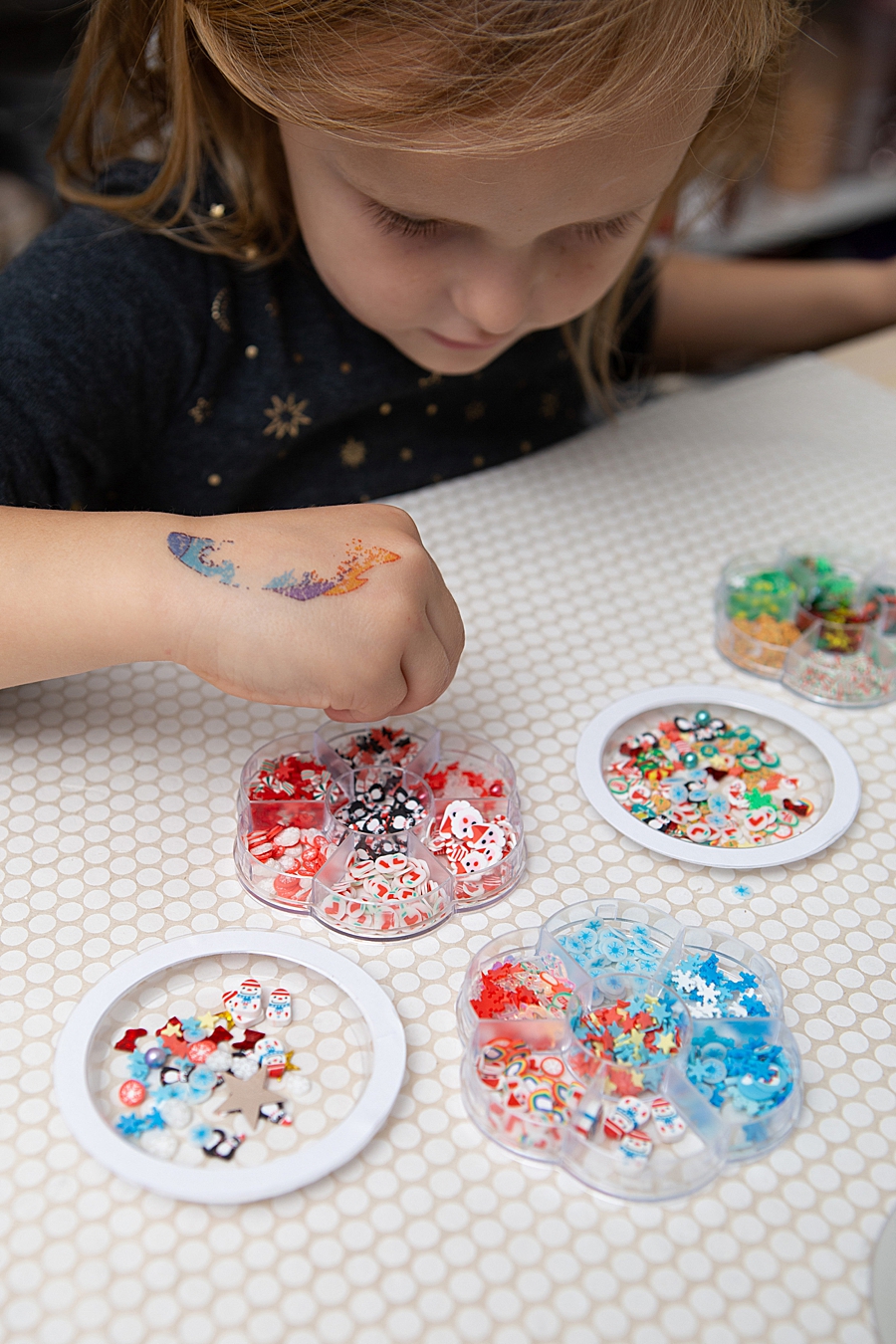
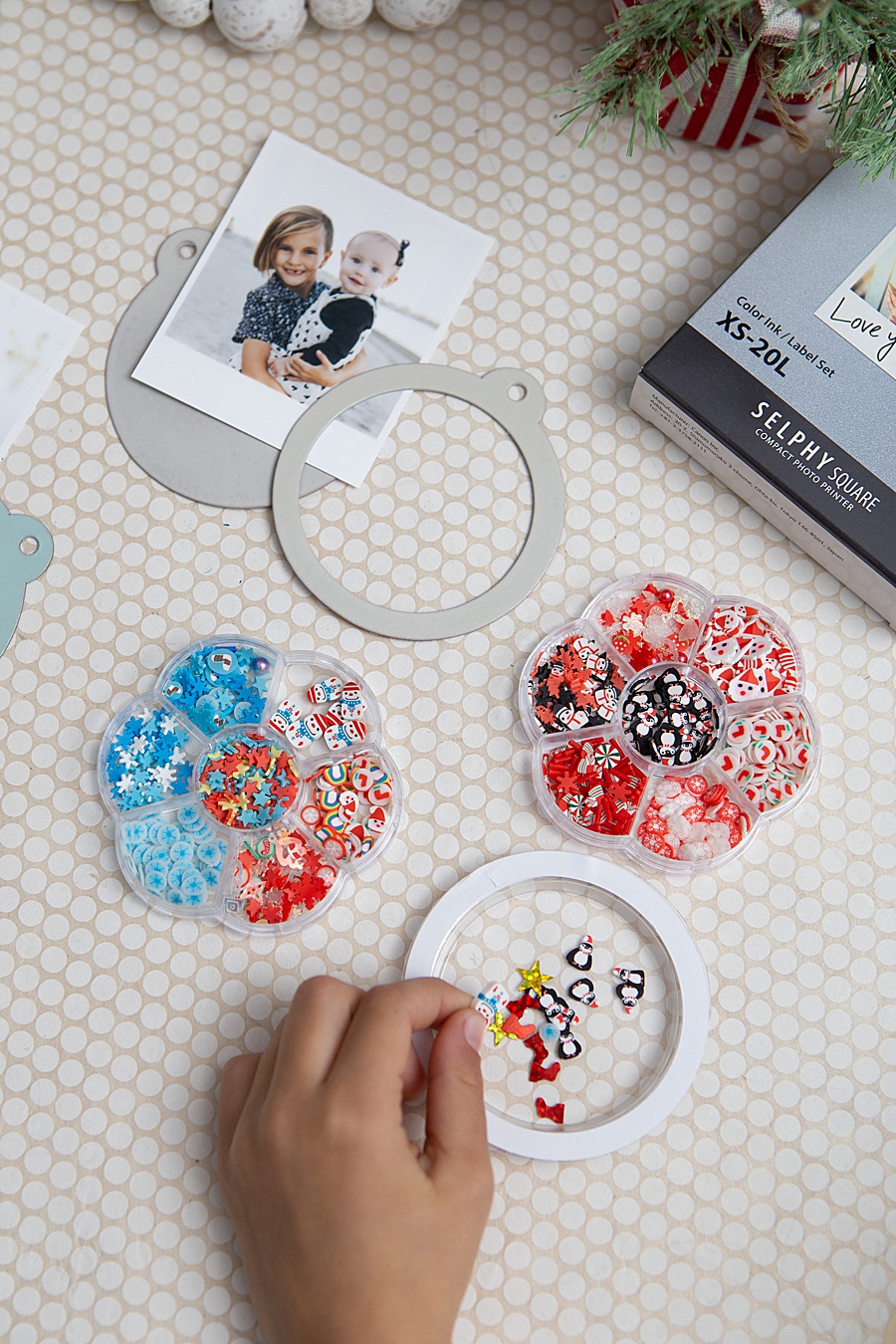
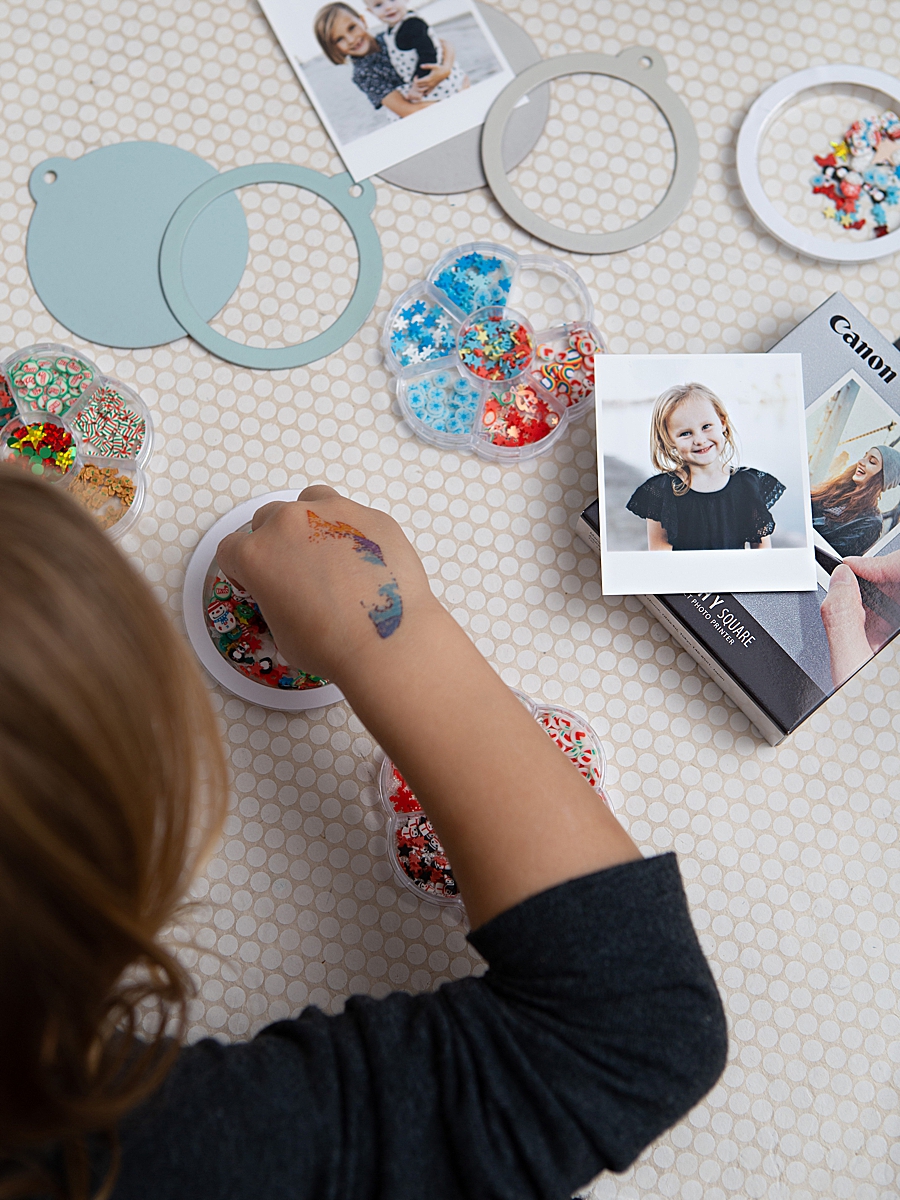
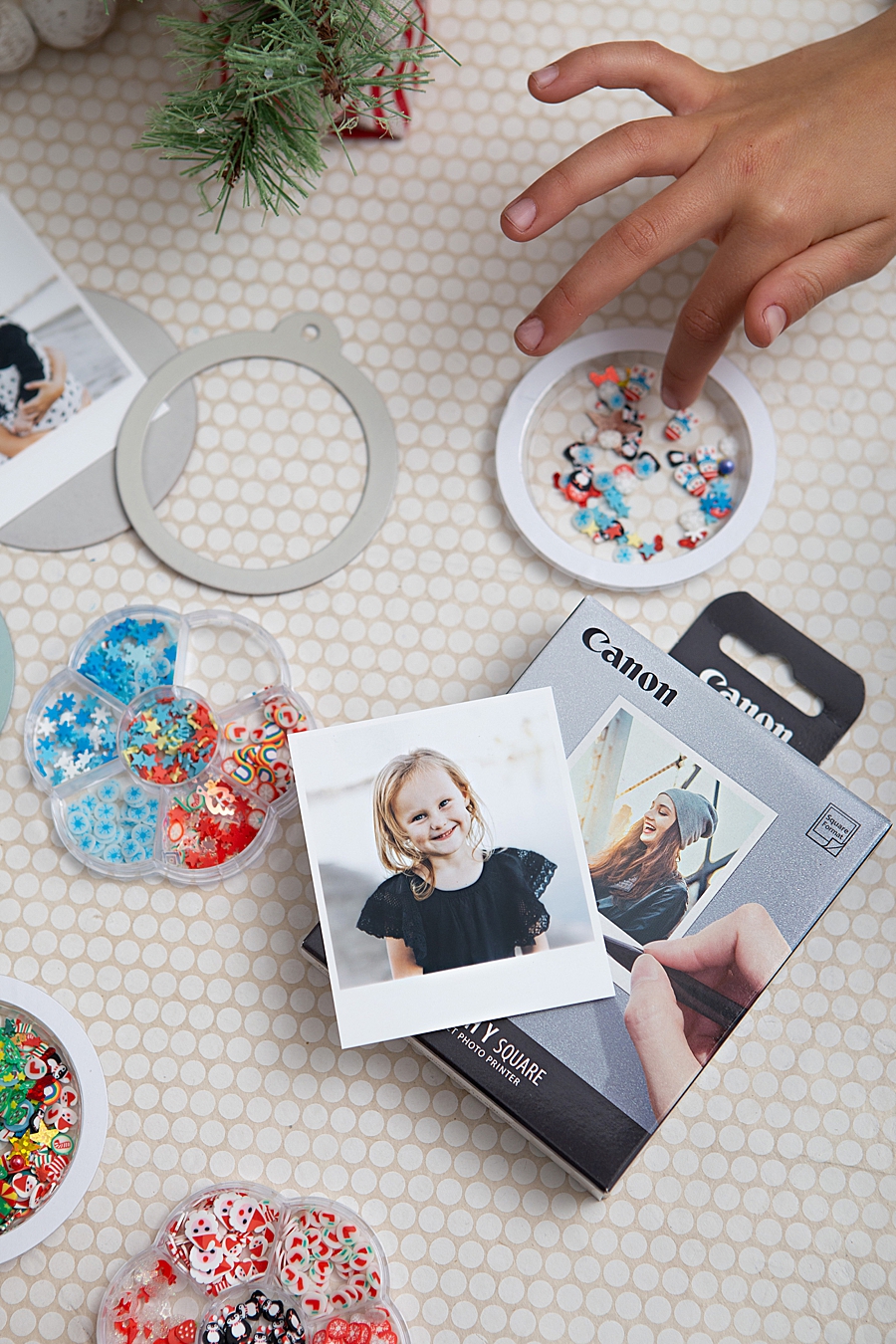
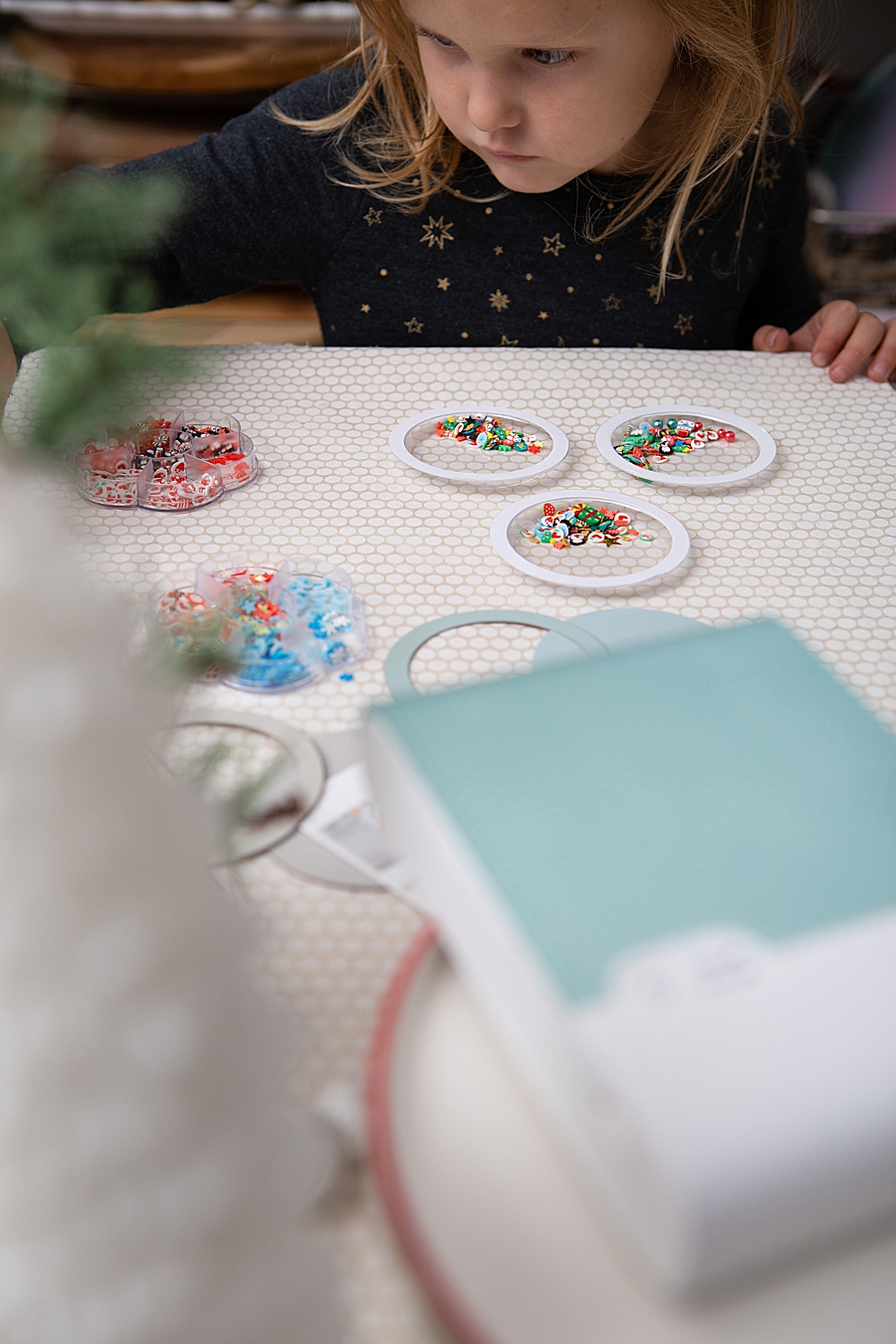
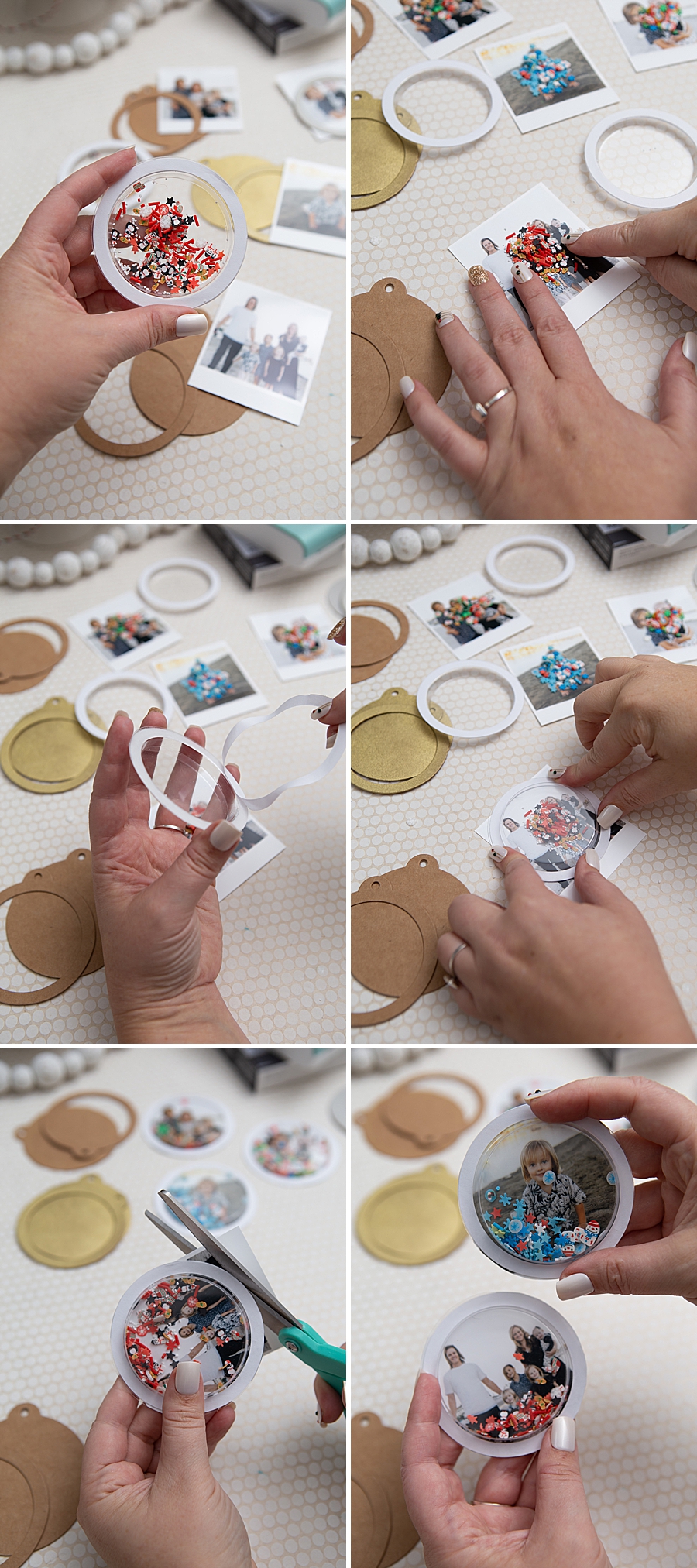
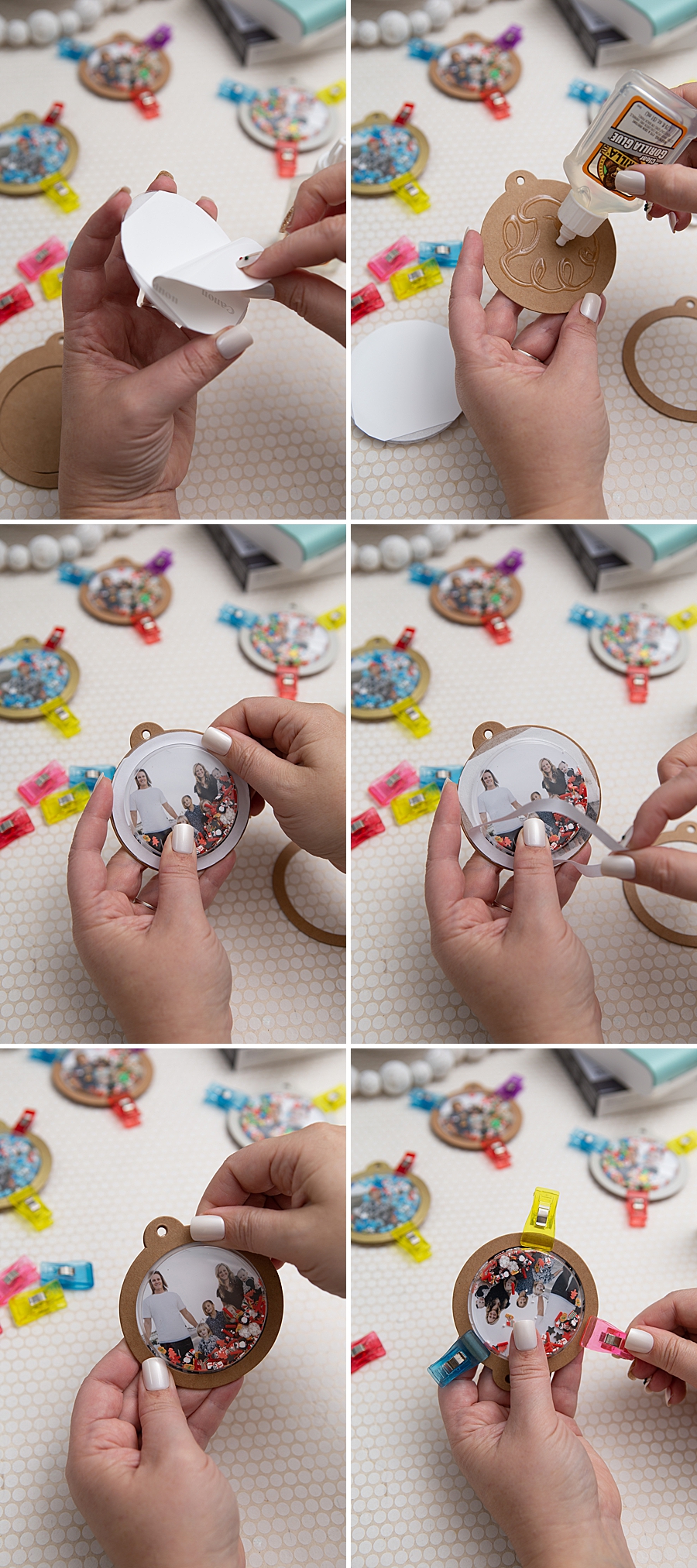
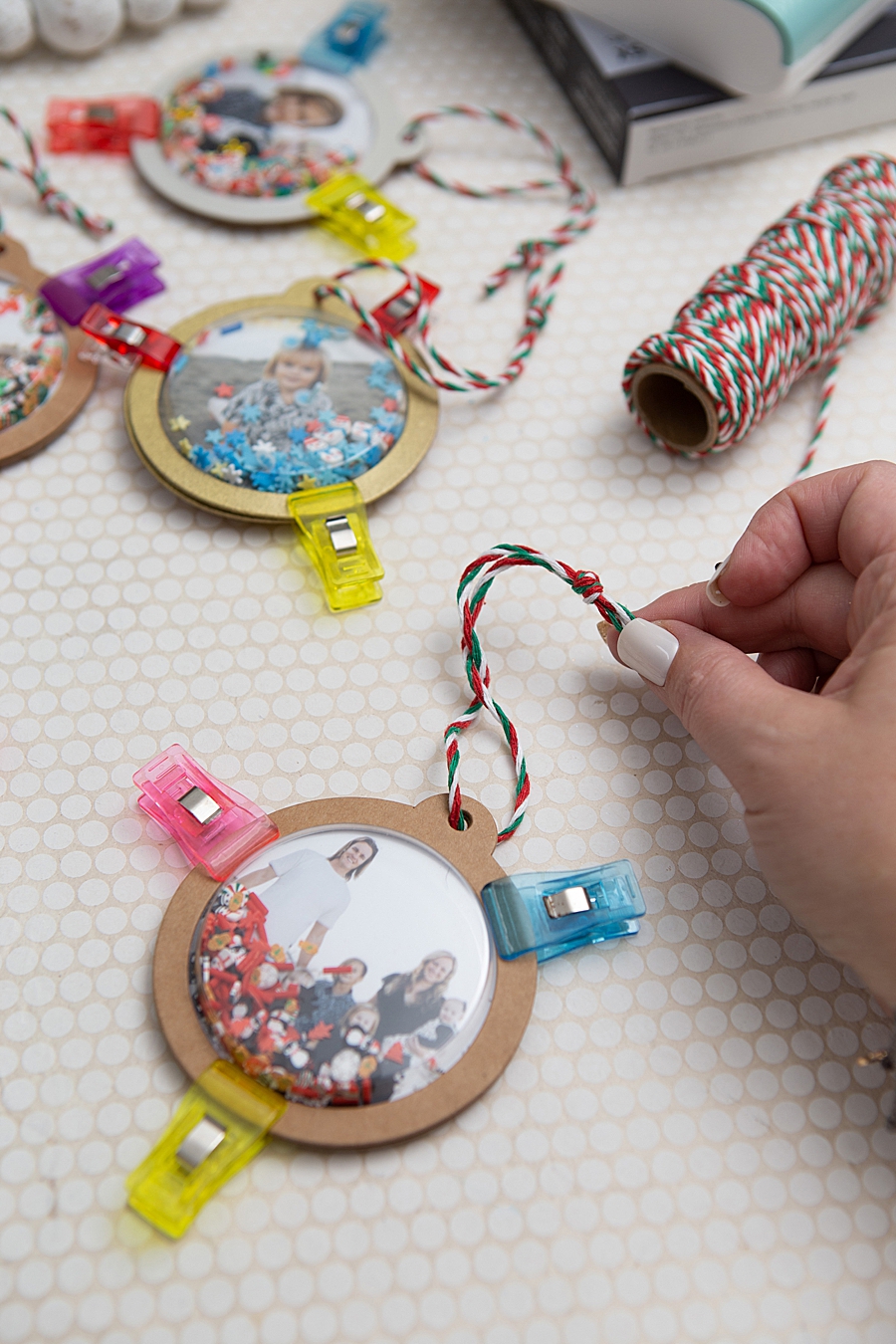
Following the printing phase, the assembly enters the physical construction stage. The project utilizes kraft shaker tags and circle plastic domes. For those seeking a specific aesthetic, the kraft tags are treated with craft or spray paint, typically requiring two to three coats followed by a clear gloss sealant. The "shaker" element is achieved by filling the plastic domes approximately one-eighth full with micro-beads or glitter—referred to in the crafting community as "shaker bits." The adhesive-backed photo is then secured to the tag, and the dome is bonded using high-strength adhesives such as Gorilla Glue. The final stage involves a two-hour drying period and a 24-hour full cure time, after which twine or ribbon is added for display.
Market Context: The Rise of the DIY Economy and Instant Print Demand
The success of such projects is rooted in a robust growth period for the global photo printing market. Industry analysts estimate that the mobile photo printer market is expanding at a compound annual growth rate (CAGR) of approximately 8.2%. This growth is driven by a "nostalgia cycle" among Millennials and Gen Z consumers who, despite being digital natives, show a strong preference for physical mementos.
Data suggests that while billions of photos are taken daily on mobile devices, less than 0.5% are ever printed. This "digital hoarding" has created a counter-movement where consumers seek out devices that make printing frictionless. The SELPHY Square QX10 addresses this by removing the barriers of traditional printing, such as bulky hardware, messy ink cartridges, and the requirement for a constant power source. By integrating a built-in battery and wireless connectivity, the device aligns with the "on-the-go" lifestyle of modern creators.
Retailers like Michaels and online marketplaces such as Amazon have seen a corresponding uptick in the sale of "blanks"—unadorned items like the kraft tags and shaker domes used in the Something Turquoise project. This indicates a symbiotic relationship between hardware manufacturers like Canon and the broader hobbyist supply industry.
Official Responses and Strategic Implications
Canon U.S.A., Inc. has positioned the SELPHY line as a bridge between high-end professional photography and casual consumer use. In corporate communications, the company emphasizes its commitment to "allowing consumers to create and preserve beautiful imagery, from capture to print." This strategy involves not just selling a printer, but selling a "creative ecosystem" that includes the app, the specialized media, and the inspiration provided by influencer partnerships.
Marketing analysts suggest that by targeting the DIY and crafting demographic, Canon is effectively diversifying its revenue streams. "The goal is to move the printer from the office desk to the kitchen table or the crafting studio," says a market research report on consumer electronics. "When a device becomes part of a family activity or a holiday tradition, it gains a level of brand loyalty that traditional peripheral devices rarely achieve."
Furthermore, the interactive nature of the shaker ornaments—which require physical movement to engage with the aesthetic—highlights a growing trend in "active decor." Unlike static photos, these ornaments invite touch and interaction, which psychologists suggest can strengthen the emotional connection to the depicted memory.
Analysis of Broader Impacts on Memory Keeping
The shift toward high-durability, small-format prints has significant implications for the field of "memory keeping." For decades, the standard was the 4×6-inch gloss print. However, the rise of bullet journaling and scrapbooking has necessitated smaller, more versatile formats. The 2.7-inch square format produced by the QX10 fits perfectly within standard planner grids and small-scale craft projects.
The longevity factor—the "100-year" claim—is also a critical response to the fragility of digital storage. As cloud services change their terms of service and hardware formats become obsolete, the physical print remains a stable archive. By utilizing dye-sublimation rather than ZINK (Zero Ink) technology, Canon provides a higher color gamut and better archival stability, appealing to users who view their crafts as family heirlooms rather than temporary decorations.
Moreover, the project’s emphasis on involving children in the selection and assembly process underscores the educational potential of portable printing technology. It introduces younger generations to the concepts of color layering and the physical manifestation of digital data, fostering a deeper appreciation for the mechanics of photography.
Conclusion: The Future of Personalized Domestic Production
The "Something Turquoise" DIY tutorial, sponsored by Canon, is more than a simple holiday guide; it is a case study in the modern application of specialized imaging technology. As the boundaries between professional-grade output and consumer-friendly operation continue to blur, devices like the SELPHY Square QX10 are likely to become standard tools in the domestic creative arsenal.
The convergence of easy-to-use software, durable printing technology, and a thriving DIY culture has created a unique market environment. In this landscape, the value of a photograph is no longer measured solely by its digital engagement on social media, but by its ability to be transformed into a tangible, interactive object. As families continue to seek ways to personalize their living spaces and celebrate their histories, the role of portable, high-quality printing will undoubtedly expand, turning digital galleries into physical legacies, one square print at a time.
The ongoing success of these initiatives suggests that the future of the photo industry lies in the "handheld" experience—not just in how we take pictures, but in how we hold them. For Canon and its competitors, the challenge will be to continue innovating in ways that make the transition from screen to salt-shaker dome as seamless and rewarding as possible.