


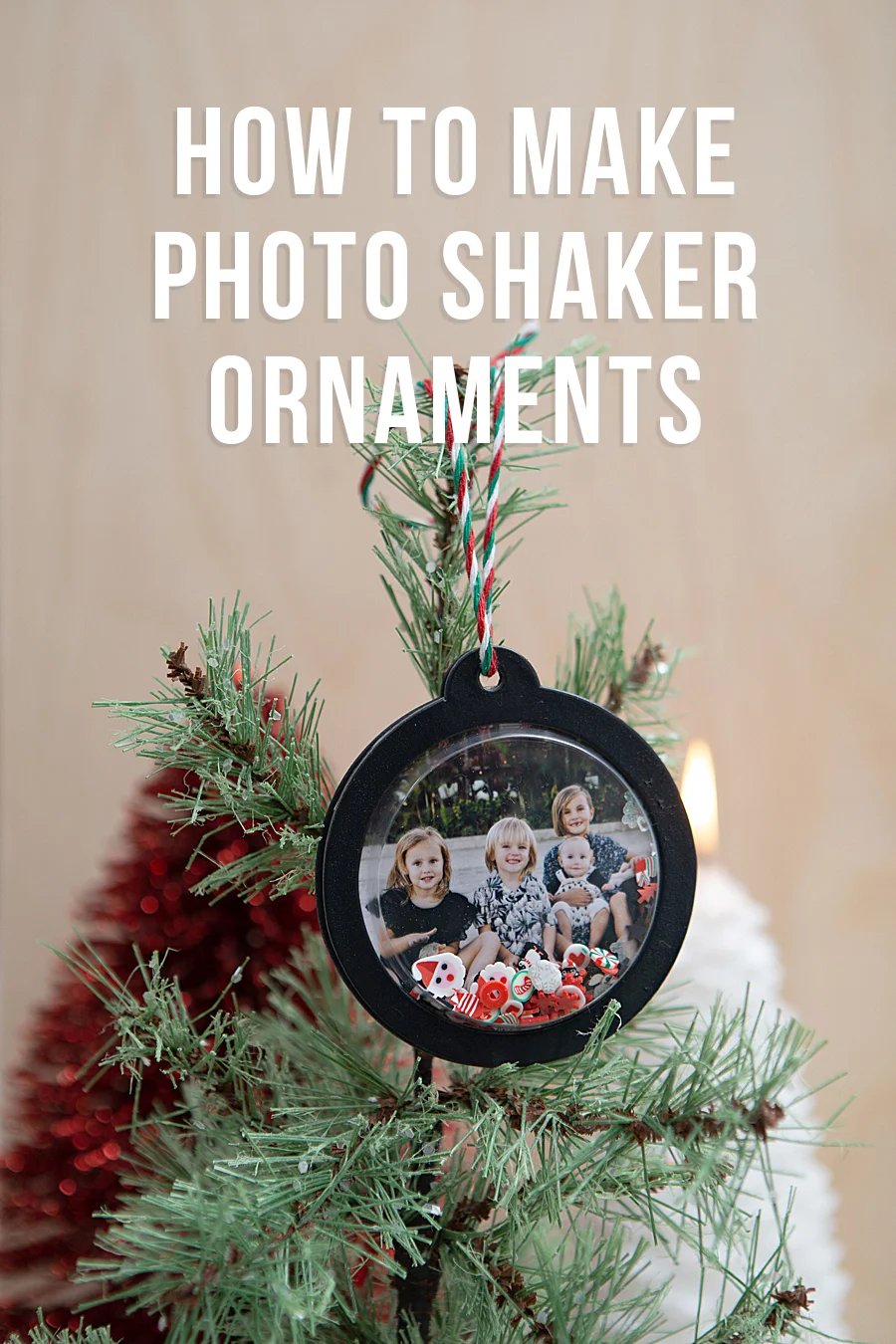
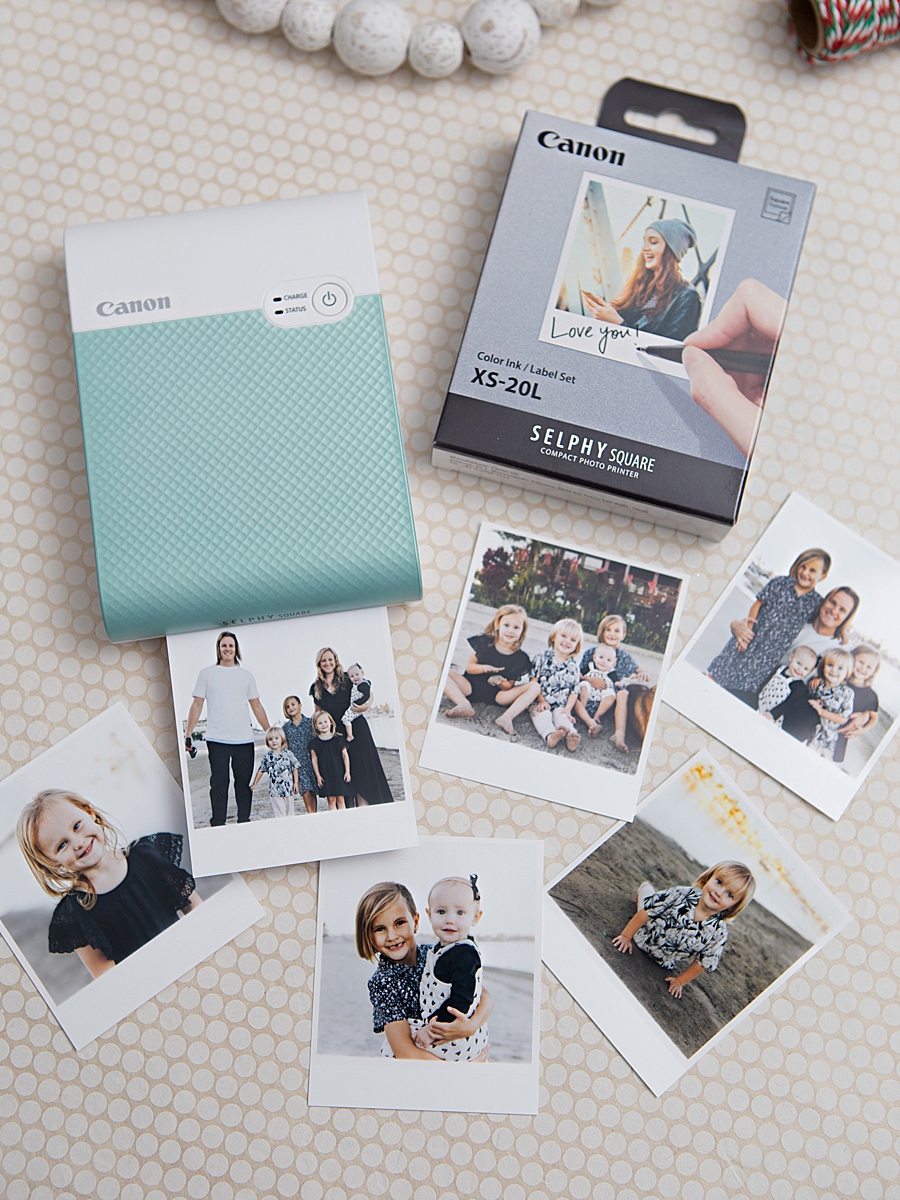
The intersection of digital photography and tangible mementos has seen a significant technological evolution with the introduction of high-fidelity, portable printing solutions. Central to this movement is the Canon SELPHY Square QX10, a compact device designed to bridge the gap between smartphone-stored imagery and physical displays. Recent demonstrations of the device’s utility, such as the creation of custom photo shaker ornaments by DIY specialists like Jen Causey-Kidder of Something Turquoise, highlight a growing consumer trend toward personalized home decor and the preservation of digital assets in physical formats. By utilizing dye-sublimation technology, these portable units offer a level of archival quality previously reserved for professional laboratories, allowing for prints that are rated to last up to 100 years under proper storage conditions.
Technical Specifications and the Advent of Dye-Sublimation in Consumer Portables
The Canon SELPHY Square QX10 represents a departure from traditional inkjet or ZINK (Zero Ink) technology commonly found in mobile printers. Weighing less than one pound and featuring a compact, square form factor, the device is engineered for maximum mobility. Its internal architecture relies on a built-in rechargeable battery, eliminating the need for constant tethering to a power source. This portability is essential for the "on-the-spot" printing requirements of modern social gatherings and crafting sessions.
The primary differentiator for the QX10 is its use of dye-sublimation thermal transfer technology. In this process, heat is used to transfer dye from a ribbon onto the specialized XS-20L label paper. The printer cycles through four distinct passes: yellow, magenta, cyan, and a final clear protective overcoat. This overcoat serves as a critical shield against environmental factors, providing resistance to water, oil, and fading. According to technical data provided by Canon, this specific printing method ensures that the 2.7” x 2.7” square prints maintain their vibrancy and structural integrity for a century when stored in an album. This longevity is a key selling point for consumers wary of the ephemeral nature of digital files or the rapid degradation of lower-quality instant prints.
Chronology of the DIY Integration: A Case Study in Creative Workflow
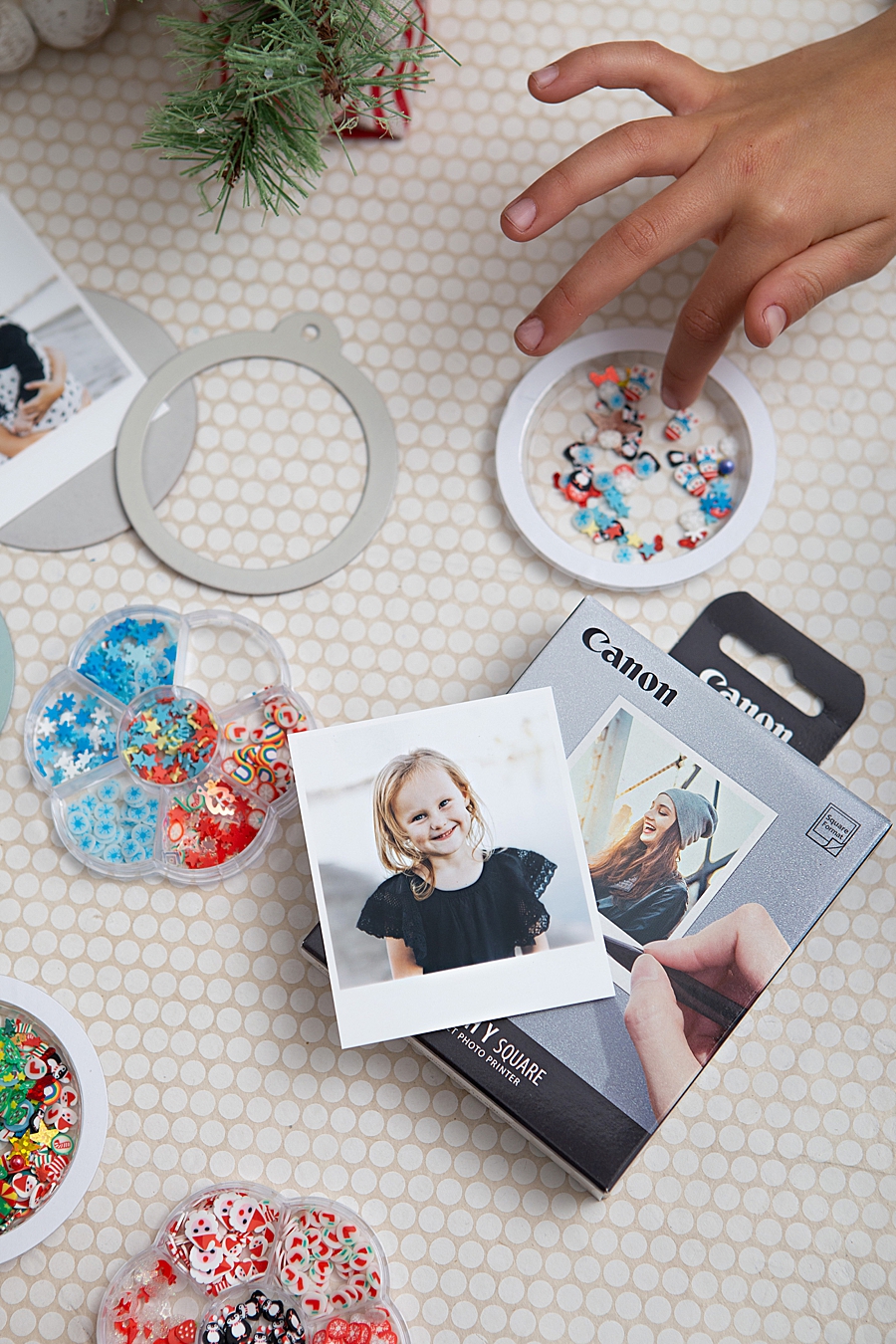
The practical application of the SELPHY Square QX10 often manifests in the "Do-It-Yourself" (DIY) sector, where the printer’s adhesive-backed paper allows for seamless integration into various media. A recent project involving the creation of "Photo Shaker Ornaments" illustrates the typical workflow for a consumer utilizing this technology for seasonal or commemorative purposes.
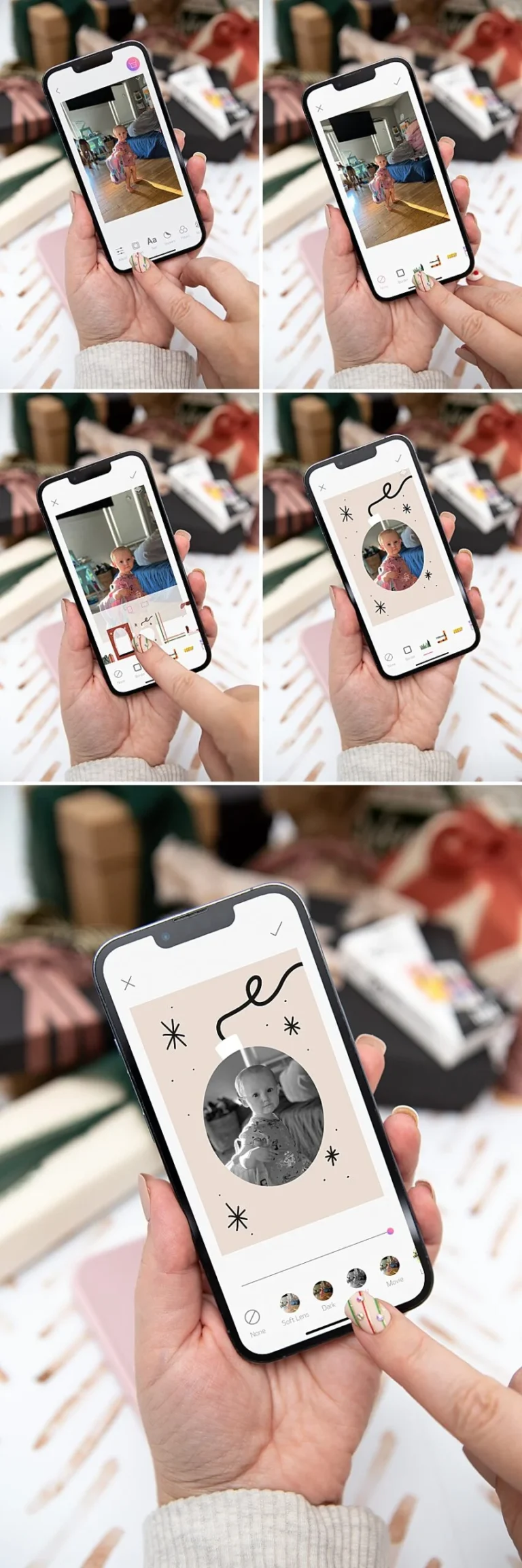
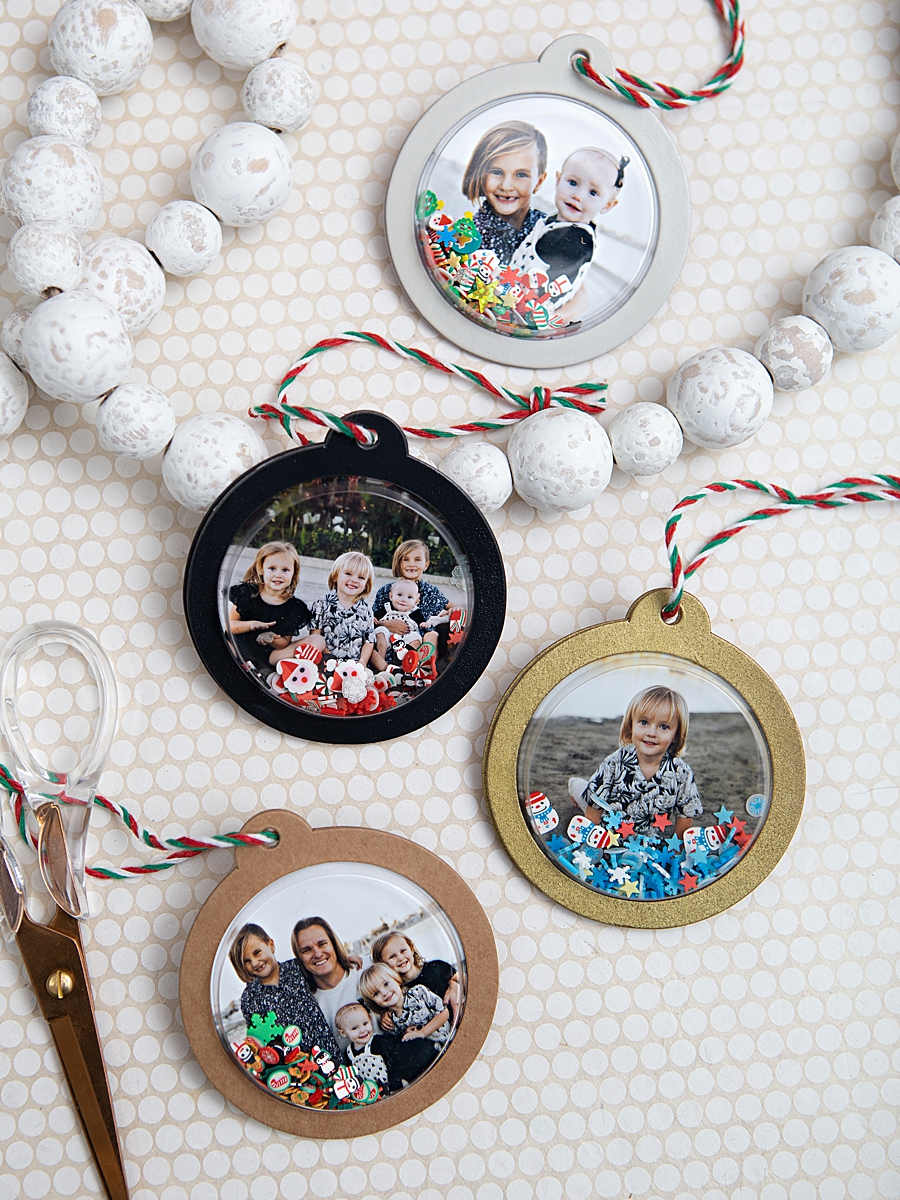
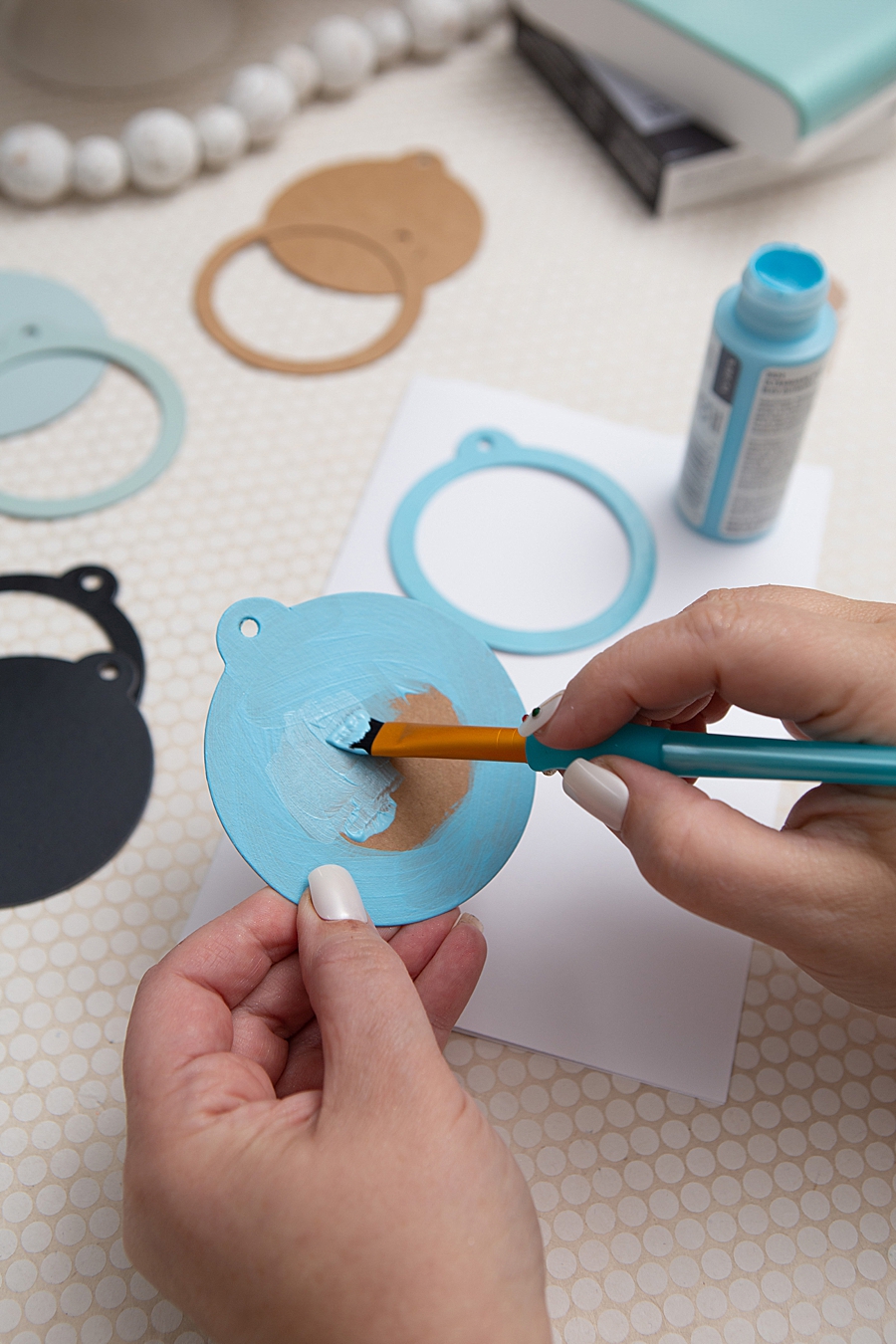
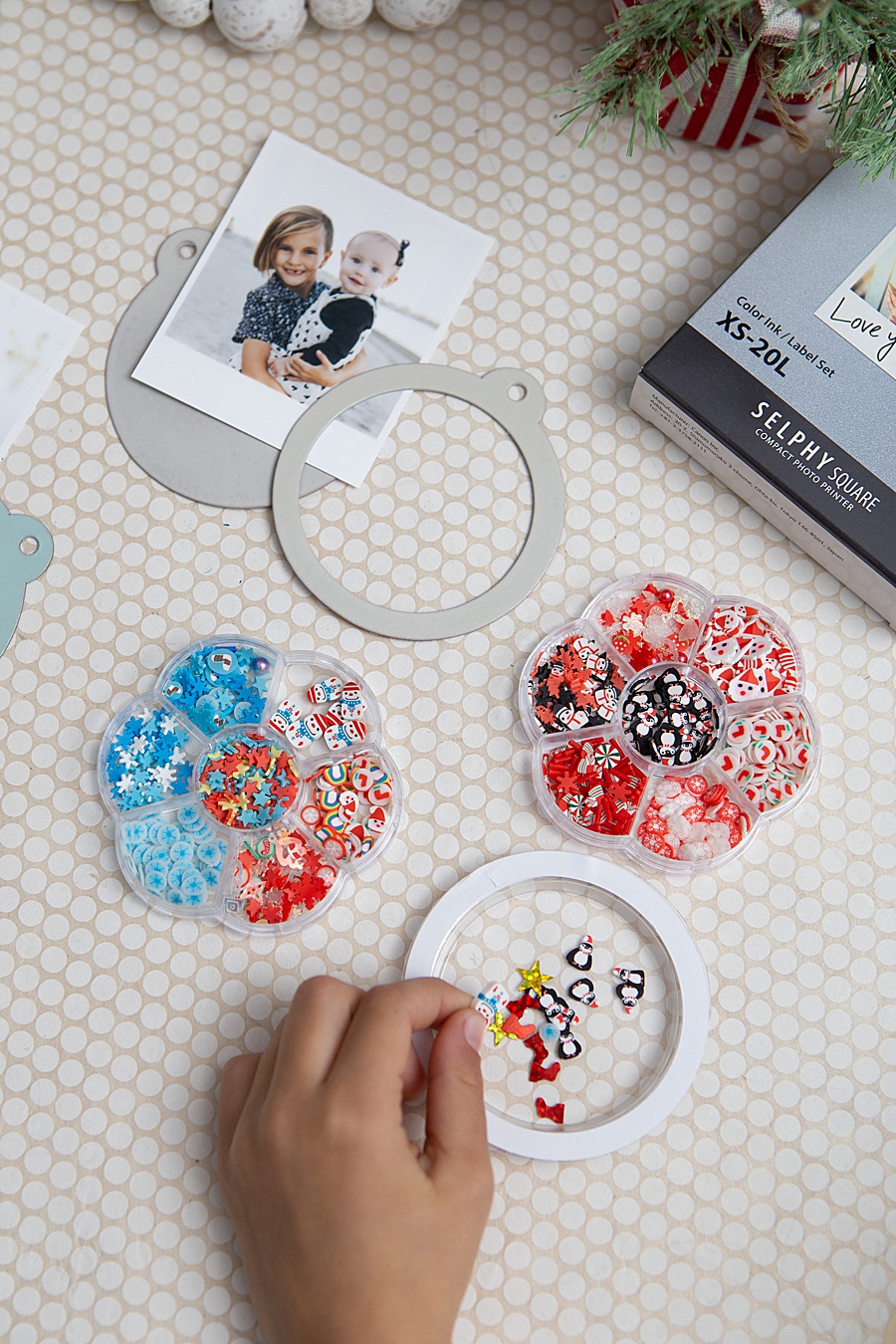
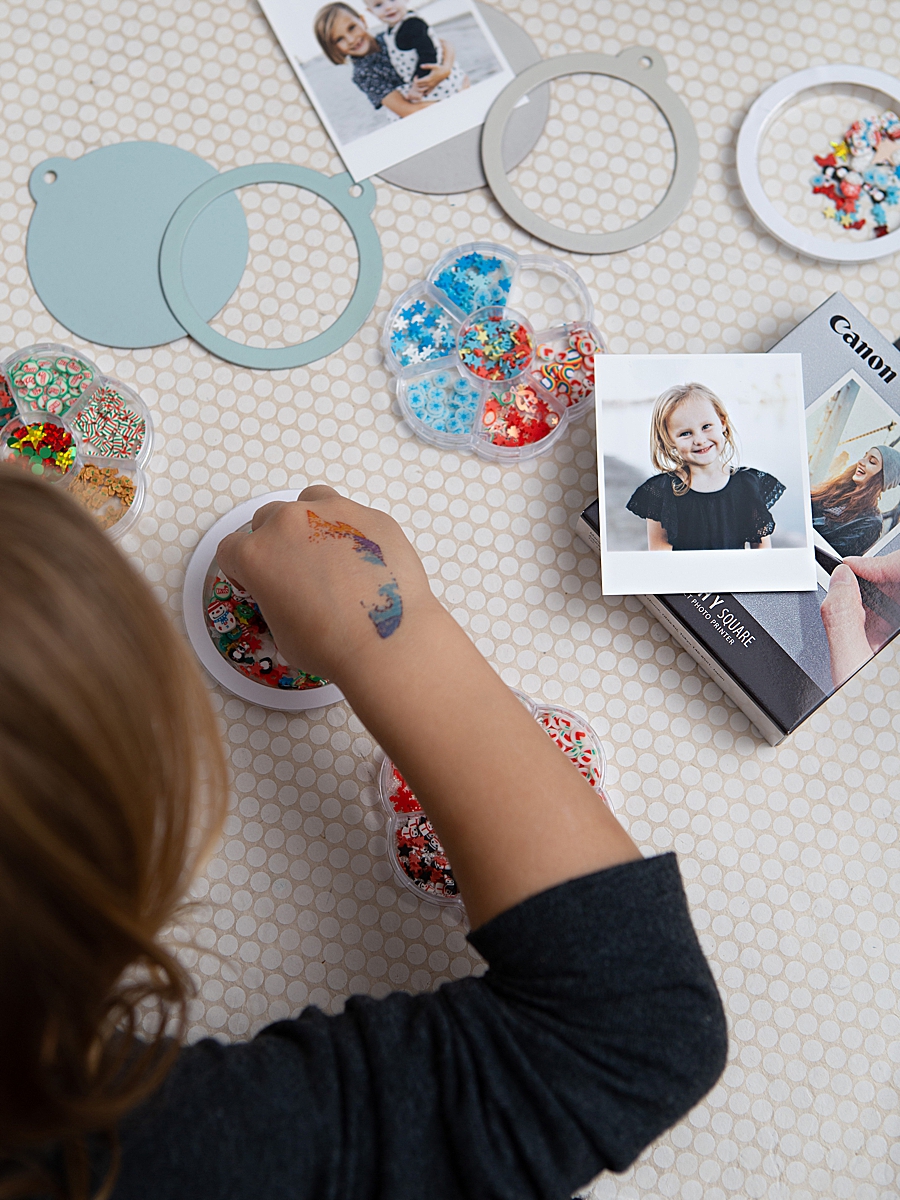
The process begins with the preparation of the structural components. In the case of the shaker ornaments, kraft shaker tags and plastic domes serve as the housing. These components may be customized with craft or spray paint to align with a specific aesthetic theme. Following the preparation of the hardware, the user engages with the Canon SELPHY Photo Layout 2.0 app. This mobile interface allows for the selection and editing of images directly from a smartphone’s library. The app provides tools for adding borders, filters, and text, ensuring the 1:1 aspect ratio of the square print is maximized for visual impact.
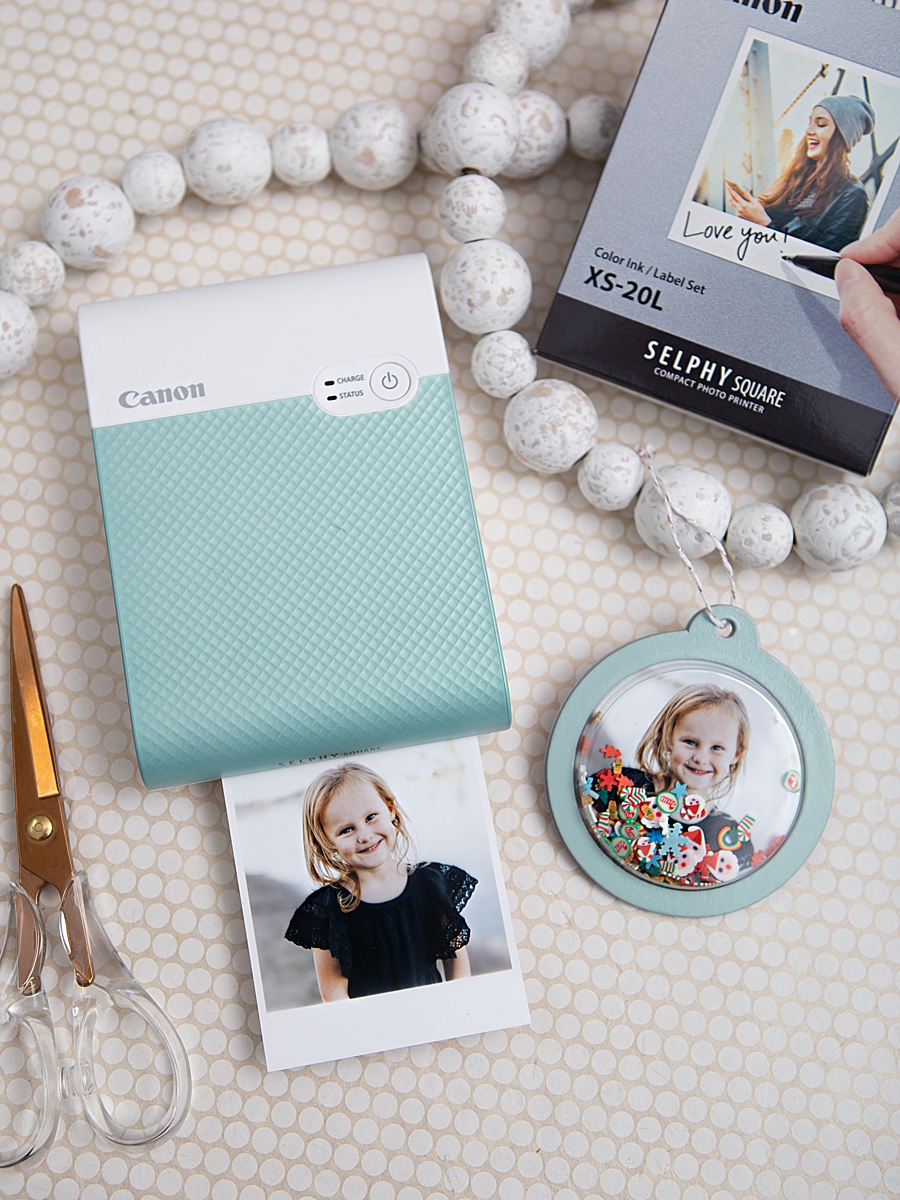
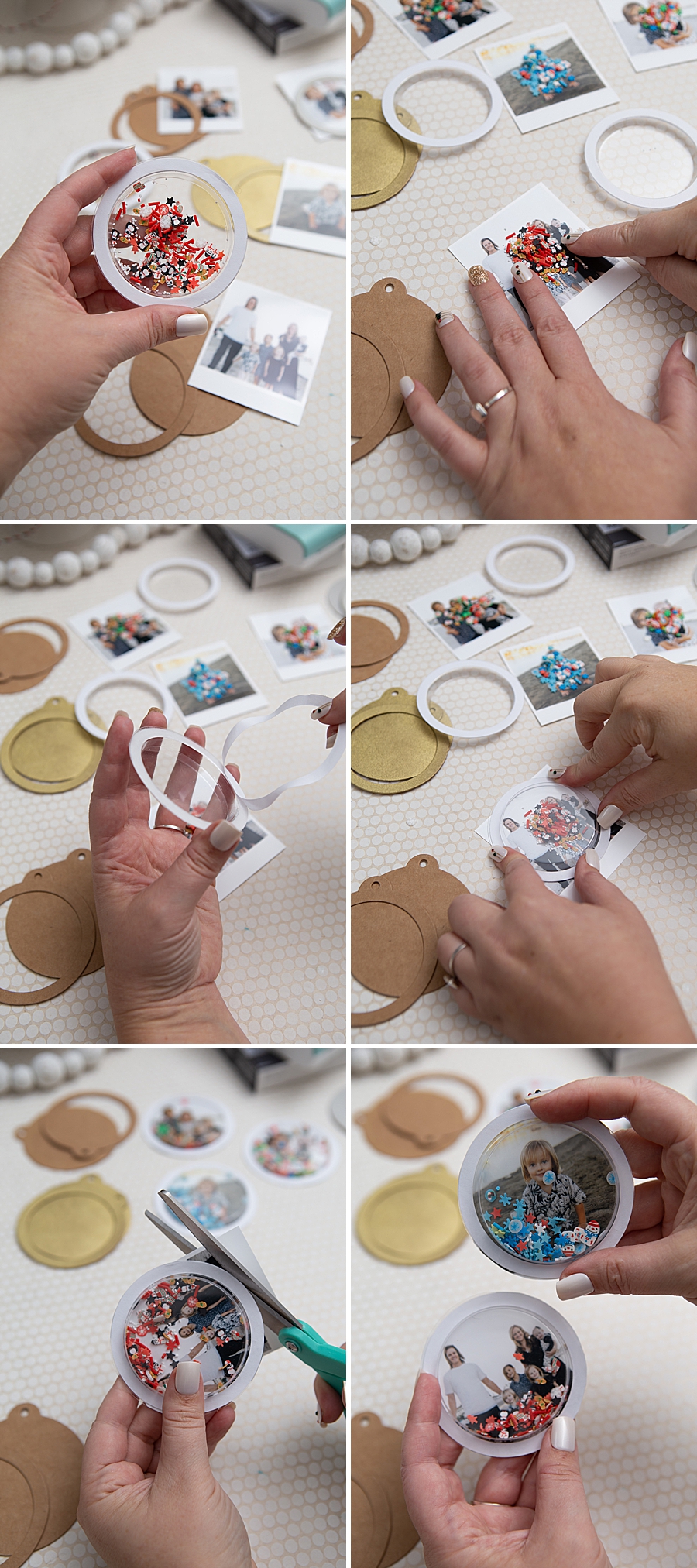
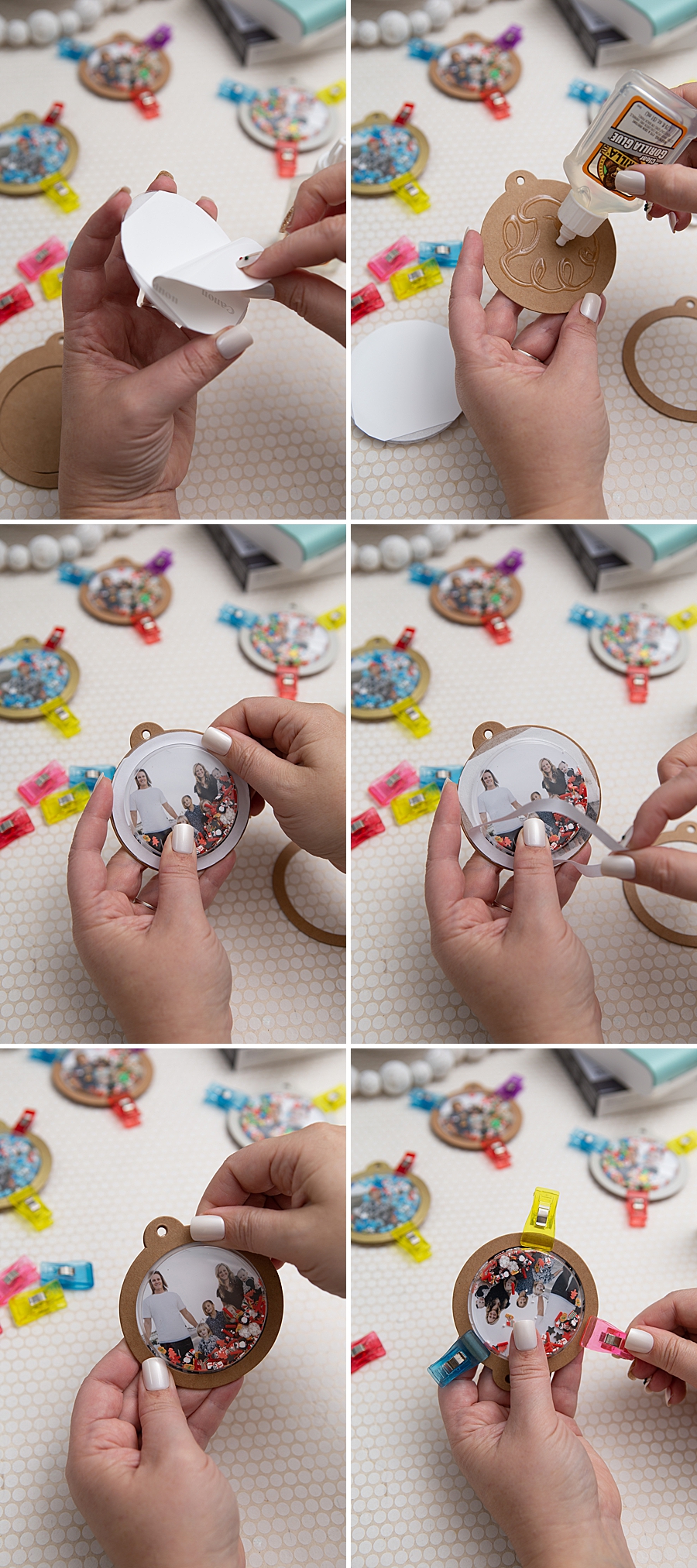
The printing phase itself serves as a point of engagement. Because the dye-sublimation process involves multiple color passes, the print-in-progress moves in and out of the machine four times. Once the printing is finalized, the 2.7-inch square images are trimmed to fit the specific dimensions of the shaker tags. The adhesive backing of the Canon paper simplifies this stage, as it can be directly mounted to the tag without the need for additional liquid glues that might warp the photo paper.
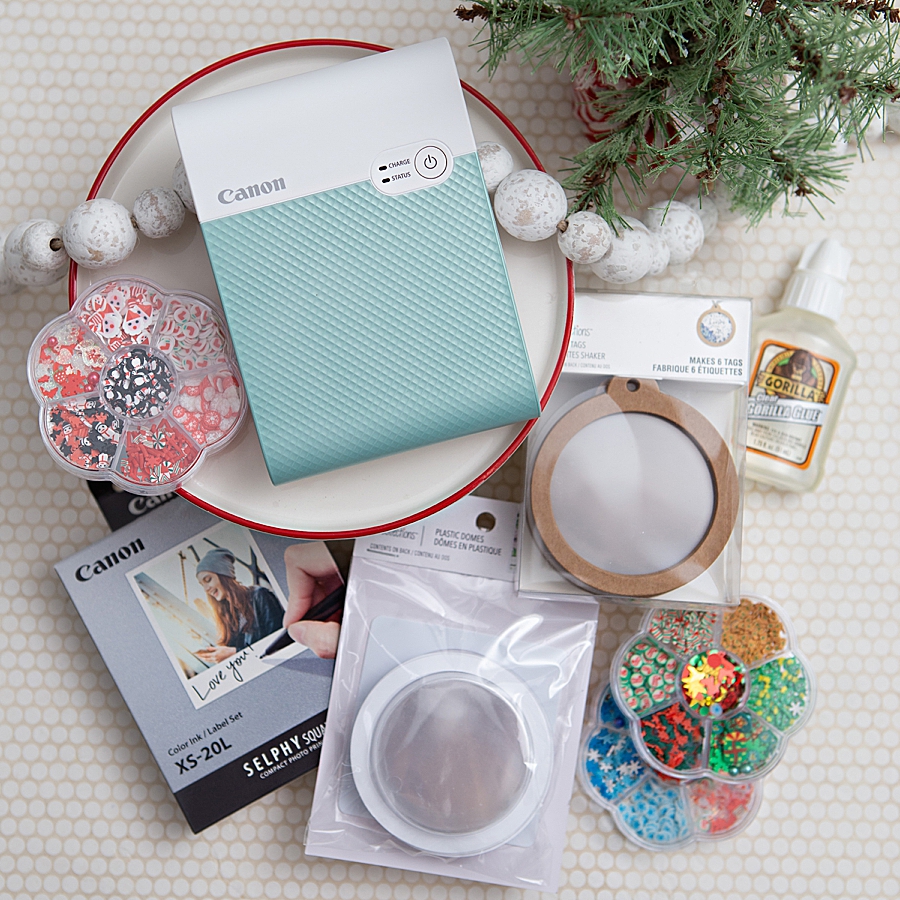
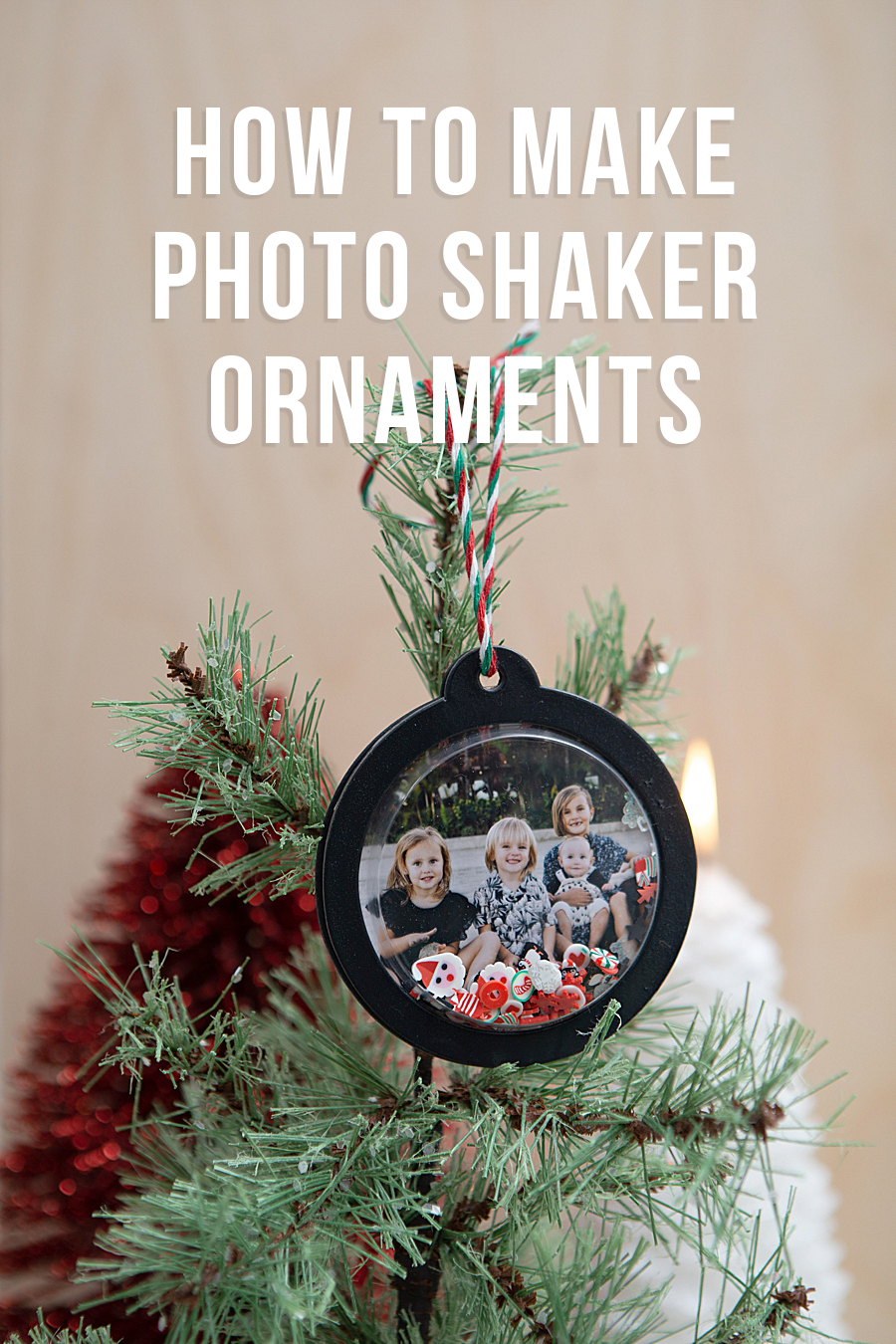
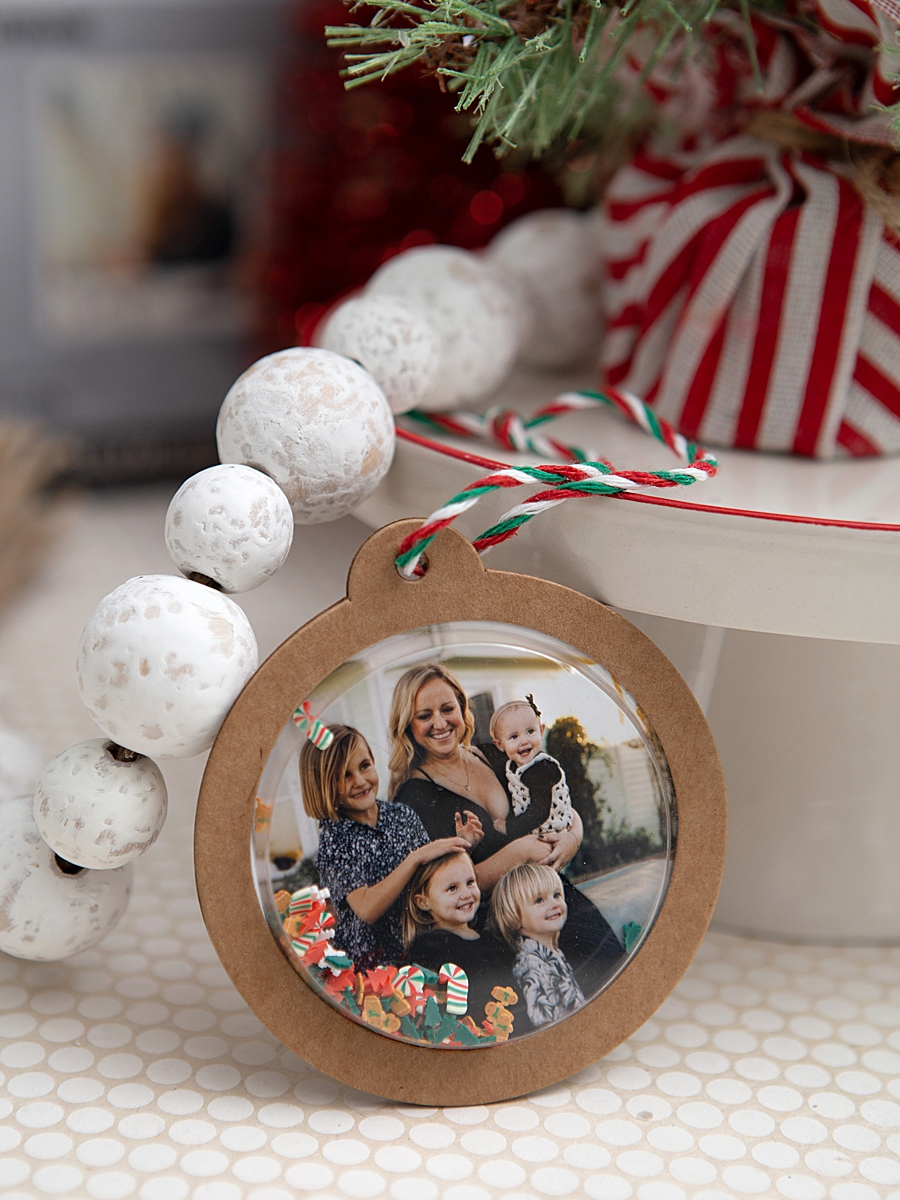
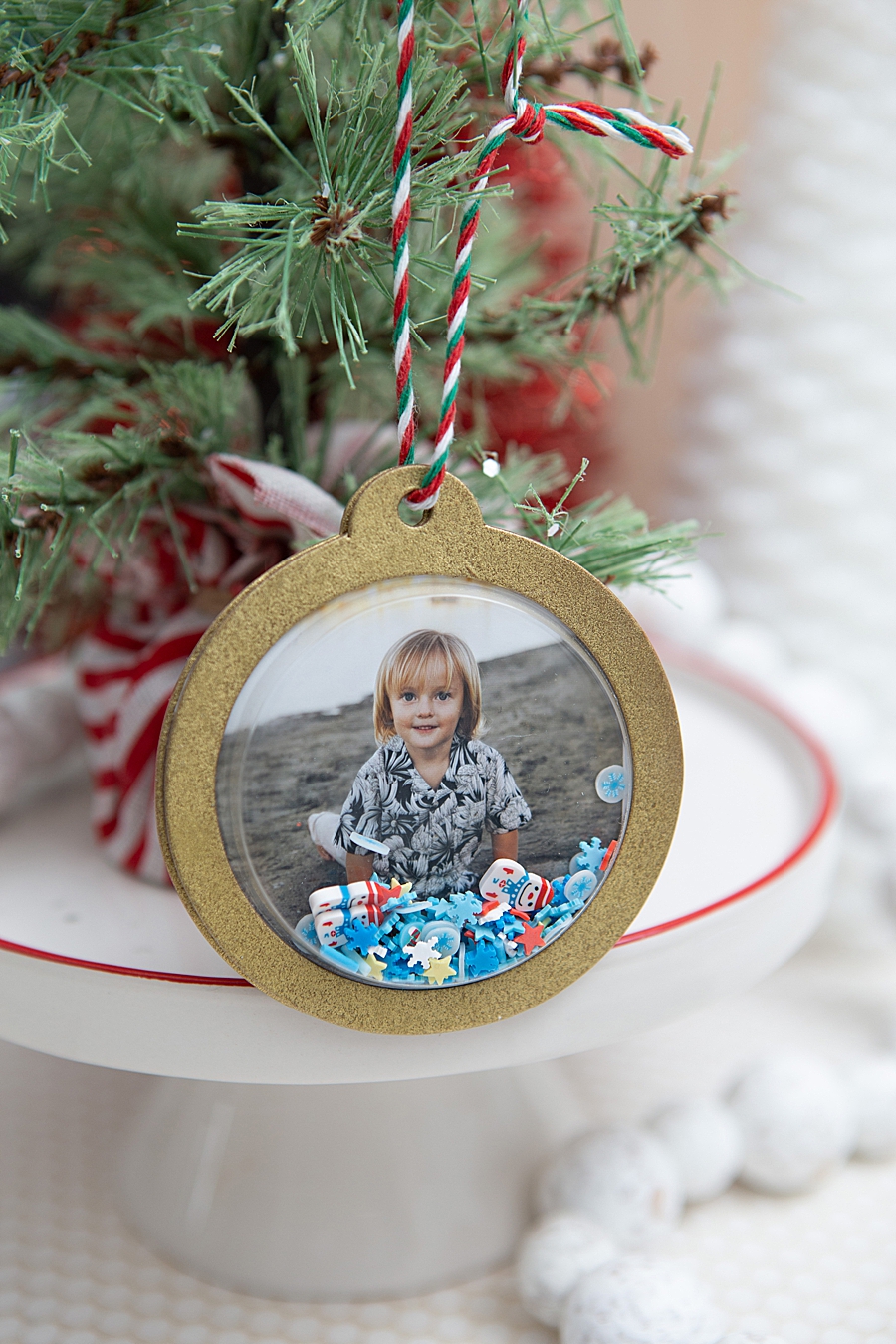
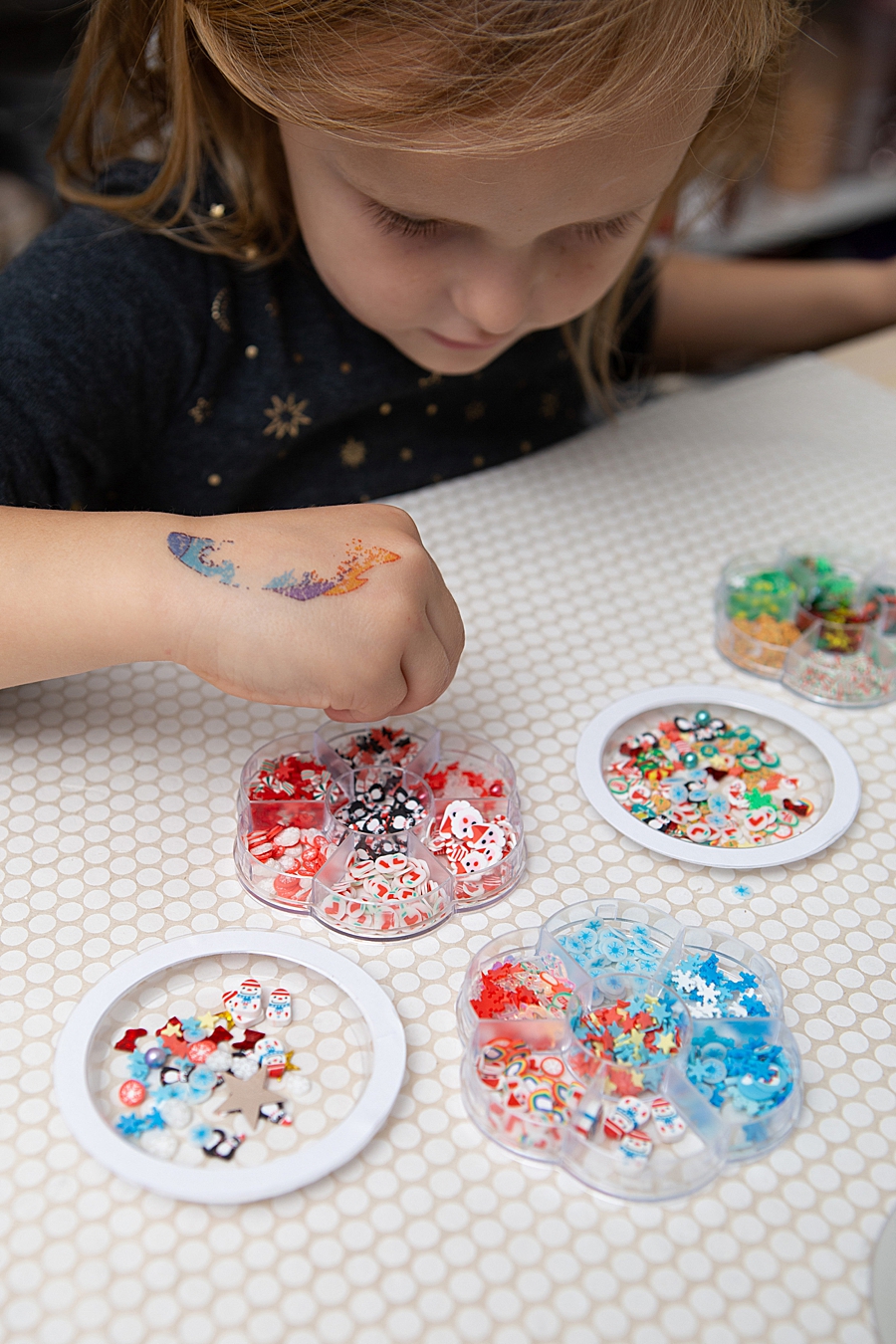
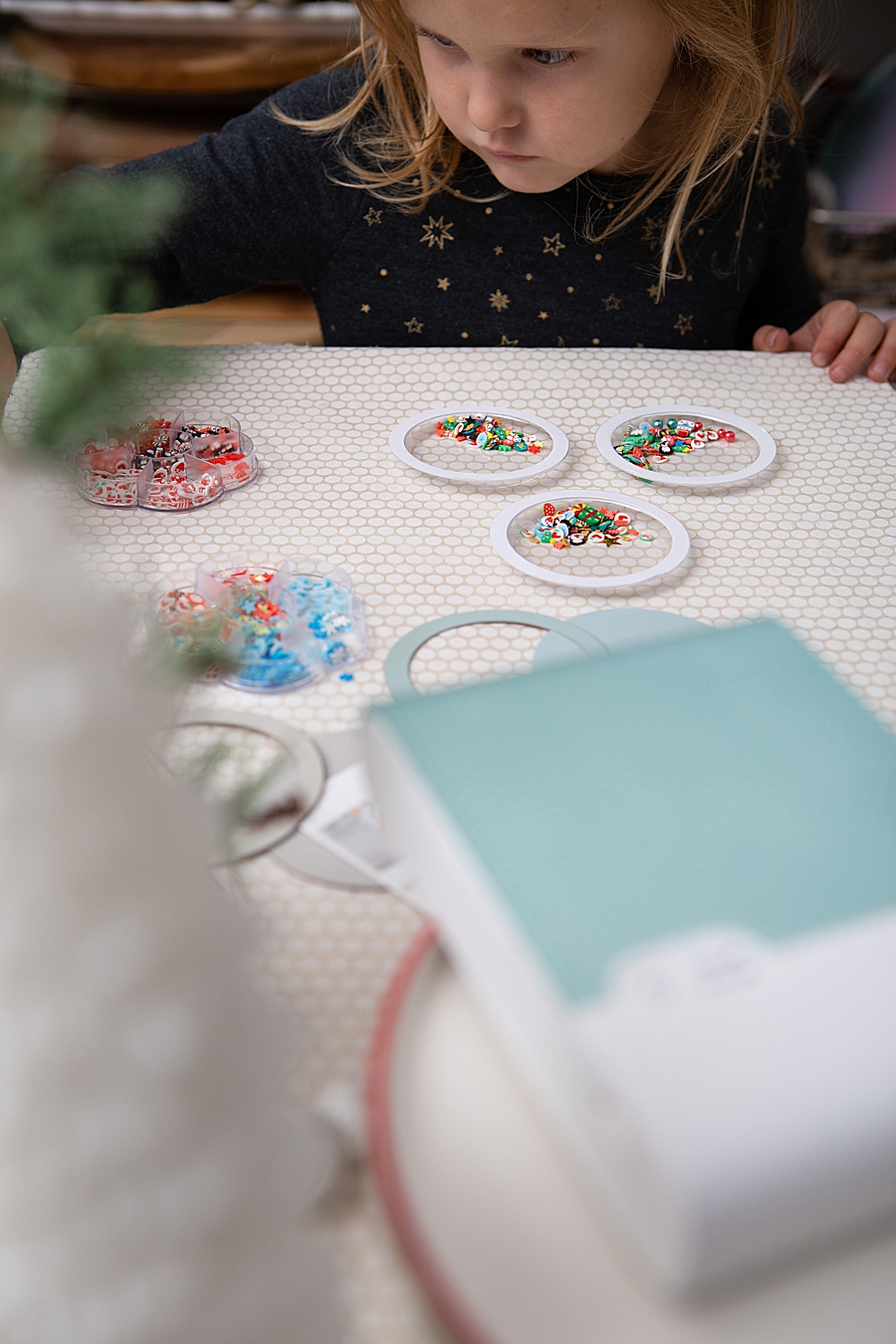
The final assembly involves the introduction of "shaker bits"—small decorative elements such as glitter, sequins, or faux-nail art supplies—into a plastic dome. This dome is then adhered over the photo using a high-strength adhesive, such as Gorilla Glue. The resulting product is a multi-dimensional, interactive ornament that encapsulates a high-quality photograph within a kinetic display.
Market Trends: The Resurgence of the Physical Photograph
The success of devices like the SELPHY Square QX10 is rooted in a broader psychological and market shift. Despite the ubiquity of high-resolution smartphone screens, industry analysts have noted a "digital fatigue" among consumers. This has led to a resurgence in the demand for physical prints. Data from the imaging industry suggests that while billions of photos are taken annually, only a small fraction are ever printed, leading to what some archivists call the "digital dark age"—a period where personal histories may be lost due to file corruption or obsolete hardware.
By providing an accessible, high-quality means of printing, Canon is positioning itself within the "phygital" market—where physical products are enhanced by digital convenience. The use of square prints, specifically, taps into the aesthetic popularized by social media platforms like Instagram, making the transition from a digital feed to a physical corkboard or scrapbook more intuitive for younger demographics.
Furthermore, the crafting industry has seen a substantial boost in the post-pandemic era. According to the Association for Creative Industries (AFCI), the "maker" economy has expanded as more individuals seek tactile hobbies. The integration of high-end printing technology into this sector allows for a level of professional finish that was previously difficult for the average hobbyist to achieve at home.
Official Responses and Strategic Collaborations
Canon U.S.A., Inc. has actively pursued collaborations with influencers and crafting experts to demonstrate the versatility of the SELPHY line. By partnering with entities like Something Turquoise, the company targets a specific niche of consumers: those who value personalization for weddings, holidays, and family milestones.
In official statements regarding the SELPHY Square QX10, Canon emphasizes the "seamlessness" of the wireless technology. The printer connects via a QR code generated by the app, bypassing the often-cumbersome Bluetooth pairing processes associated with older peripheral devices. This focus on user experience (UX) is a direct response to consumer feedback demanding faster, more reliable connections between mobile devices and hardware.
Industry experts also point out that the proprietary nature of the consumables—where the ink cassette and paper are sold in matching sets—ensures that the user always has the correct ratio of dye to media. While this model is common in the portable printer market, Canon’s insistence on dye-sublimation over inkless options reflects a strategic decision to prioritize image quality and longevity over the lower per-print costs of competitors.
Broader Impact and Future Implications for Personal Imaging
The implications of portable, high-quality printing extend beyond simple ornaments. As the technology becomes more refined, the potential for its use in professional settings—such as real estate, event planning, and education—continues to grow. The ability to produce a smudge-proof, adhesive-backed photo in under a minute provides a functional tool for labeling, documentation, and immediate feedback.
From a sustainability perspective, the industry is also facing pressure to address the environmental impact of specialized photo papers and plastic cartridges. While dye-sublimation provides superior archival qualities, the waste generated by single-use cassettes is a point of ongoing discussion within the imaging community. Future iterations of the SELPHY line may need to balance the current high-performance standards with more eco-conscious material sourcing.
In conclusion, the Canon SELPHY Square QX10 represents a significant milestone in the democratization of high-quality photo printing. By enabling projects like the photo shaker ornaments, the device facilitates a deeper connection between the user and their digital archives. It transforms static files into interactive, durable objects that serve as both decor and historical records. As the "maker" movement continues to thrive, the demand for such high-fidelity, portable tools is expected to remain robust, driving further innovation in the field of personal imaging and memory preservation. The shift from "taking" a photo to "making" a physical memory is not merely a trend in crafting but a fundamental change in how contemporary society interacts with its visual history.