


The intersection of portable digital imaging and the traditional craft industry has reached a new milestone with the deployment of the Canon SELPHY Square QX10, a device that is currently reshaping how consumers approach personalized holiday decor and archival photography. As the global handicraft market continues its upward trajectory—projected to reach significant valuations by the mid-2020s—technology manufacturers are increasingly tailoring hardware to meet the demands of "makers" and DIY enthusiasts. The recent collaboration between Canon U.S.A., Inc. and digital creators like Jen Causey-Kidder of Something Turquoise highlights a strategic pivot toward integrating high-fidelity, archival-quality printing into home-based creative workflows. This movement signifies more than a mere hobbyist trend; it represents a broader cultural shift toward "phygital" media, where digital assets are converted into physical keepsakes with professional-grade durability.
Technical Specifications and the Dye-Sublimation Advantage
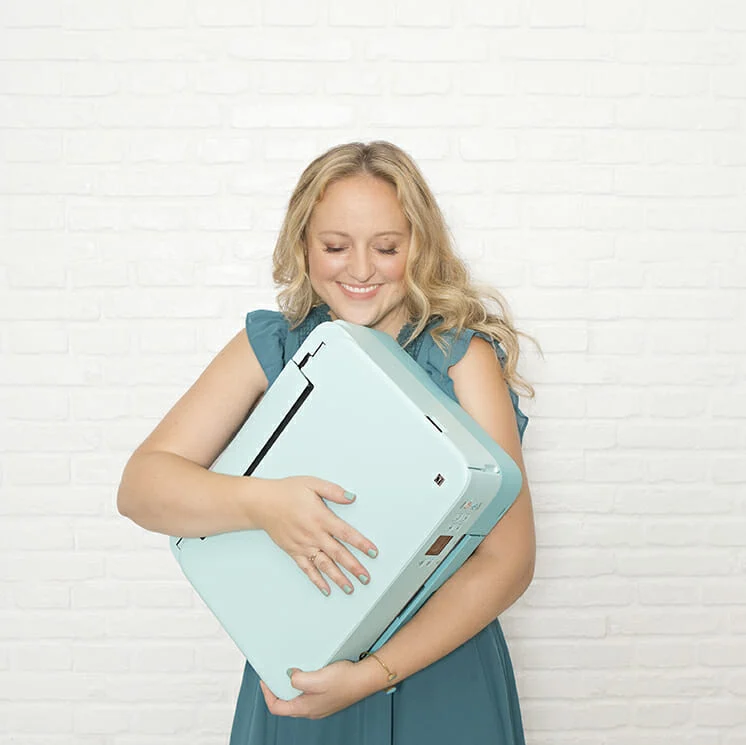
Central to this technological shift is the Canon SELPHY Square QX10, a compact, battery-operated printer designed for high-mobility use. Weighing less than one pound, the device utilizes dye-sublimation thermal transfer technology, a departure from the traditional inkjet systems found in standard home offices. This process involves a ribbon heated by a print head, which turns solid ink into a gas that permeates the specially coated paper. The result is a smooth, continuous-tone image that lacks the visible "dots" often associated with inkjet or laser printing.
The QX10 produces 2.7” x 2.7” square prints, a format popularized by social media platforms but now reclaimed for physical media. A critical feature for the crafting demographic is the overcoat layer applied during the final stage of the printing process. This protective coating renders the photos water-resistant and smudge-proof. According to Canon’s internal testing, when stored in an album, these prints are rated to last up to 100 years, addressing long-standing consumer concerns regarding the fading of instant-print photography. The integration of a peel-and-stick adhesive backing further expands the utility of the media, allowing for immediate application in scrapbooking, labeling, and complex three-dimensional projects.

Case Study: The Photo Shaker Ornament Project
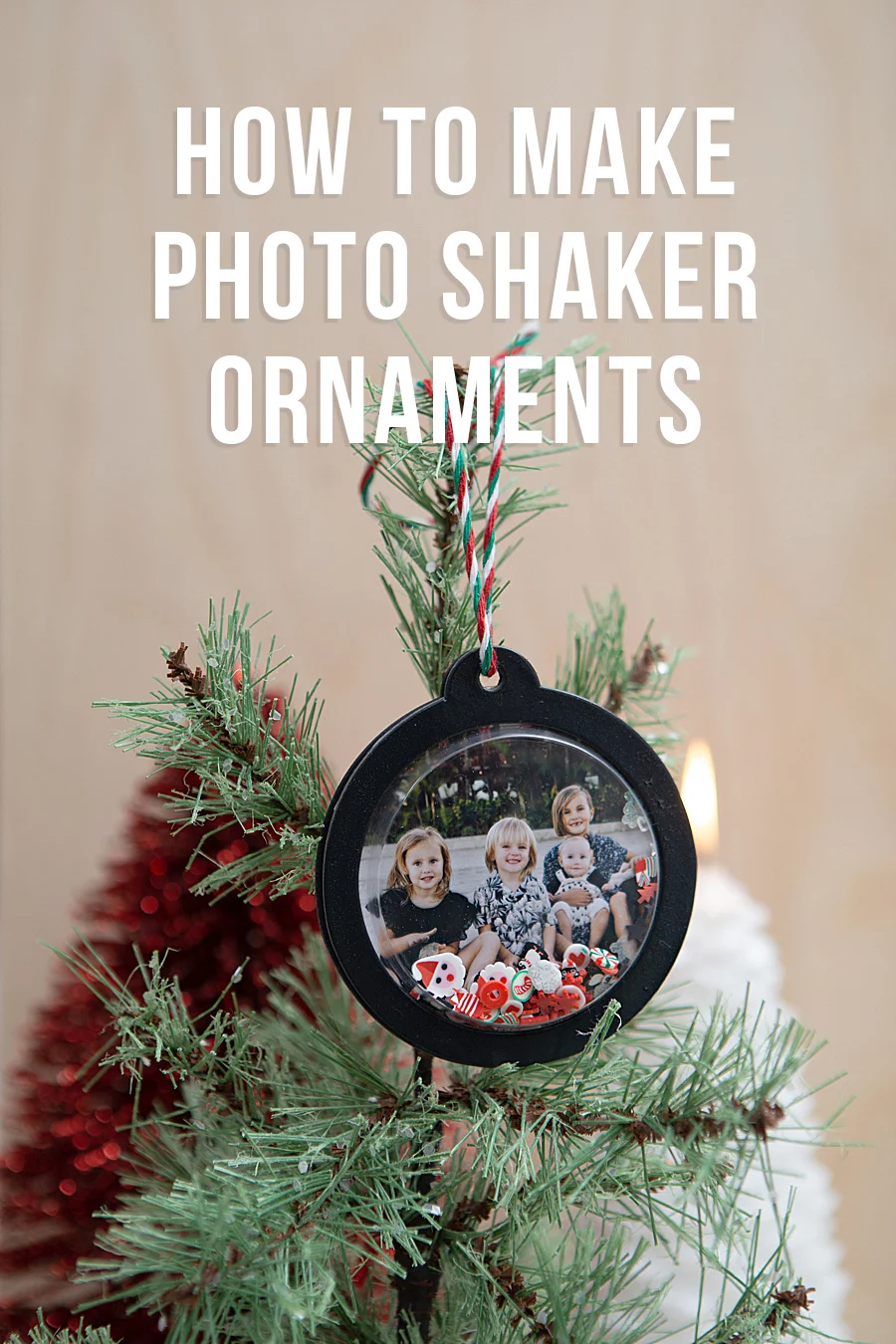
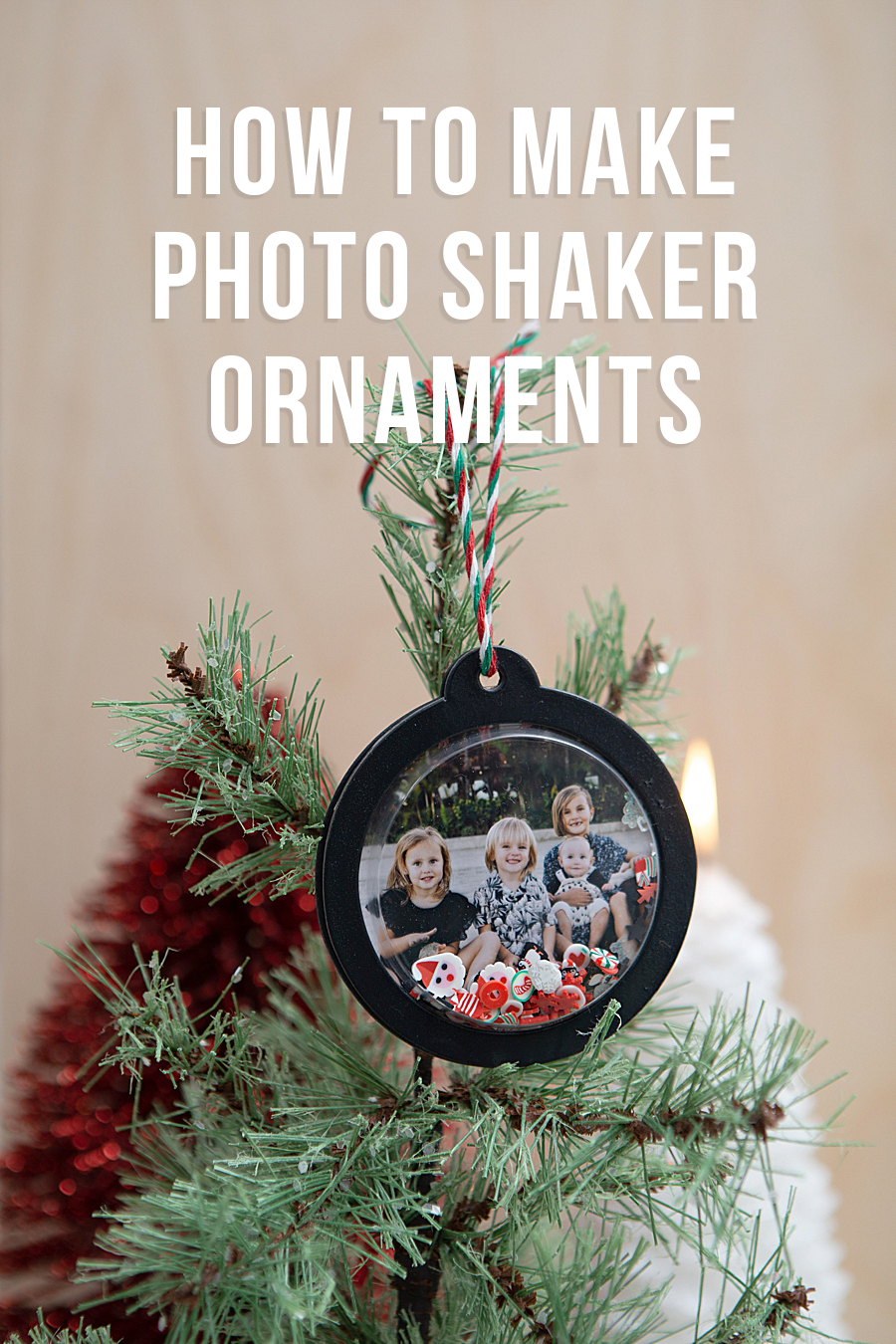
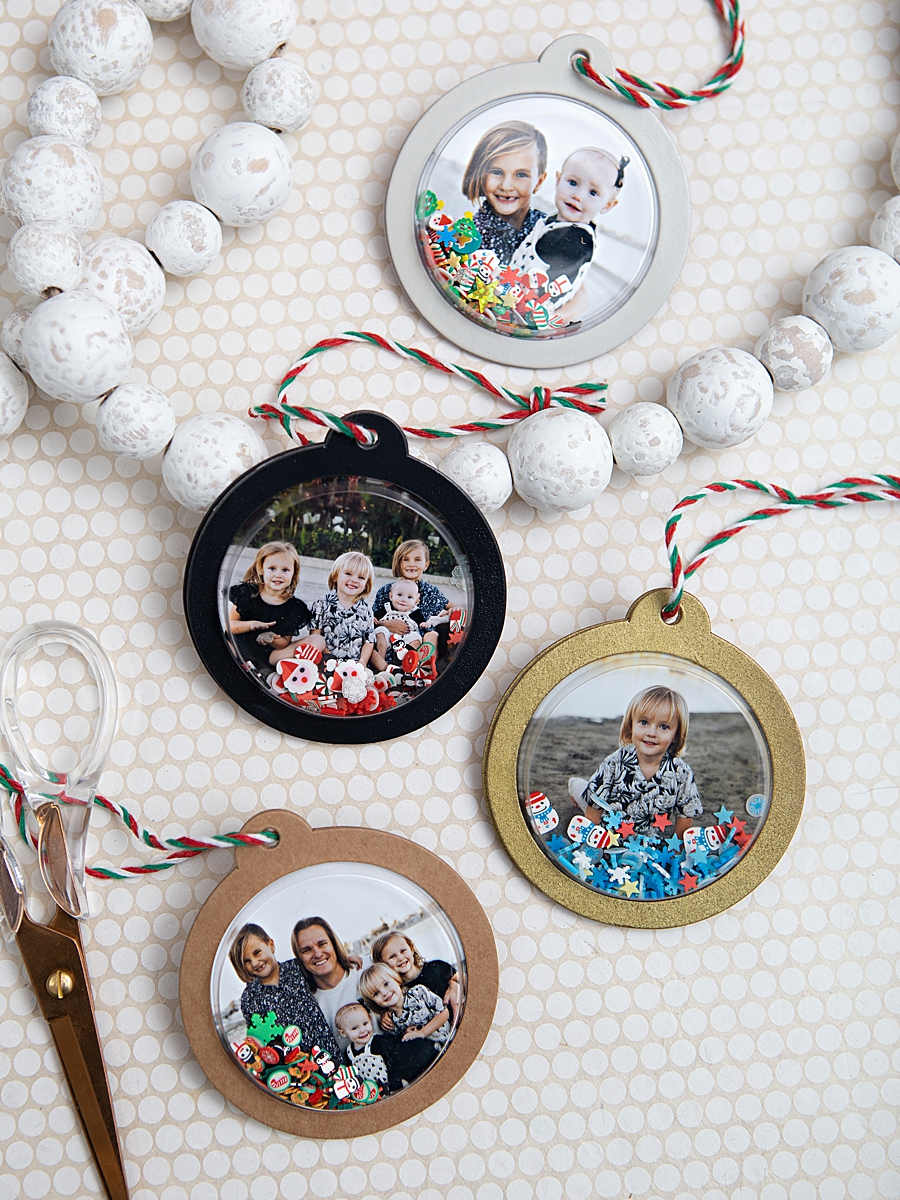
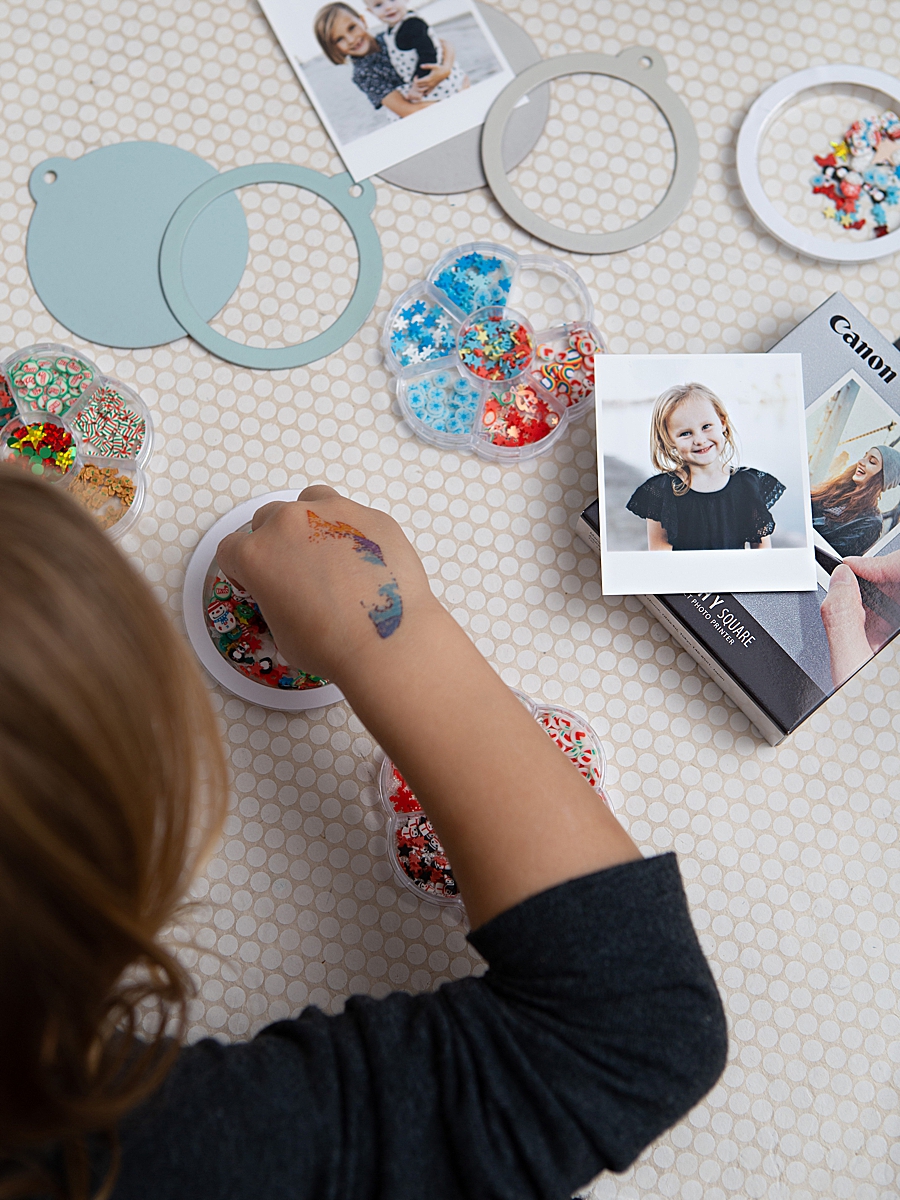
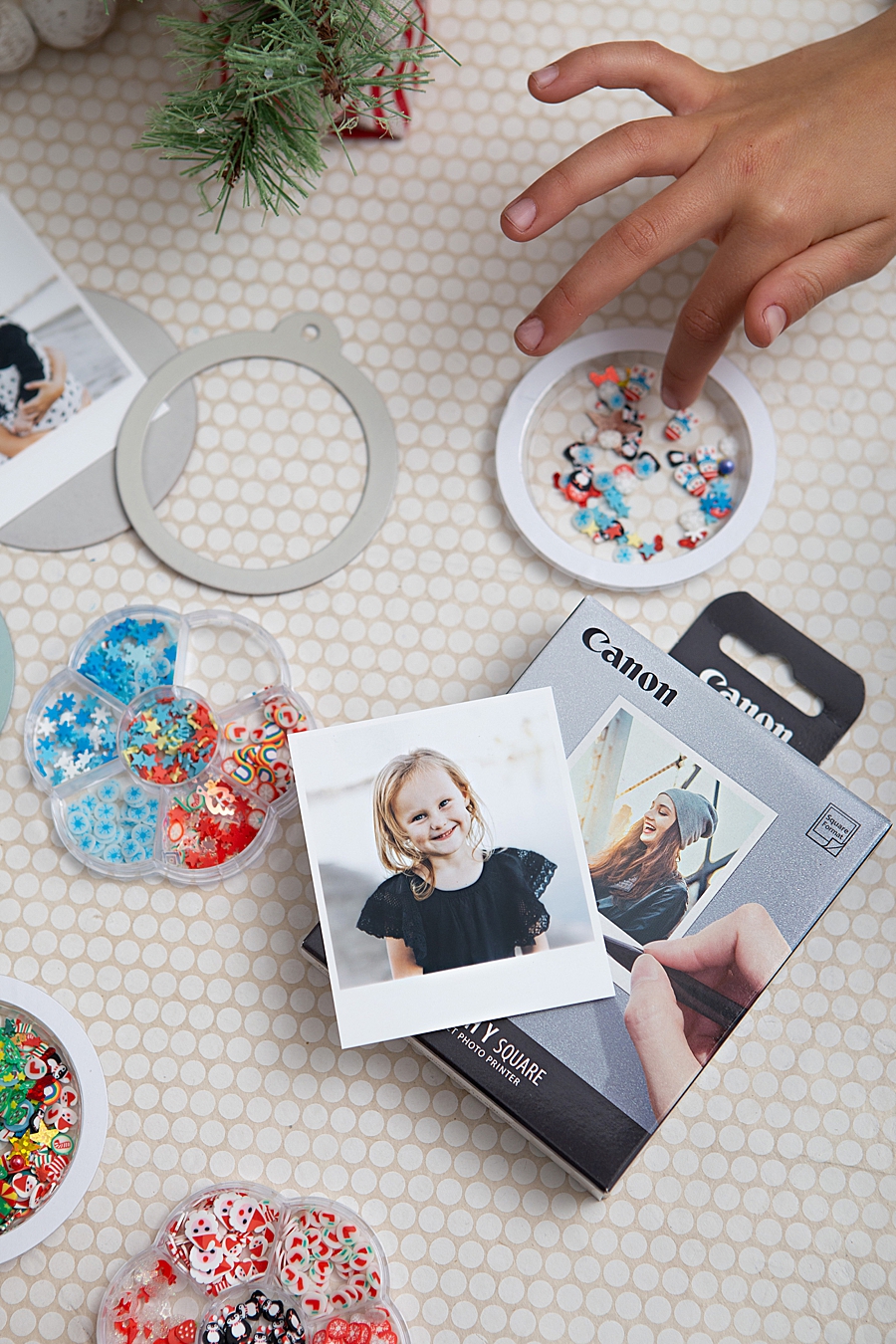
The practical application of the QX10 is best exemplified by the recent development of "Photo Shaker Ornaments," a project that utilizes the printer’s specific form factor to create interactive holiday decor. This project demonstrates the workflow efficiency provided by mobile-integrated hardware. Using the Canon SELPHY Photo Layout 2.0 App, users can edit, frame, and transmit images via Wi-Fi directly to the printer, bypassing the need for a desktop intermediary.
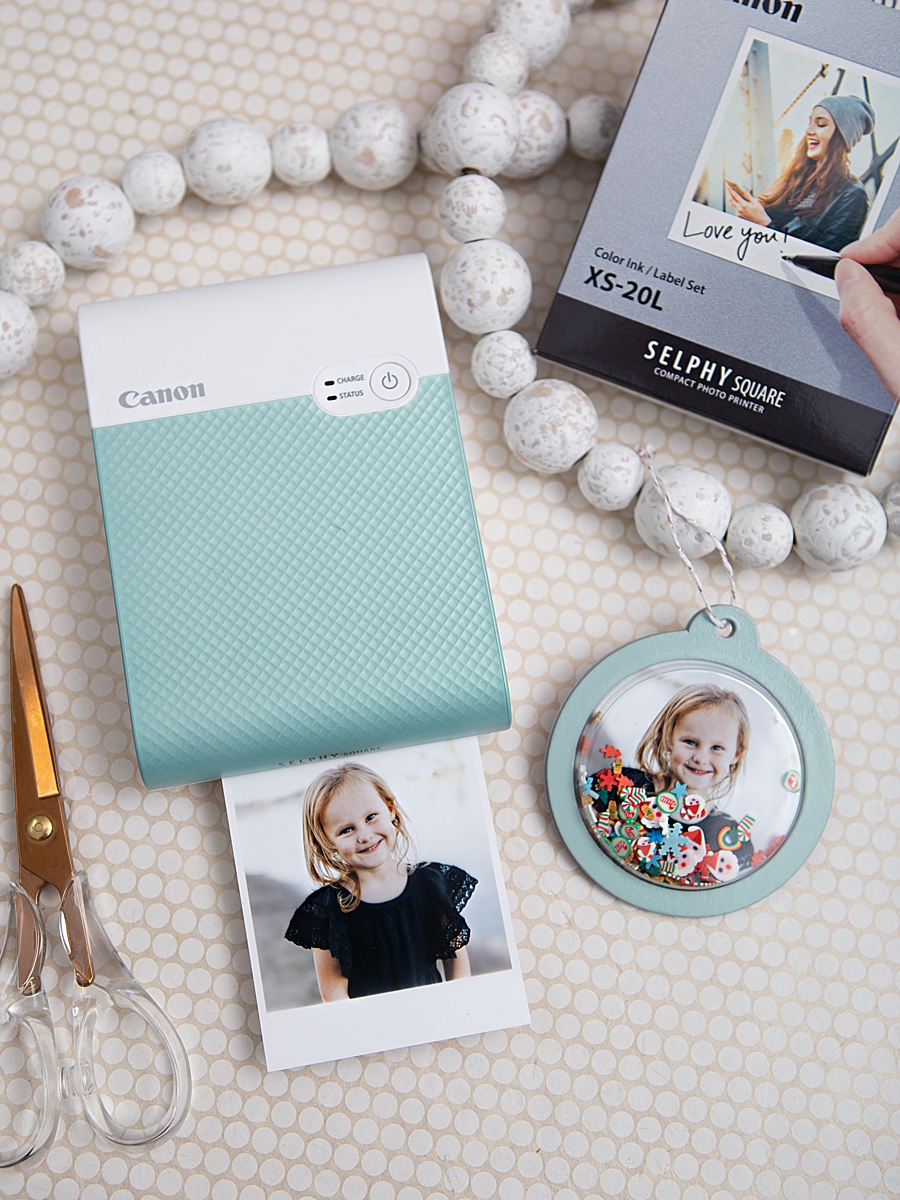
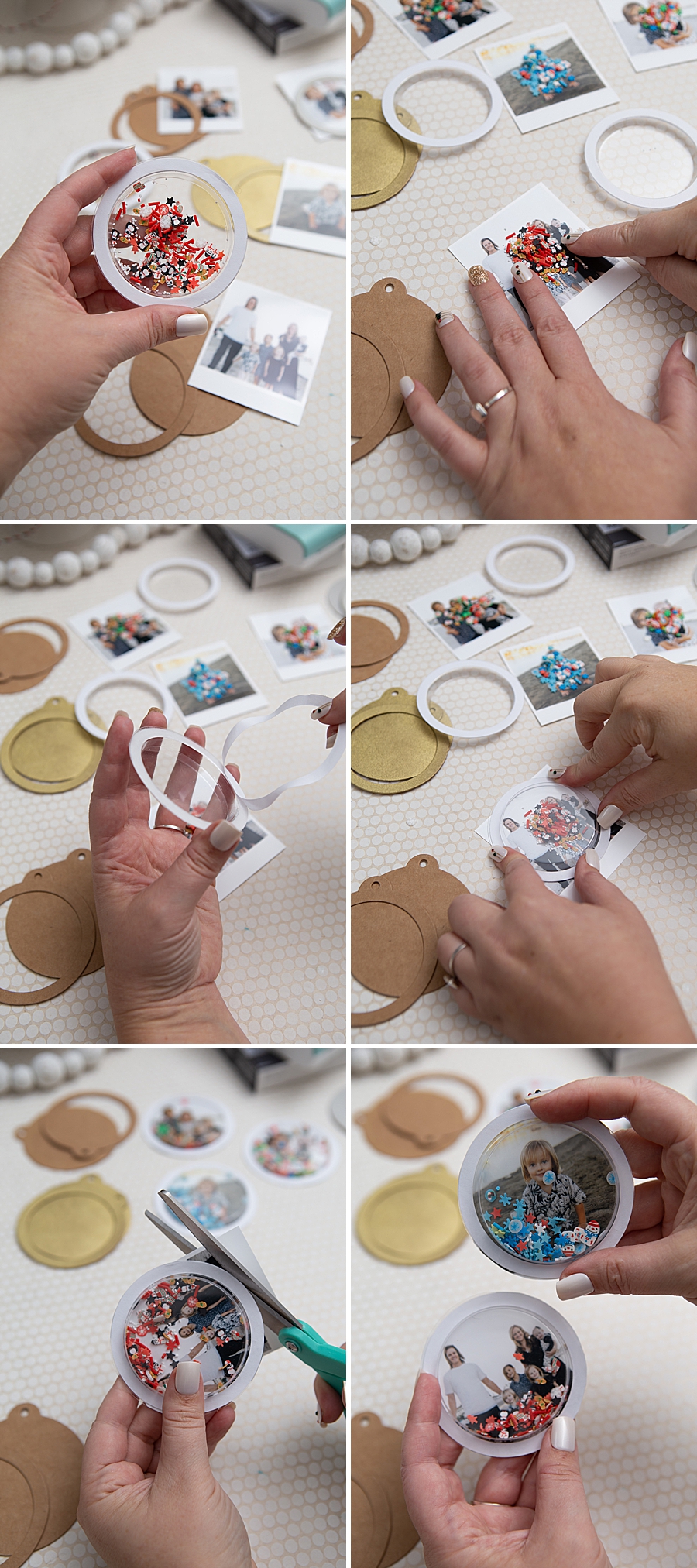
The construction of these ornaments involves a multi-material assembly process:
- Image Capture and Processing: High-resolution digital images are adjusted within the SELPHY app to fit the square aspect ratio.
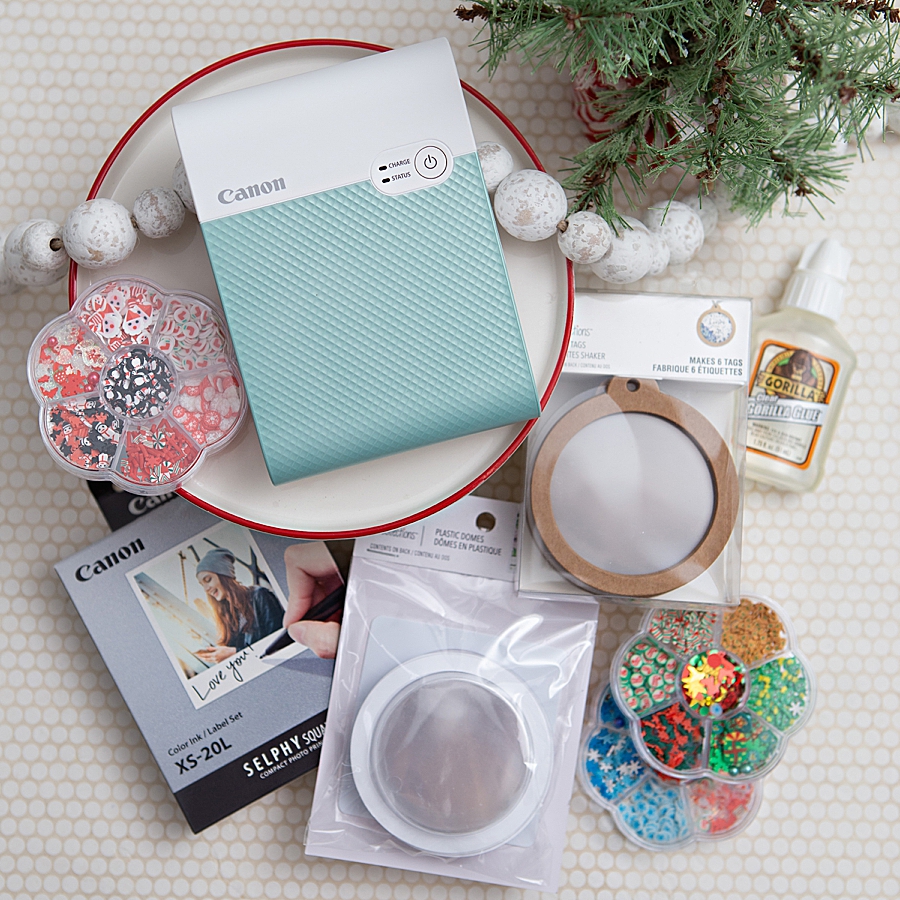
- Printing: The QX10 executes a four-pass printing process (Yellow, Magenta, Cyan, and a Clear Overcoat).
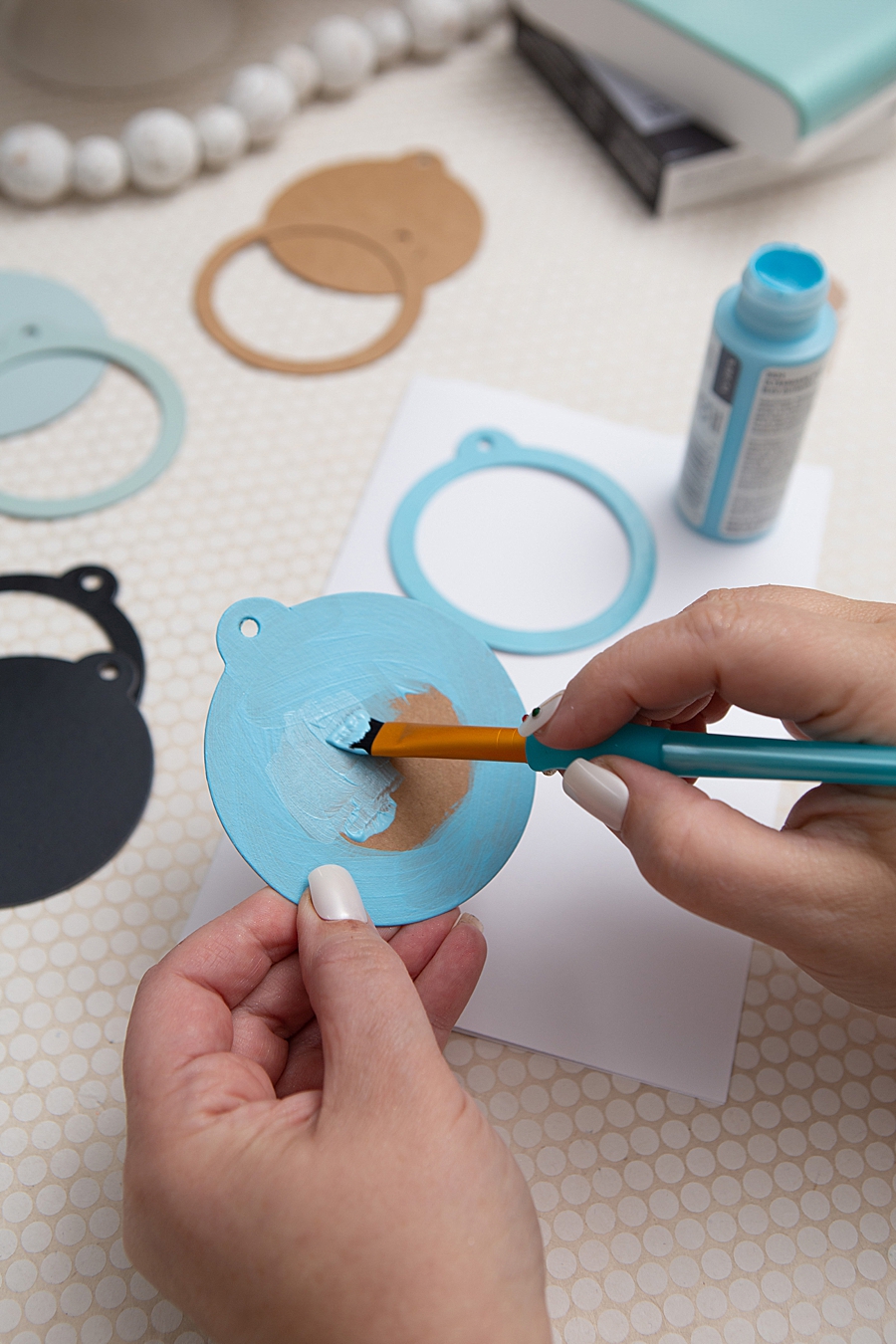
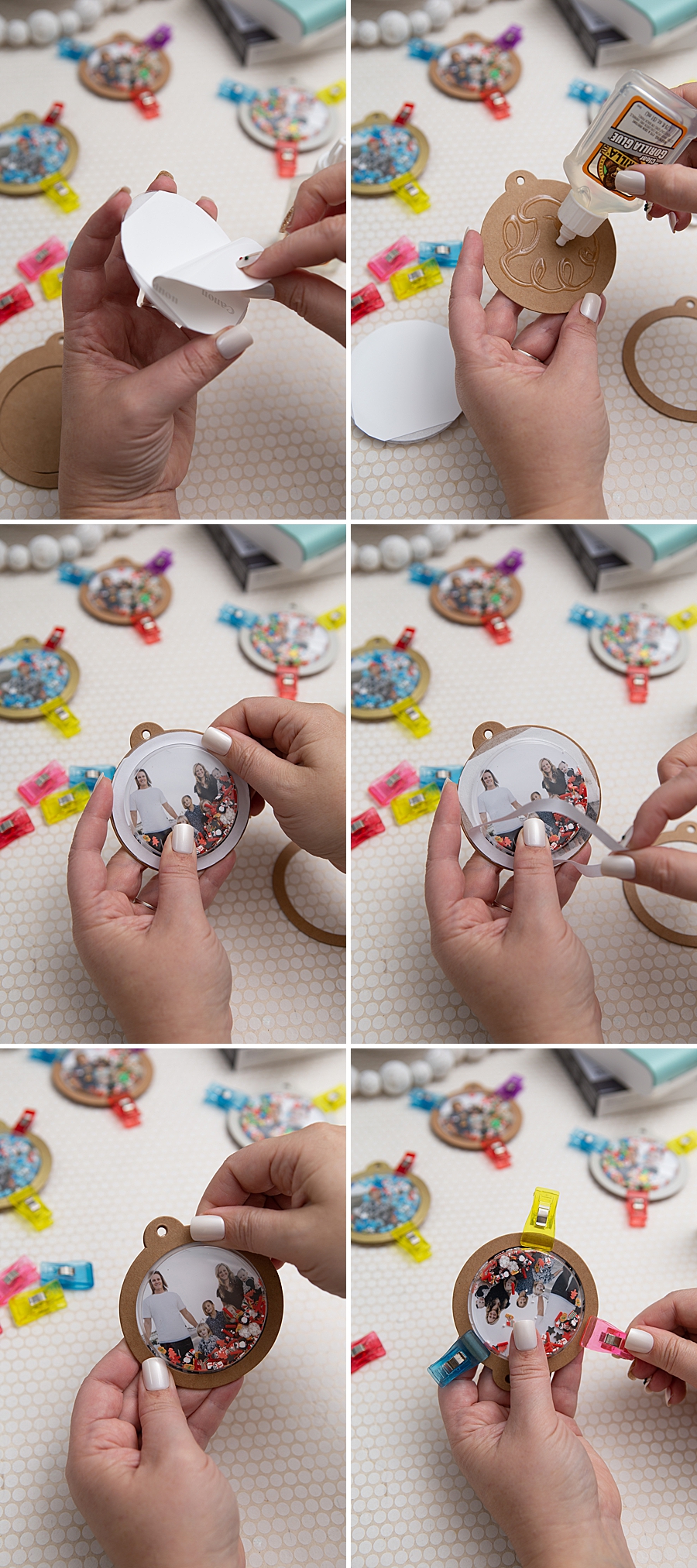
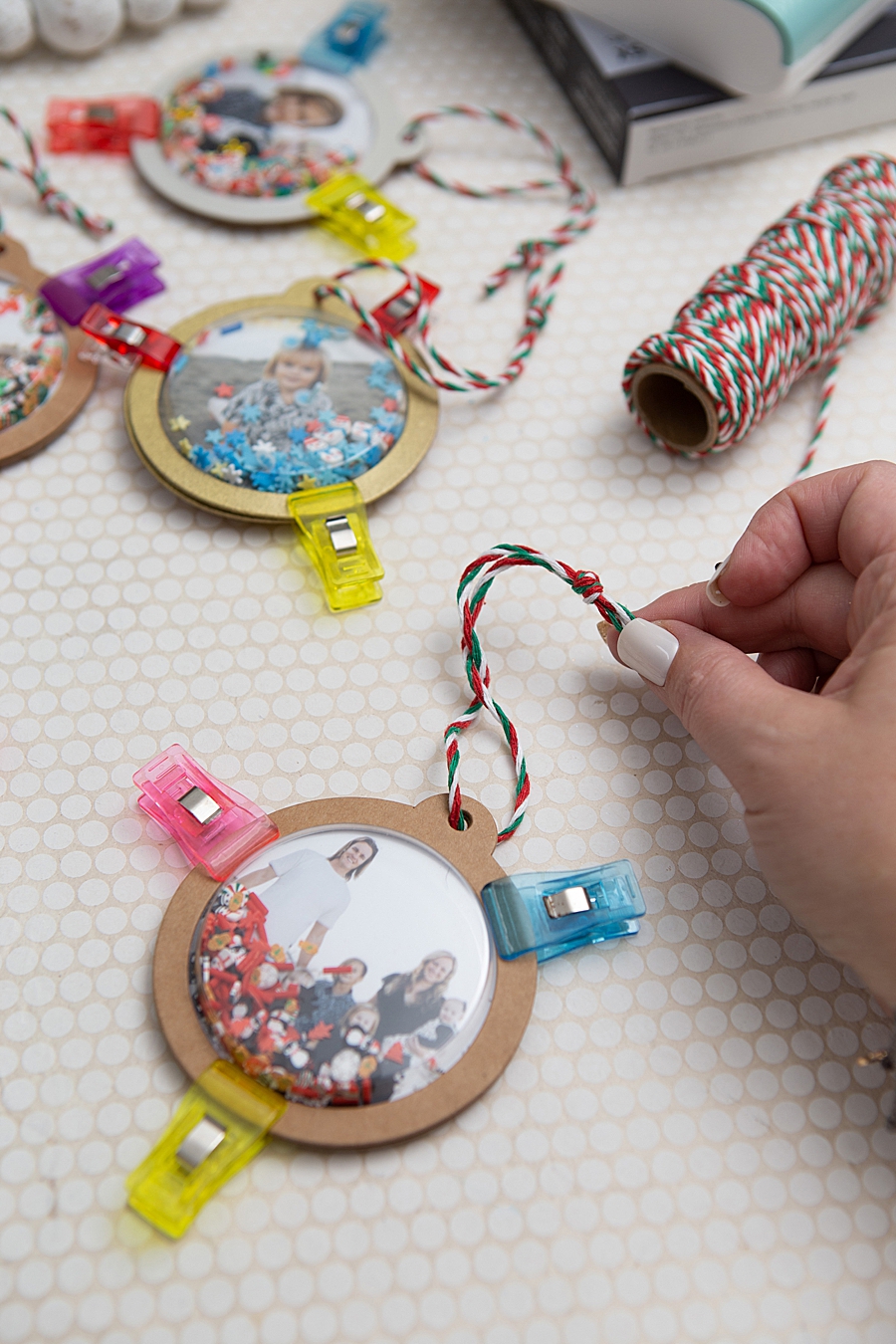
- Housing Construction: The prints are mounted onto kraft shaker tags, which serve as a structural base. These tags are often customized with craft or spray paint to match seasonal aesthetics.
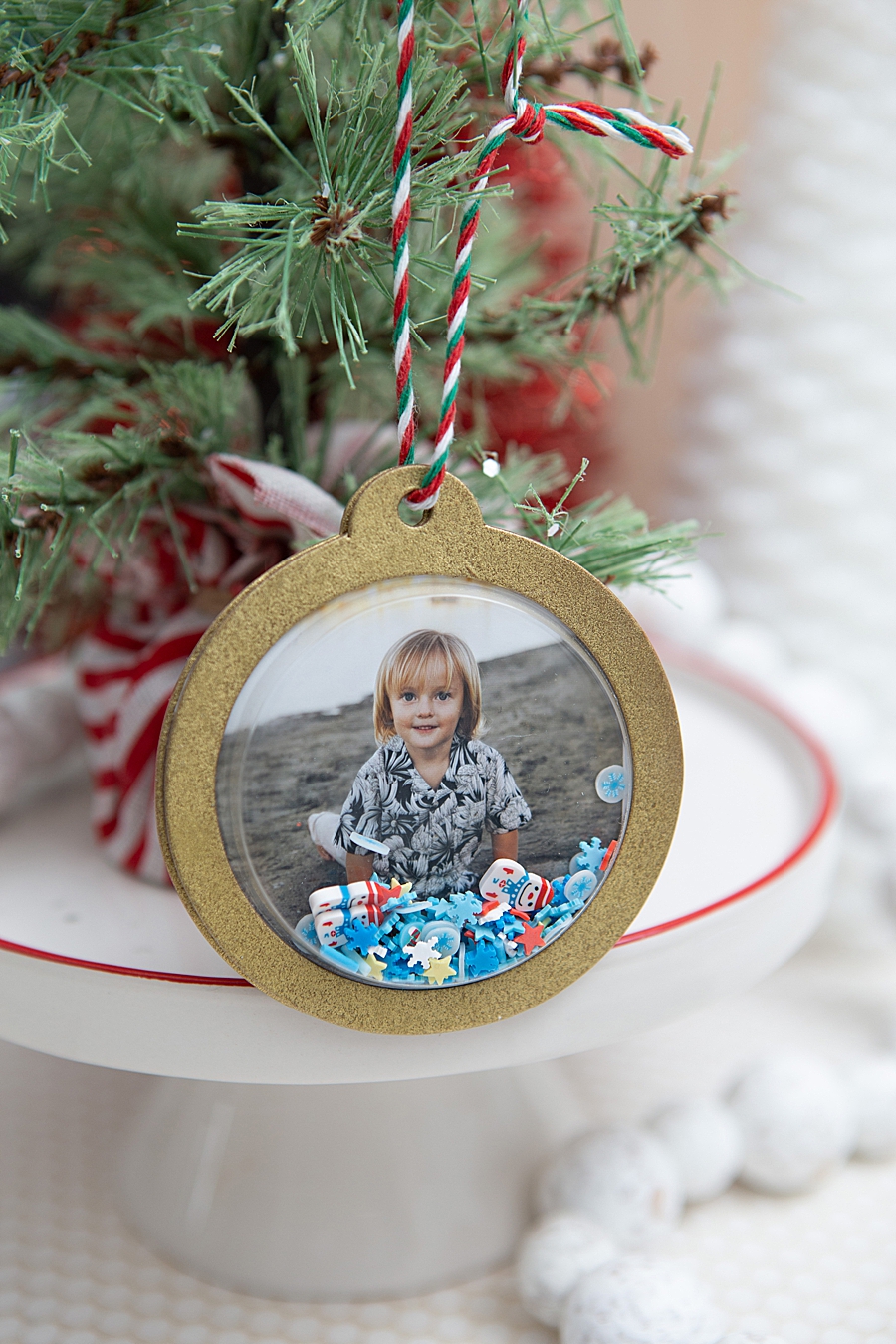
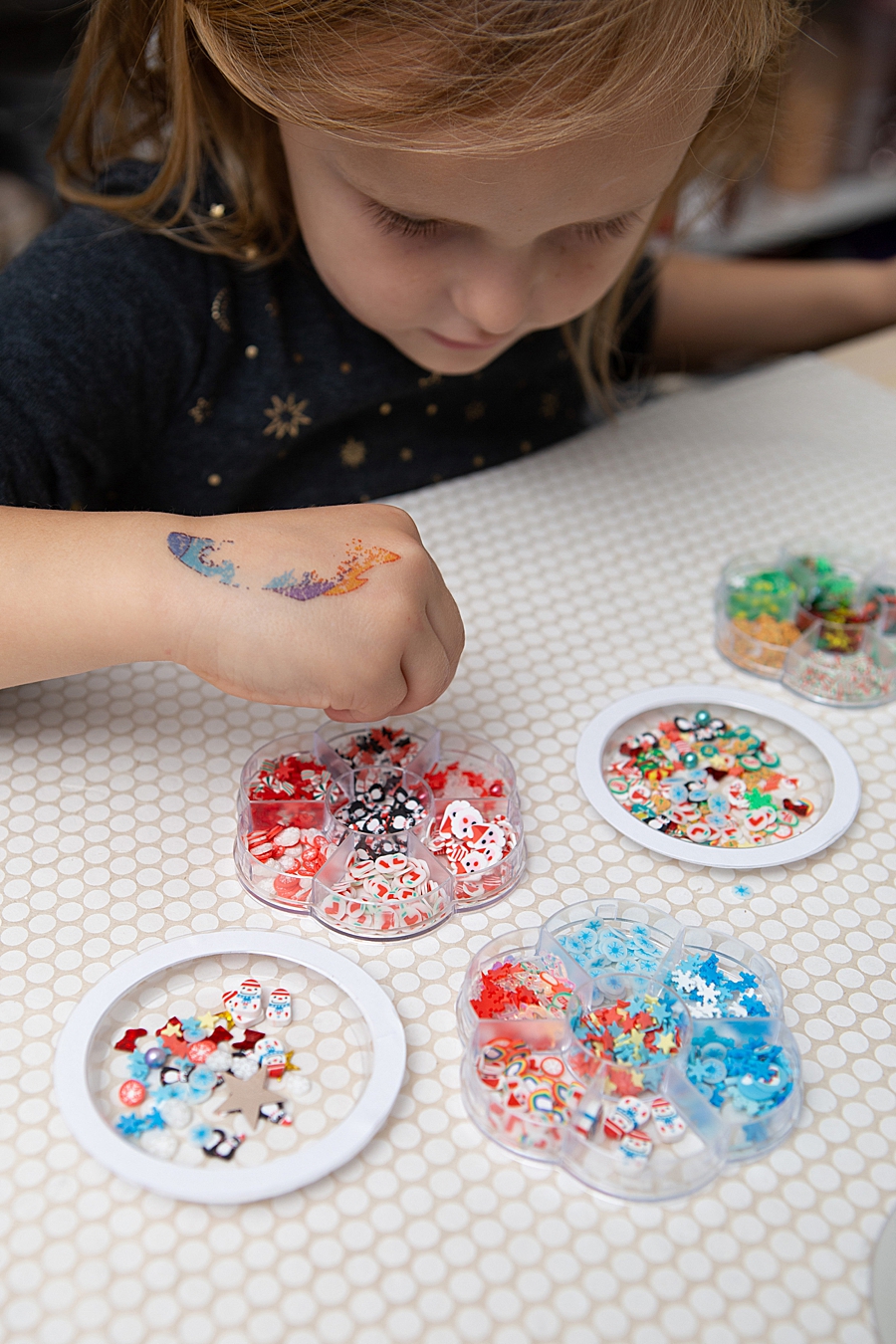
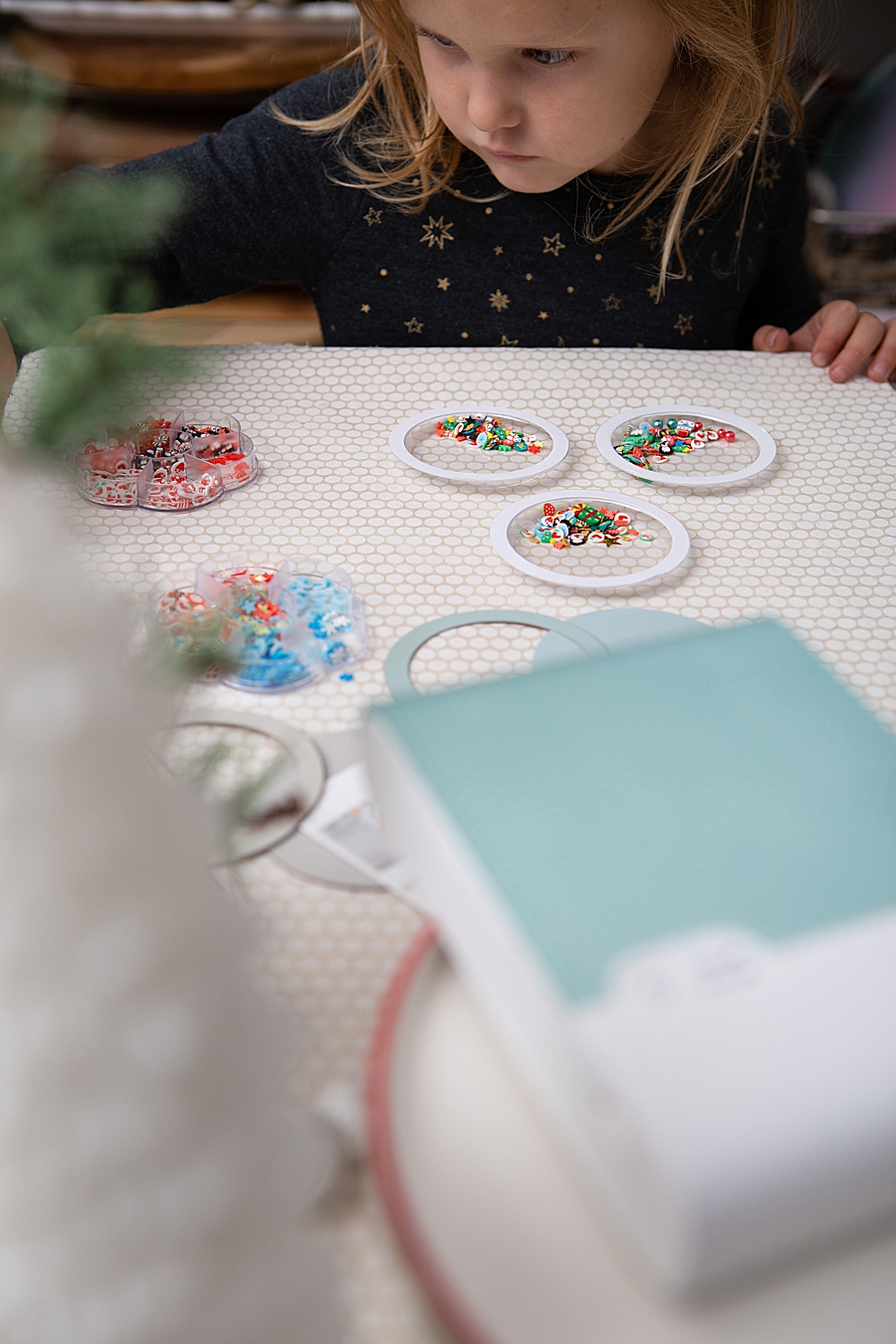
- Interactive Elements: Plastic "shaker domes" are filled with micro-beads, glitter, or "shaker bits"—often sourced from the nail art industry—and then sealed over the photo using high-strength adhesives like Gorilla Glue.
- Curing and Finishing: The assembly requires a two-hour initial dry time and a 24-hour full cure to ensure the structural integrity of the ornament, particularly given its intended interactive "shaking" use.
This specific use case highlights the QX10’s ability to act as a bridge between digital photography and physical manufacturing, allowing for the creation of bespoke items that would previously have required professional printing services.
Chronology of Portable Printing Evolution
The emergence of the SELPHY Square QX10 is the culmination of nearly two decades of evolution in the portable photo printing sector.
- Early 2000s: The introduction of the first SELPHY models targeted the "direct print" market, allowing users to connect digital cameras via USB (PictBridge) without a computer. These units were portable but generally required AC power.
- 2010–2015: As smartphones became the primary capture device, Canon integrated Wi-Fi connectivity and developed dedicated mobile applications. The focus shifted toward the 4×6 postcard format.
- 2017–2019: The rise of instant film cameras (such as the Fujifilm Instax and Polaroid lines) signaled a renewed consumer interest in tactile, square-format photos. Canon responded by refining its dye-sublimation technology into smaller footprints.
- 2020–Present: The launch of the QX10 addressed the need for internal battery power and higher-resolution output compared to "Zink" (Zero Ink) technology. The focus moved toward archival quality and adhesive media, catering specifically to the surging DIY and journaling markets.
Market Data and Consumer Behavior Analysis
The resurgence of physical photo printing occurs against a backdrop of "digital fatigue." Market research indicates that while consumers take more photos than ever before—estimated at over 1.8 trillion annually—the perceived value of these images often diminishes when they remain exclusively on a device. A 2023 consumer behavior report suggests that 62% of Millennials and Gen Z individuals express a preference for physical copies of photos for "special memories," citing a desire for tangible artifacts in an increasingly ephemeral digital landscape.
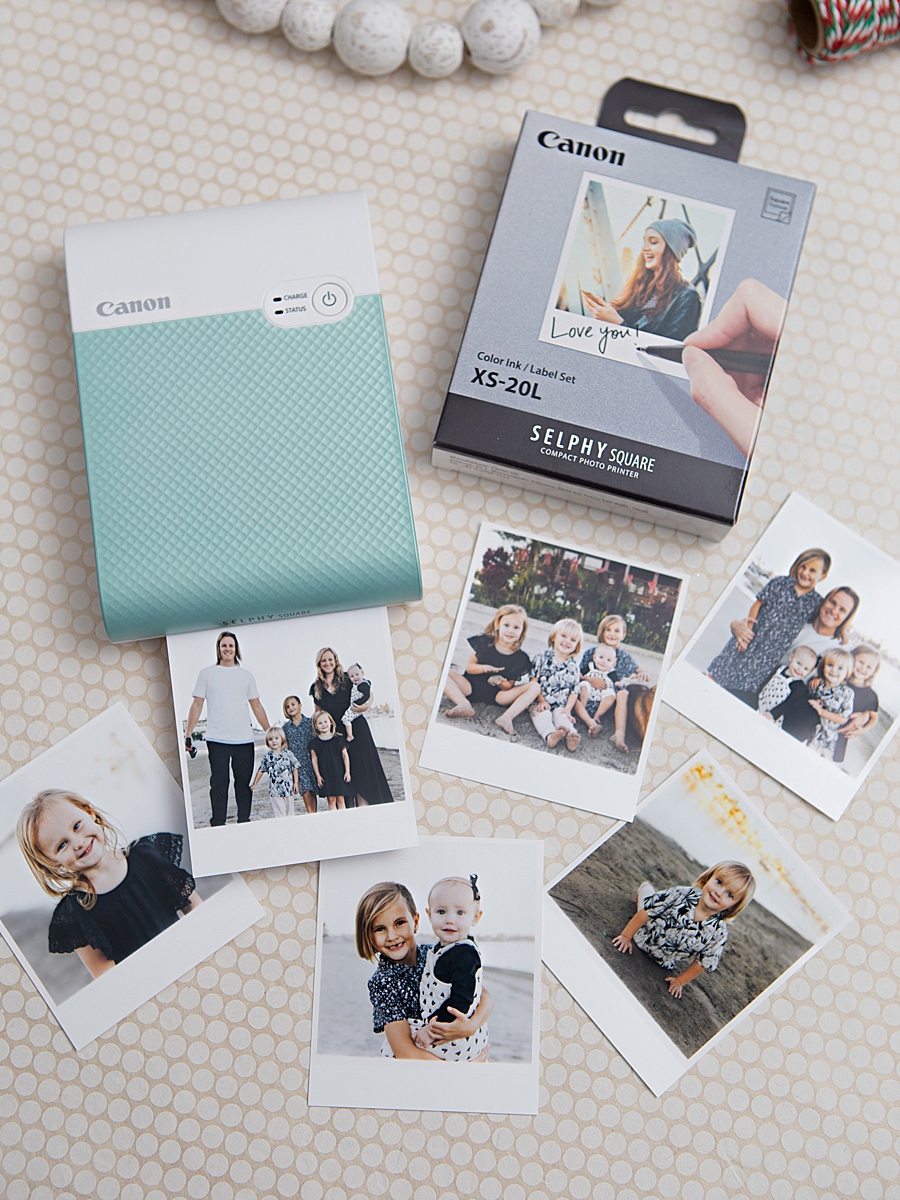
Furthermore, the "Maker Economy" has seen unprecedented growth. Platforms like Etsy and Pinterest have turned hobbyist crafting into a significant economic driver. The demand for tools that offer professional results with consumer-level ease of use has created a vacuum that the QX10 and similar devices are filling. The printer’s use of an "all-in-one" consumable pack—where the ink cassette and paper are matched to 20 sheets—simplifies the supply chain for the end user, ensuring that they never run out of ink before paper, a common pain point in traditional printing.
Industry Reactions and Strategic Positioning
Representatives from the imaging industry note that Canon’s strategy with the SELPHY line is to maintain relevance in a world where the "print" button is often ignored. By positioning the QX10 as a "crafting tool" rather than just a "printer," Canon has successfully tapped into a demographic that values creativity and personalization over high-volume output.
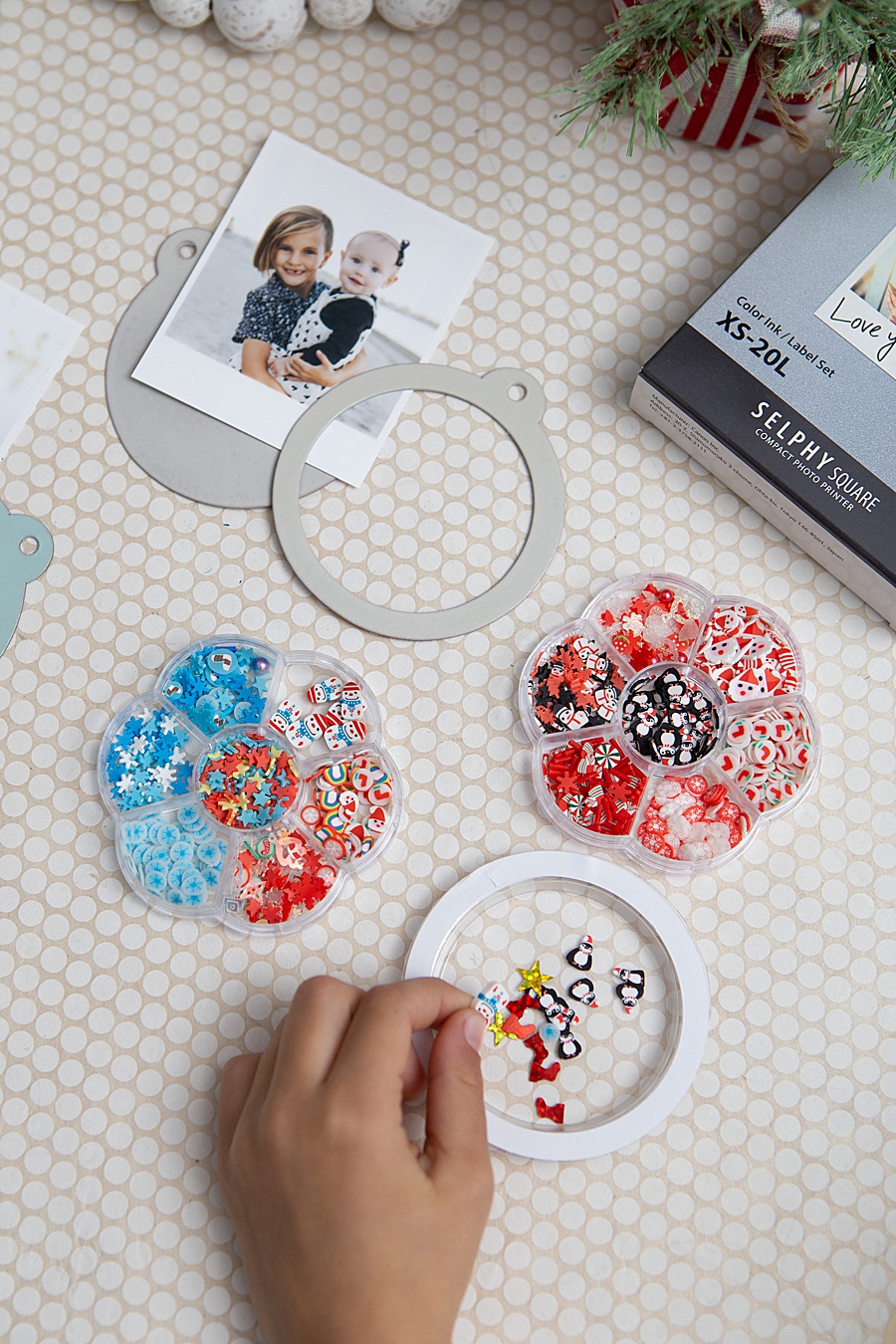
"Canon U.S.A., Inc. prides itself on allowing consumers to create and preserve beautiful imagery, from capture to print," the company stated in a recent product brief. This philosophy is echoed by DIY influencers who emphasize the emotional connection fostered by physical media. The "Something Turquoise" project, for instance, highlights how the tactile nature of the shaker ornaments engages children and families in a way that a digital slideshow cannot.
Industry analysts suggest that this "experience-based" marketing is essential. By providing tutorials and specific project ideas, manufacturers are not just selling hardware; they are selling the "end result"—in this case, a personalized holiday tradition.
Broader Implications for the Future of Imaging
The success of portable, high-quality printing solutions like the SELPHY Square QX10 has broader implications for several sectors:
1. Sustainability and Intentionality: Unlike high-volume home printing, the QX10 encourages "intentional printing." Users select their most cherished images, potentially reducing the waste associated with bulk photo printing. However, the industry continues to face pressure to ensure that the plastic-heavy ink cassettes and adhesive-backed papers are handled through robust recycling programs.
2. The Evolution of Social Sharing: We are seeing a "reverse migration" of social media aesthetics. The square format, once a digital-only constraint of early Instagram, has become a preferred physical aesthetic. This suggests that digital trends will continue to dictate the physical form factors of consumer electronics.
3. Retail and Gift-Giving: The ability to produce archival-quality gifts at home challenges the traditional retail model for personalized merchandise. As home-based technology approaches the quality of commercial labs, the "last mile" of the gift-giving industry is increasingly moving into the consumer’s living room.
In conclusion, the Canon SELPHY Square QX10 represents a significant advancement in the democratization of high-quality imaging. By combining the archival benefits of dye-sublimation with the convenience of mobile technology, it provides a versatile platform for the modern creator. Whether used for holiday ornaments, scrapbooking, or home organization, the device underscores a fundamental truth in the digital age: there remains an irreplaceable value in the physical photograph. As the holiday season approaches, the integration of these technological tools into family traditions is likely to expand, further cementing the role of the portable printer in the modern household.