




The intersection of digital photography and physical media is experiencing a significant shift as hardware manufacturers prioritize portability and long-term durability in consumer printing devices. Canon U.S.A., Inc. has positioned its SELPHY Square QX10 as a primary driver in this evolution, targeting the burgeoning DIY (Do-It-Yourself) and home-crafting markets. By utilizing advanced dye-sublimation technology, the device attempts to solve the historical trade-off between the convenience of mobile printing and the longevity of traditional photo lab results. This strategic move comes at a time when consumer interest in personalized home decor and physical scrapbooking is seeing a resurgence, fueled by a desire to move beyond the ephemeral nature of smartphone-based image storage.

Technical Innovation in the Portable Printer Market
The Canon SELPHY Square QX10 represents a departure from the "Zink" (Zero Ink) technology that has dominated the ultra-portable printer category for the last decade. While Zink printers offer the advantage of not requiring ink cartridges, they often struggle with color accuracy and image stability over time. In contrast, the QX10 utilizes a dye-sublimation process. This method involves a ribbon that transfers heat-sensitive dyes onto a specialized paper in four distinct passes: yellow, magenta, cyan, and a final clear protective overcoat.
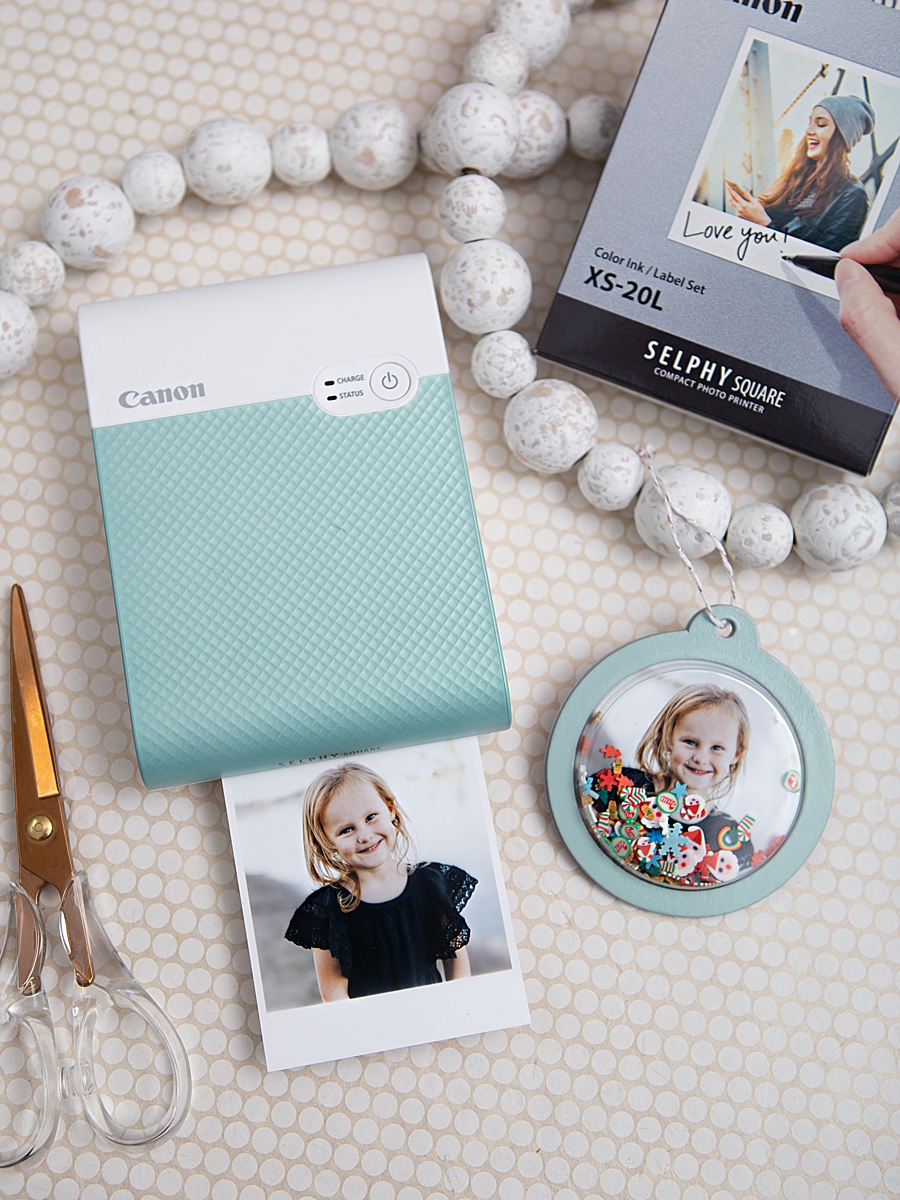
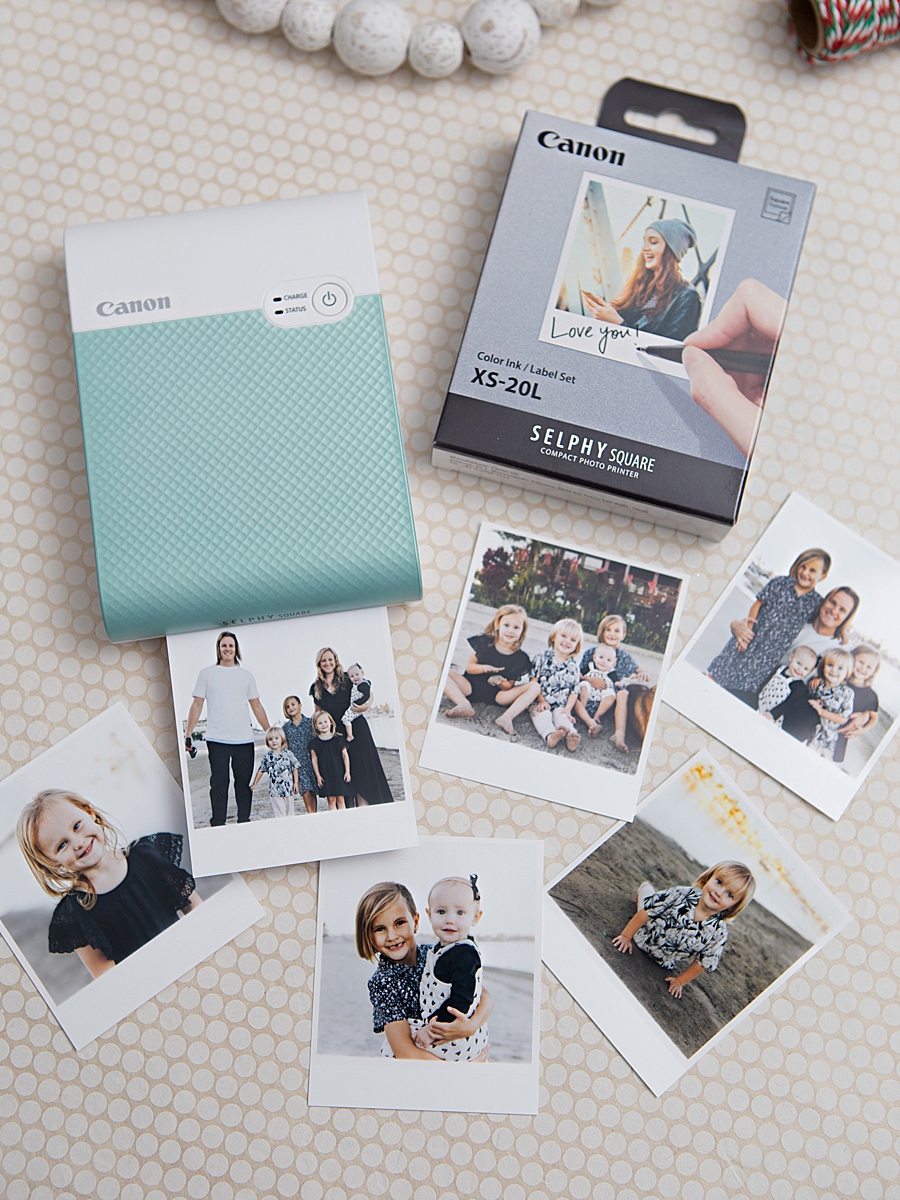
According to technical specifications provided by Canon, this overcoat is critical for the "100-year" archival rating, assuming the prints are stored in an album. The protective layer shields the image from gas, light, and water, addressing the common consumer complaint regarding the fading of instant-style photos. The device produces 2.7-inch by 2.7-inch square prints, a format popularized by social media platforms like Instagram, but adapted for physical use with a peel-and-stick adhesive backing.

The unit weighs less than one pound and operates on an internal rechargeable battery, removing the need for a tethered power source. This portability is a key component of Canon’s "capture to print" philosophy, allowing users to generate physical media at the point of experience—whether at a social gathering, a holiday event, or within a dedicated crafting studio.
Case Study: The "Something Turquoise" Collaborative Project
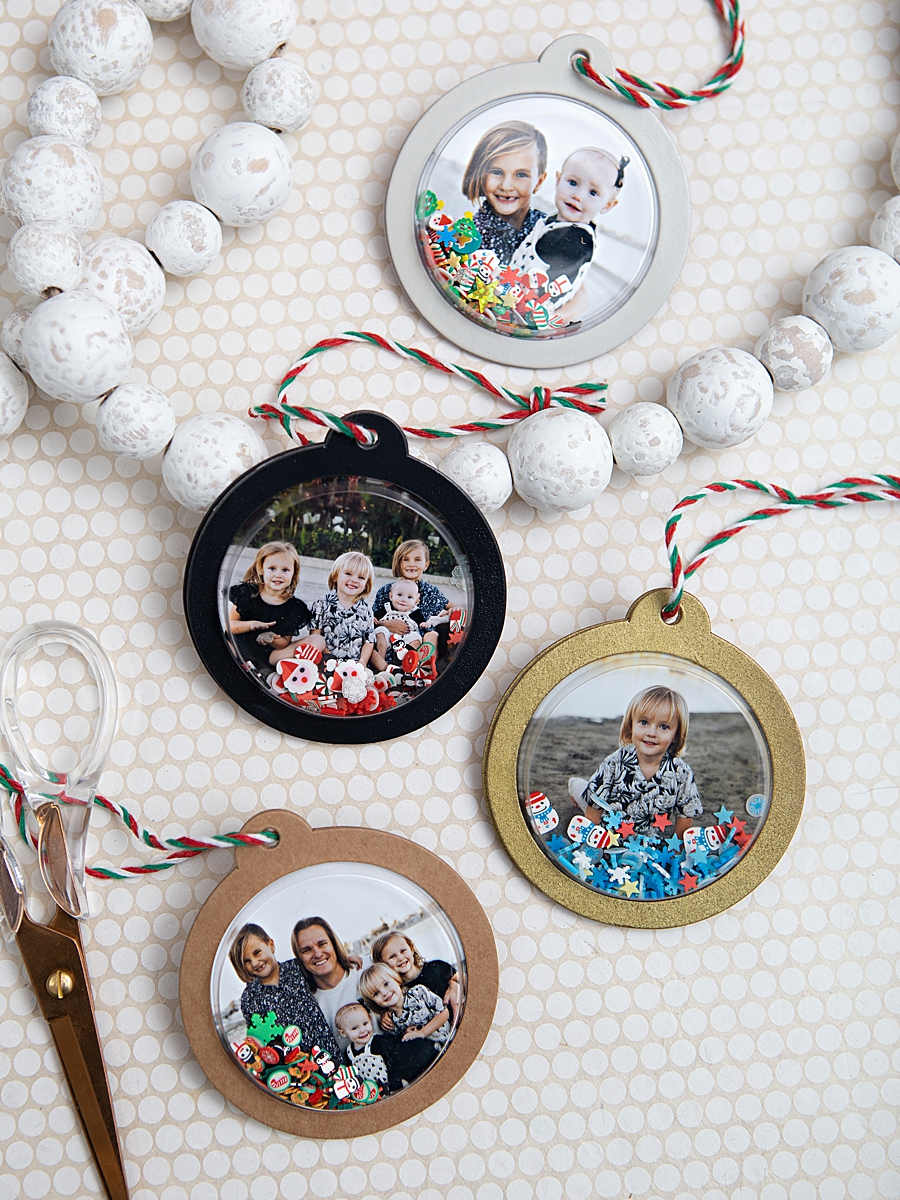
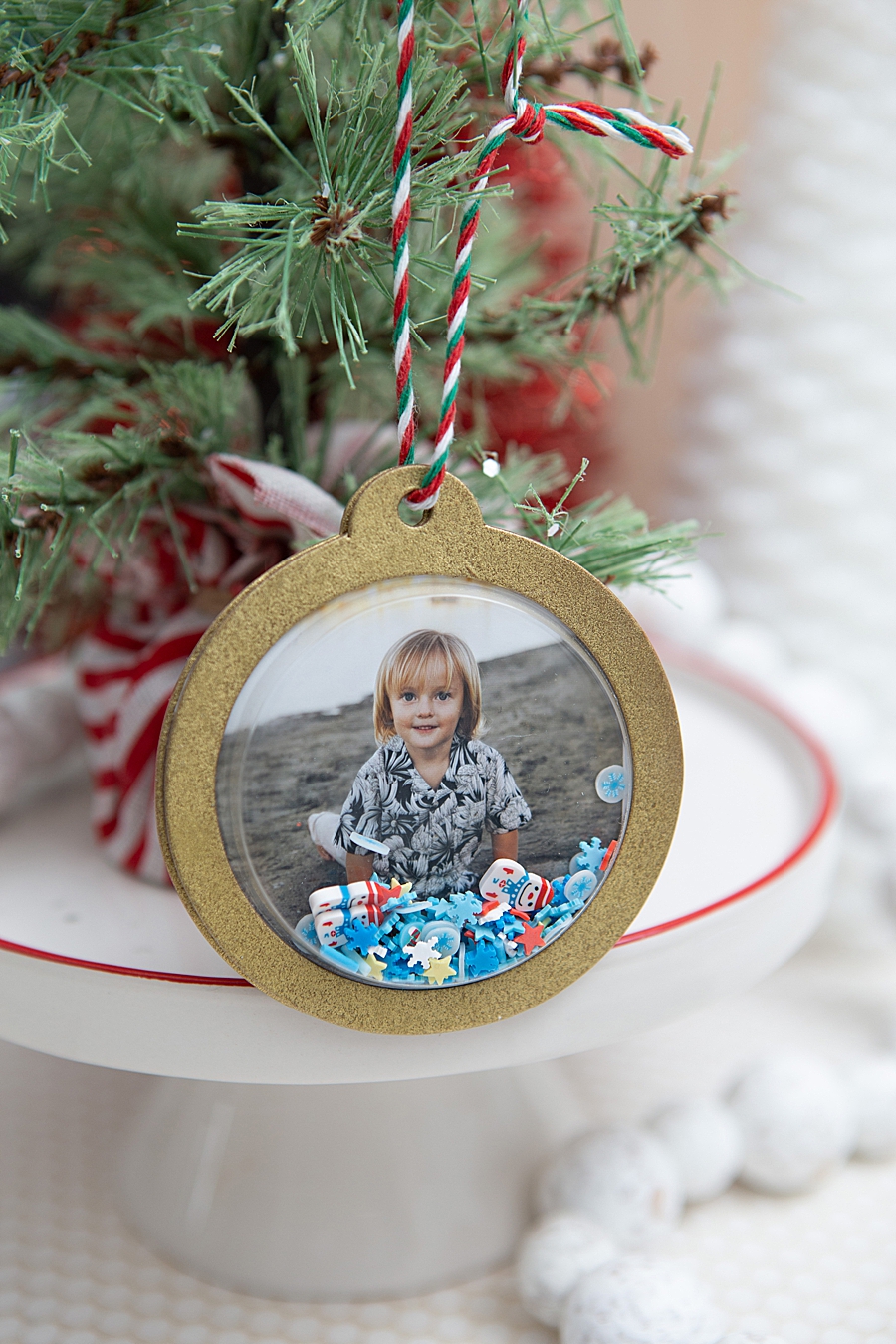
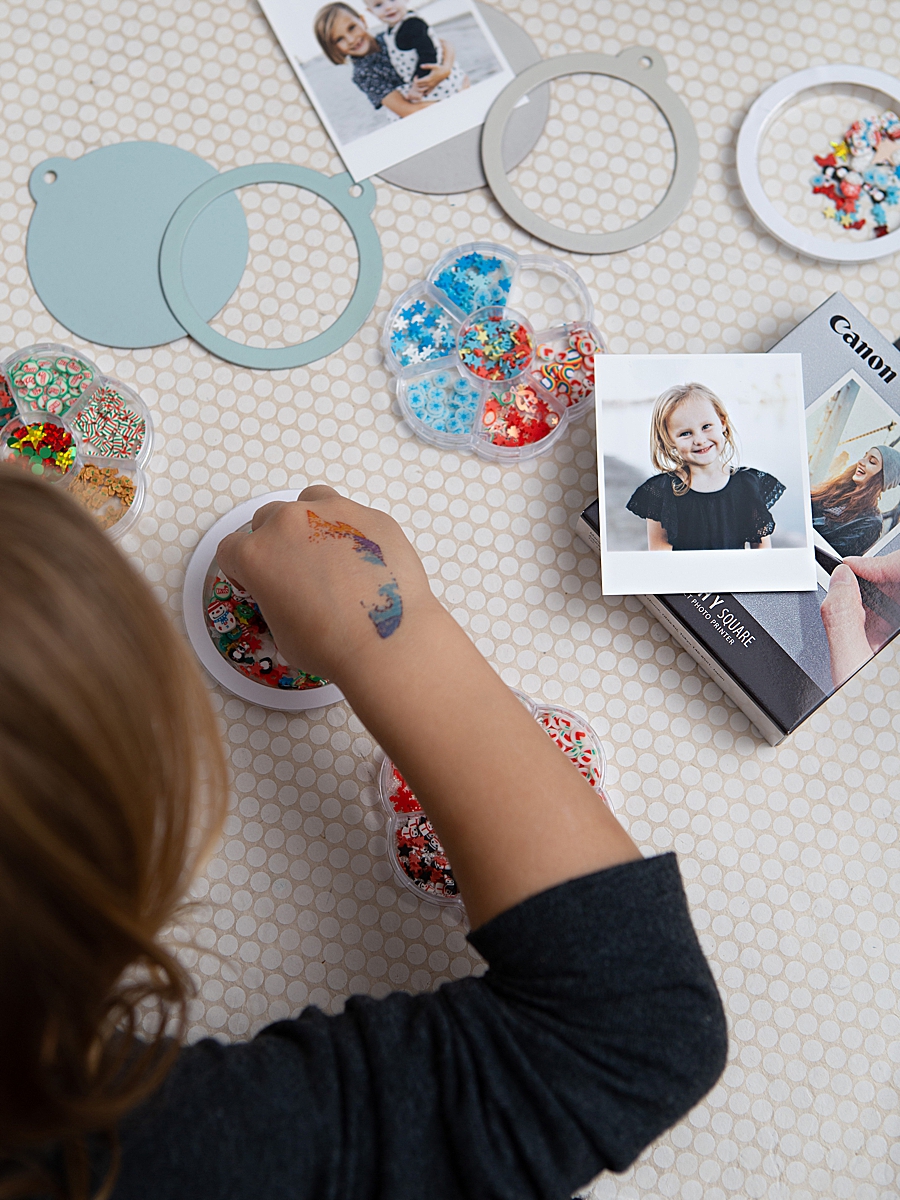
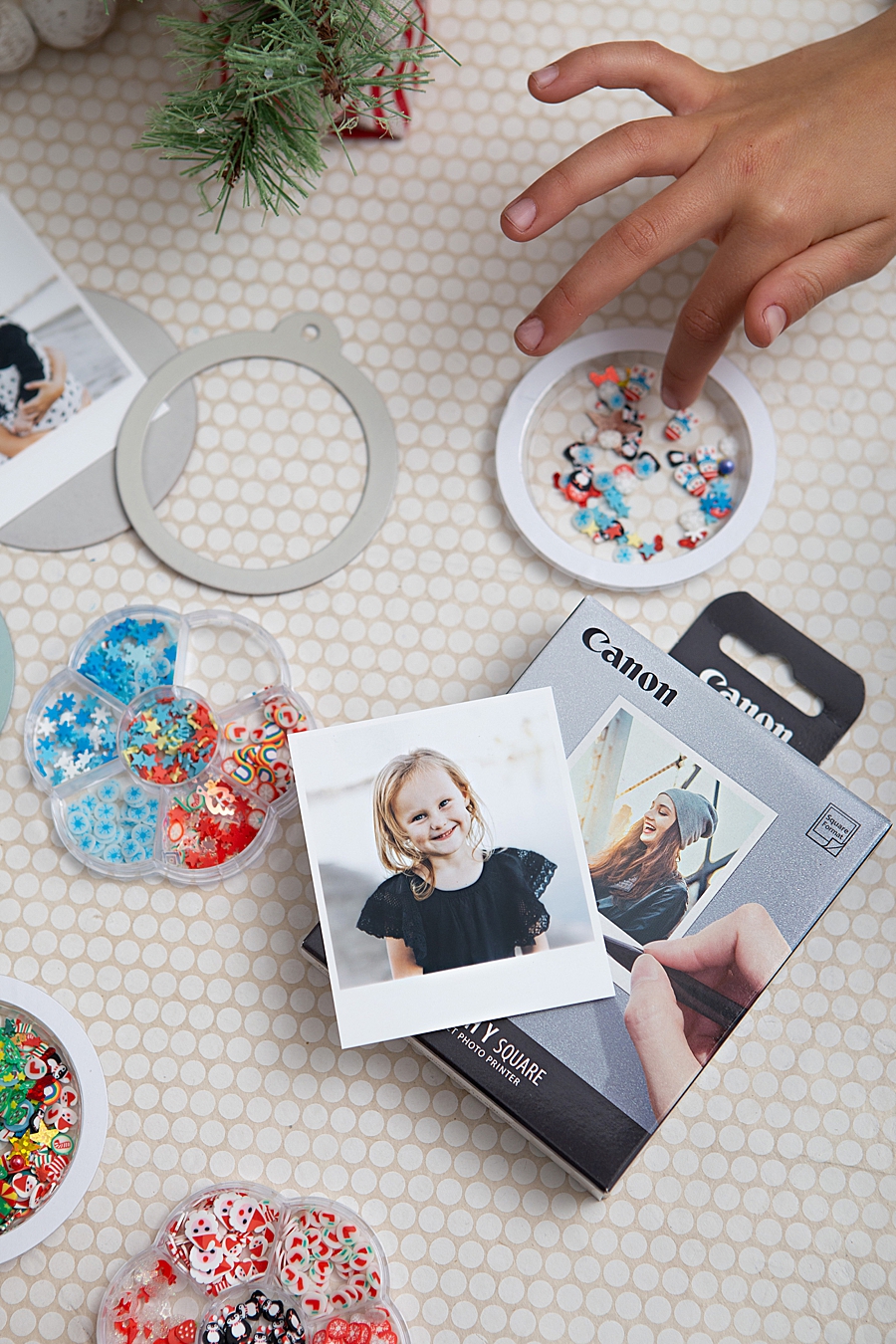
To demonstrate the practical application of the QX10 in the seasonal decoration market, Canon collaborated with Jen Causey-Kidder of the DIY platform "Something Turquoise." The project—creating custom photo shaker ornaments—highlights the intersection of high-tech printing and traditional hand-crafting. This specific application showcases the printer’s ability to integrate into complex multi-media projects that go beyond simple photo placement.
Chronology of the Creative Process
The development of the photo shaker ornament serves as a blueprint for modern consumer crafting workflows:
- Digital Preparation: Users interface with the Canon SELPHY Photo Layout 2.0 App. The software allows for localized editing, border selection, and the arrangement of images to ensure they fit the physical dimensions of the 2.7-inch square paper.
- Iterative Printing: The printing process itself acts as a point of engagement. The QX10’s four-pass system provides a visual representation of color theory in action, a feature that market research suggests increases "user delight" and perceived value.
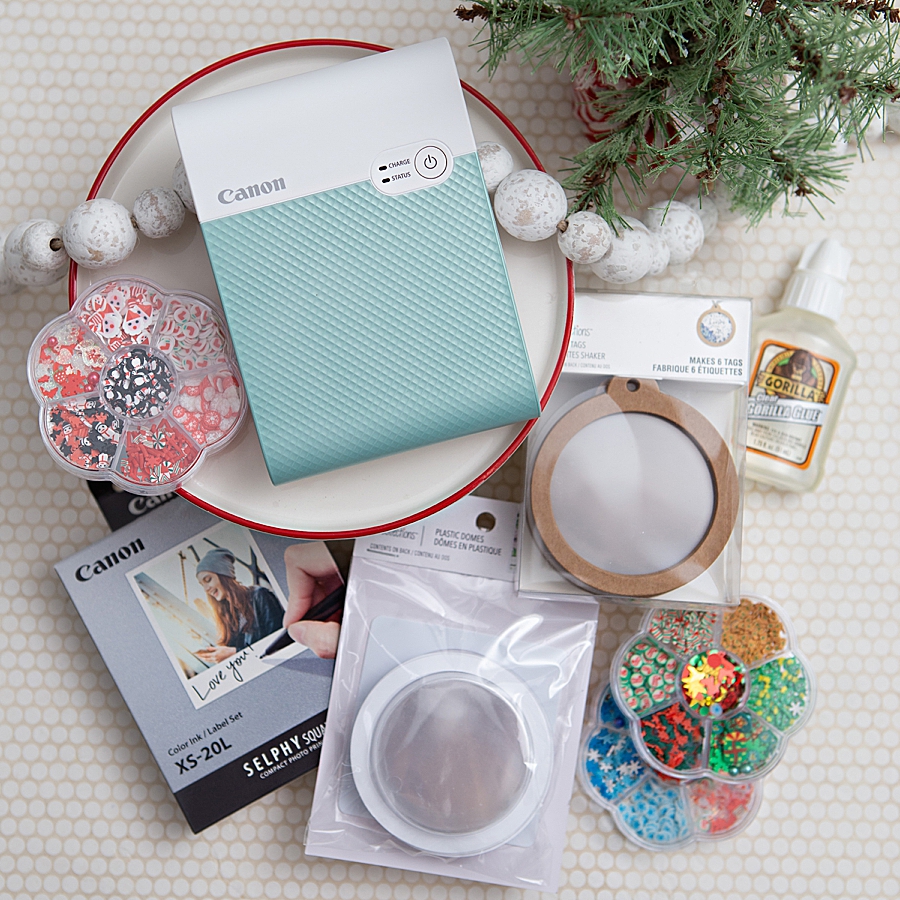
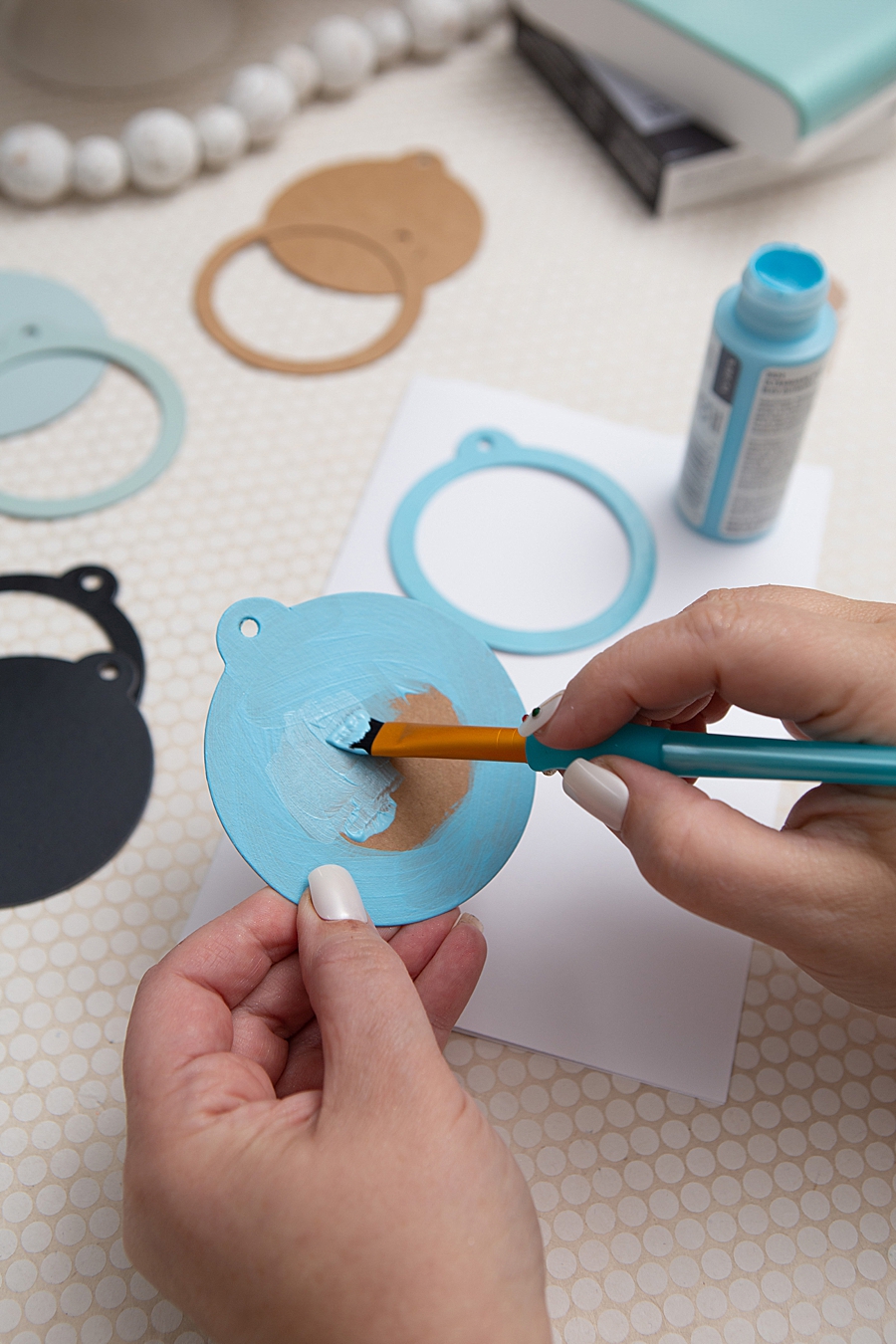
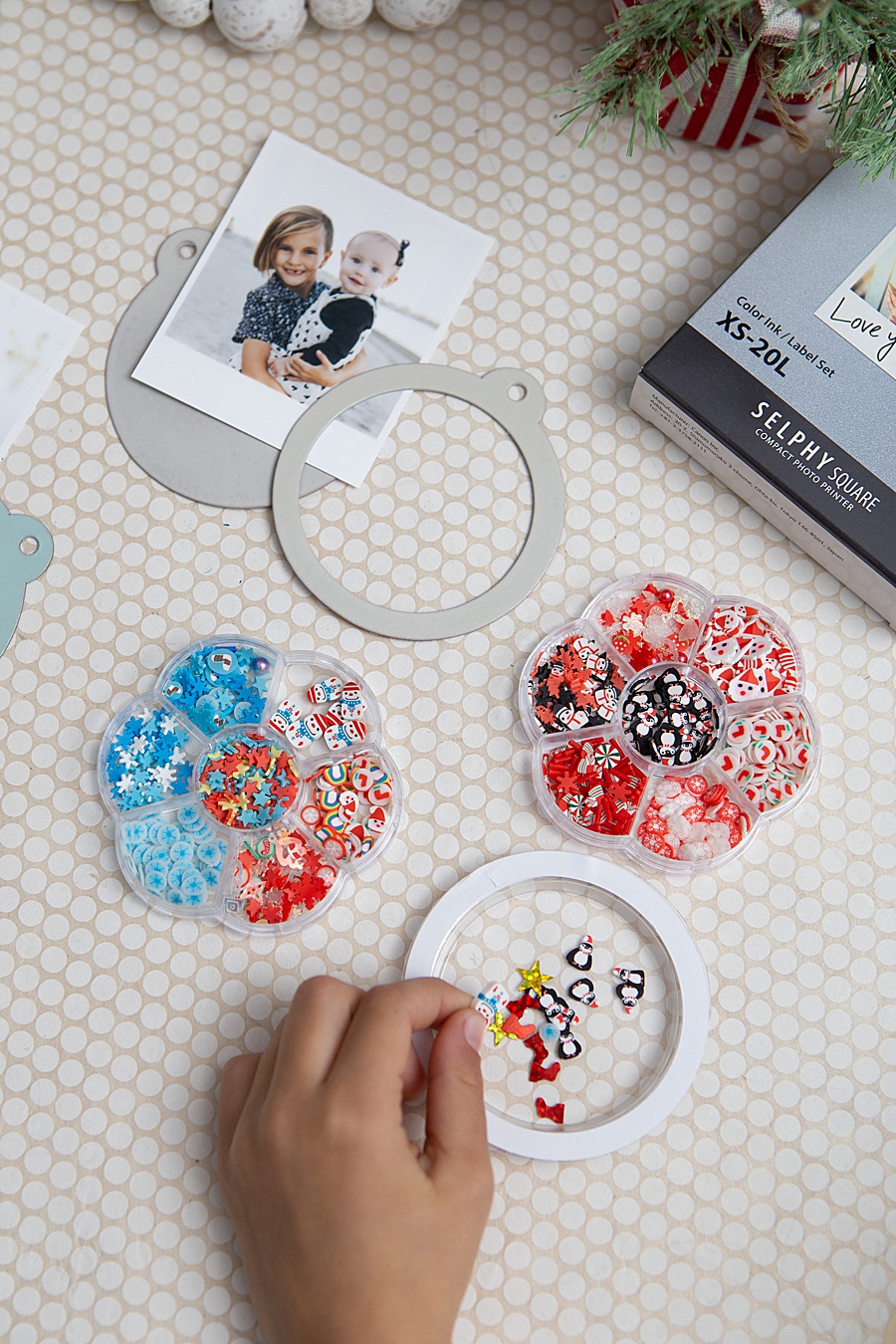
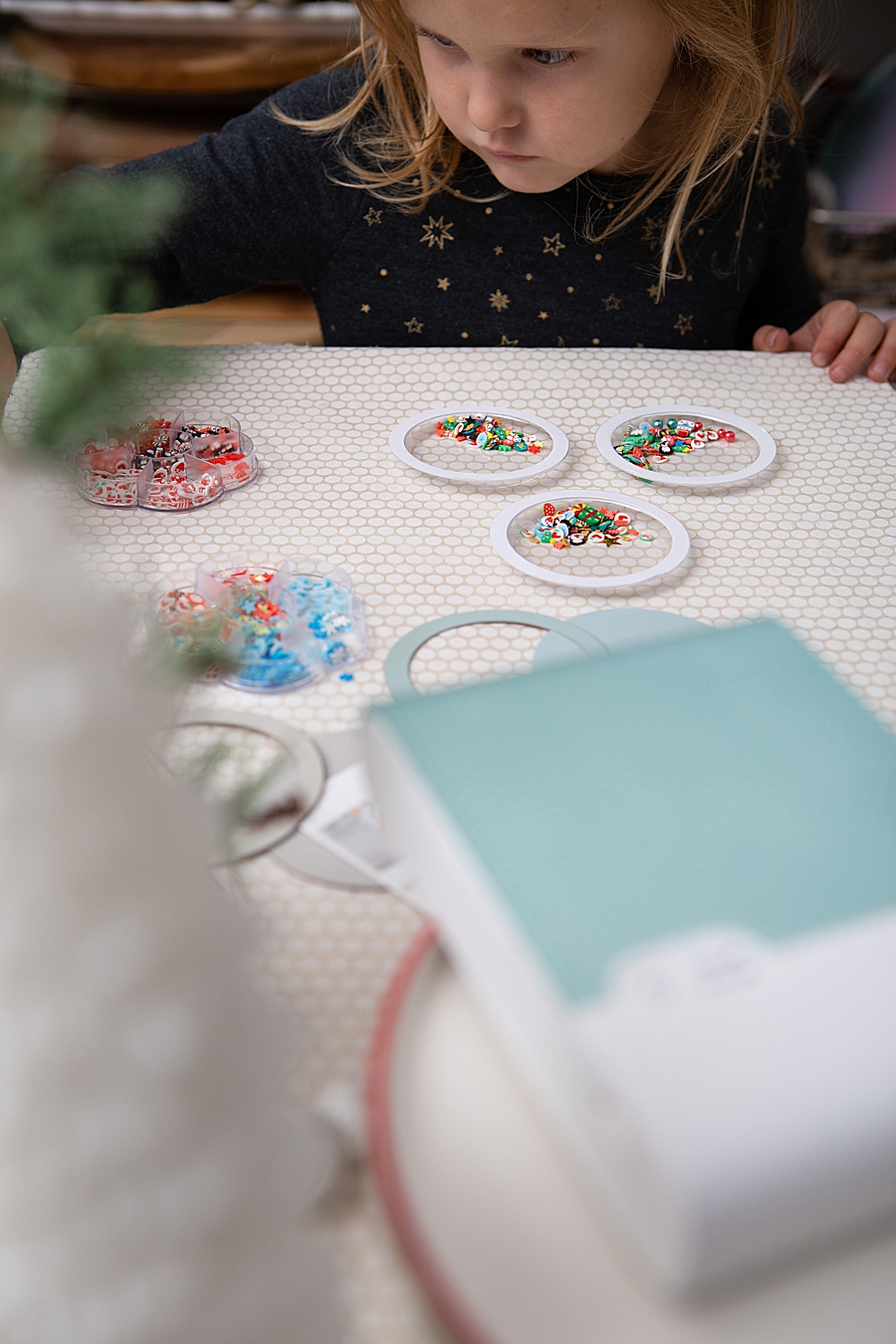
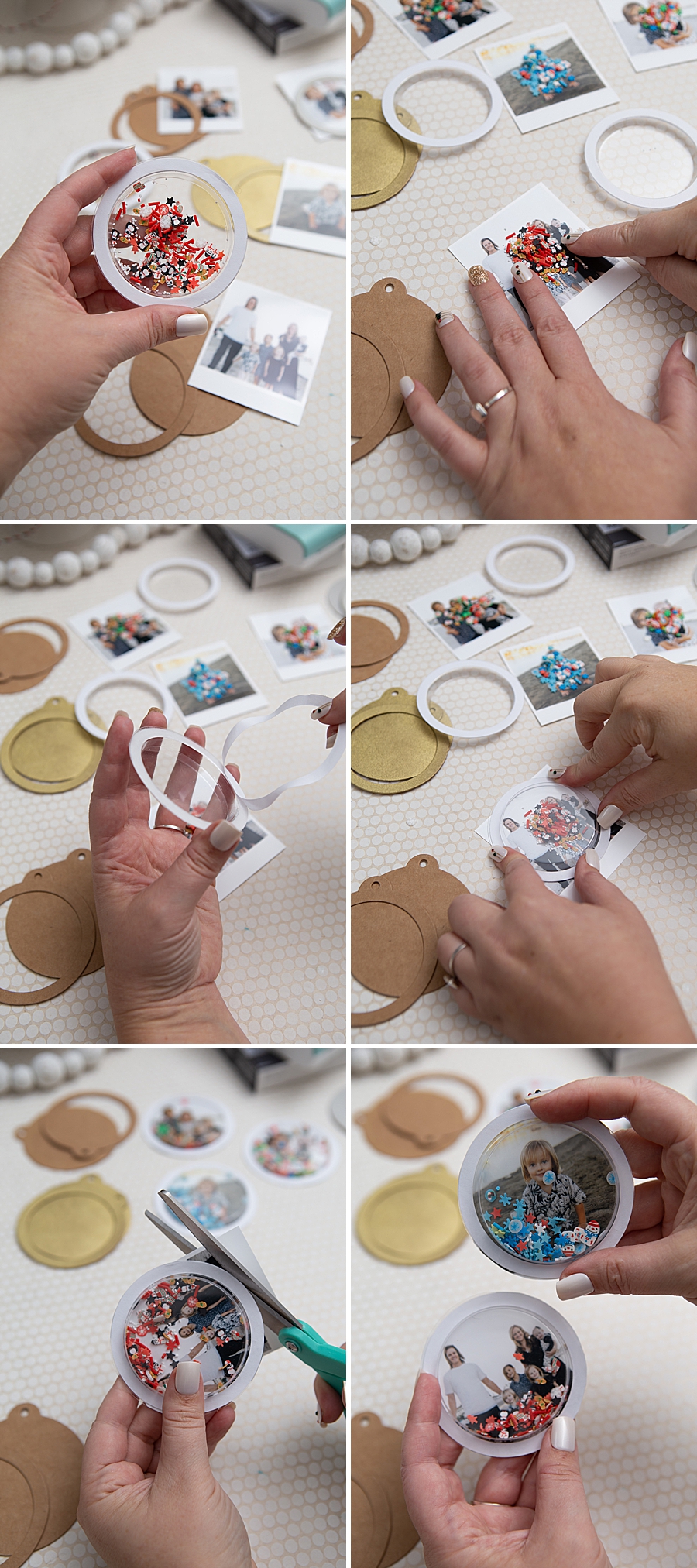
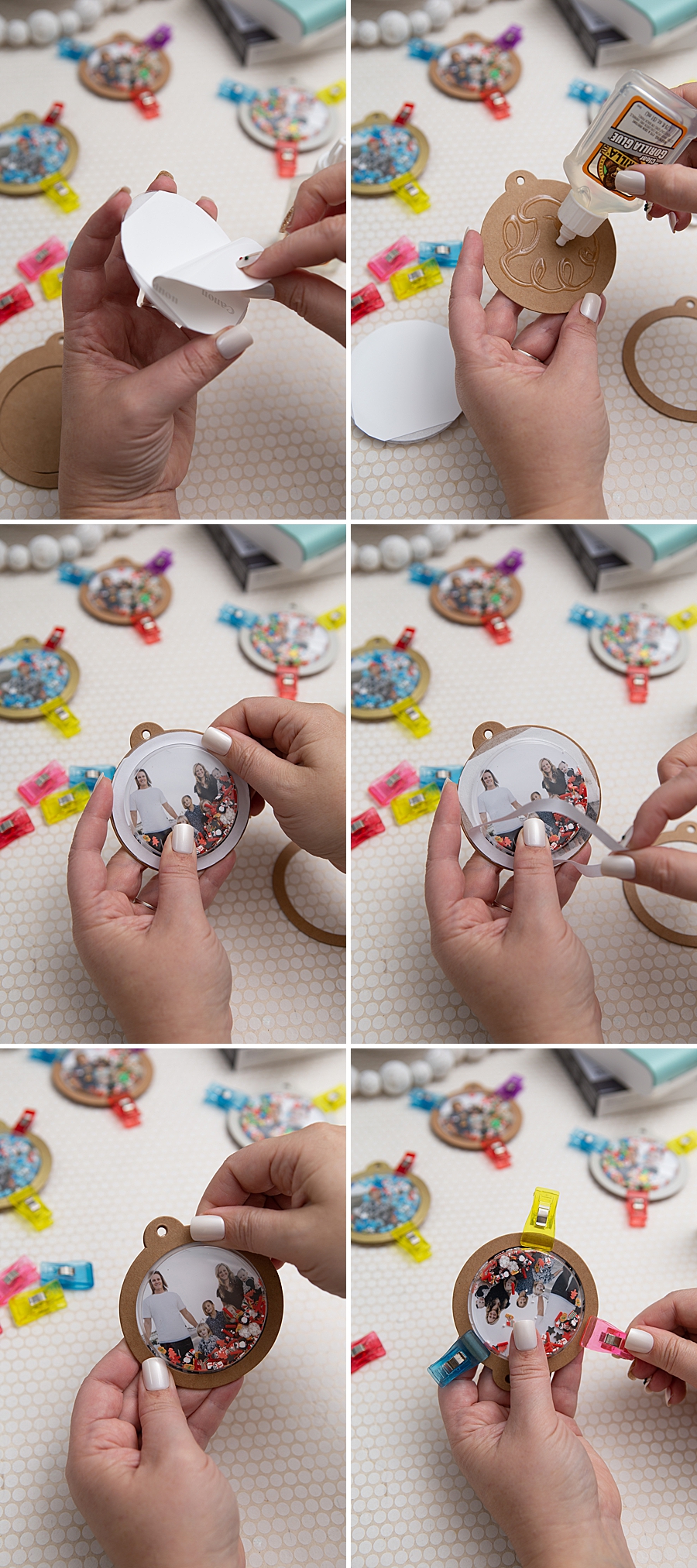
- Physical Integration: Once printed, the adhesive-backed photos are applied to kraft shaker tags. The project utilizes a combination of industrial-strength adhesives (such as Gorilla Glue) and clear plastic domes.
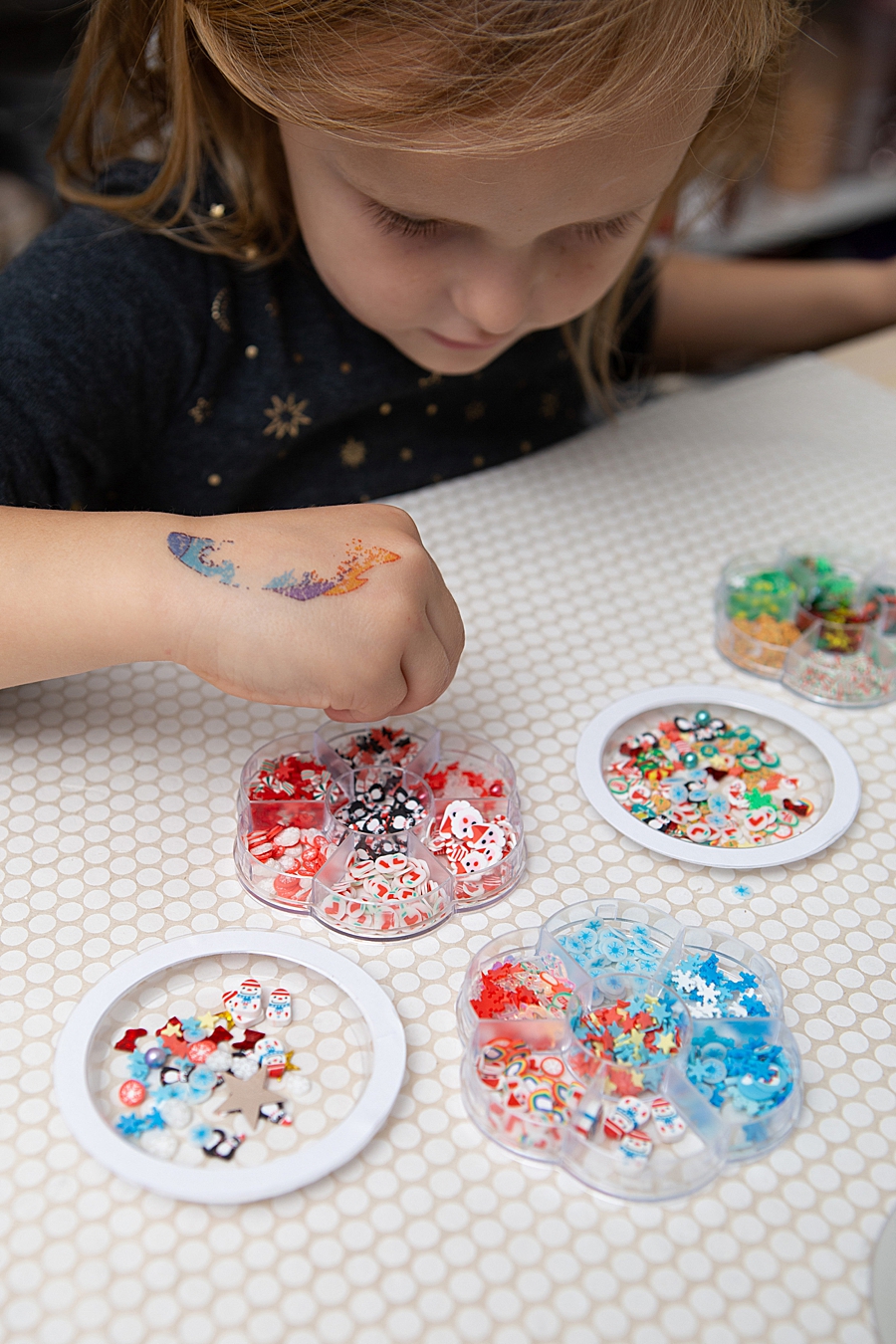
- Customization: The "shaker" element is introduced through the addition of micro-beads and glitter—often sourced from unconventional markets such as nail art supplies—demonstrating the versatility of the project.
- Curing and Finishing: The assembly requires a two-hour initial dry time and a 24-hour full cure period, reflecting the transition from a digital "instant" mindset to a traditional craft timeline.
Market Trends: The Resurgence of Physical Media
The success of devices like the SELPHY Square QX10 is supported by broader economic data regarding the craft and hobby industry. According to reports from the Association For Creative Industries (AFCI), the creative products industry is valued at over $36 billion in the United States alone. A significant portion of this growth is attributed to "Personalization," where consumers utilize technology to create bespoke items that cannot be mass-produced.
Industry analysts suggest that the "digital fatigue" phenomenon is driving younger demographics—specifically Millennials and Gen Z—toward physical photo products. While an average smartphone user may have thousands of images in their "cloud" storage, the lack of physical presence reduces the emotional impact of those memories. By providing a low-friction method to produce high-quality, durable prints, Canon is tapping into a market that views physical photos as premium artifacts rather than disposable commodities.
Comparative Analysis: Dye-Sublimation vs. Instant Film
The QX10 enters a competitive landscape populated by instant film cameras (such as the Fujifilm Instax line) and other mobile printers.
| Feature | Canon SELPHY QX10 | Traditional Instant Film |
|---|---|---|
| Print Technology | Dye-Sublimation | Silver Halide / Chemical |
| Image Control | High (Digital Preview) | Low (Analog Capture) |
| Durability | High (100-year rating) | Moderate (Subject to light fading) |
| Adhesive Backing | Integrated | Requires external adhesive |
| Cost Per Print | Fixed (Ink/Paper Bundles) | Variable (Film Packs) |
The primary advantage of the QX10 in this comparison is the "selective printing" capability. Unlike instant cameras where every shutter press consumes a piece of film, the QX10 allows users to curate their images on a smartphone before committing to a physical print. This reduces waste and ensures that the user is satisfied with the composition and lighting of the final product.
Official Responses and Strategic Positioning
Canon U.S.A., Inc. has emphasized that the SELPHY line is intended to complement, rather than replace, their professional-grade PIXMA and imagePROGRAF lines. In a statement regarding their consumer imaging strategy, the company noted that they pride themselves on "allowing consumers to create and preserve beautiful imagery, from capture to print."
The integration of the SELPHY Photo Layout 2.0 App is a critical component of this strategy. By controlling the software ecosystem, Canon can offer a seamless wireless experience via Bluetooth, bypassing the compatibility issues often found in third-party printing applications. This "walled garden" approach for the mobile experience ensures that the hardware performs optimally with the specific paper and ink formulations provided in the XS-20L label sets.
Broader Implications for the DIY Industry
The move toward high-quality portable printing has broader implications for the DIY and retail sectors. Retailers like Michaels and Amazon have seen a corresponding uptick in the sale of "blanks"—unadorned items like the kraft tags and plastic domes used in the Something Turquoise project—which are designed to be customized with personal photos.
Furthermore, the "stickability" of the QX10 prints opens new avenues for "journaling" and "planner" communities. These sub-cultures rely heavily on the ability to print and paste images immediately to document daily life. The archival quality of the dye-sublimation prints is particularly attractive to this demographic, as it ensures that journals created today will remain legible for future generations.
Conclusion and Future Outlook
The Canon SELPHY Square QX10 represents a maturation of the mobile printing market. By moving away from the "novelty" phase of low-quality instant prints and toward a more durable, technologically sophisticated output, Canon is addressing the needs of a more discerning consumer.
As mobile device cameras continue to improve, the demand for physical output that matches digital quality will likely increase. The success of creative applications, such as the photo shaker ornaments, demonstrates that the future of the imaging industry may not lie solely in the digital cloud, but in the tactile, personalized objects that consumers can hold, shake, and hang on their walls. The QX10 stands as a testament to the enduring value of the printed photograph in an increasingly virtual world, providing a bridge between the convenience of the smartphone and the permanence of the family archive.