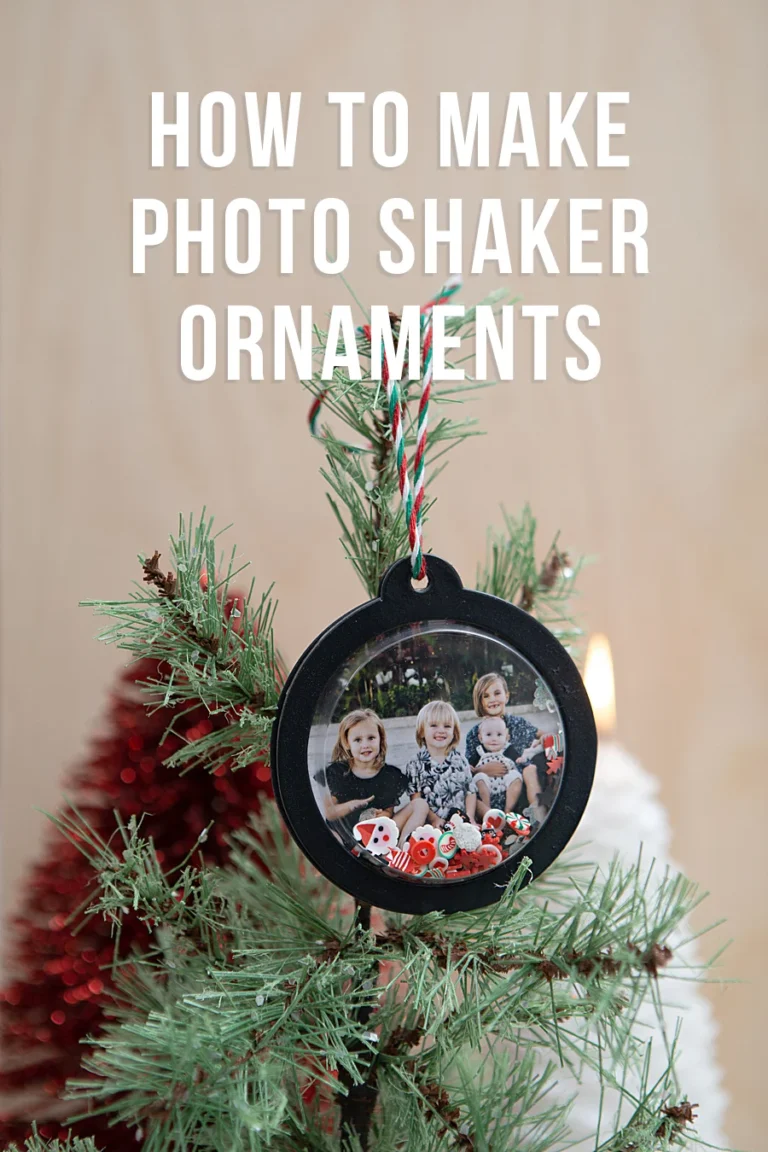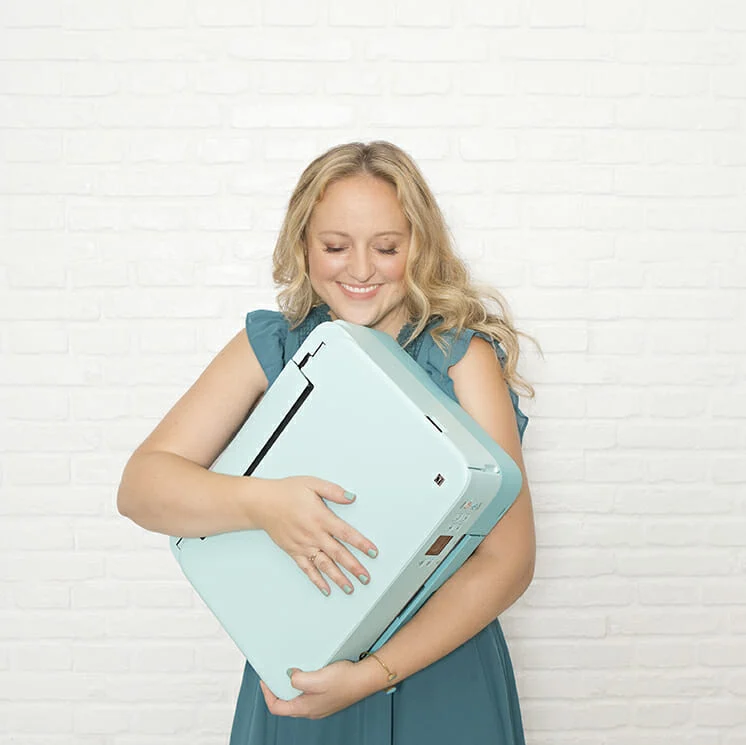



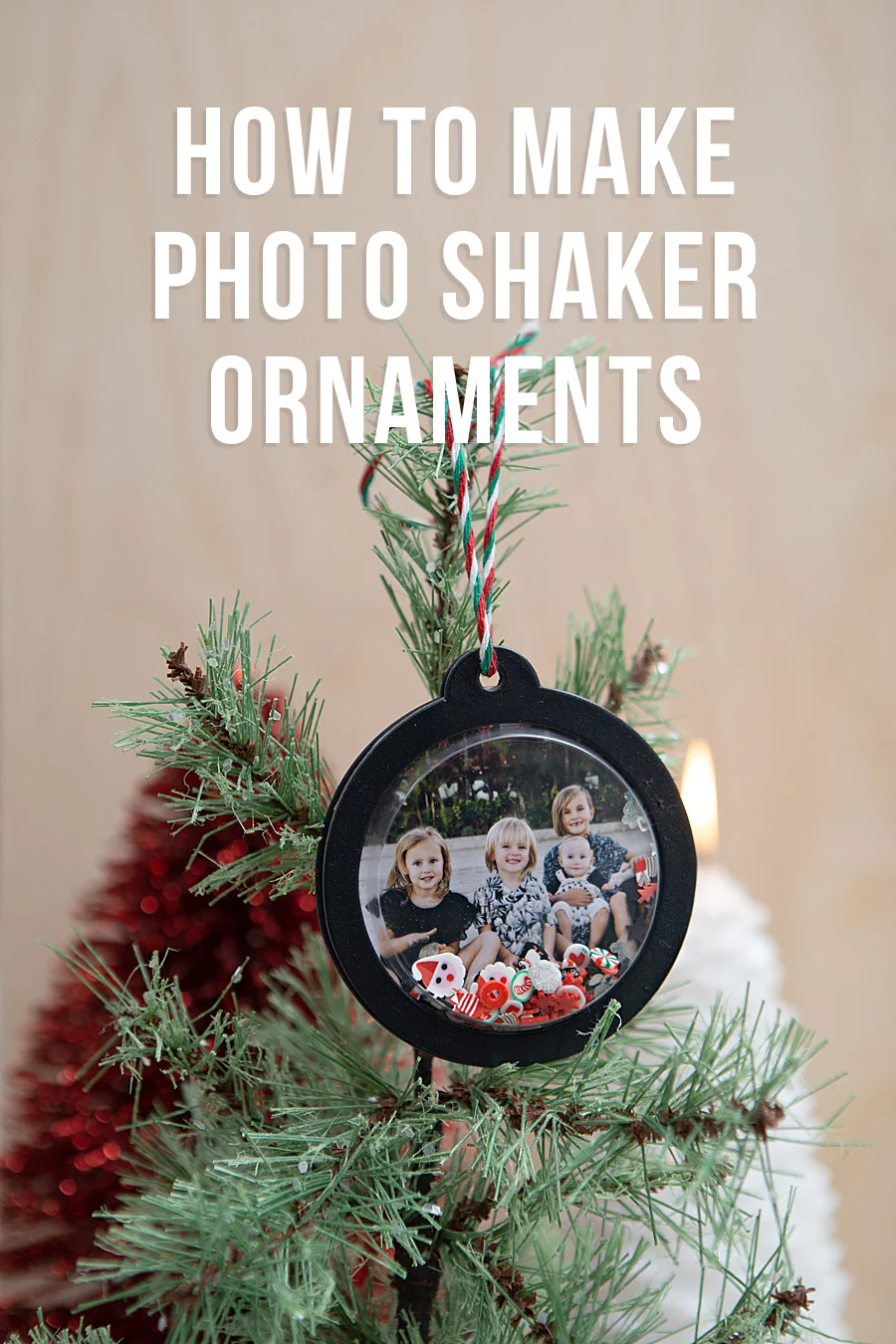
The intersection of digital photography and traditional handicraft has seen a significant evolution with the introduction of high-fidelity portable printing solutions designed specifically for the consumer hobbyist market. As digital storage becomes the primary repository for personal imagery, a growing demographic of consumers is seeking ways to bridge the gap between virtual galleries and physical displays. A prominent example of this technological application is the use of the Canon SELPHY Square QX10, a compact device utilizing dye-sublimation technology to produce durable, high-quality prints that facilitate complex DIY projects, such as the creation of customized photo shaker ornaments. This shift represents a broader trend in the imaging industry where portability and longevity are prioritized to meet the demands of the modern "maker" economy.
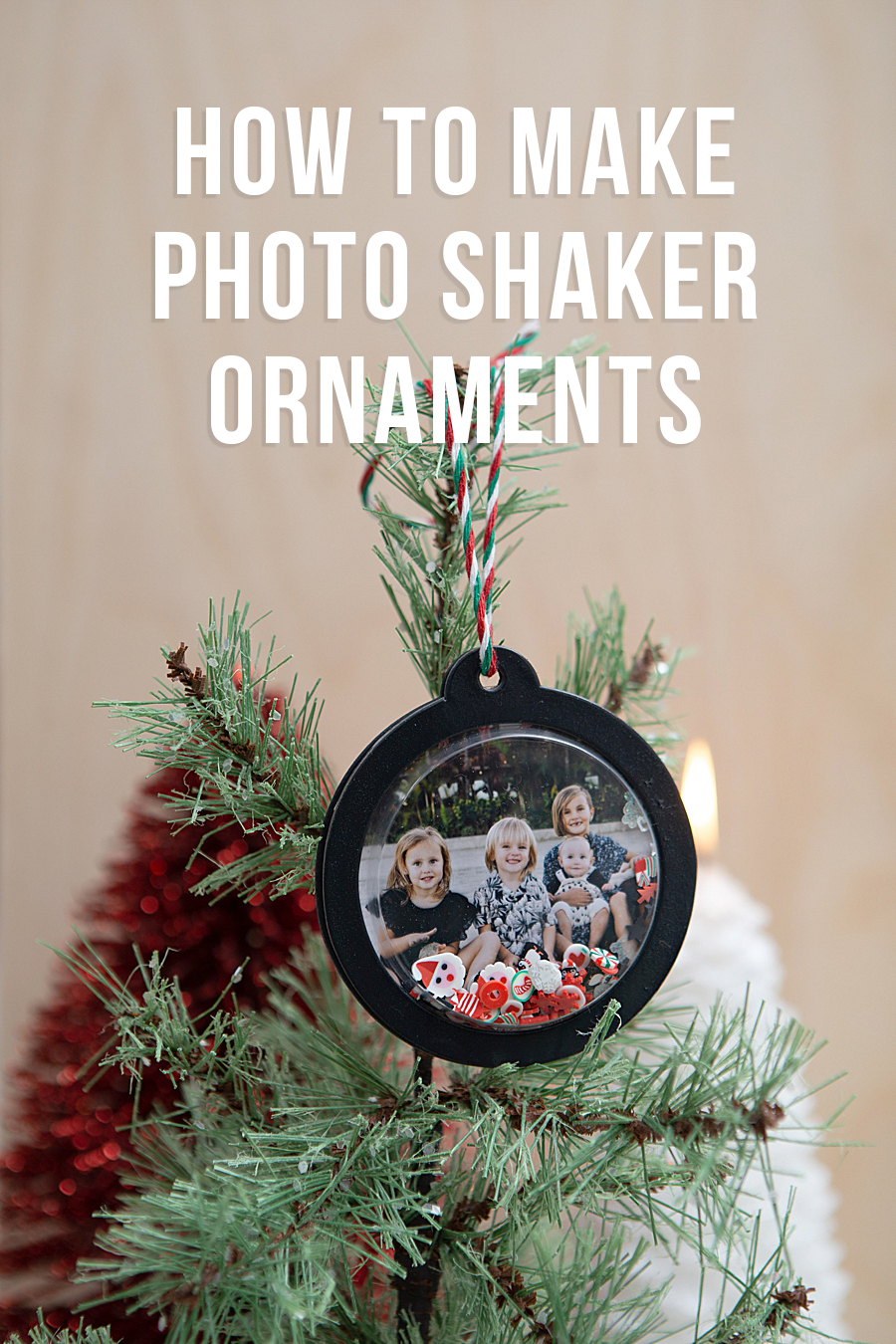
Technical Specifications and Dye-Sublimation Technology
The Canon SELPHY Square QX10 represents a departure from traditional inkjet printing, which often suffers from ink drying or nozzle clogging if not used frequently. The QX10 utilizes dye-sublimation thermal transfer technology, a process that uses heat to transfer dye onto the printing medium. This method involves four distinct passes: three for the primary colors (yellow, magenta, and cyan) and a final fourth pass for a clear protective overcoat. This overcoat is engineered to protect the image from splashes, spills, and fading, with Canon claiming a print longevity of up to 100 years when stored under archival conditions.
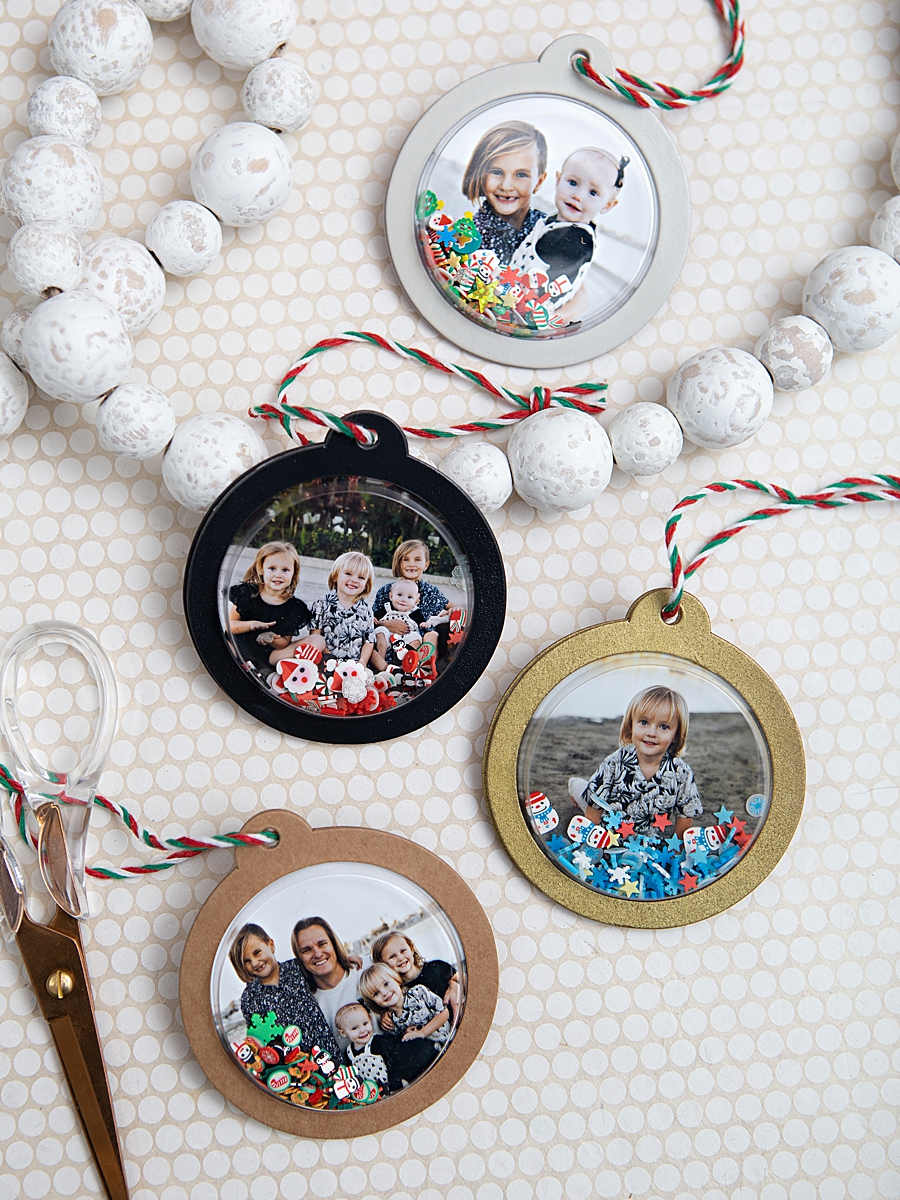
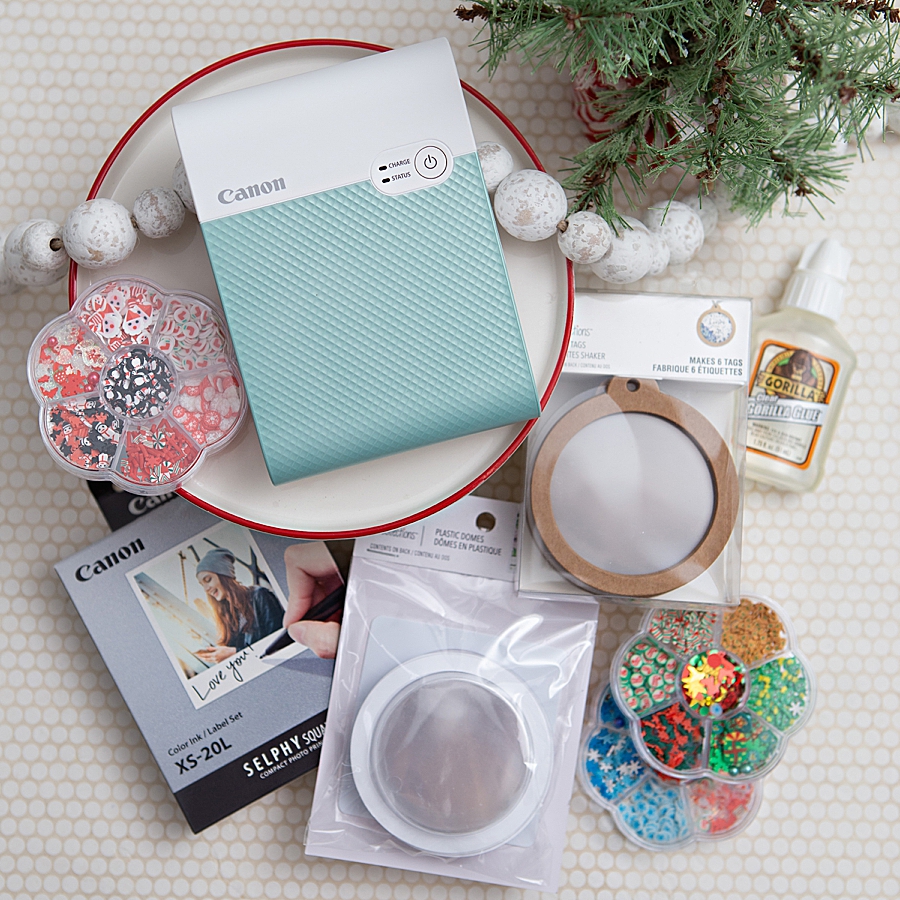
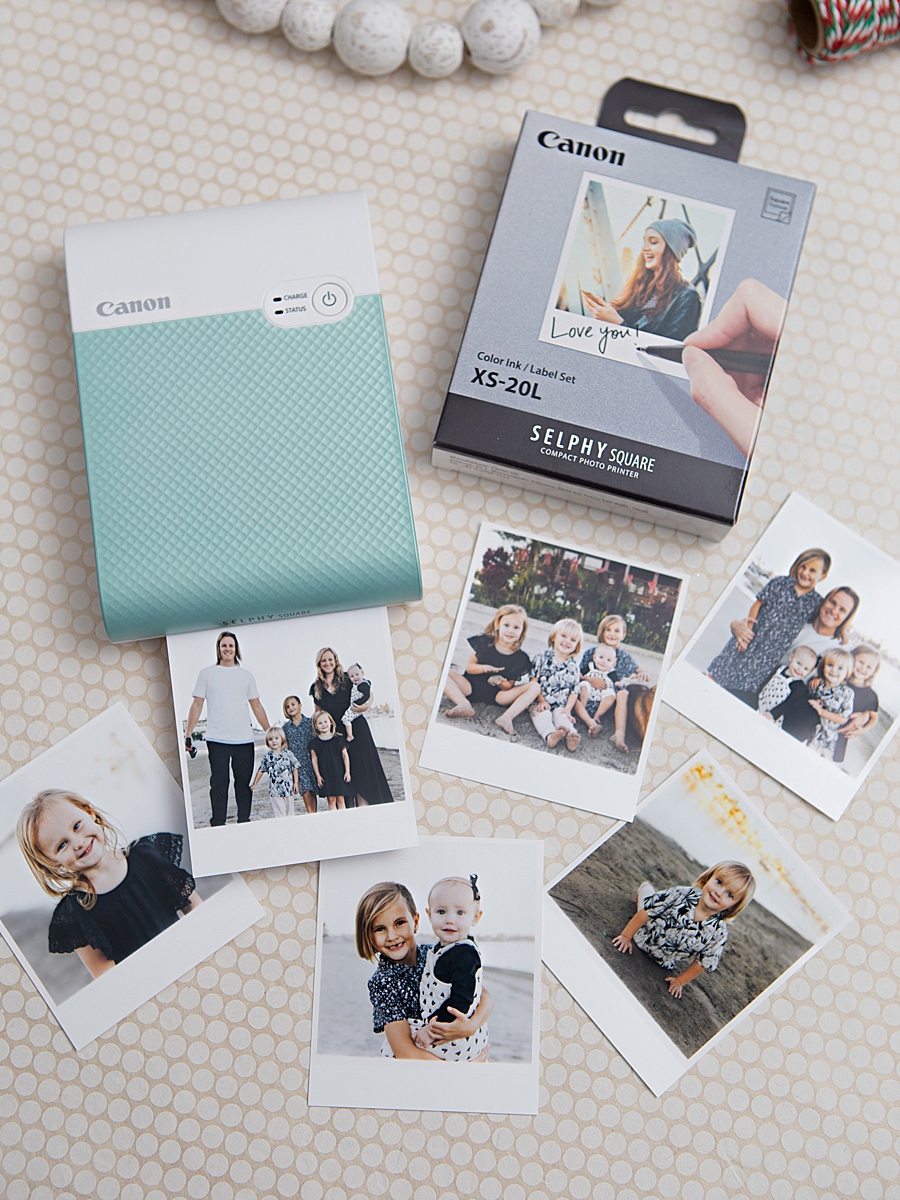
Weighing less than one pound and featuring an integrated rechargeable battery, the device is designed for total mobility. It eliminates the need for power cables during operation, allowing users to print directly from mobile devices via the SELPHY Photo Layout 2.0 app. The output consists of 2.7” x 2.7” square prints, a format popularized by social media platforms like Instagram, which also features a peel-and-stick adhesive backing. This adhesive functionality is a critical component for crafters, as it removes the need for external mounting agents when integrating photos into journals, scrapbooks, or decorative ornaments.
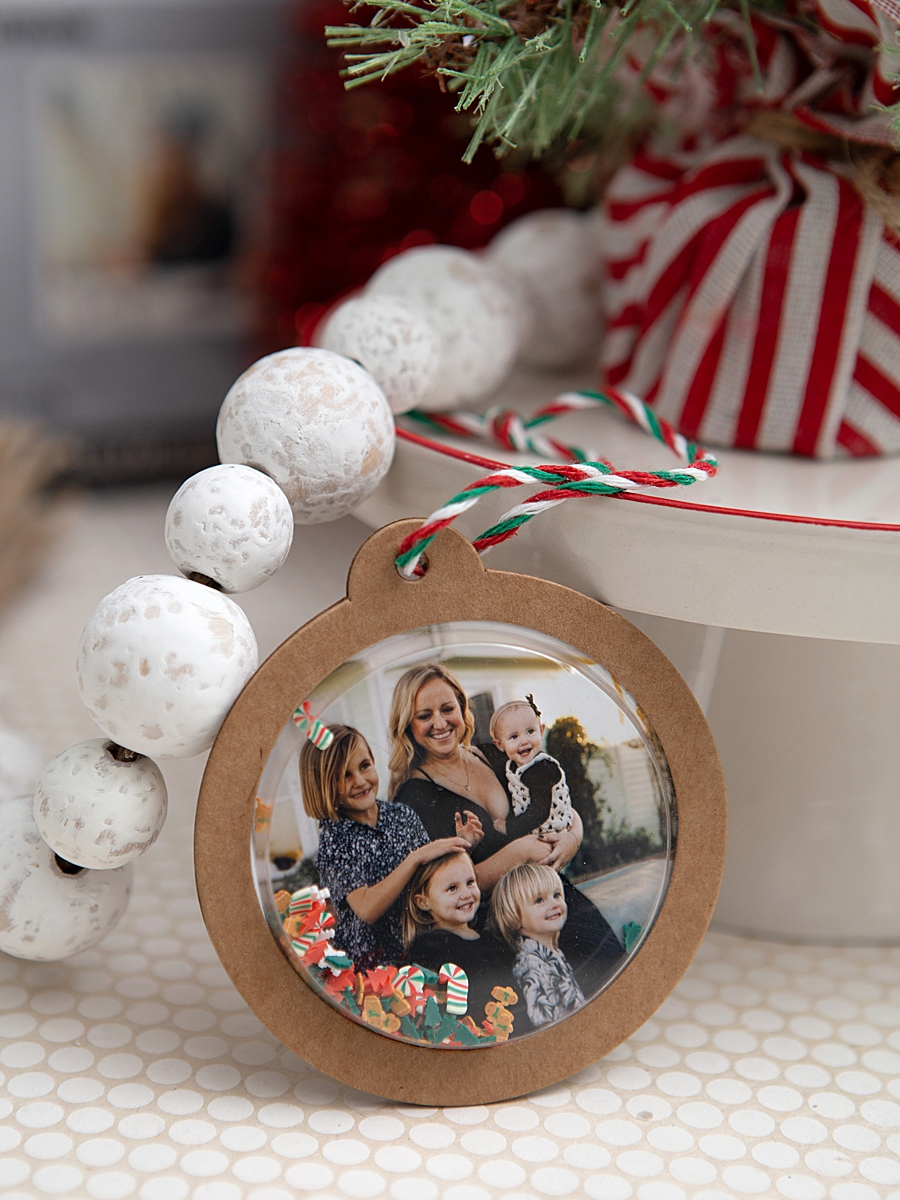
Chronology of a DIY Integration: The Photo Shaker Ornament
The application of this technology in a domestic crafting environment follows a specific workflow that highlights both the hardware’s capabilities and the user’s creative input. The "shaker ornament" project serves as a primary case study for how high-quality portable prints are being utilized in seasonal home decor.
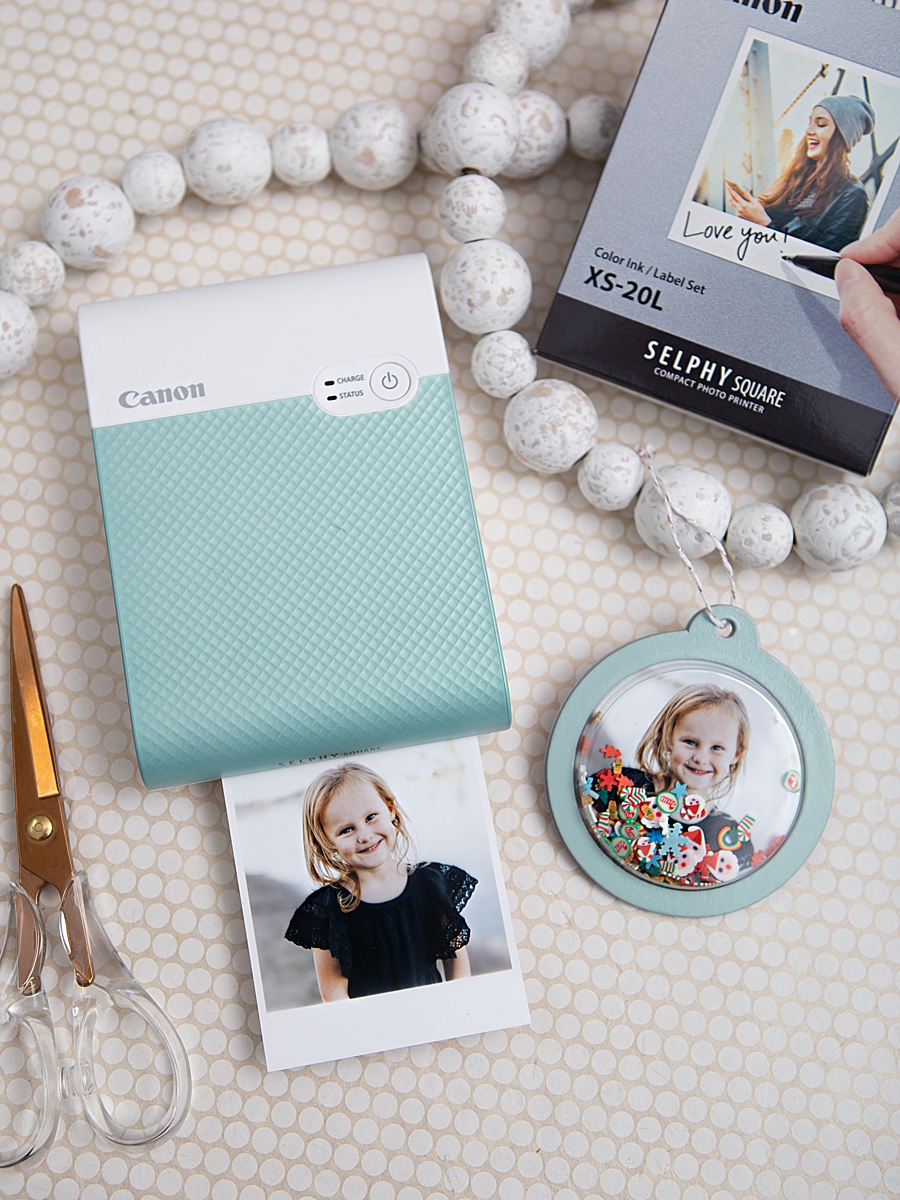
Phase I: Preparation and Aesthetic Customization
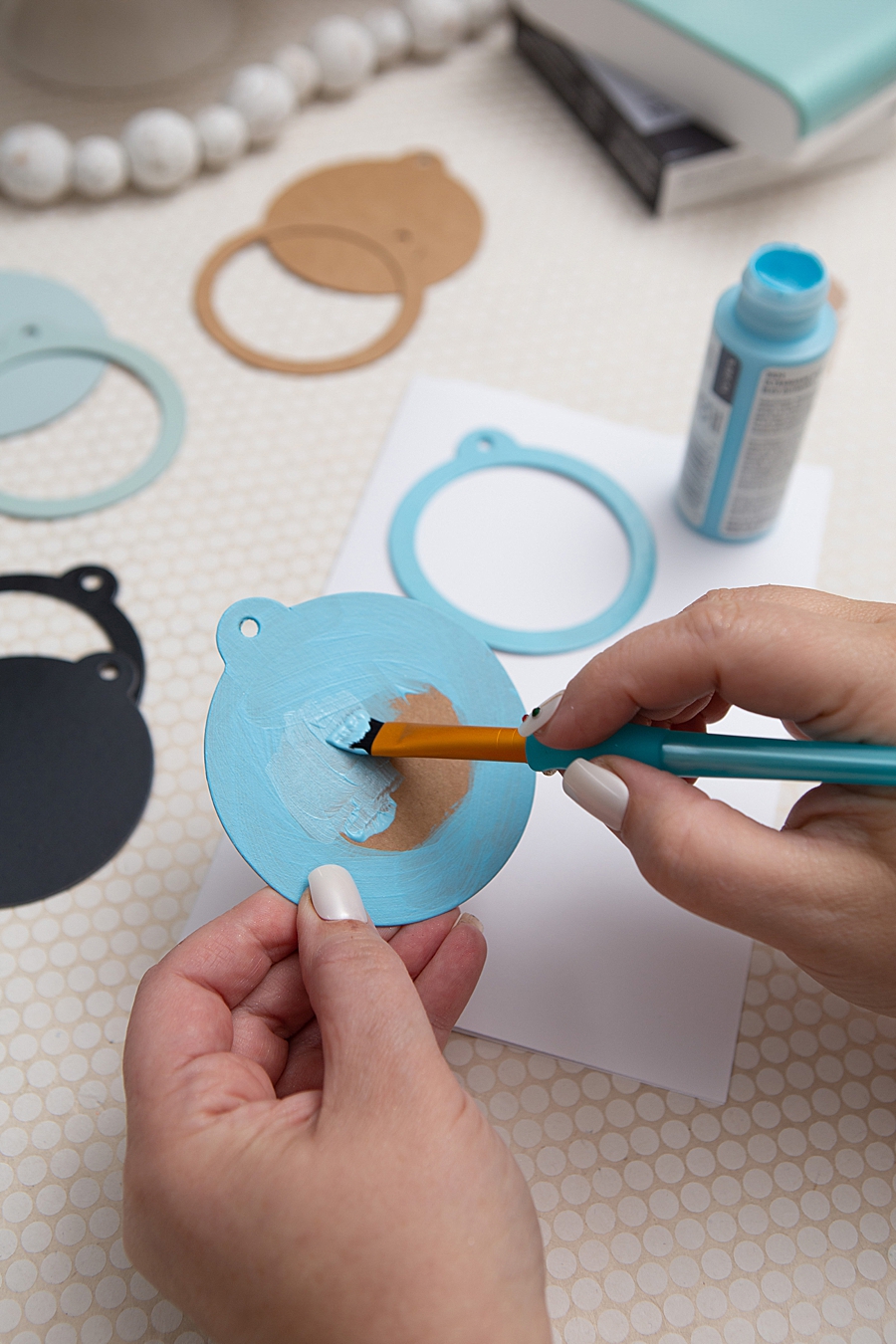
The process begins with the preparation of the structural components, typically kraft-paper-based shaker tags. In professional crafting applications, these tags are often treated with multiple layers of craft paint or spray paint to align with a specific color palette. Following the application of color, a clear gloss sealant is applied to ensure the durability of the tag and to provide a professional finish. This preparation phase is essential for ensuring that the final product can withstand the mechanical stress of being "shaken."
Phase II: Digital Curation and Printing
The second phase involves the selection and processing of imagery. Through the dedicated mobile application, users can edit photos, apply filters, and adjust layouts before sending the data to the printer via a wireless connection. The printing process itself is an iterative mechanical event where the paper moves in and out of the machine four times to layer the colors. This visibility of the printing process has been noted by users as an engaging aspect of the technology, particularly for younger demographics who are accustomed only to the instantaneous nature of digital screens.
Phase III: Assembly and Mechanical Integration
The final phase involves the assembly of the "shaker" mechanism. This includes:
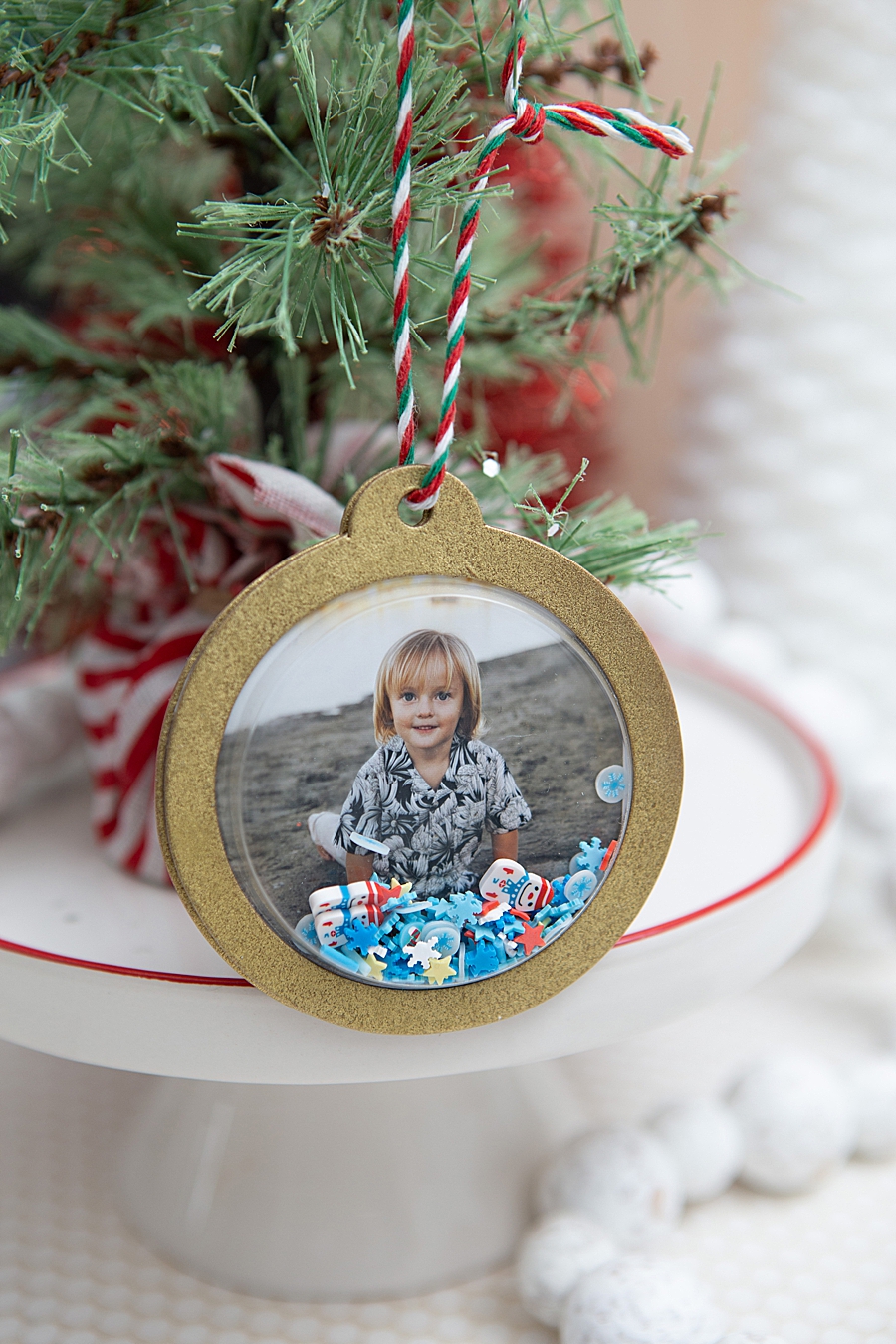
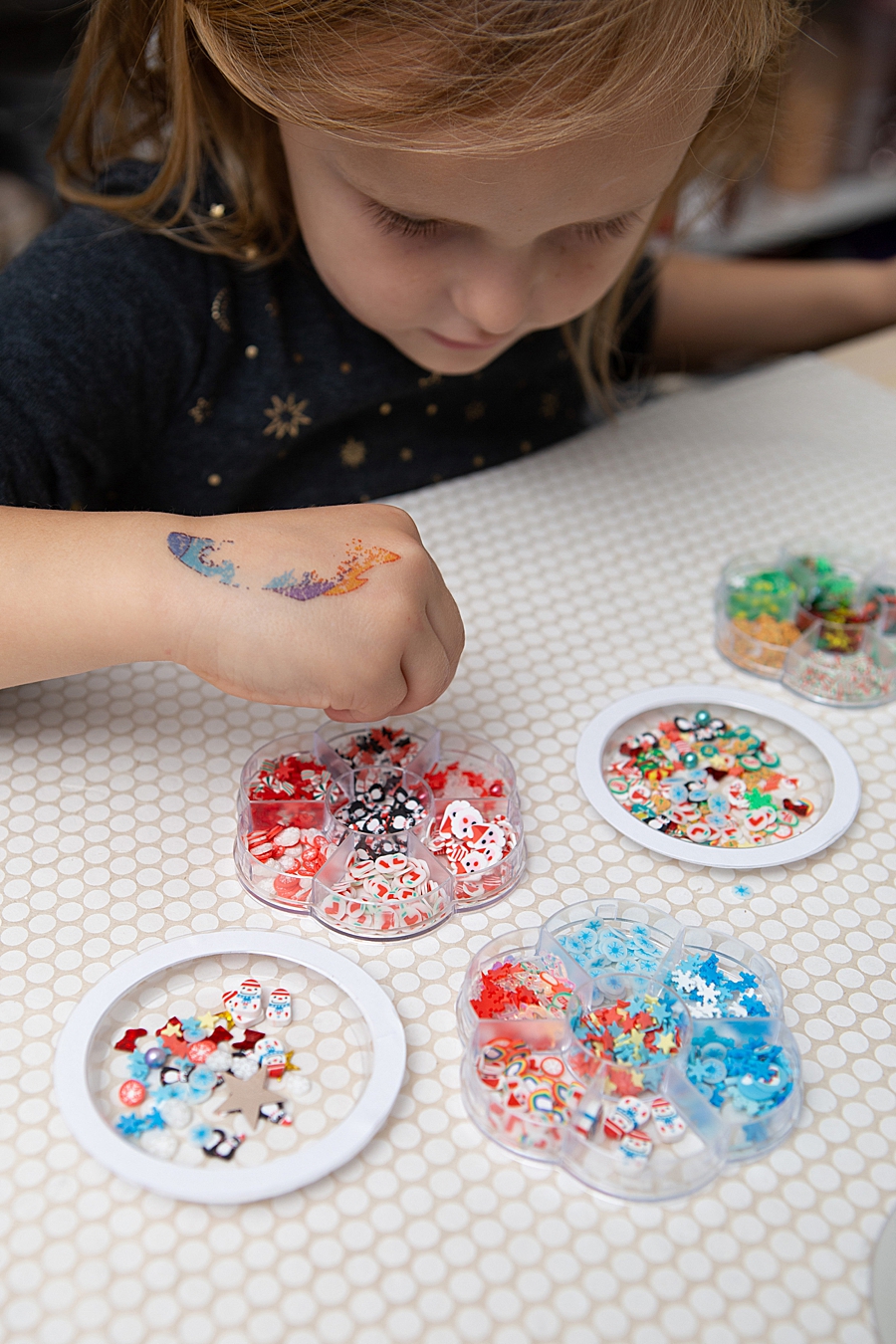
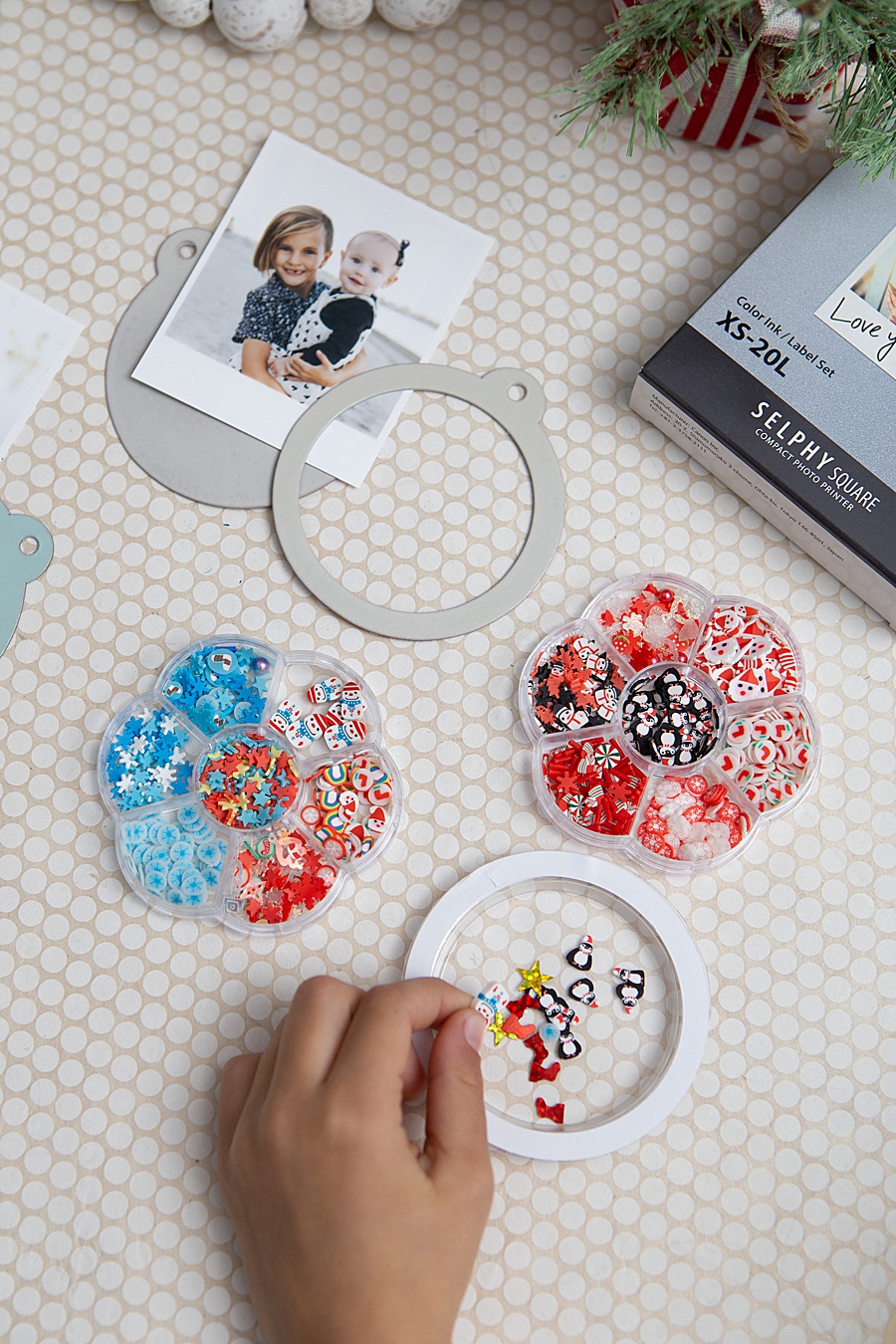
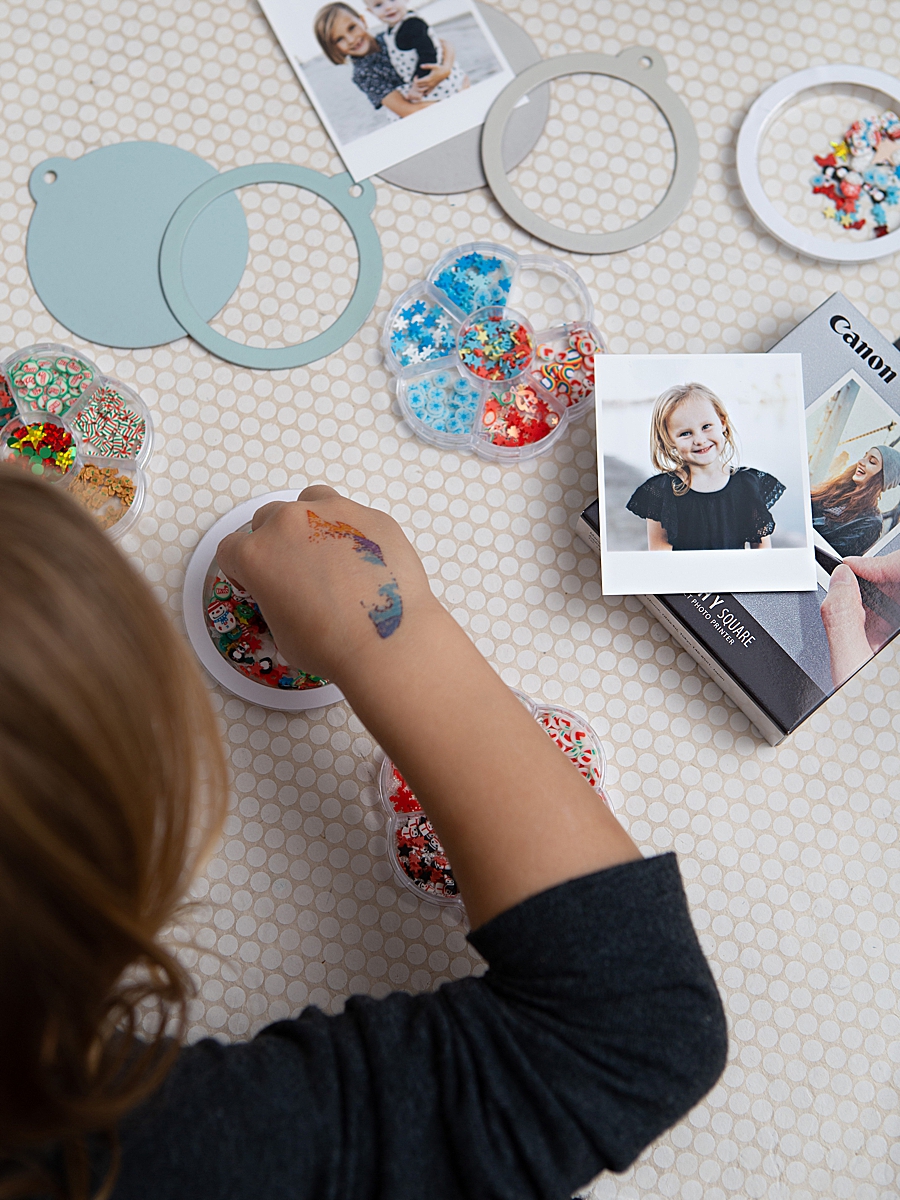
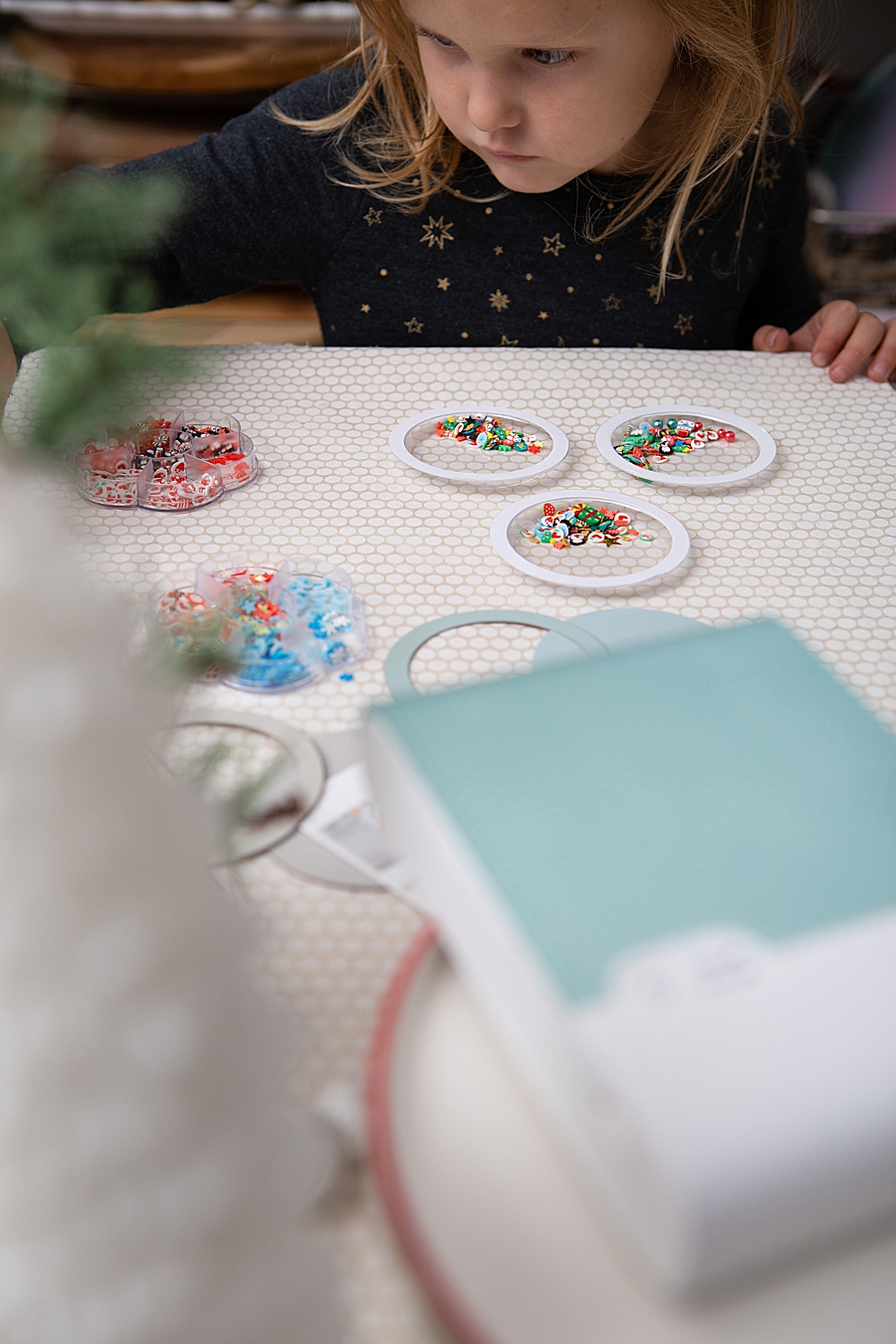
- Filling the Domes: Small decorative elements, such as glitter, sequins, or specialized "shaker bits," are placed inside a clear plastic dome. Precision is required to fill approximately one-eighth of the volume, ensuring the internal movement does not obscure the central photograph.
- Adhesion: The SELPHY print, utilizing its adhesive backing, is centered onto the base tag.
- Sealing: A high-strength adhesive, such as Gorilla Glue, is used to bond the plastic dome to the tag, encasing the photo and the shaker bits.
- Curing and Finishing: The assembly requires a curing period—typically two hours for initial set and 24 hours for a full bond—before hardware such as twine or ribbon is added for display.
Market Trends: The Resurgence of Physical Media
The popularity of devices like the SELPHY Square QX10 is supported by data indicating a robust resurgence in the "instant print" and "portable printer" markets. Market analysis suggests that while digital photography has reached a saturation point, the "tangibility gap"—the psychological desire to hold and display physical copies of significant memories—remains unfilled by digital devices.
According to industry reports, the global portable photo printer market has seen steady growth, driven by the scrapbooking community and the DIY home decor sector. This is further bolstered by the "creator economy," where influencers and hobbyists share tutorial-based content on platforms like Instagram Reels and TikTok. The hashtag #somethingturquoisediy, for instance, represents a community-driven effort to document and share these physical-digital hybrid projects, creating a feedback loop that drives further hardware sales and consumable consumption (ink and paper packs).
Industry Implications and Corporate Strategy
For manufacturers like Canon U.S.A., Inc., the focus on the crafting market is a strategic pivot to diversify revenue streams beyond professional photography and office equipment. By branding these devices as "lifestyle" tools rather than mere peripherals, they tap into the lucrative hobbyist market. The business model for the QX10 relies on a proprietary consumable system: each pack of XS-20L paper includes a matching ink cassette, ensuring that the user always has the correct ratio of dye to paper. This "razor and blade" strategy ensures long-term customer engagement with the brand.
Furthermore, the emphasis on "100-year" durability is a direct response to the perceived fragility of digital data. With the risks of cloud storage failures, file format obsolescence, and hardware corruption, the marketing of "physical backups" as family heirlooms resonates with consumers who are increasingly concerned about the permanence of their digital lives.
Broader Impact on Domestic Crafting and Education
The integration of easy-to-use printing technology into home crafting projects has broader implications for domestic life and early childhood development. The "shaker ornament" project, while seemingly a simple holiday craft, involves elements of spatial reasoning, color theory, and fine motor skills.
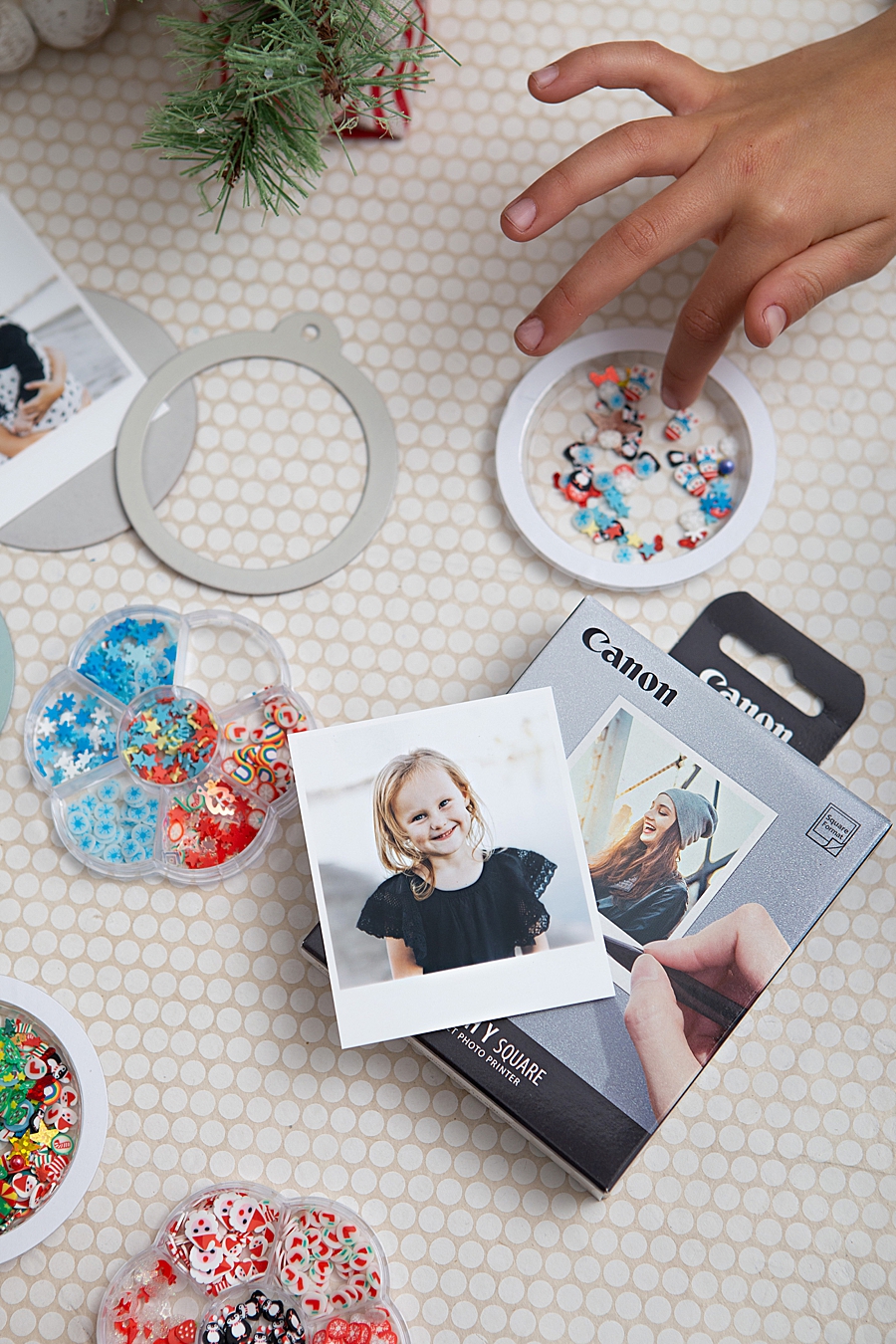
Observers noted that the interactive nature of the printer—watching the color passes and participating in the selection of "shaker bits"—provides an educational window into how technology functions. In a domestic setting, these activities transition from solitary digital consumption to collaborative physical creation. The "obsession" noted by users regarding the tactile feedback of the shaker ornaments highlights a fundamental human preference for interactive, three-dimensional objects over two-dimensional digital representations.
Conclusion
The evolution of portable printing technology, exemplified by the Canon SELPHY Square QX10, represents a significant milestone in the democratization of high-quality imaging. By simplifying the transition from smartphone screen to physical artifact, these devices enable a new wave of personalized, durable, and interactive home decor. As the DIY market continues to expand, the reliance on specialized hardware that offers both professional-grade results and ease of use is expected to grow. The photo shaker ornament is more than a seasonal decoration; it is a manifestation of how modern technology can be harnessed to preserve personal history in a format that is both aesthetically pleasing and mechanically engaging. In an era dominated by the ephemeral nature of "likes" and "shares," the move toward 100-year-rated physical prints marks a return to the valuing of tangible memories.