



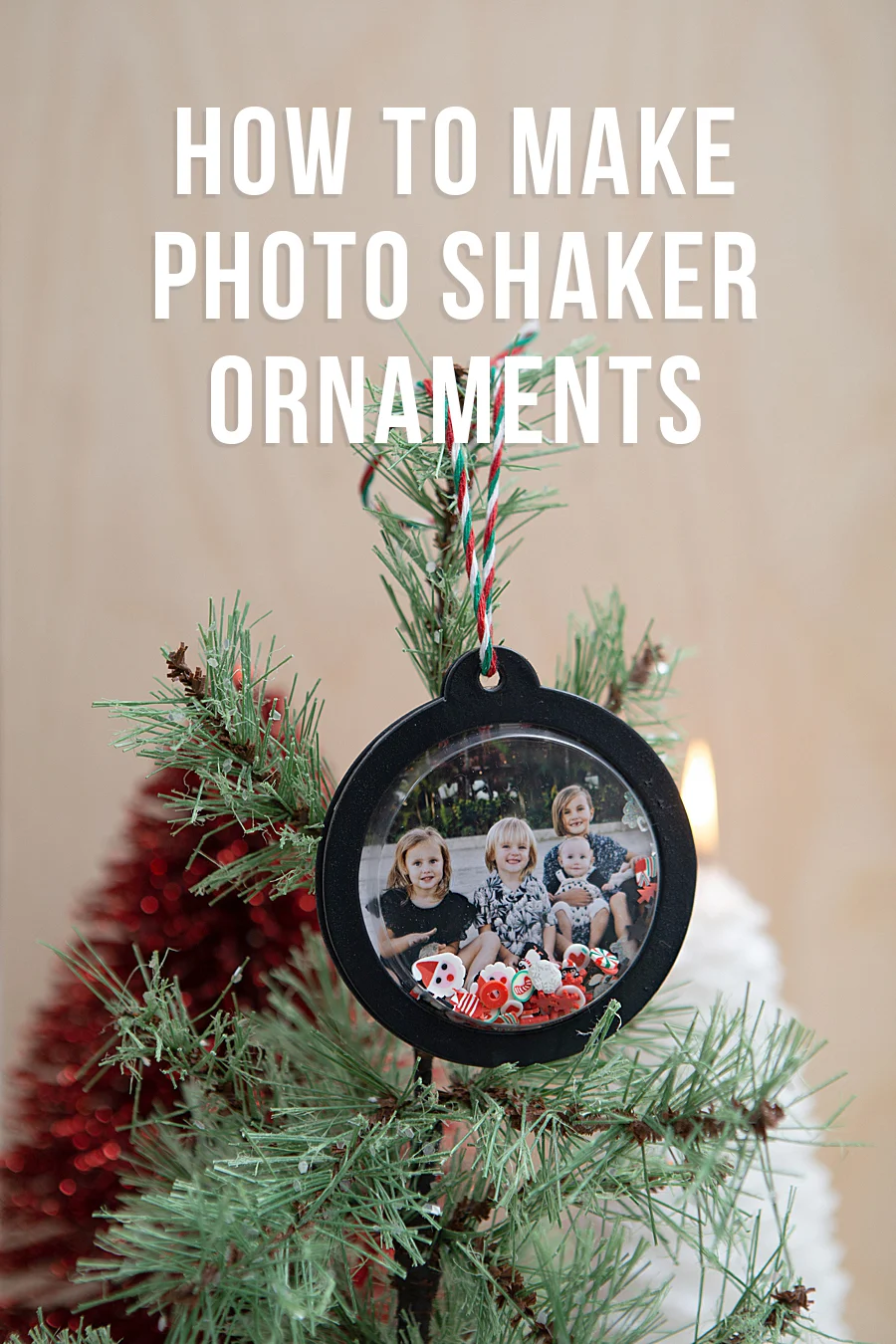
The consumer electronics sector has witnessed a significant shift toward portable, high-fidelity printing solutions, as evidenced by the increasing integration of devices like the Canon SELPHY Square QX10 into the domestic DIY (Do-It-Yourself) market. This transition reflects a broader consumer desire to bridge the gap between digital photography and physical mementos. Recent applications of this technology highlight its utility in creating complex, multi-media projects, such as photo-based shaker ornaments, which combine traditional paper crafting with modern digital imaging.
Technical Specifications and Product Positioning
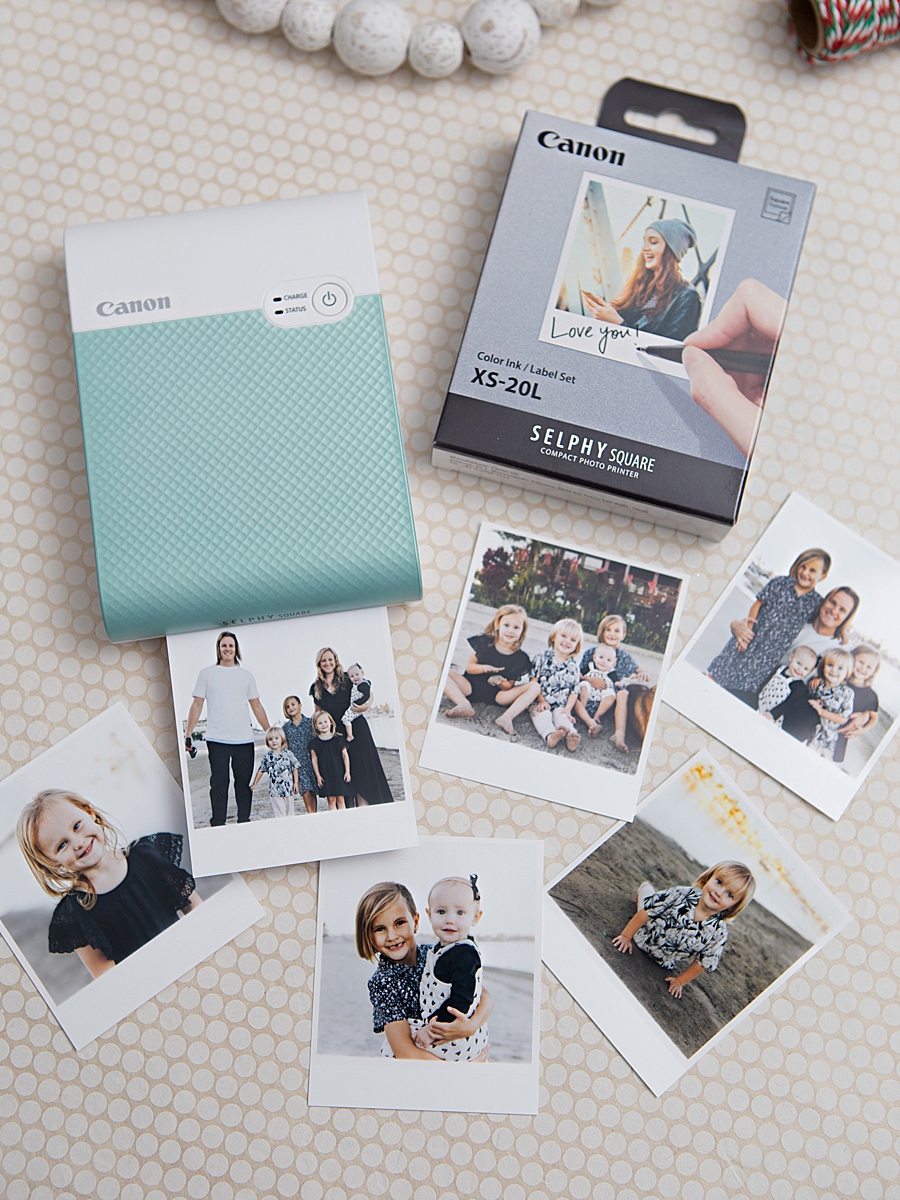
The Canon SELPHY Square QX10 represents a strategic move by Canon U.S.A., Inc. to capture the mobile-first demographic. Weighing less than one pound and featuring a compact, square-format design, the device is engineered for portability. Unlike traditional inkjet printers that rely on liquid ink cartridges, the QX10 utilizes dye-sublimation thermal transfer technology. This process involves a ribbon heated by a thermal head, which sublimates the ink directly into the paper fibers before applying a final protective overcoat.
The resulting 2.7” x 2.7” prints are noted for their archival quality. According to technical documentation, these prints are rated to last up to 100 years when stored in optimal conditions, such as a photo album. The inclusion of a built-in battery and Wi-Fi connectivity allows for a tether-free experience, controlled entirely through the SELPHY Photo Layout 2.0 application. This software serves as the primary interface, offering users tools for cropping, adding borders, and applying digital filters before the physical print is generated.

The Intersection of Technology and the Maker Movement
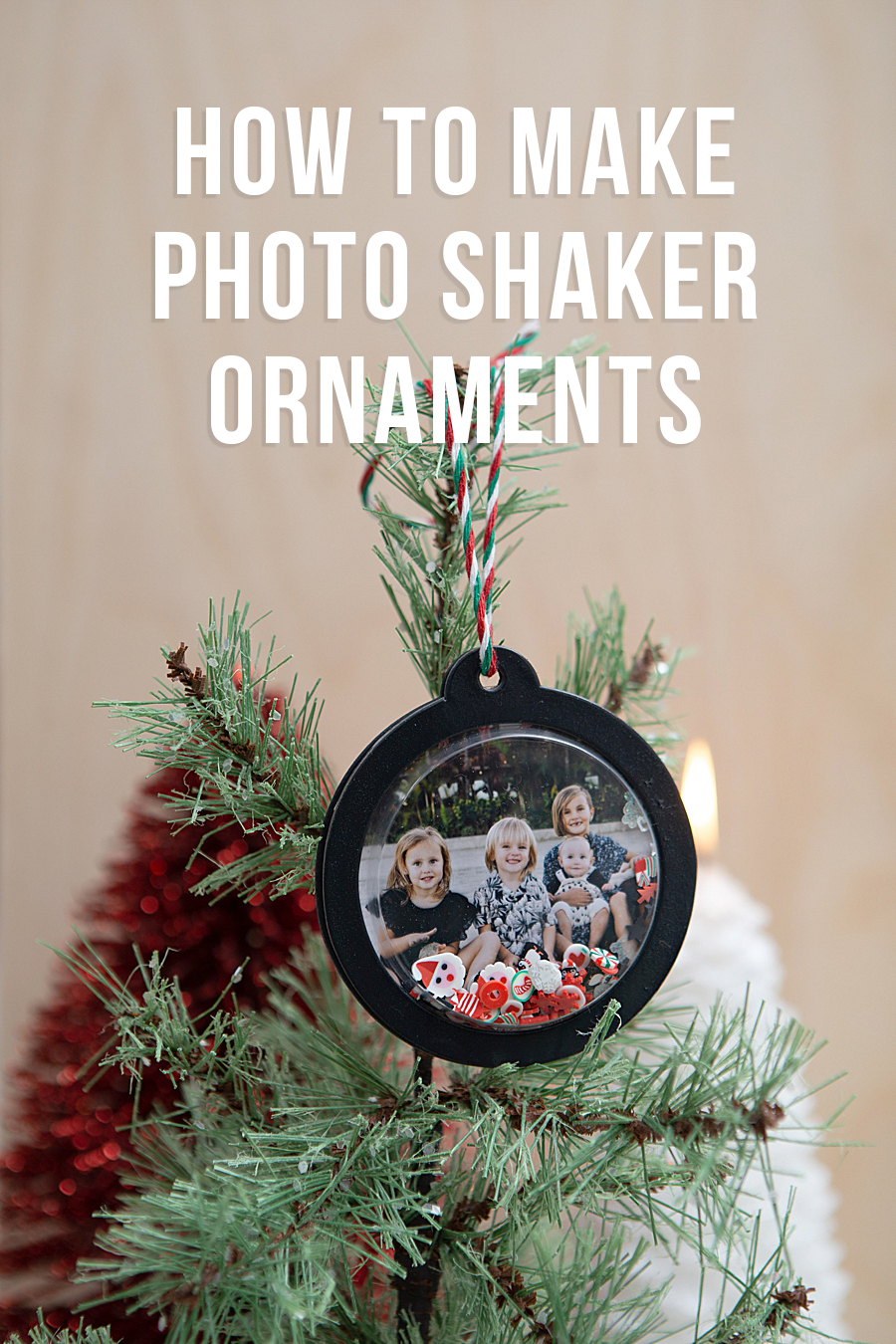
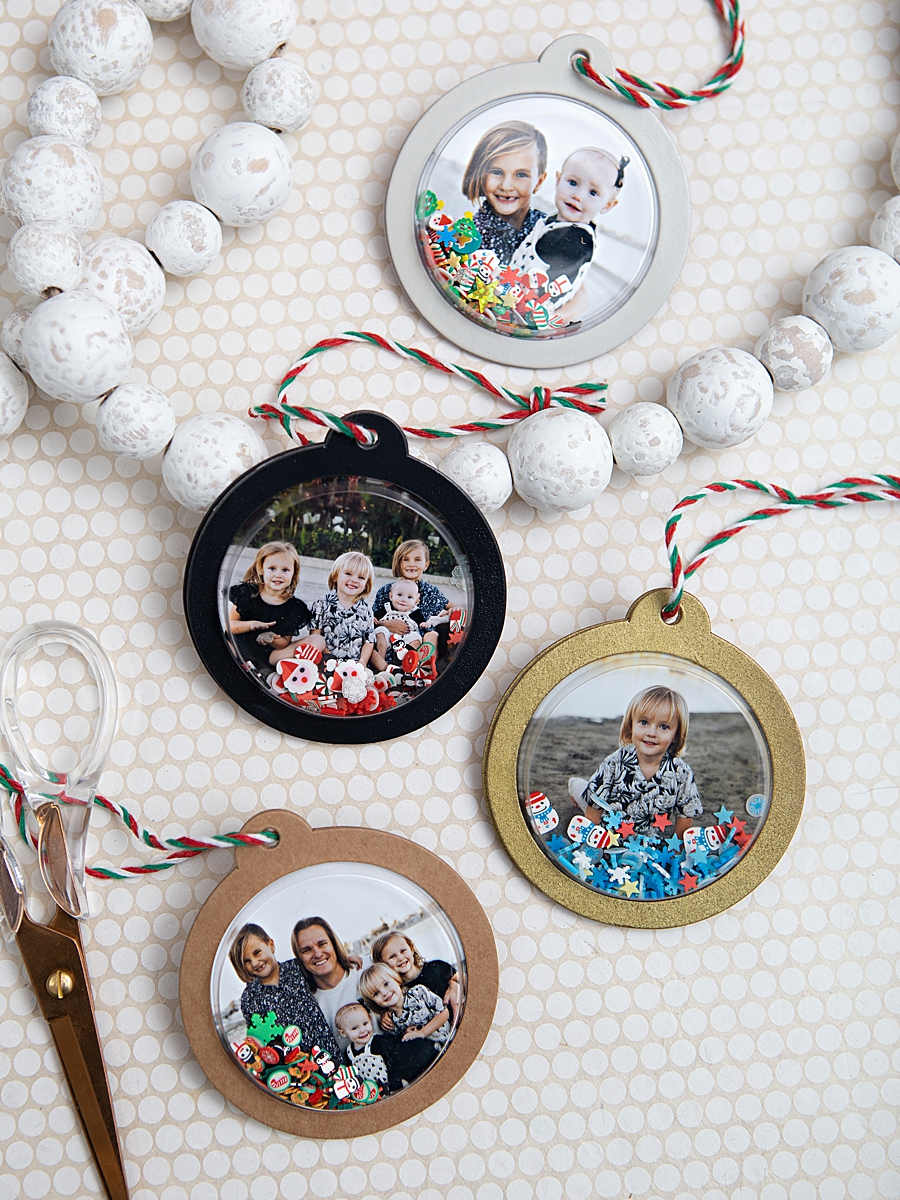
The "Maker Movement"—a contemporary subculture representing a technology-influenced extension of DIY culture—has found a versatile tool in the QX10. A primary example of this is the development of "Photo Shaker Ornaments," a project that utilizes the printer’s output as the centerpiece for a three-dimensional holiday decoration. This specific application demonstrates the printer’s versatility beyond simple photo storage.
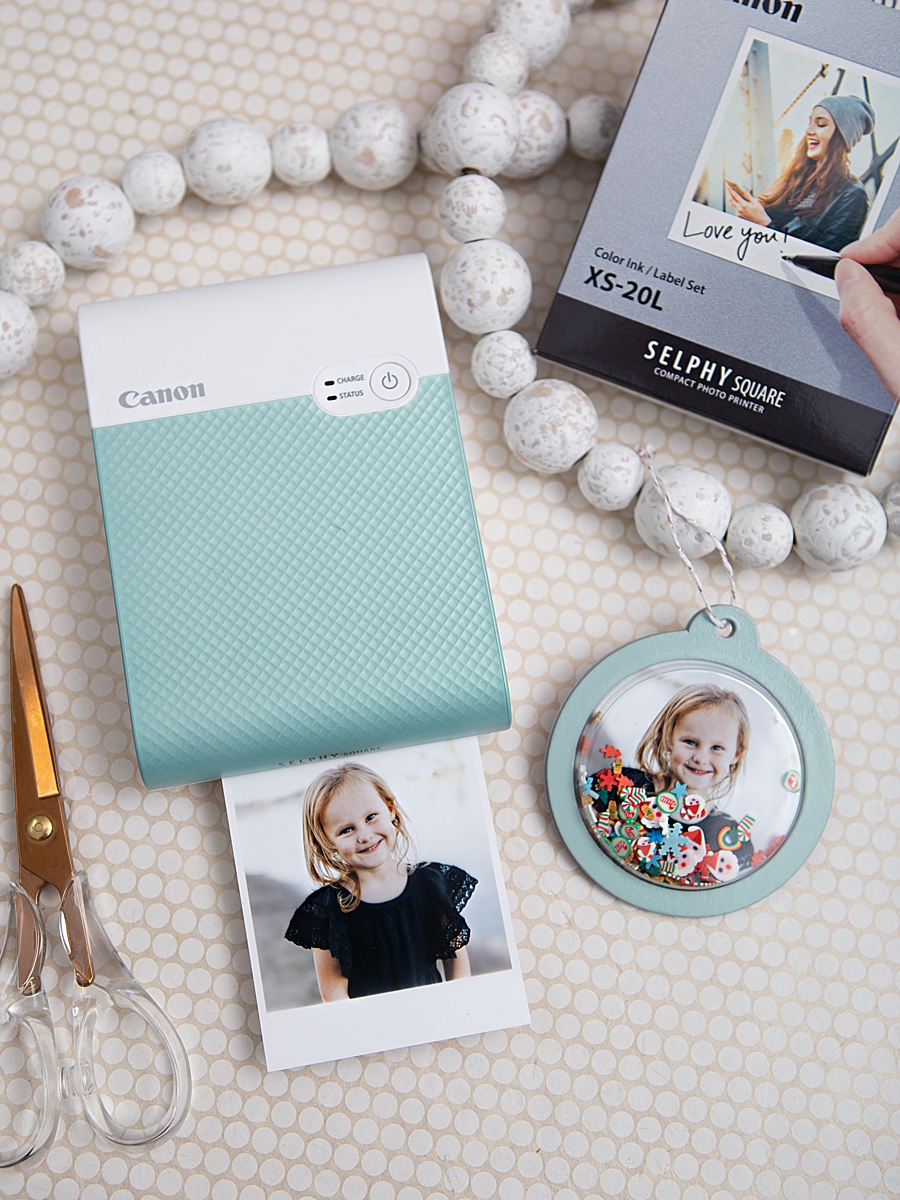
The construction of these ornaments involves several distinct phases, reflecting a sophisticated blend of materials science and creative design. The process begins with the selection of high-resolution digital imagery, which is processed through the Canon mobile application. The printer executes a four-pass printing cycle, layering cyan, magenta, and yellow dyes, followed by a clear protective coating. The paper used, specifically the XS-20L Label Prints, features a peel-off adhesive backing, which simplifies the mounting process for various surfaces.
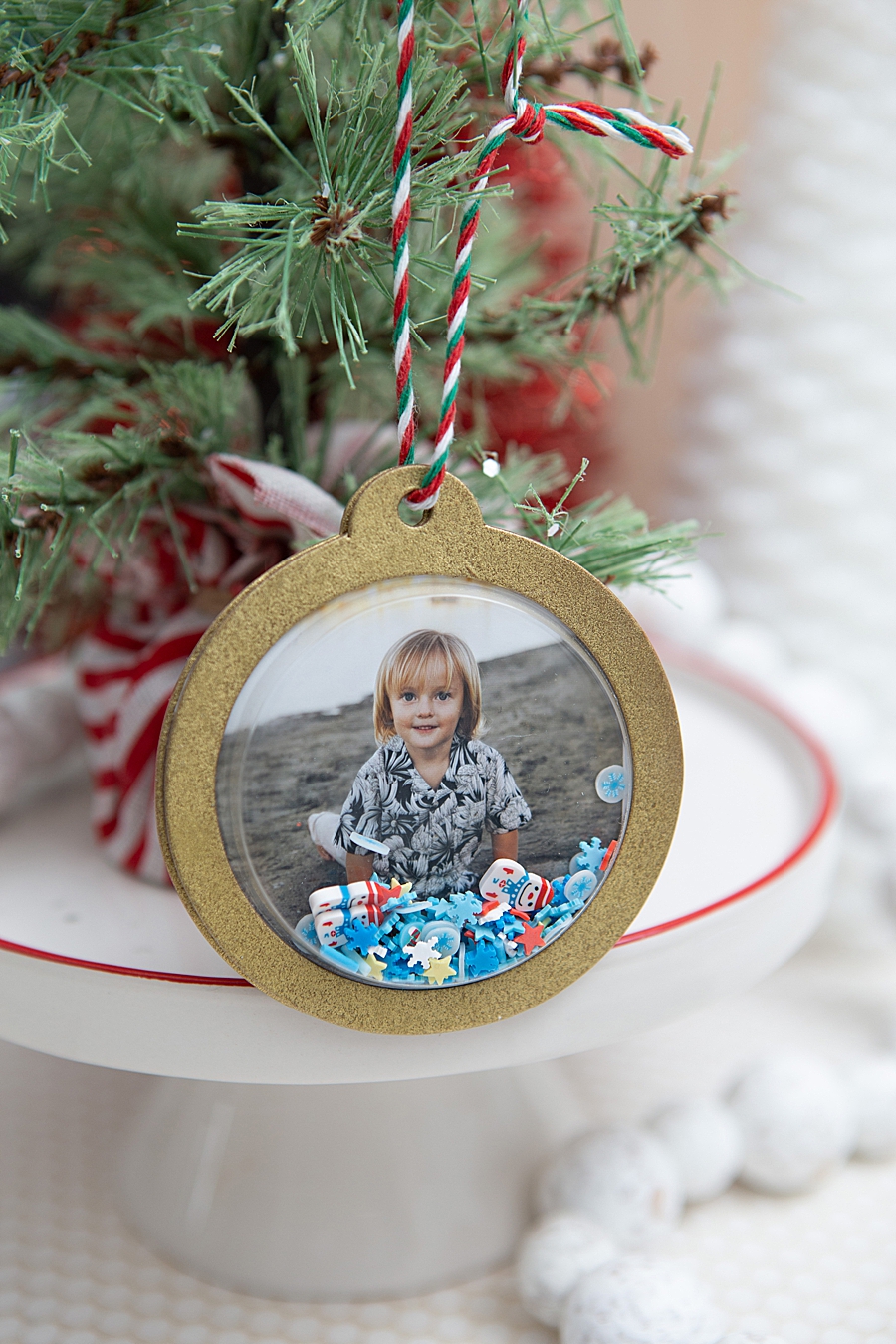
Procedural Workflow for Multimedia Crafting
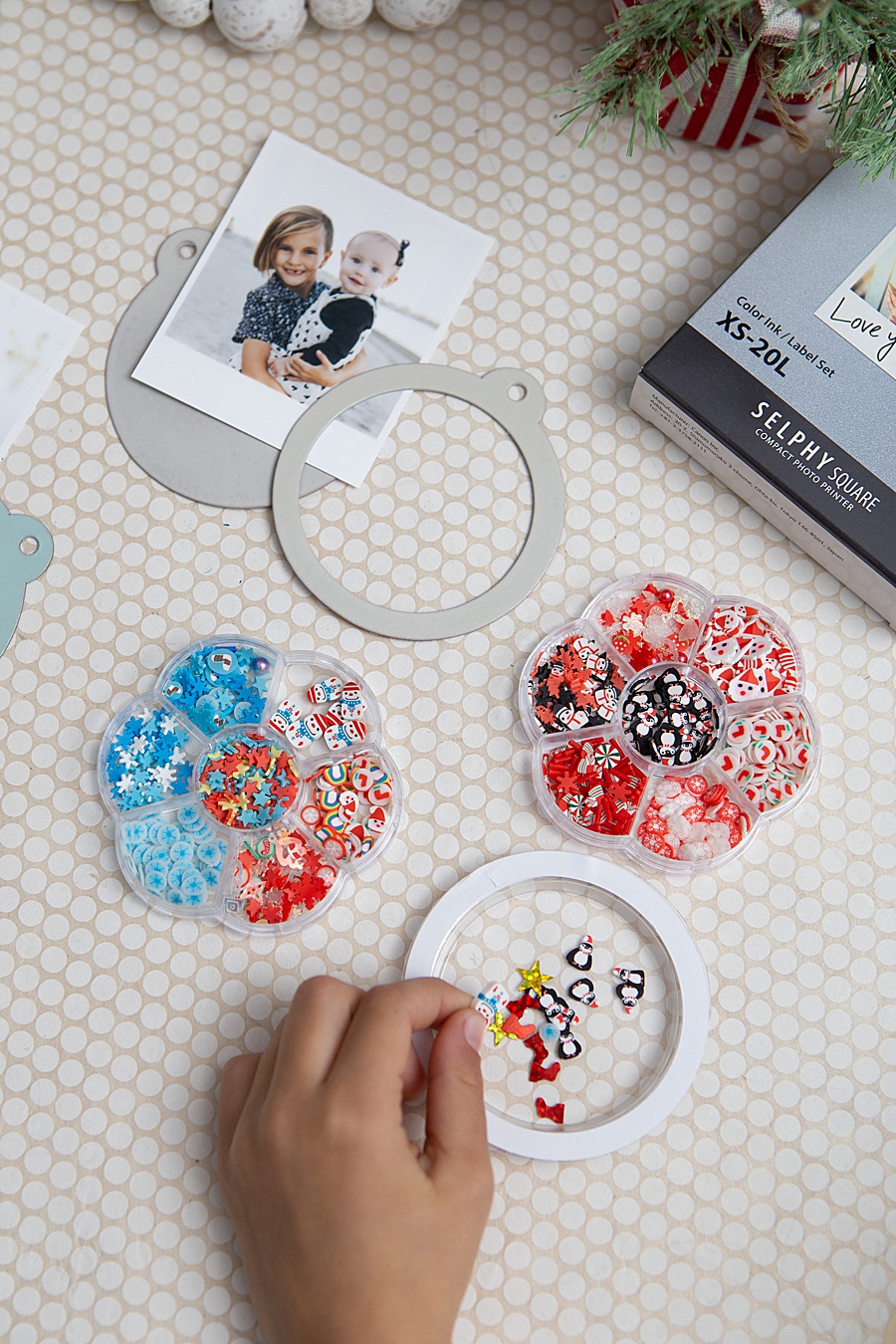
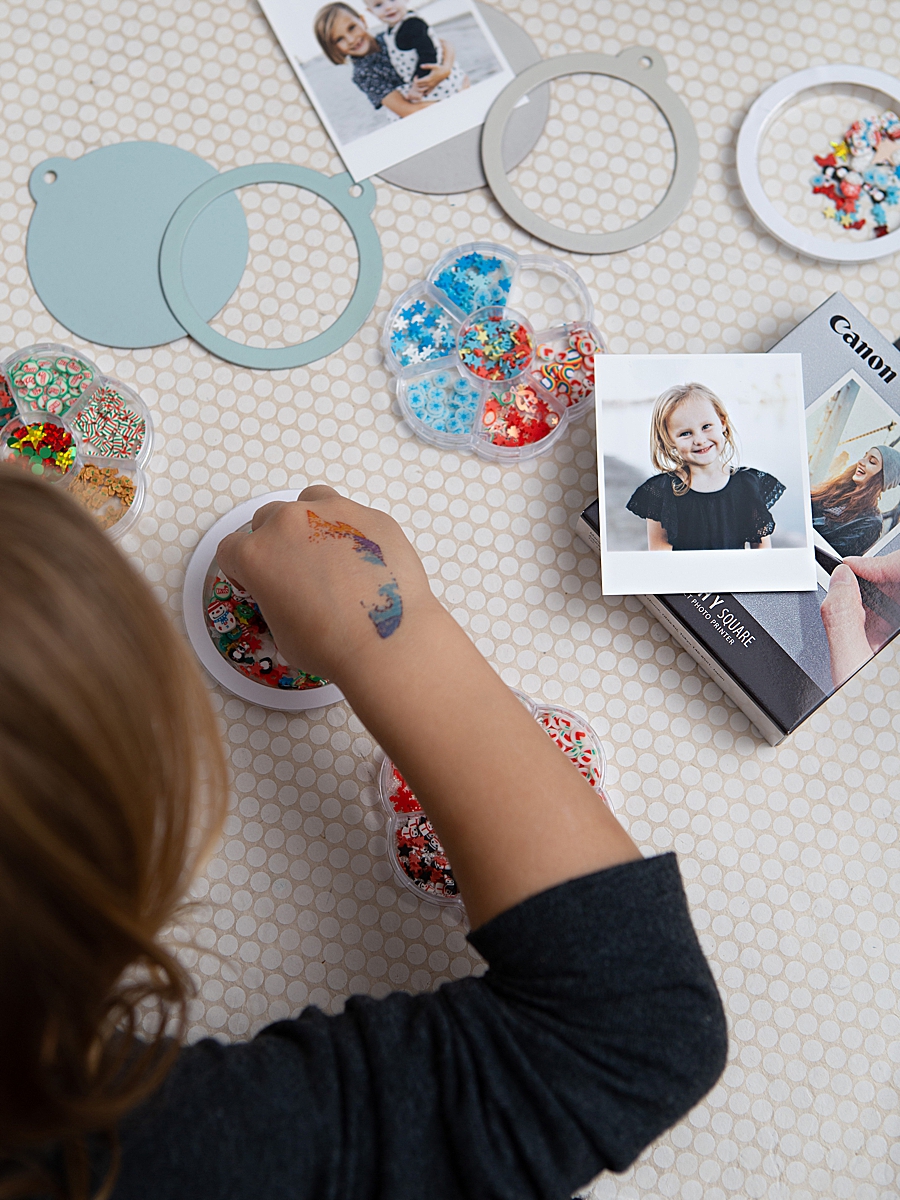
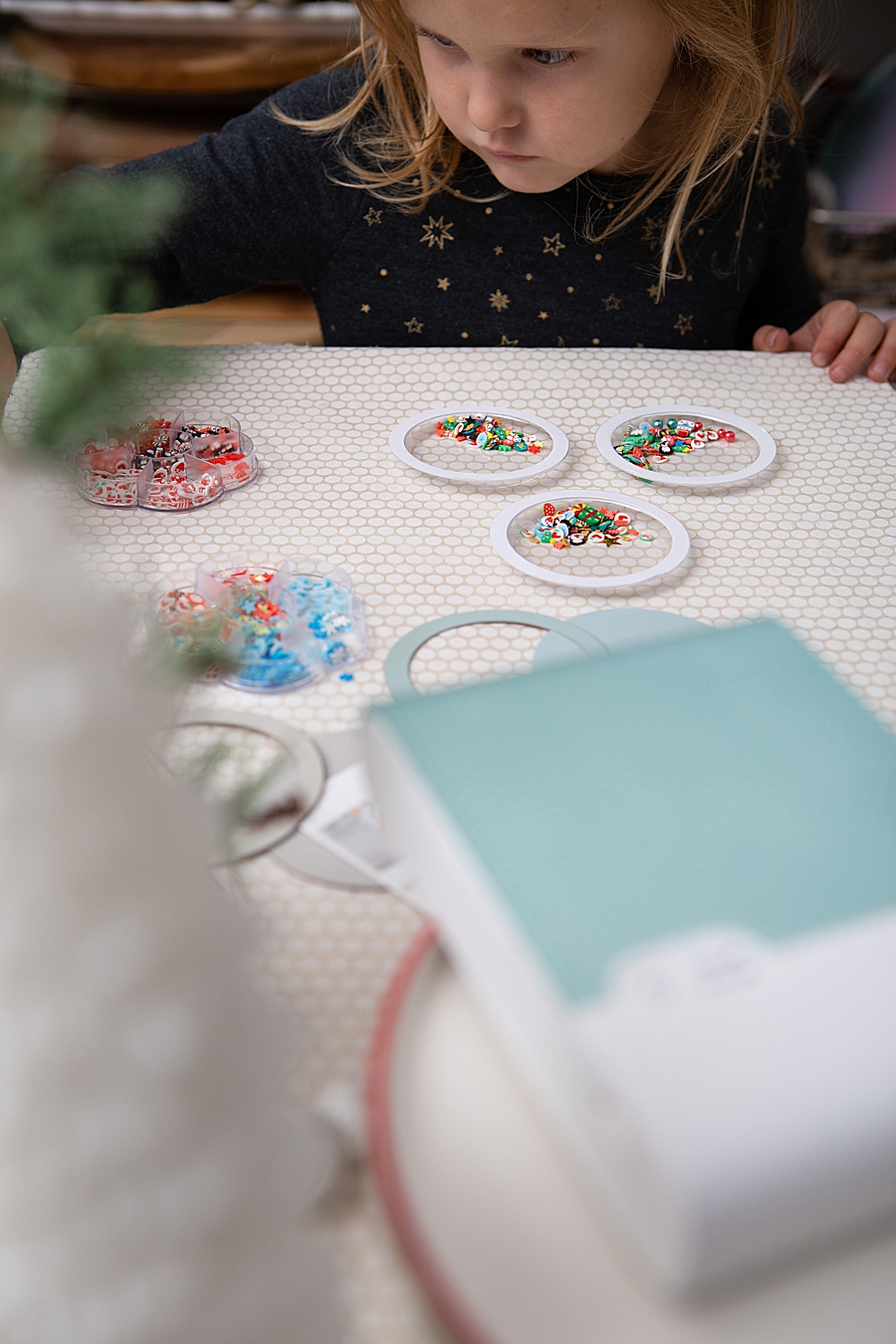
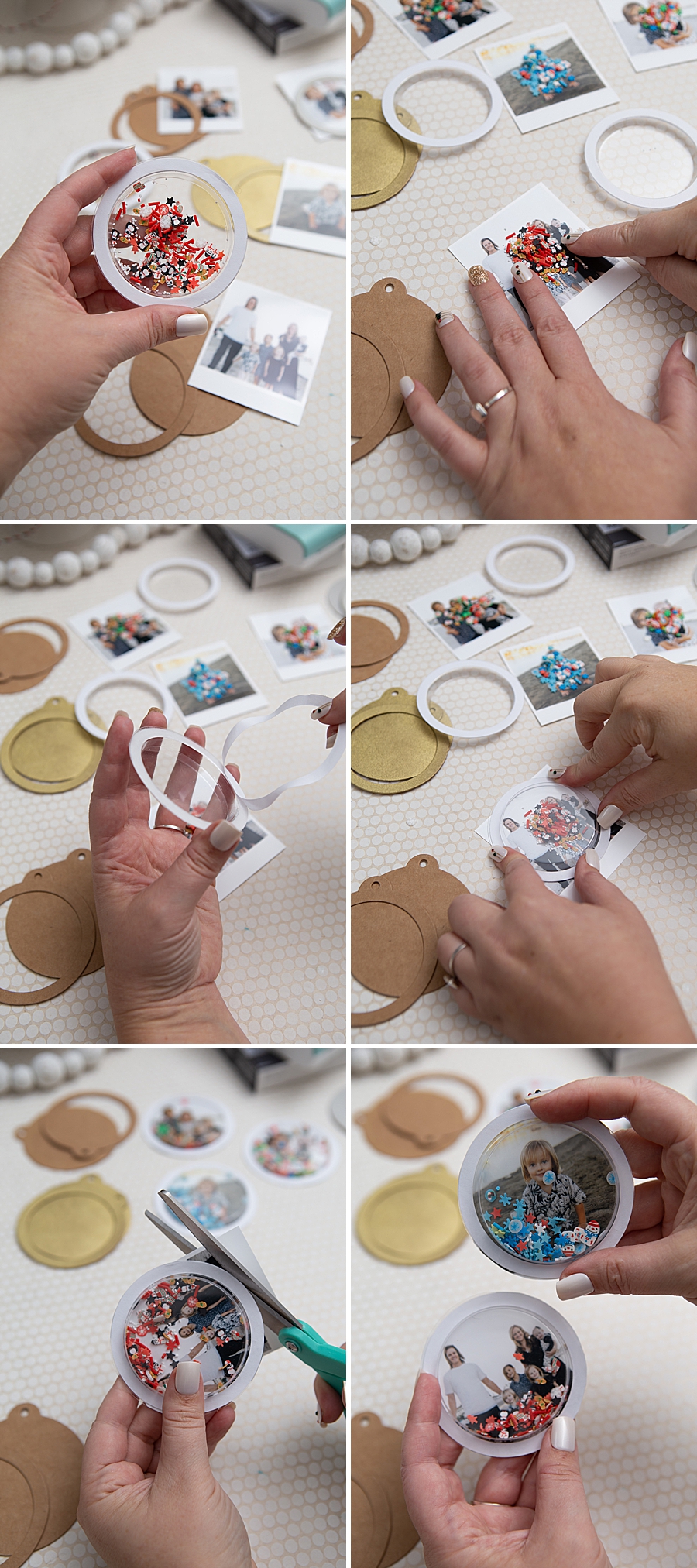
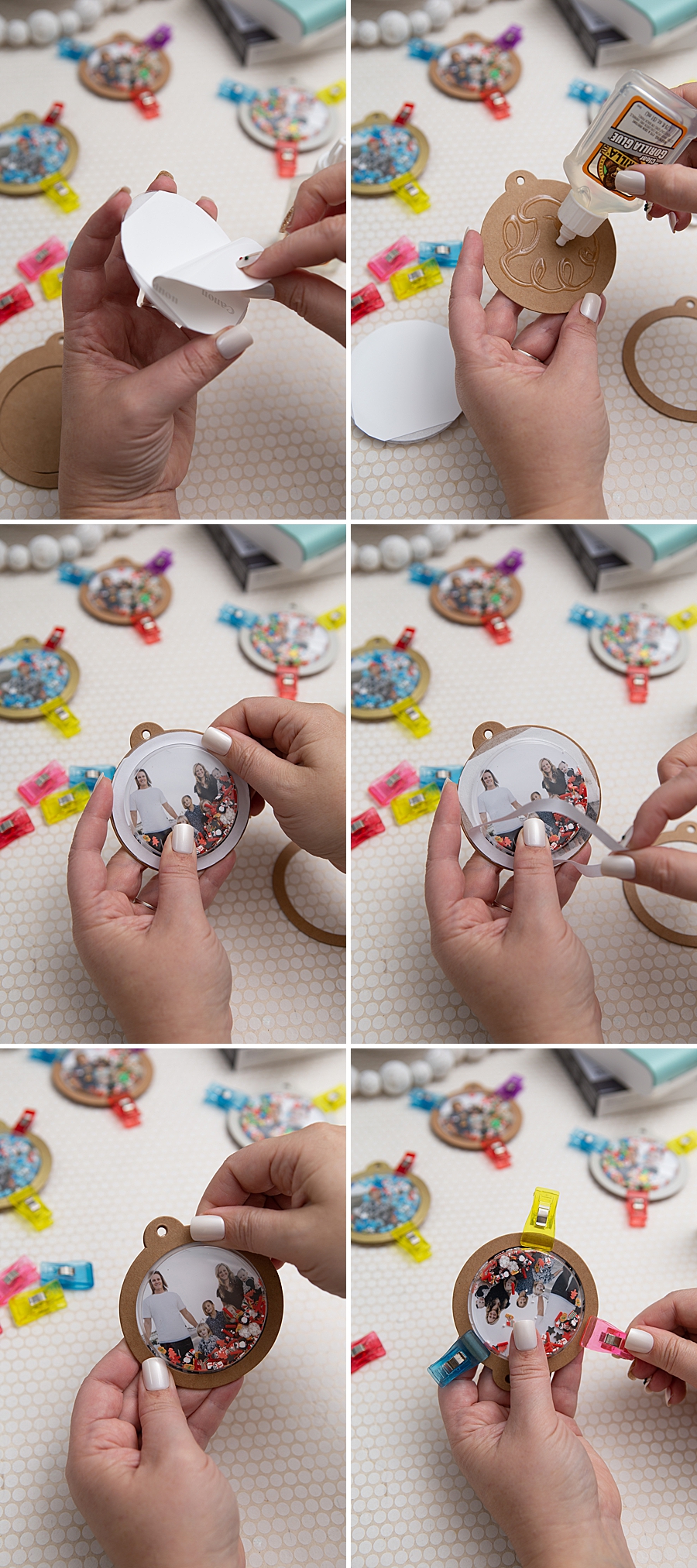
The methodology for creating these personalized ornaments follows a strict technical progression. Following the printing phase, the physical assembly requires several specific components: kraft shaker tags, plastic circle shaker domes, and specialized adhesives.
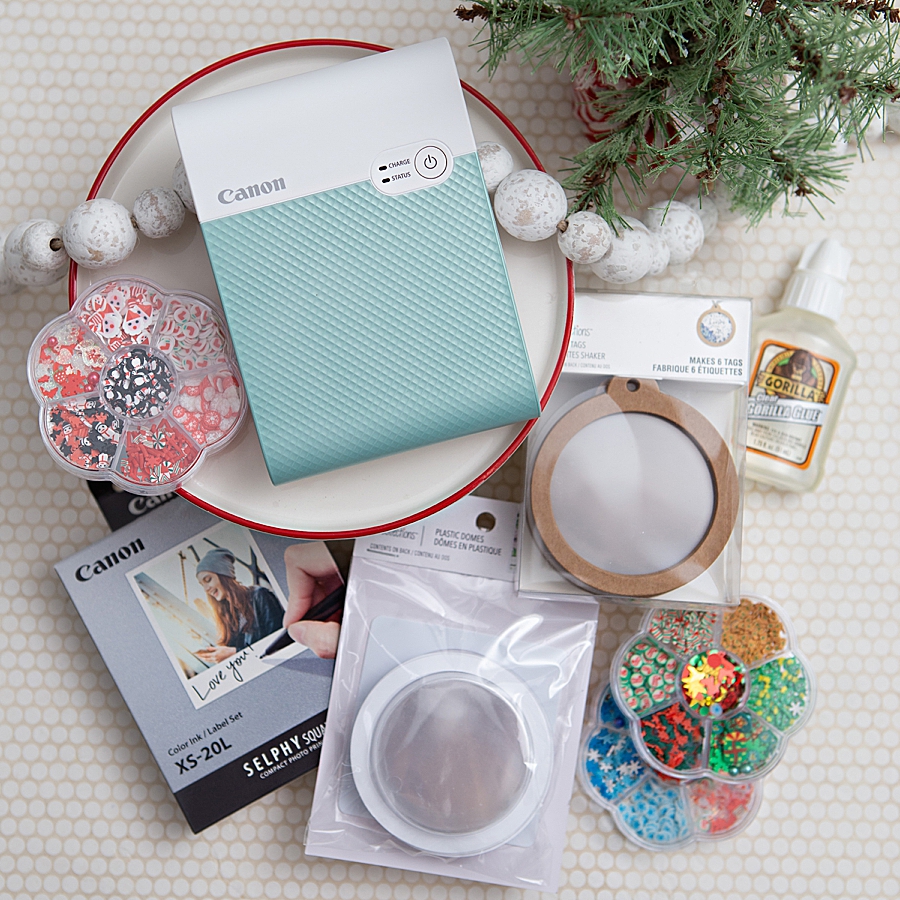
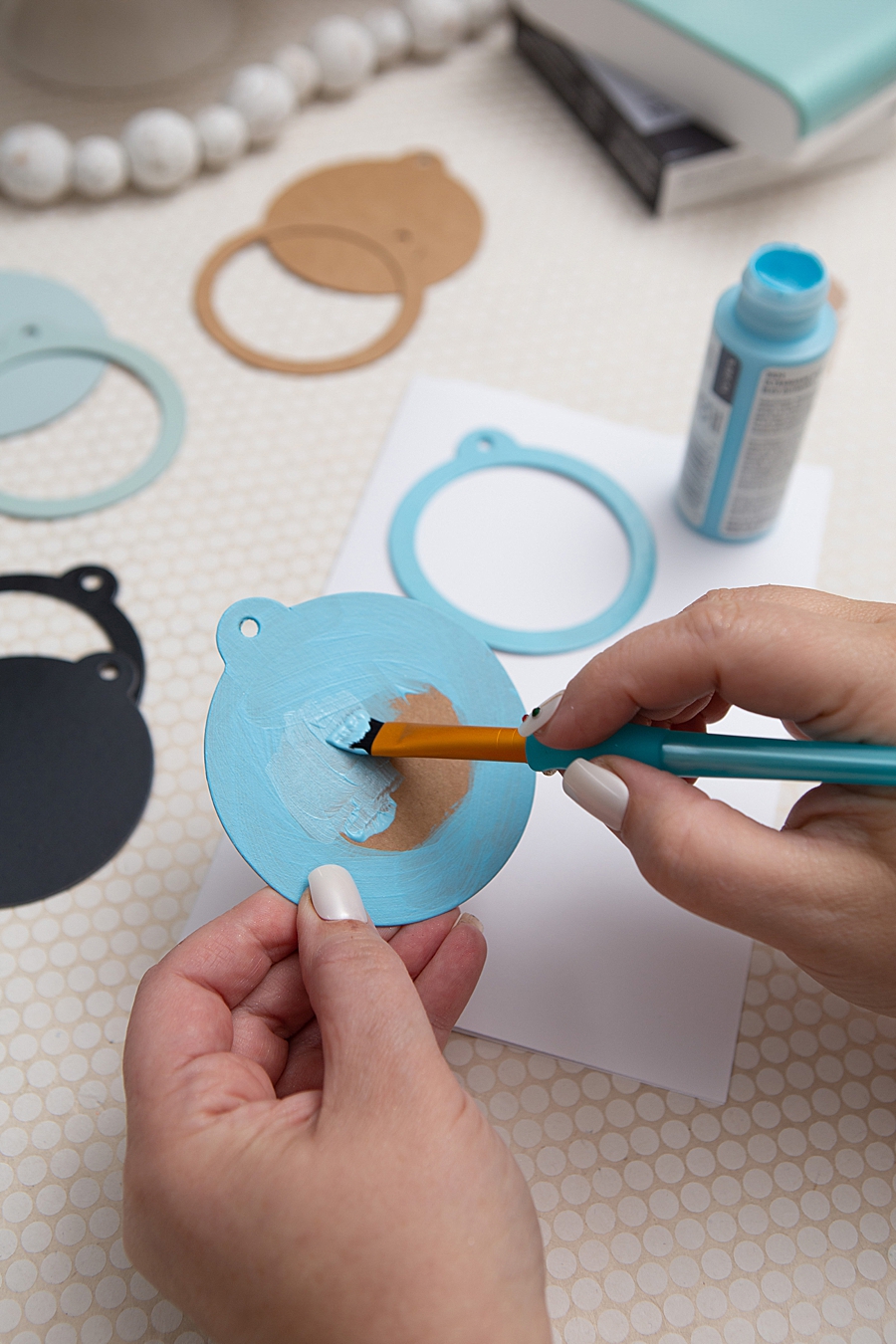
- Substrate Preparation: The kraft shaker tags may be treated with craft or spray paint to achieve a desired aesthetic. Technical recommendations suggest a minimum of three coats of craft paint or two coats of spray paint, followed by a clear gloss sealant to ensure durability.
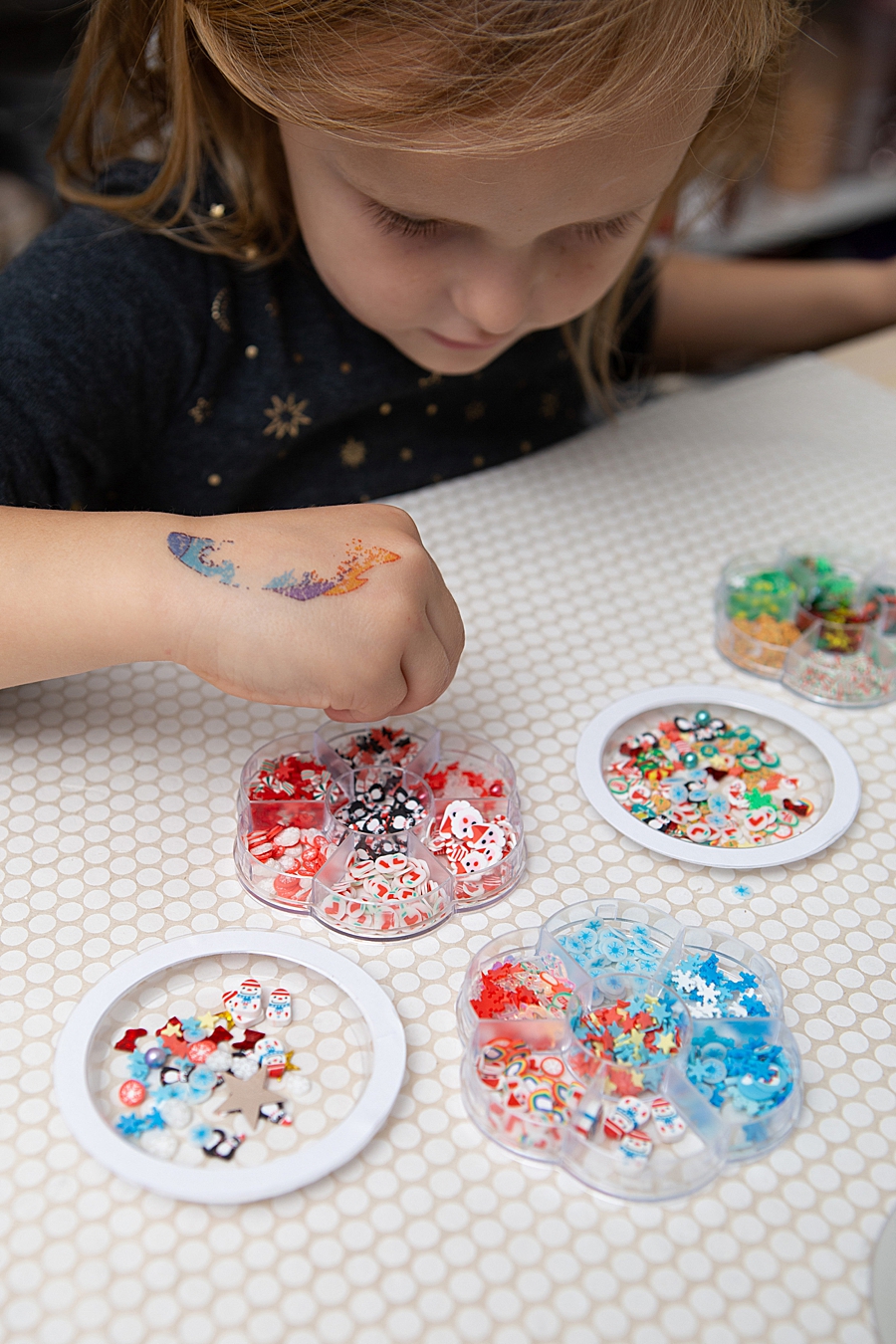
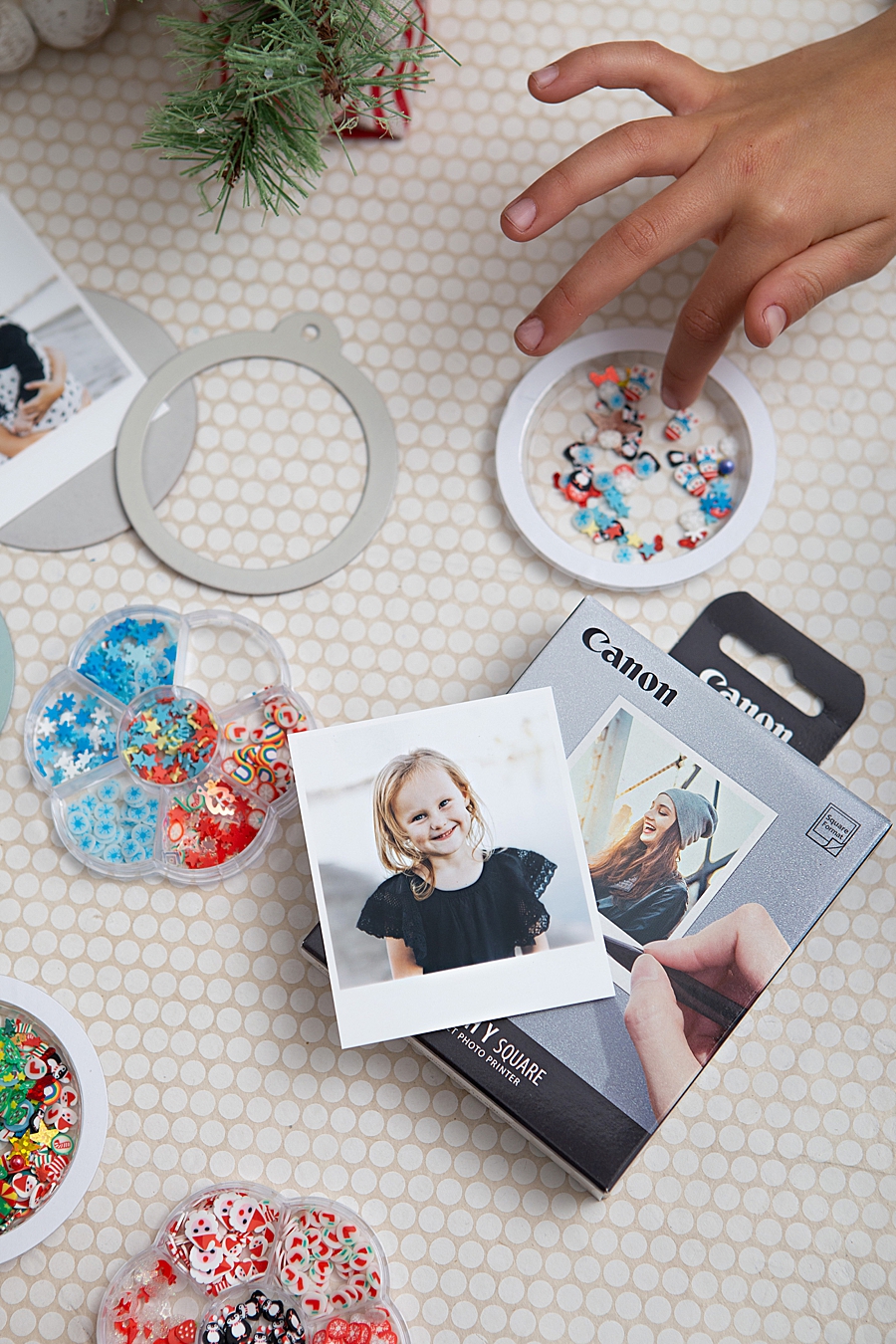
- Filling and Sealing: The shaker domes are partially filled—typically to one-eighth of their total volume—with decorative elements such as sequins or micro-beads. These "shaker bits" provide the kinetic element of the ornament.
- Adhesion and Curing: The integration of the photo print with the dome and the tag requires a high-strength adhesive. Cyanoacrylate-based glues, such as Gorilla Glue, are frequently employed for their strong bond between plastic and paper substrates. The assembly requires a two-hour initial drying period, with a full 24-hour cure time necessary for maximum structural integrity.
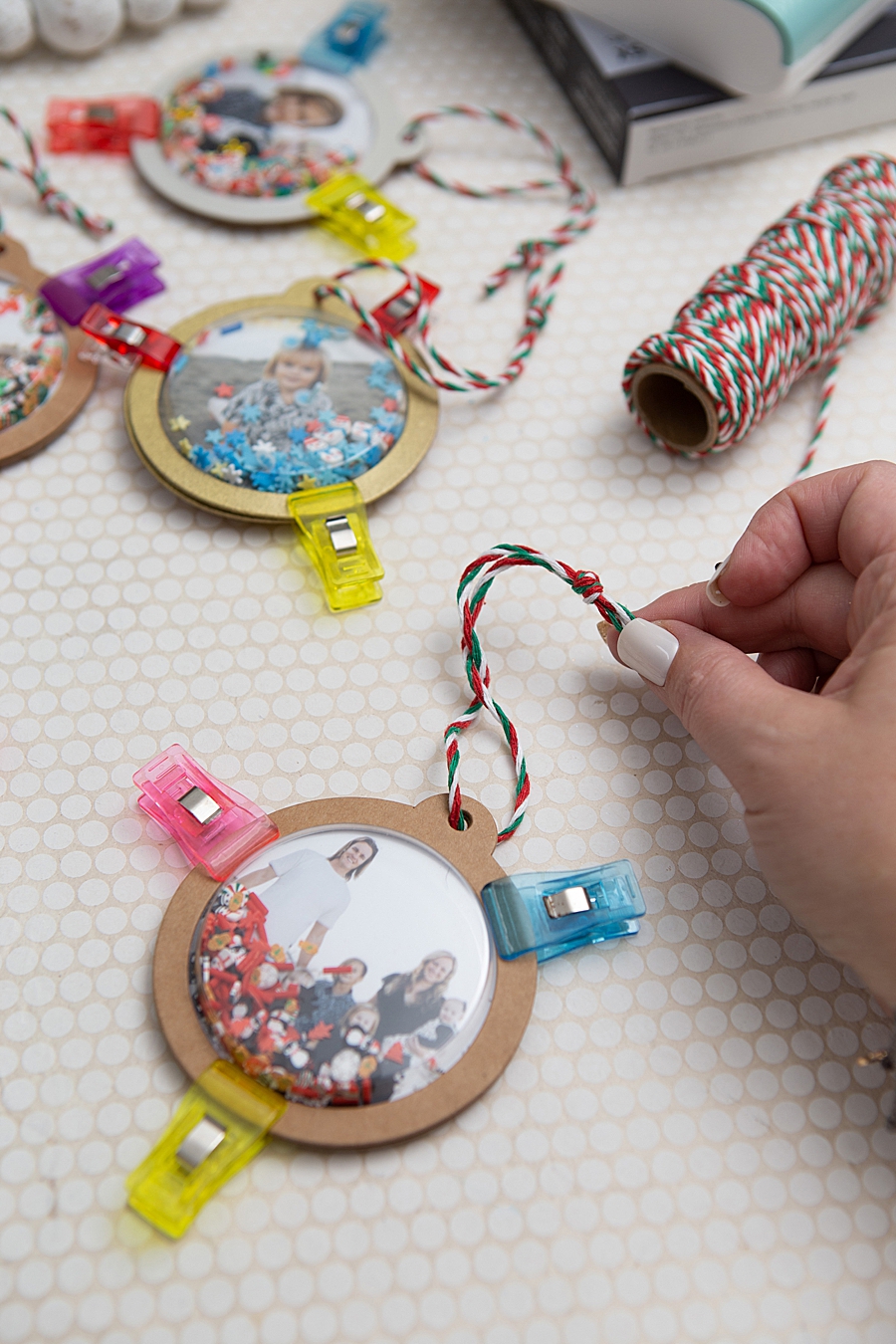
- Final Finishing: The addition of twine or ribbon allows for the suspension of the ornament. This final step transforms a digital file into a tactile, interactive object.
Market Trends in Personalization and Domestic Tech
The rise of portable printing is closely linked to the growth of the global personalized gifts market, which is projected to expand significantly over the next decade. Industry analysts suggest that the "experience economy" has driven consumers toward products that allow for the creation of unique, sentimental items.
The DIY craft industry, supported by major retailers such as Michaels and online platforms like Amazon, has adapted to these technological advancements. The availability of specialized components like "shaker domes" and "kraft tags" reflects a supply chain that is increasingly responsive to social media-driven crafting trends. When combined with the convenience of instant printing, these materials allow for a level of customization that was previously reserved for professional photo studios.
Material Science and Longevity
A critical factor in the adoption of the Canon SELPHY Square QX10 is the durability of its output. Traditional instant cameras often produce prints that are susceptible to fading when exposed to light and air. In contrast, the dye-sublimation process used by the QX10 includes a "special coating" that protects against water, oil, and gas.
This archival stability is essential for holiday decorations, which are often stored in variable temperatures and humidity levels for eleven months of the year. The ability of the print to resist smudging and water damage makes it an ideal substrate for projects involving wet adhesives and paints.
Economic and Social Implications
The integration of portable printing technology into family-oriented activities has notable social implications. By involving multiple generations in the selection of photos and the assembly of the physical product, the technology serves as a catalyst for collective creation. Market research indicates that parents are increasingly seeking "screen-free" or "screen-adjacent" activities that result in a tangible outcome.
Furthermore, the economic impact of the "prosumer" printer market cannot be overlooked. Companies like Canon are no longer just selling hardware; they are selling a proprietary ecosystem of ink cassettes and label paper. Each pack of XS-20L paper includes a specific ink cassette designed for 20 sheets, ensuring a consistent revenue stream for the manufacturer while guaranteeing the user that the ink and paper are perfectly calibrated for the best possible result.
Industry Reactions and Competitive Landscape
Competitors in the portable printing space, such as Fujifilm’s Instax line and HP’s Sprocket, have taken different technological approaches, often favoring Zink (Zero Ink) technology or silver halide instant film. However, industry experts note that Canon’s choice of dye-sublimation for the QX10 positions it as a higher-quality alternative for those who prioritize color accuracy and longevity over the lowest possible price point.
The professional photography community has also noted the utility of these devices for "on-the-spot" proofs and client gifts. While the 2.7-inch format is smaller than standard 4×6 prints, the square aspect ratio aligns with the aesthetic of social media platforms like Instagram, making it a natural extension of the digital sharing experience.
Future Outlook for Portable Imaging
As mobile device cameras continue to improve, the demand for high-quality physical output is expected to remain robust. The Canon SELPHY Square QX10 is a representative example of how hardware manufacturers are adapting to the digital age by providing tools that are as mobile and user-friendly as the smartphones they accompany.
The future of this sector likely involves further miniaturization and the integration of augmented reality (AR) features, where a physical print could act as a trigger for a digital video when viewed through a smartphone. For now, the focus remains on the tactile satisfaction of the physical photograph and its role in the "new traditionalism" of modern crafting.
In conclusion, the use of the Canon SELPHY Square QX10 in creating personalized holiday decor is more than a simple craft project; it is a demonstration of how advanced imaging technology can be democratized for domestic use. By providing a reliable, high-quality, and portable solution for photo printing, Canon has enabled a new wave of creativity that blends the convenience of the digital world with the enduring value of physical objects. As the DIY market continues to evolve, the synergy between mobile technology and traditional handiwork will likely become a permanent fixture of the consumer landscape.