



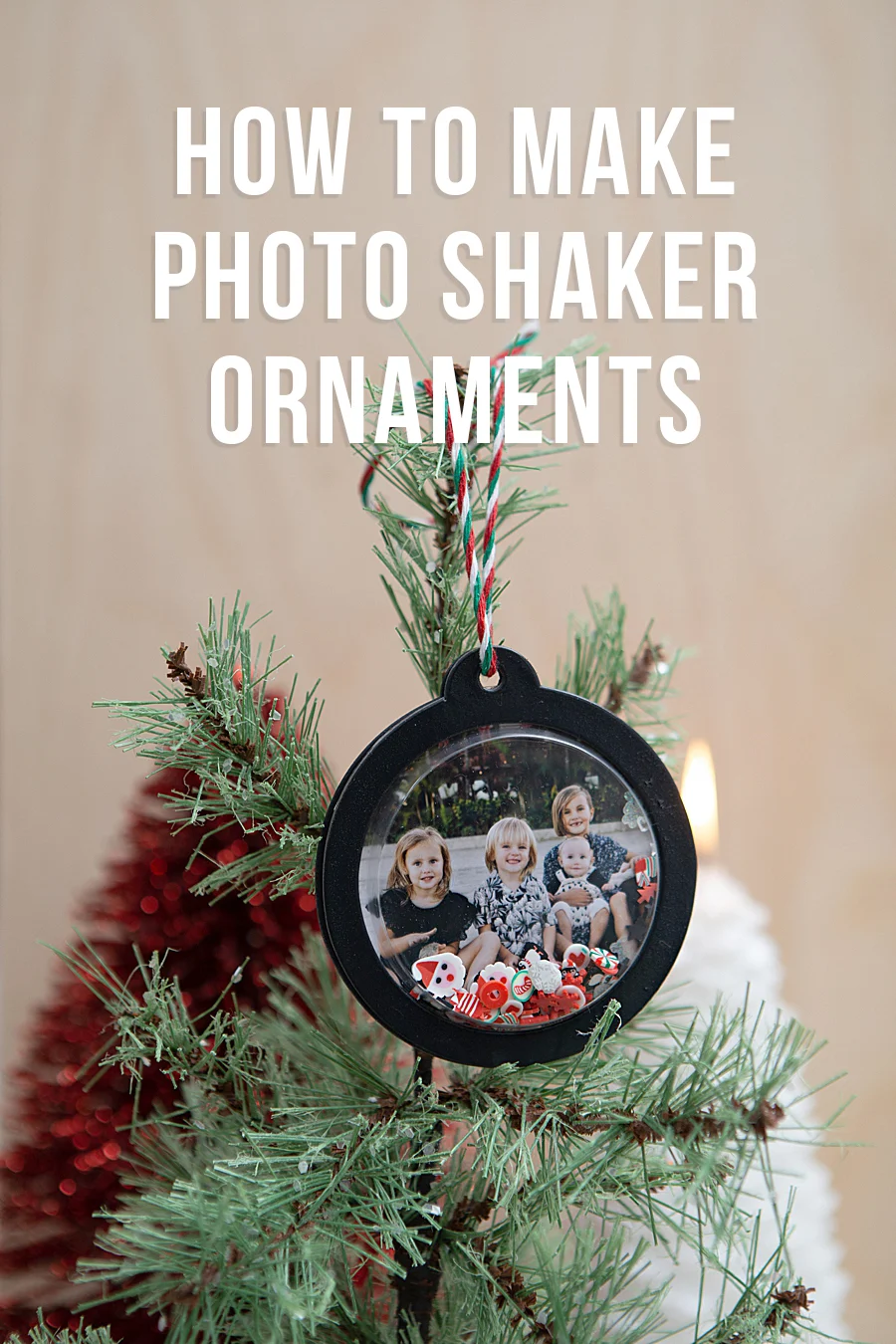
The intersection of mobile digital photography and physical media has seen a significant evolution with the introduction of compact, high-fidelity printing solutions designed for the consumer market. Leading this shift is the Canon SELPHY Square QX10, a portable photo printer that utilizes dye-sublimation technology to produce long-lasting, high-quality imagery directly from smartphone devices. Recent applications of this technology demonstrate its versatility, particularly within the home crafting and seasonal decor sectors, where users are integrating personalized photography into complex DIY projects such as "shaker" ornaments. By bridging the gap between digital convenience and physical permanence, the QX10 is repositioning how families archive and display contemporary memories.
Technical Specifications and Hardware Overview
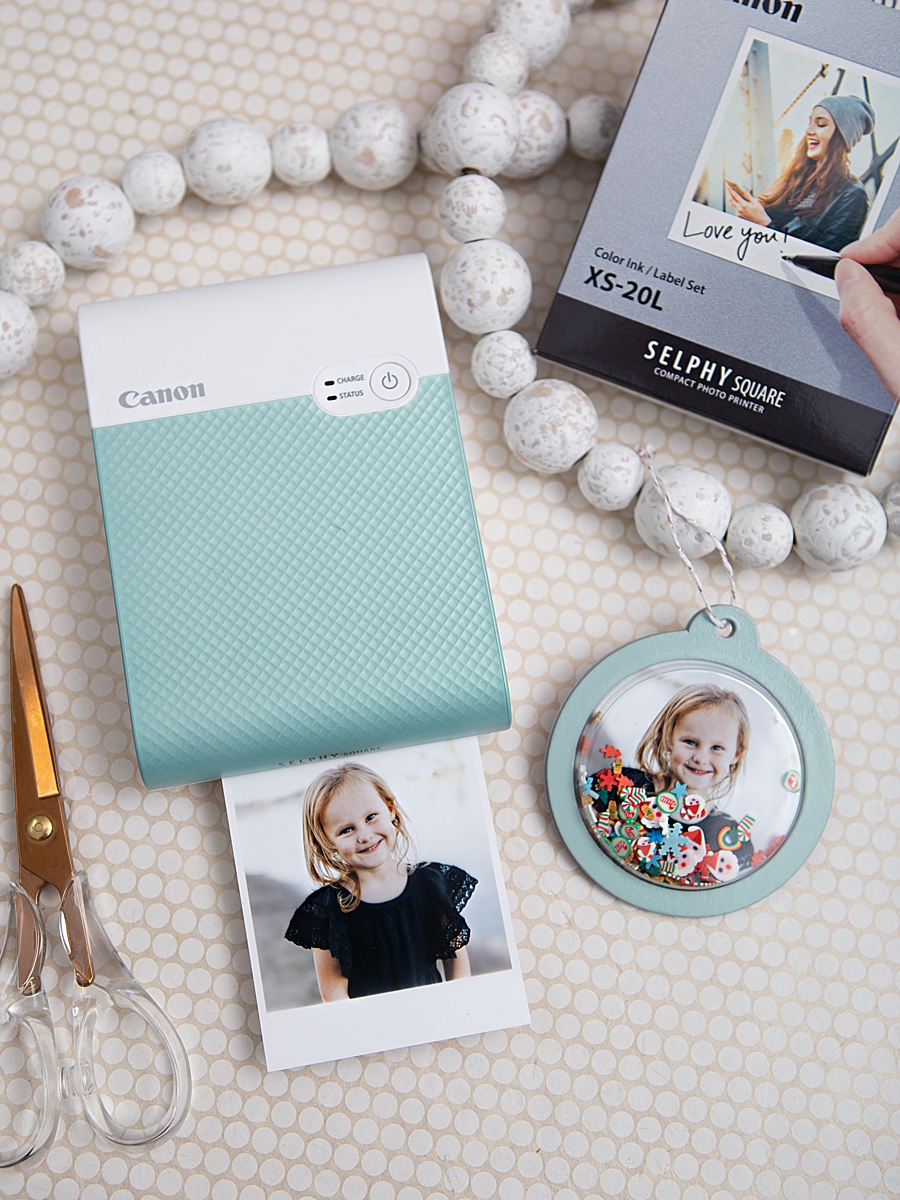
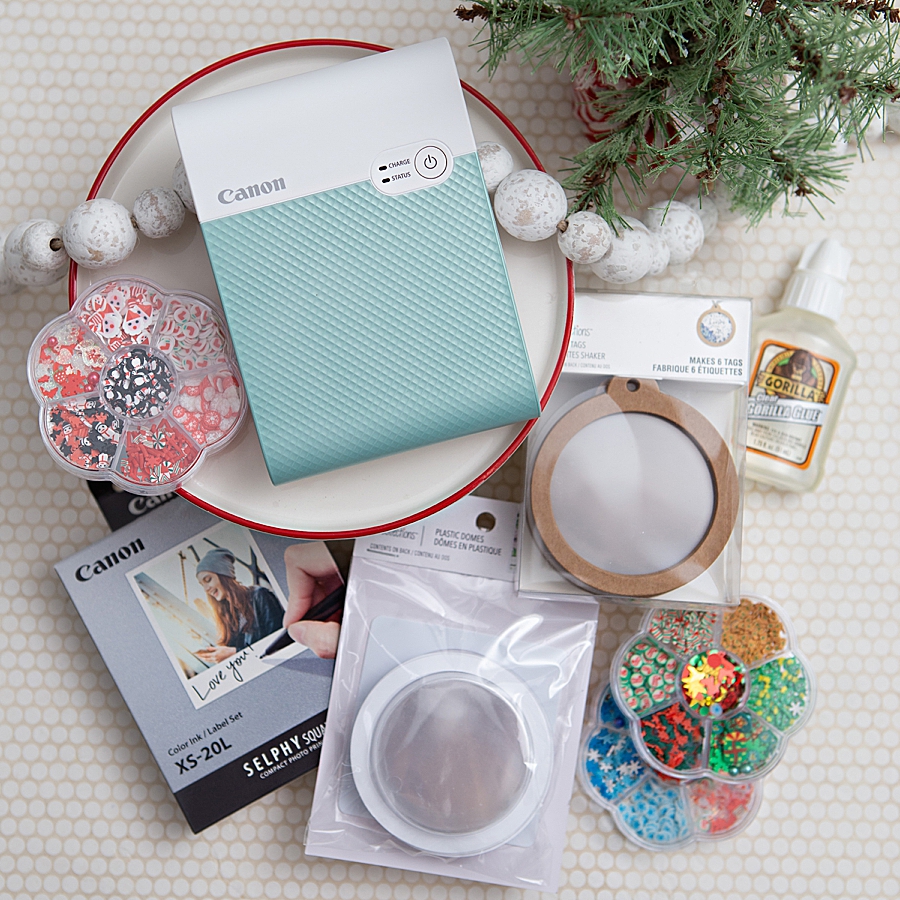
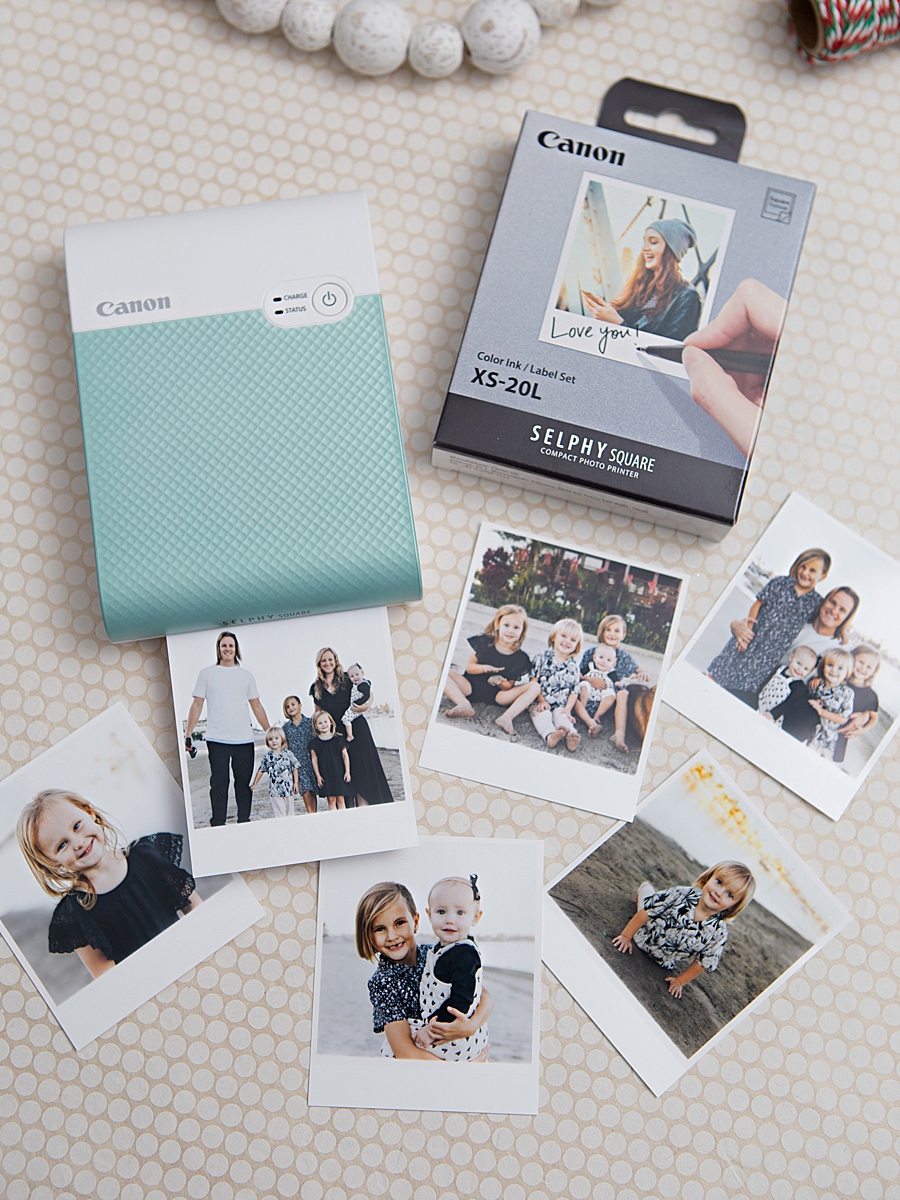
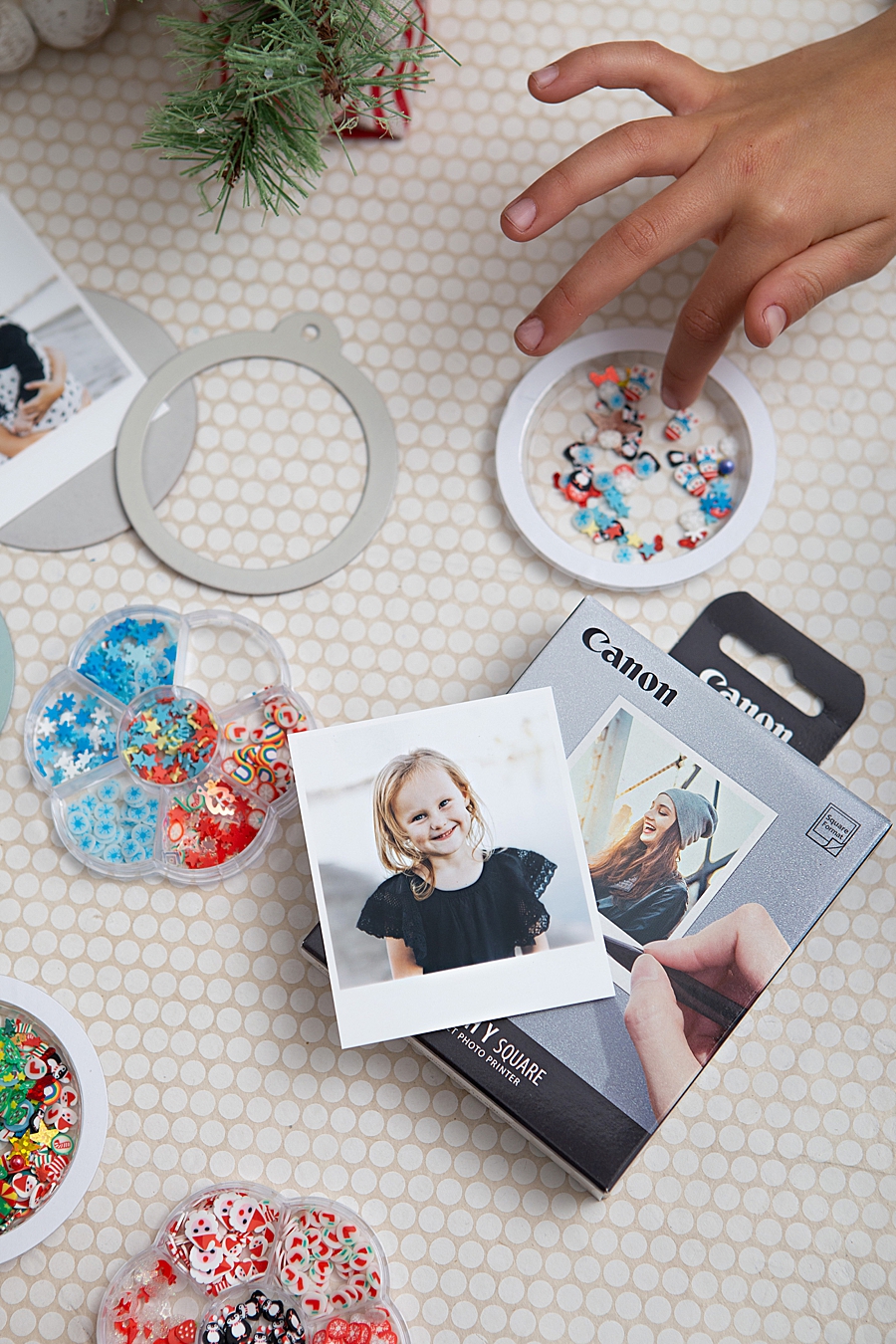
The Canon SELPHY Square QX10 is engineered as a mobile-first device, weighing less than one pound and operating entirely on an internal rechargeable battery. This design philosophy eliminates the traditional constraints of cables and fixed workstations, allowing for on-site printing in various environments. The device utilizes a specific media set, the XS-20L, which provides 2.7-inch by 2.7-inch square prints. A notable feature of this media is its adhesive backing, which allows the photographs to function as stickers for journals, scrapbooks, or integrated craft components.
At the core of the QX10’s performance is its dye-sublimation thermal transfer printing system. Unlike traditional inkjet printers that spray liquid droplets, dye-sublimation uses heat to transfer dye from a ribbon onto the paper. The process involves three separate passes for yellow, magenta, and cyan, followed by a final clear protective overcoat. This fourth layer is critical for durability, as it seals the image against water, oil, and gas, providing a manufacturer-rated lifespan of up to 100 years when stored under proper conditions.

The Evolution of the Portable Printing Market
The demand for portable printers has surged as smartphone camera capabilities have improved. Market analysis suggests that while consumers take more photos than ever before, the "digital landfill" phenomenon—where thousands of images remain unseen on cloud servers—has created a psychological craving for tangible mementos. Canon’s entry into the square-format market directly competes with both instant film cameras and "ZINK" (Zero Ink) technology printers.
While ZINK technology offers the benefit of no ink cartridges, dye-sublimation is widely regarded by imaging professionals as providing superior color depth and tonal transitions. The QX10’s ability to produce 256 levels per color results in a total of 16.7 million possible colors, offering a professional-grade finish that is often missing from other mobile printing formats. This high fidelity is what allows for the integration of printed photos into artistic projects where visual clarity is paramount.
Case Study: Integration in Seasonal Crafting and DIY Projects
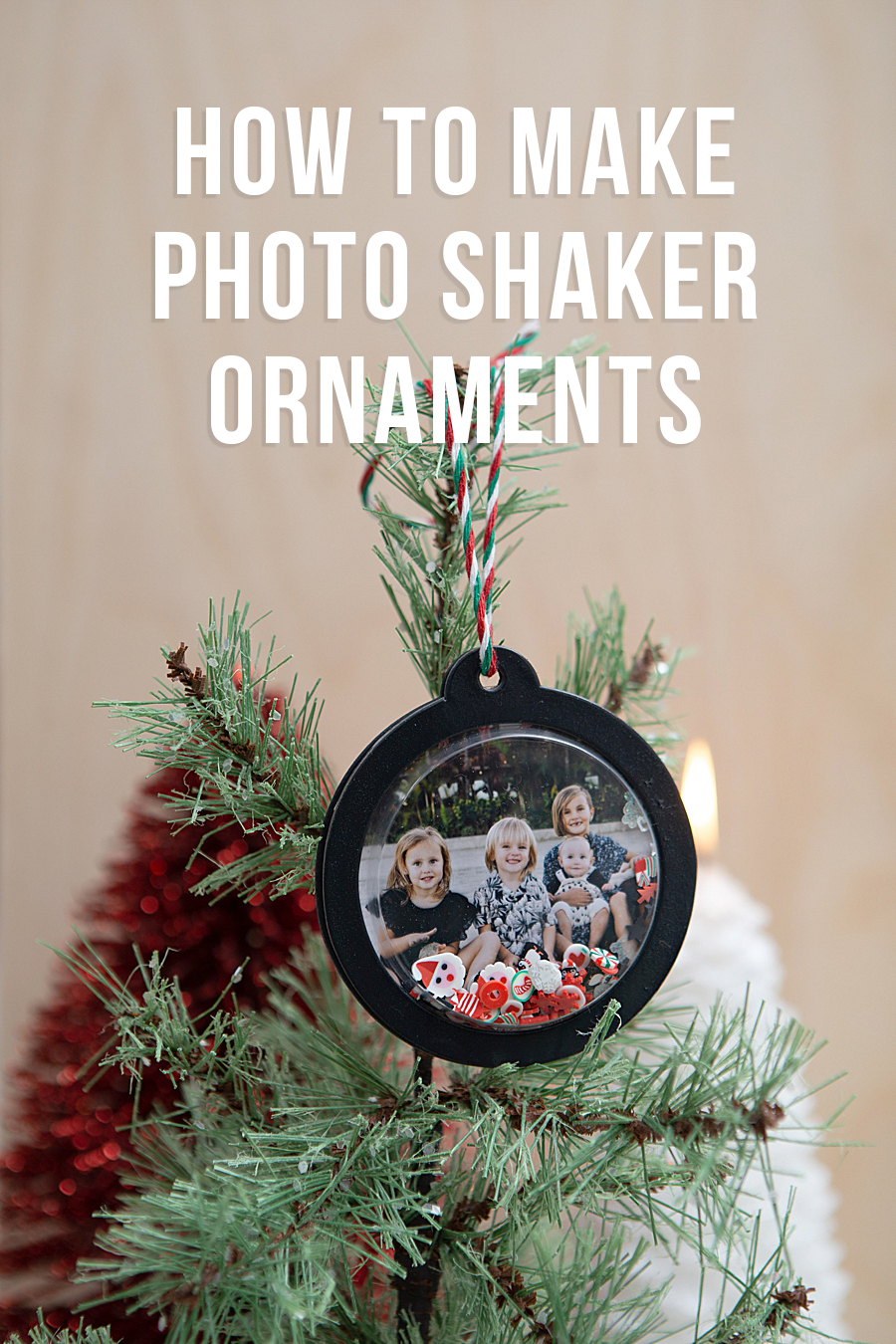
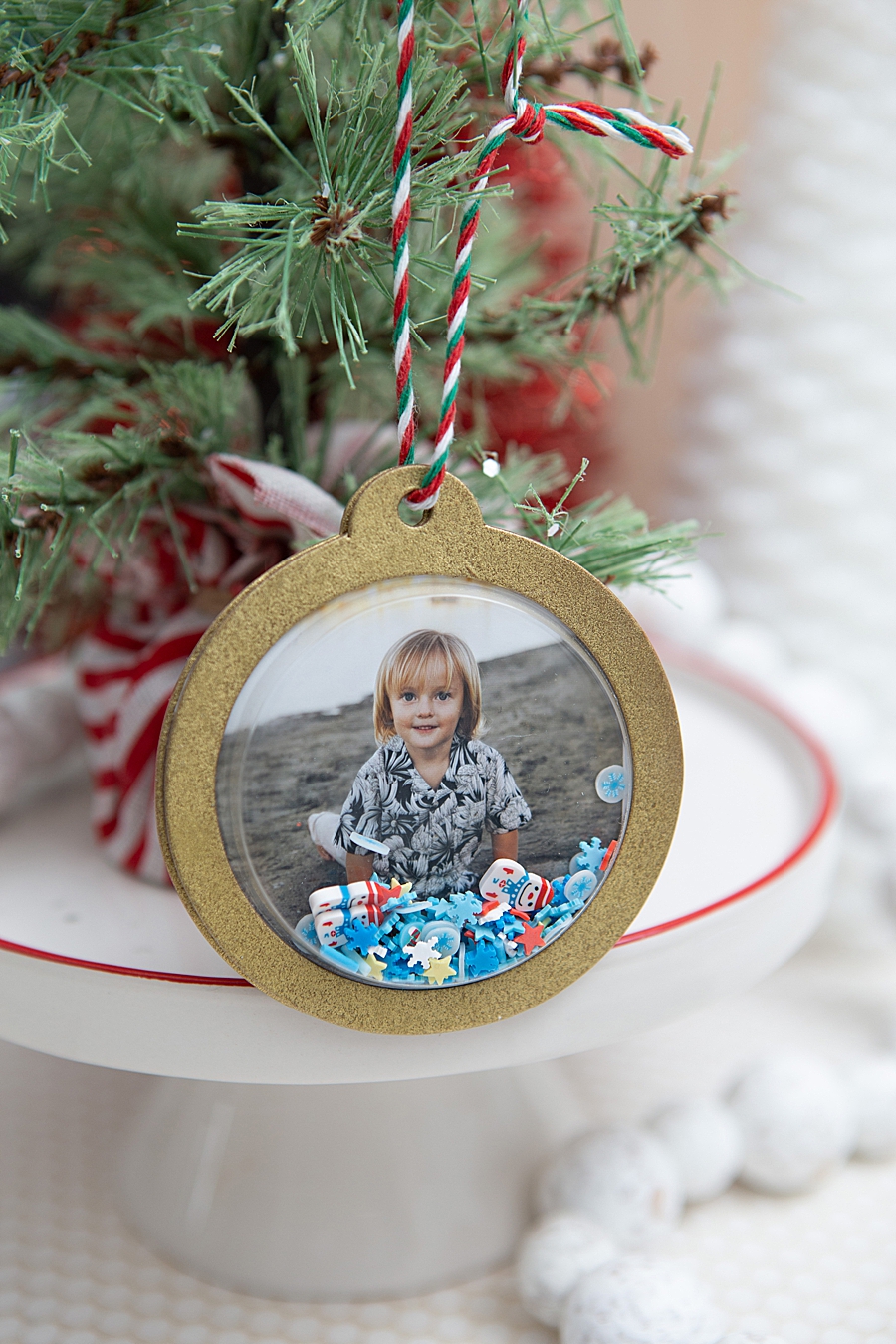
A prominent example of the SELPHY Square QX10’s utility is found in the creation of personalized shaker ornaments. This project involves a multi-step assembly process that highlights the printer’s role in modern "phygital" (physical plus digital) crafting. The workflow begins with the Canon SELPHY Photo Layout 2.0 App, which serves as the digital interface for the hardware.
Digital Preparation and Layout
The application allows users to sync their smartphone galleries via a QR code displayed on the printer. Within the app, users can select photos and apply various edits, including filters, borders, and text overlays. For the shaker ornament project, the square format of the QX10 is particularly advantageous, as it aligns with standard crafting dimensions used for tags and decorative domes. Once the digital asset is finalized, the app transmits the data via Wi-Fi, and the printer executes the four-pass thermal transfer in approximately 43 seconds.
Assembly and Material Science
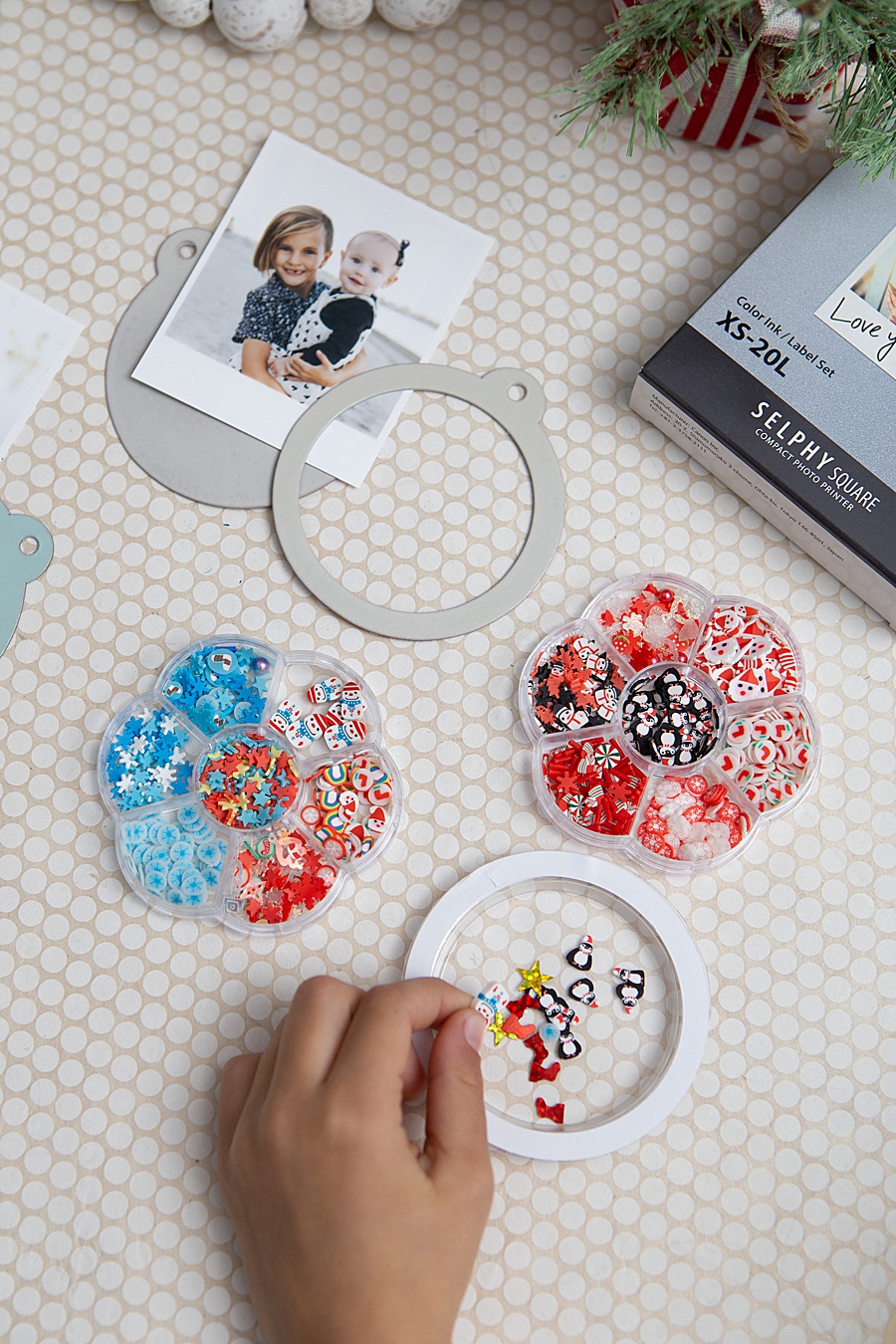
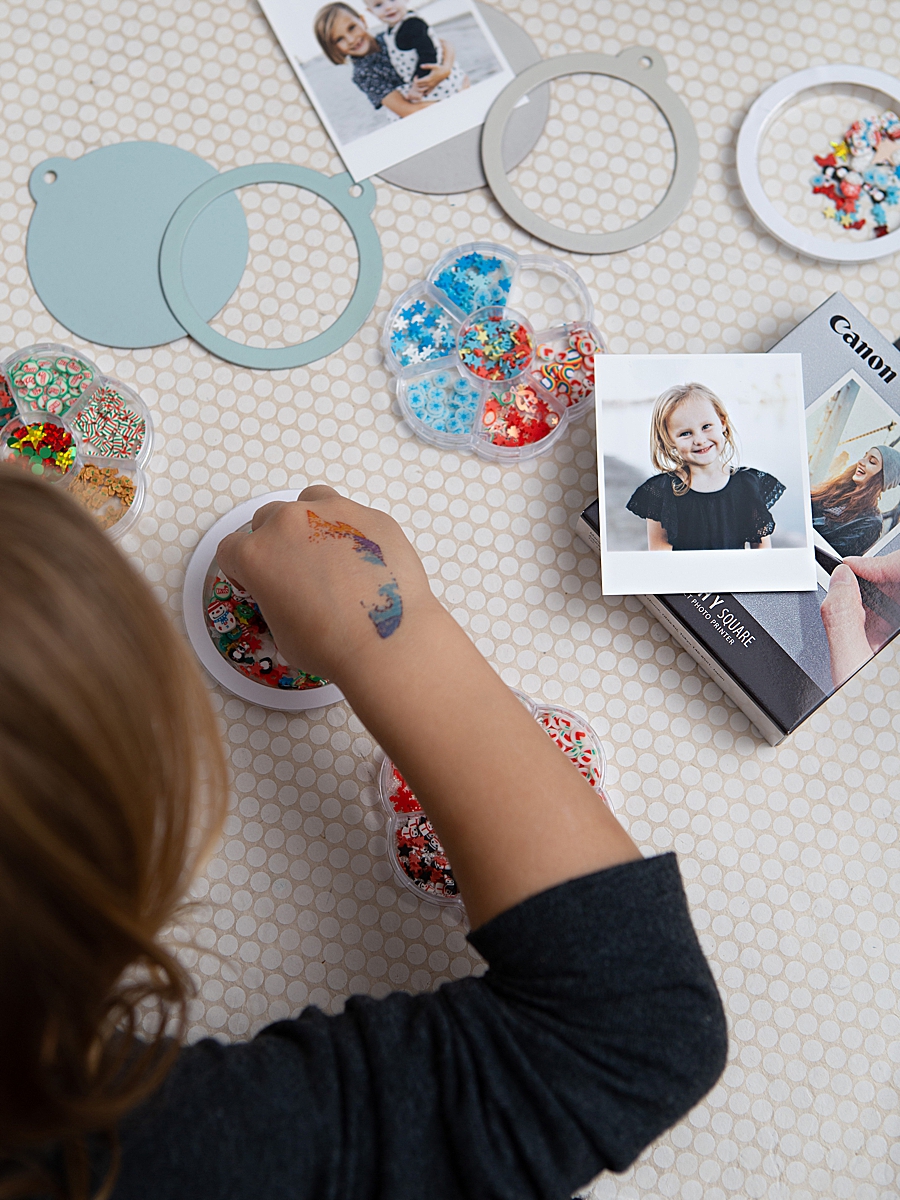
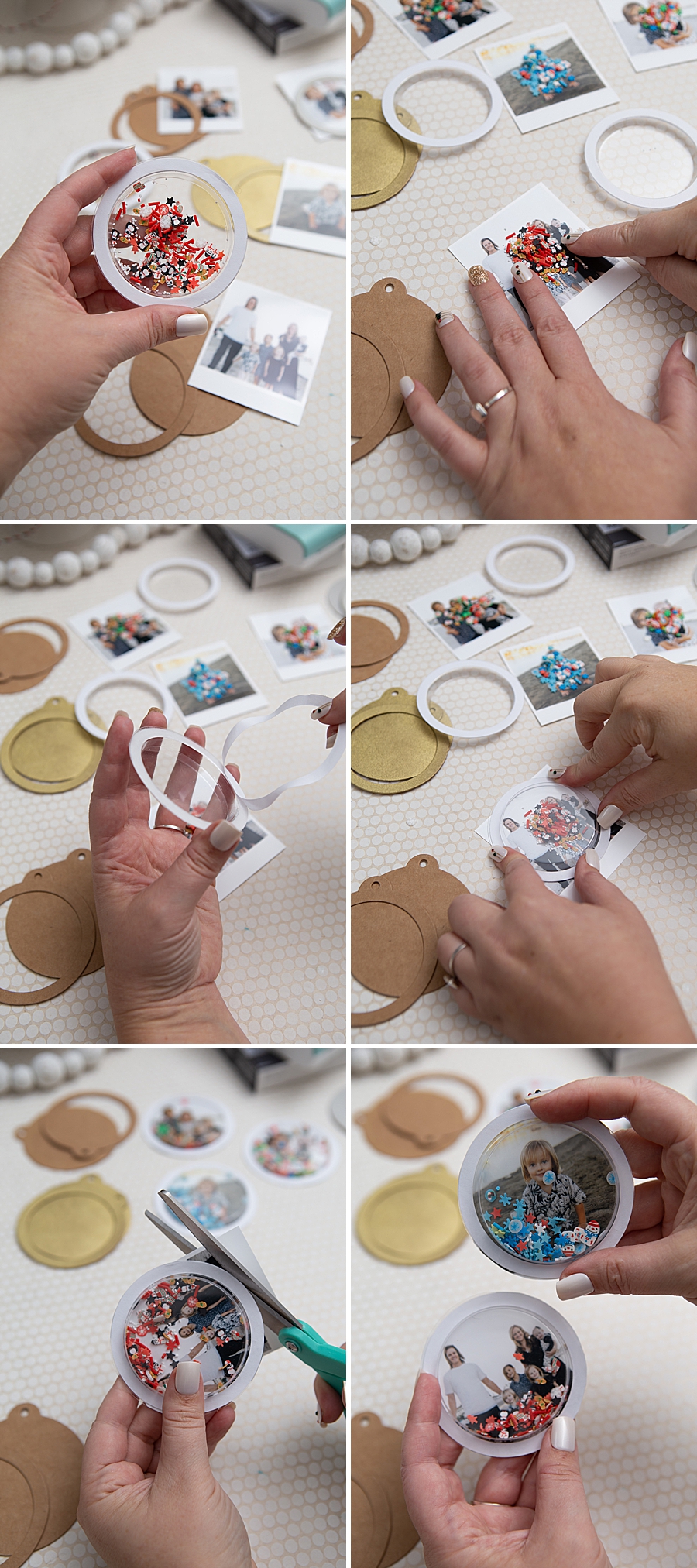
The construction of shaker ornaments requires a combination of industrial adhesives and decorative elements. In this specific application, the printed photo serves as the background of a three-dimensional "shaker" unit.
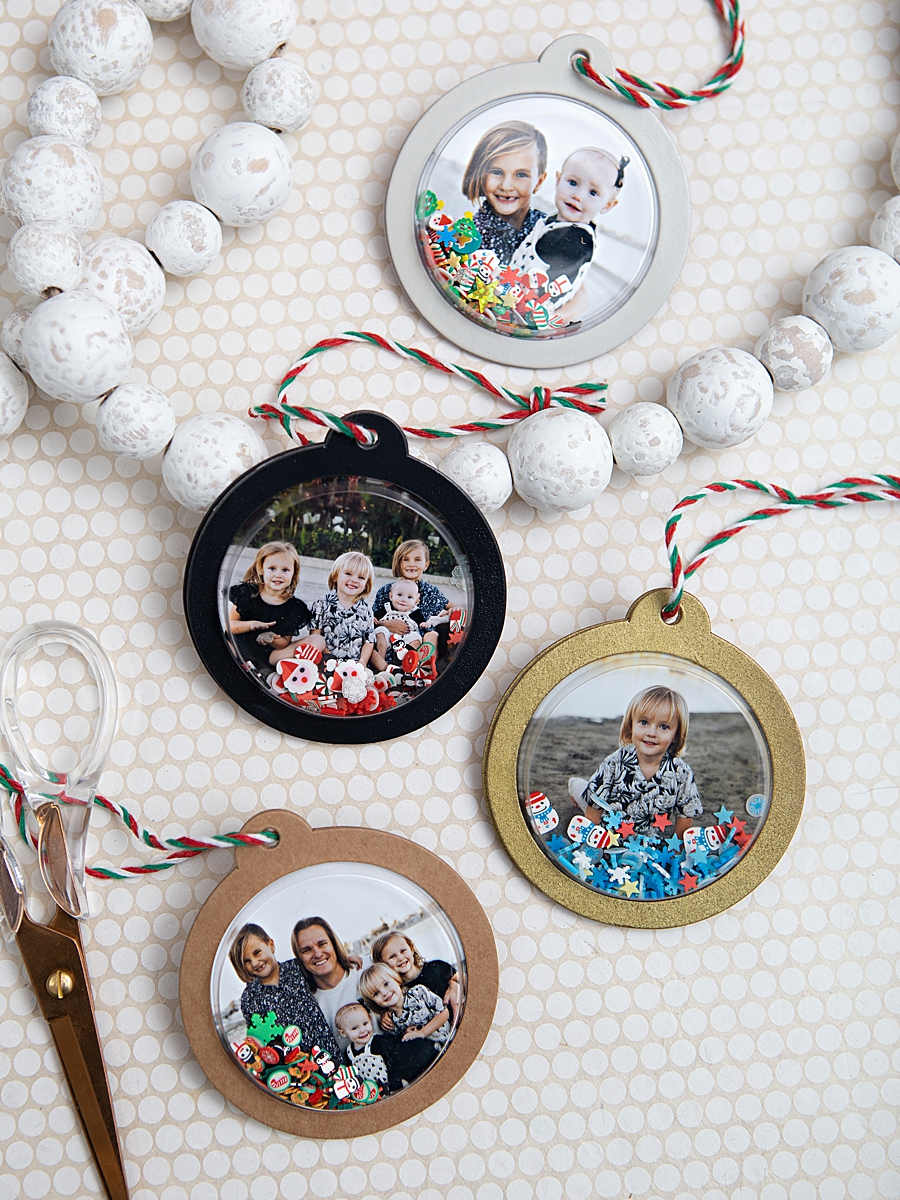
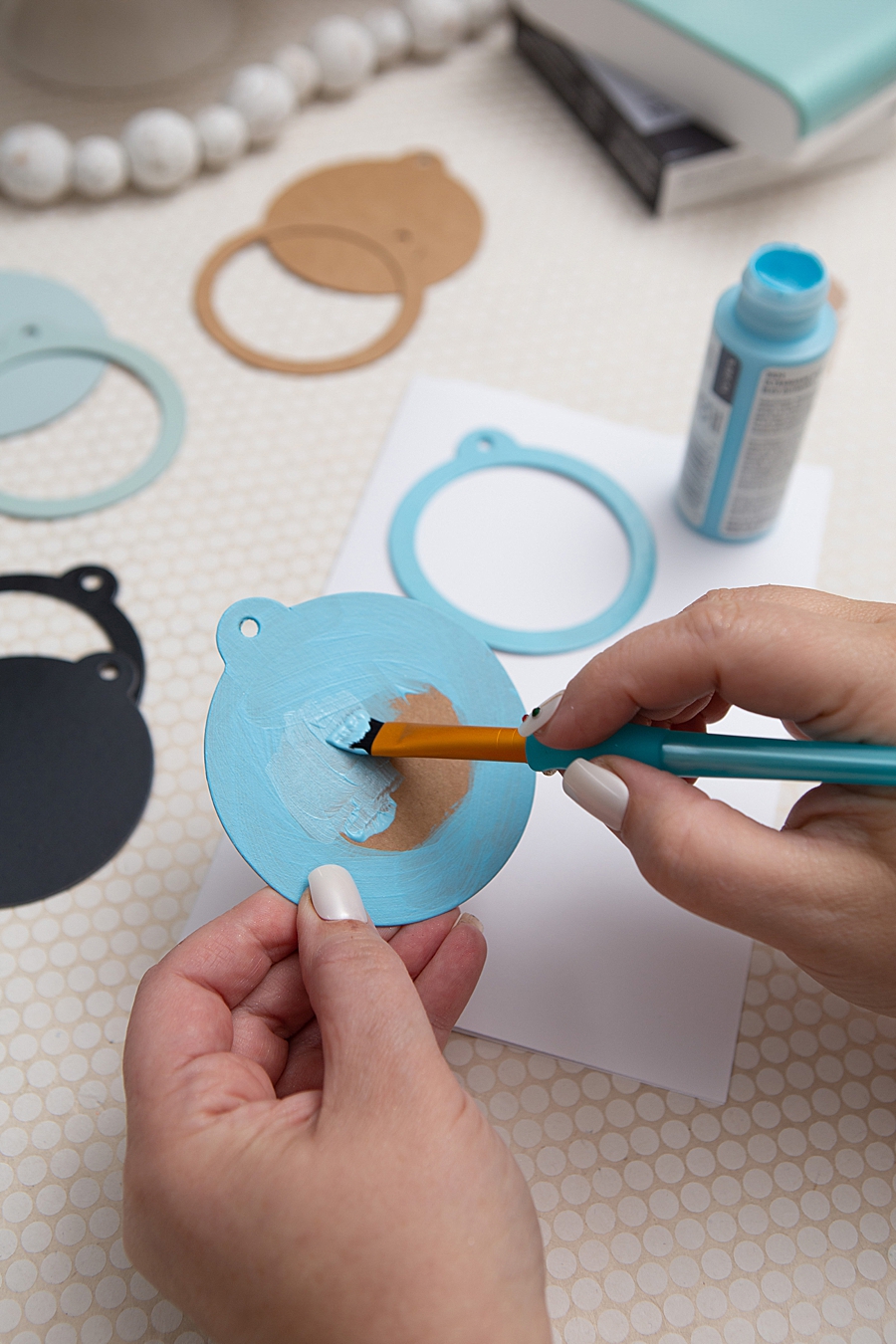
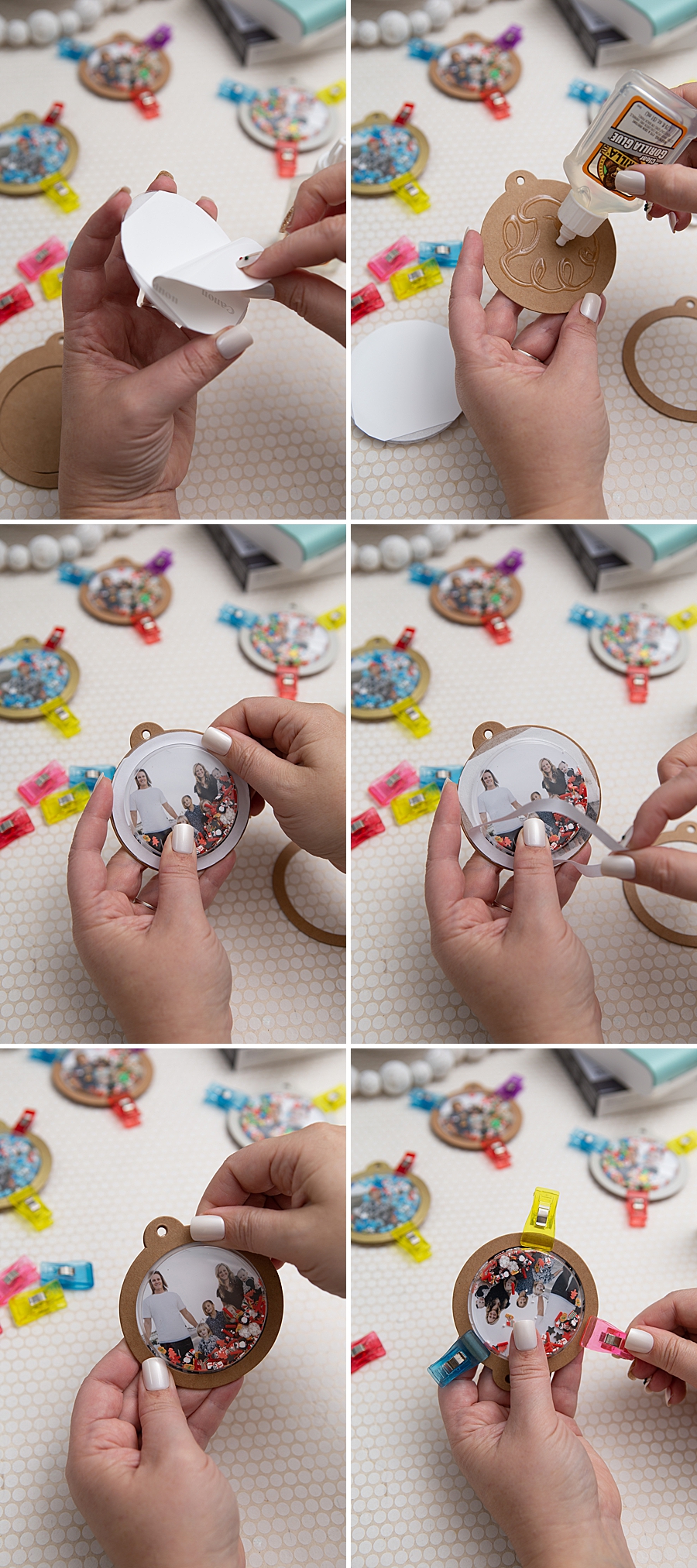
- Base Preparation: Kraft shaker tags are often used as the foundation. These are frequently customized with craft or spray paint to match seasonal themes.
- The Shaker Mechanism: A plastic circle dome is filled with "shaker bits," which can include sequins, glitter, or micro-beads. For optimal visual results, it is recommended that the dome be filled to approximately one-eighth of its capacity to ensure the photograph remains visible.
- Bonding Process: The printed photo, utilizing its adhesive back or additional heavy-duty glue like Gorilla Glue, is mounted to the tag. The plastic dome is then secured over the photo.
- Curing and Finishing: Given the materials involved—plastic, adhesive-backed paper, and treated cardstock—the curing time is essential. While many modern adhesives "tack" within two hours, a full 24-hour cure is required for structural integrity, especially when the item is intended for display on a Christmas tree or as a gift tag.
Consumer Impact and Family Engagement
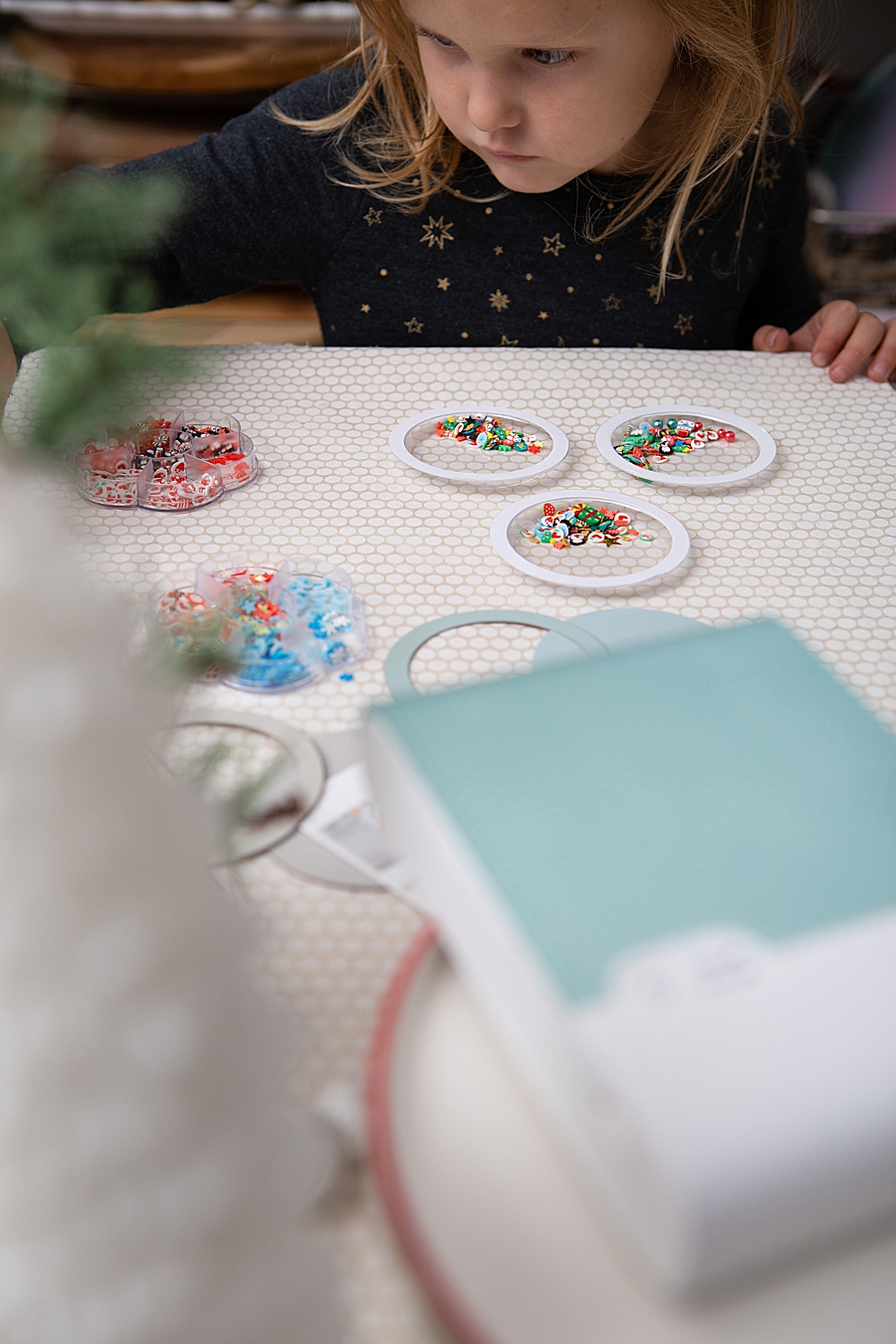
The ease of use associated with the QX10 has significant implications for family dynamics and educational crafting. The transparency of the printing process—where the paper moves in and out of the device to receive each color layer—has been noted as an engaging educational moment for children, illustrating the basics of color theory (CMY) in a tactile way.
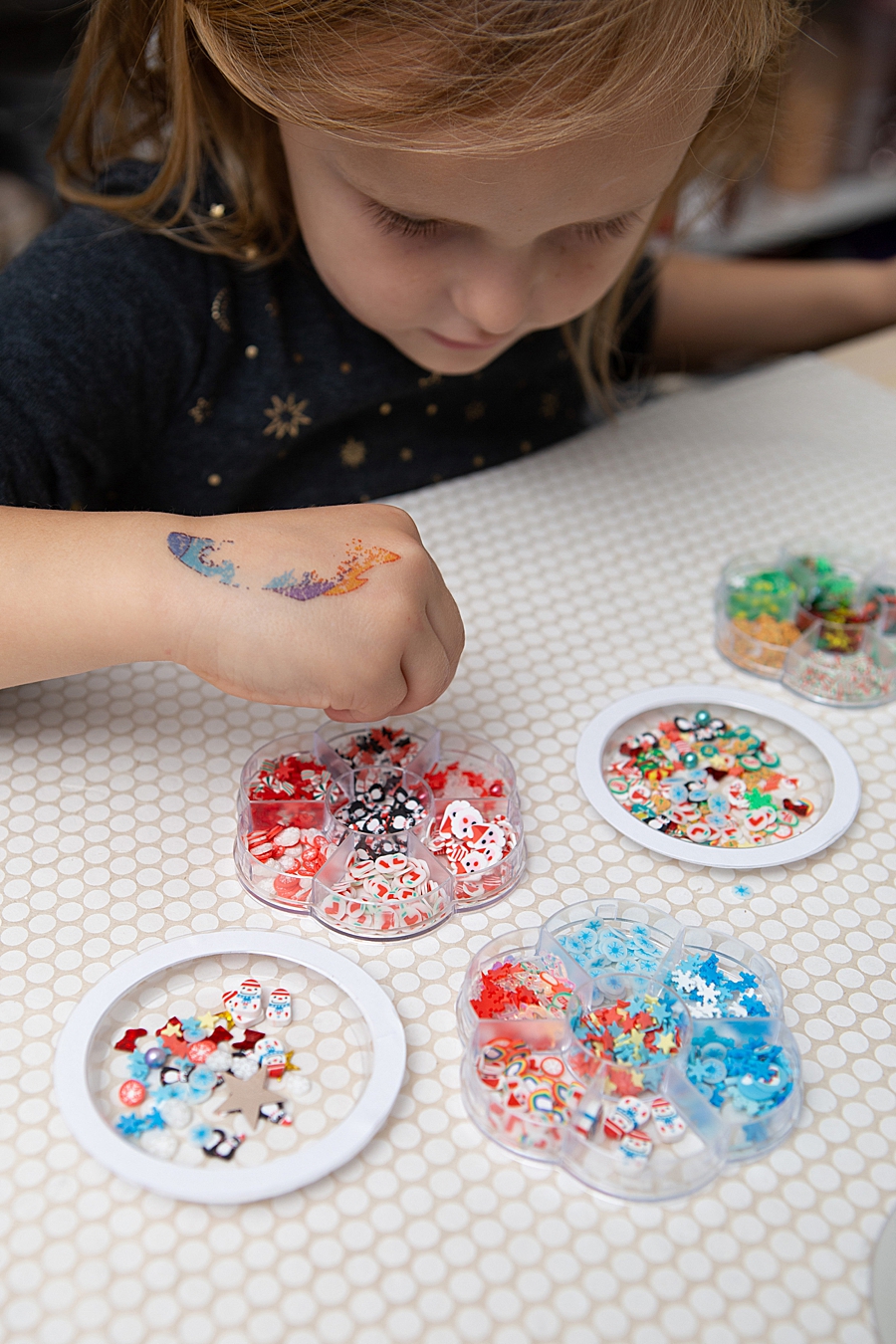
Furthermore, the physical nature of the resulting ornaments encourages sensory play. The "shaker" aspect of the craft provides a kinetic experience that digital screens cannot replicate. By involving children in the selection of photos and the assembly of the "shaker bits," the project transforms a static digital memory into an interactive heirloom.
Comparative Analysis: Longevity and Archival Quality
One of the primary concerns with instant photography has historically been the degradation of the image over time. Light exposure, humidity, and handling often lead to fading or yellowing in traditional instant films. Canon’s use of dye-sublimation in the SELPHY line addresses these archival concerns. The protective overcoat applied during the final stage of printing is a specialized laminate that prevents smudge marks and protects the dyes from environmental pollutants.
For the DIY enthusiast, this means that ornaments or scrapbook entries created today are likely to remain vibrant for future generations. This archival stability is a key selling point for the QX10 over competitors using ZINK technology, which, while convenient, often lacks the same level of color accuracy and long-term UV resistance.
Broader Implications for the Photography Industry
The success of devices like the SELPHY Square QX10 signals a broader trend in the photography industry: the move toward specialized, high-quality output for the "prosumer" and hobbyist markets. As social media platforms continue to prioritize fleeting content, there is a counter-movement toward "slow photography"—the intentional act of selecting, printing, and preserving a single image.
Canon’s strategy involves positioning the SELPHY line not just as a printer, but as a creative tool. By providing an integrated ecosystem (the app, the printer, and the specialized media), the company lowers the barrier to entry for complex creative projects. This integration is vital in an era where consumer patience for technical troubleshooting is low.
Conclusion and Future Outlook
The Canon SELPHY Square QX10 represents a significant milestone in portable imaging. Its ability to produce high-resolution, archival-quality prints in a 1:1 square aspect ratio caters to both the aesthetic trends of the Instagram era and the traditional needs of the scrapbooking community. The application of this technology in projects like photo shaker ornaments demonstrates that the value of a photograph is often amplified when it is removed from the digital screen and integrated into the physical environment.
As battery technology and wireless connectivity continue to improve, it is expected that the portable printer market will see further miniaturization and even faster print speeds. However, the core appeal of the QX10—the balance of portability and professional-grade dye-sublimation quality—sets a high benchmark for the industry. For families and crafters, the device offers a reliable method to ensure that their most cherished digital moments are given a permanent, tangible form that can be shared, touched, and preserved for decades to come.